Camps | Raids and Horde Waves
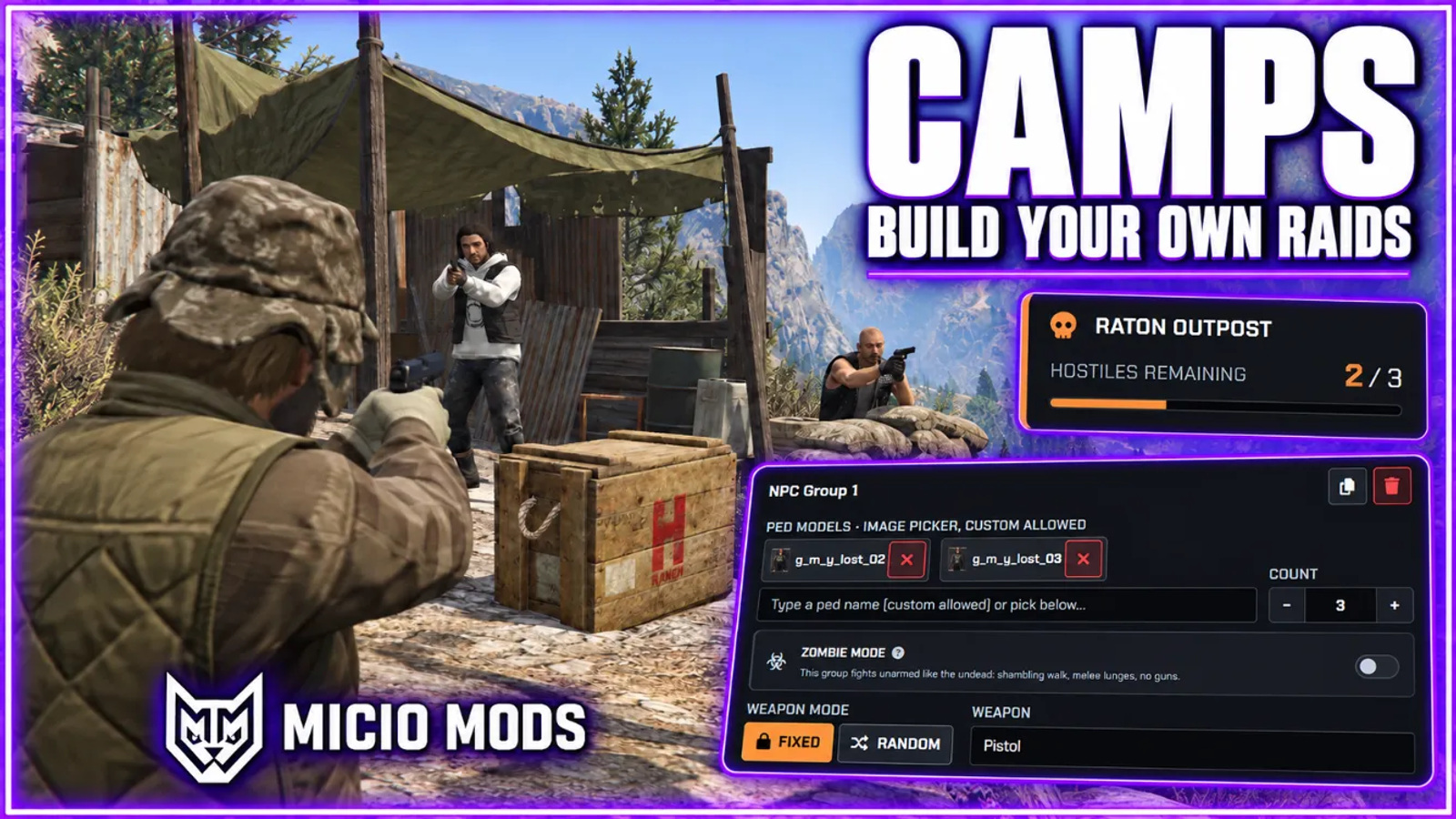
Raidable NPC camps built from an in-game creator. Camps wake up when players arrive, fight back with patrols and stealth detection, can turn into zombie hordes, drop locked and keyed loot, and respawn on their own.



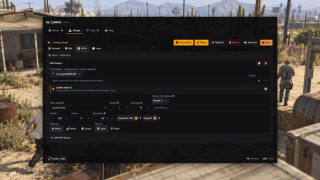
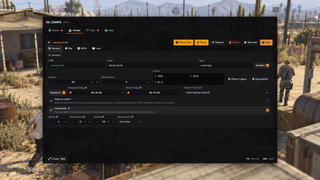
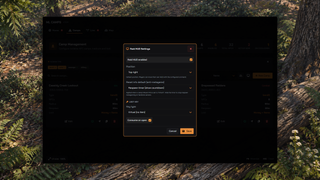
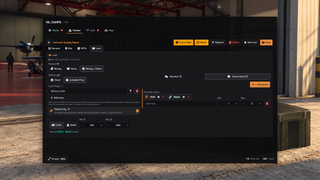
Overview
Create raidable camps with defenders, patrol routes and locked loot. A camp stays empty until players arrive, then fights back, and you decide when it respawns. Staff build sites and watch every active raid from the in-game panel.
What to expect
- Build every camp in game from the admin panel, with a map of all sites, no files
- NPC groups with their own weapons, health, accuracy and temperament
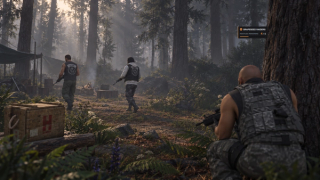
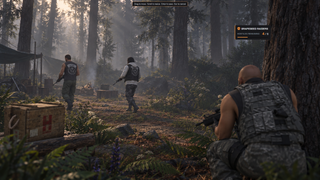
- Stealth matters: sight cones and hearing, crouch in or get noticed
- Loot crates stay locked until the last defender falls
- Only credited raiders can open them, and the first to search a crate takes its share
- One random defender can carry the stash key, drop the carrier to loot
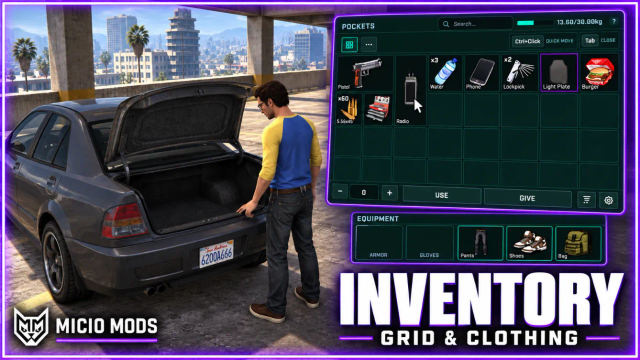
- Clothing rewards with ML Inventory, a fixed piece or a random piece from a series
- Cleared camps respawn on their own, or spawn once for story sites
- Any NPC group can turn zombie, with horde waves up to ten deep
- Camp clears can advance ml_battlepass objectives
- A live staff tab shows every raid, with force clear and teleport
- 0.00ms idle
Works on Qbox, QBCore, ESX and standalone. Setup takes a few minutes and the full guide is in the docs.
Key Features
In-Game Camp Creator
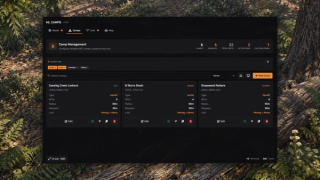
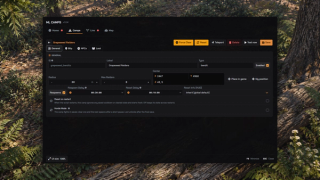
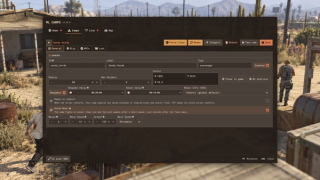
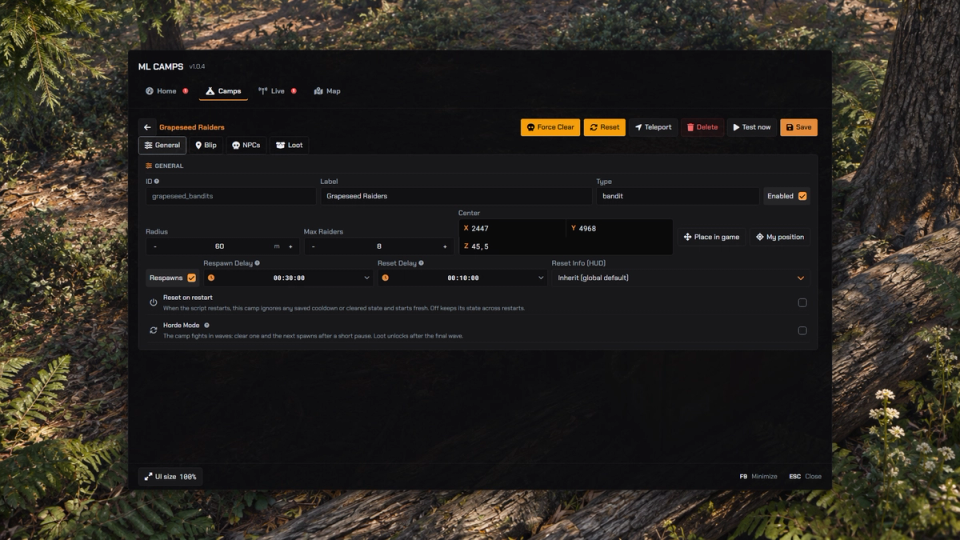
Build and edit every camp from an in-game panel: model picker, weapon pools, loot tables and blips. Saves go live for everyone right away with no restart. Duplicate a camp in one click and switch camps off without deleting them.
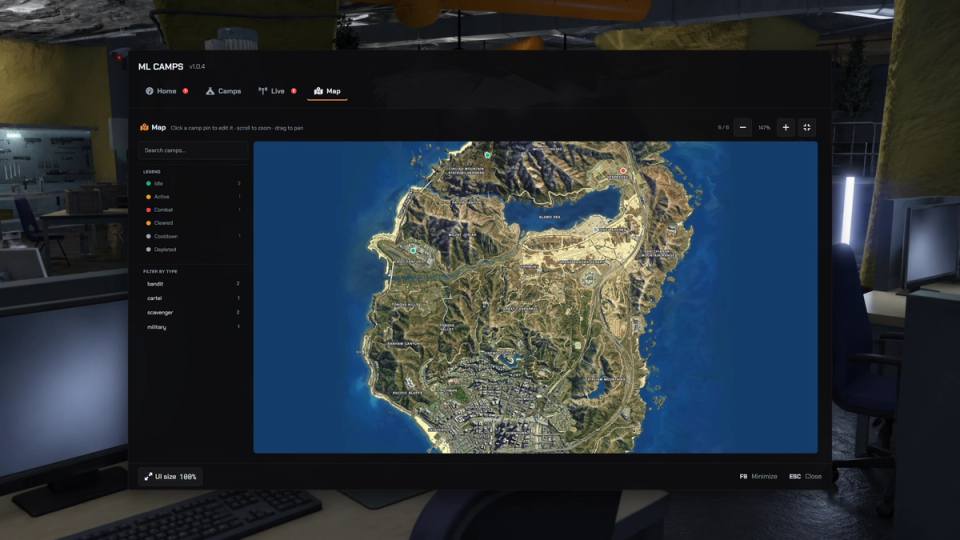
Find Camps on the Map
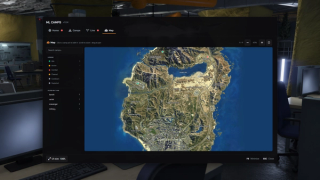
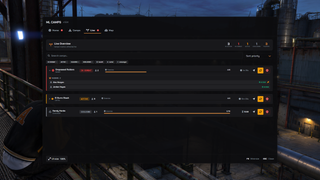
A map tab with zoom, pan, search and status filters. Pick any pin to jump straight into a camp's editor.
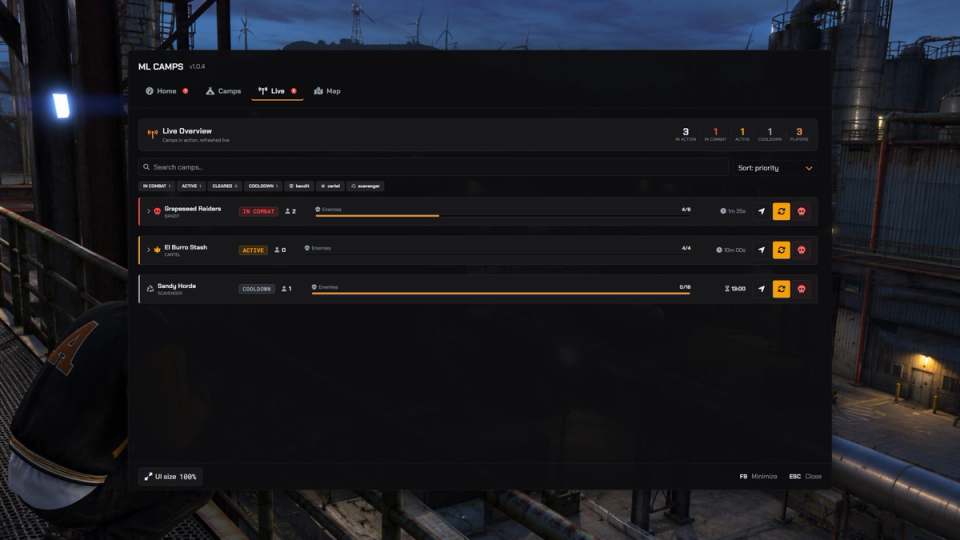
Live Operations Tab
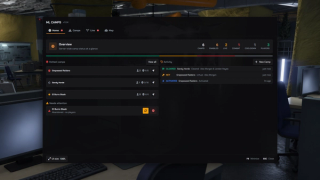
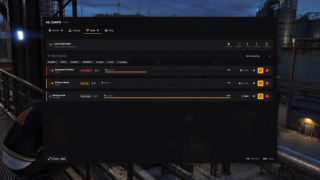
Every active camp at a glance. Players in the zone, defenders left, respawn timers. Force clear, force reset or teleport straight to it. Open any live camp for a raider roster: who is in the zone, who holds the key, who can loot.
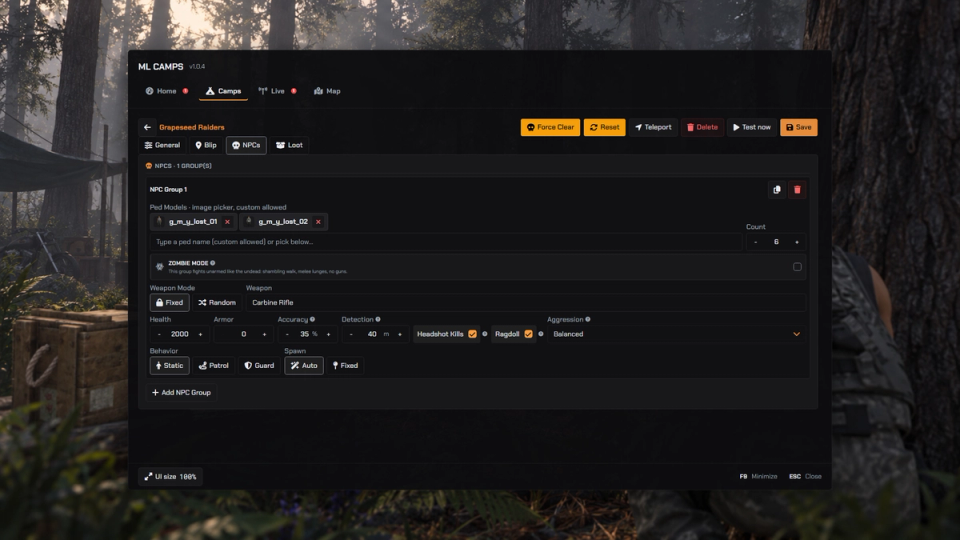
NPC Groups You Tune
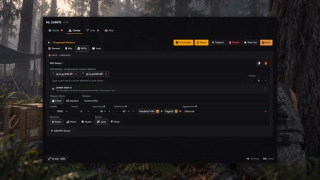
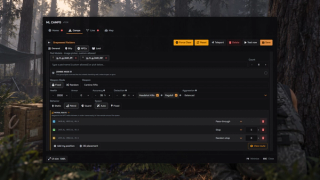
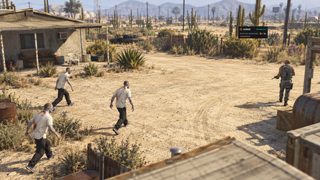
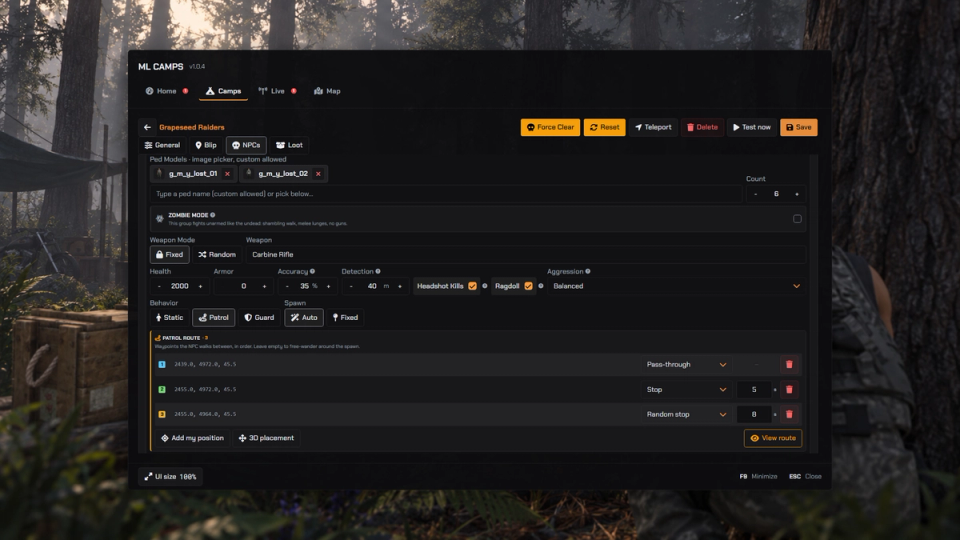
Per group you set models, fixed or random weapons, health, armor and accuracy, four aggression presets, and static, guard or patrol behavior with hand placed routes. Choose whether a headshot kills at once and whether the NPC can ragdoll.
Patrols With Stops
Assign patrol waypoints as route points, timed stops or occasional stops. Choose the type while placing a point in-game, or edit it from the list.
Zombie Mode Defenders
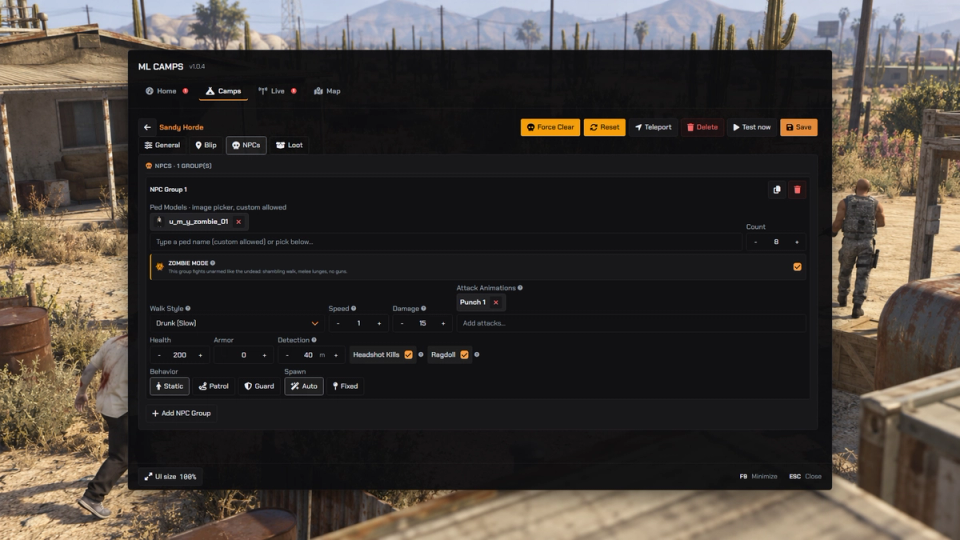
Flip an NPC group to zombie mode and its defenders stop shooting and come for you instead. Eight walk styles, a choice of five melee attacks picked at random from the selected pool, and speed and per-hit damage tuned from the editor.
Horde Defence Waves
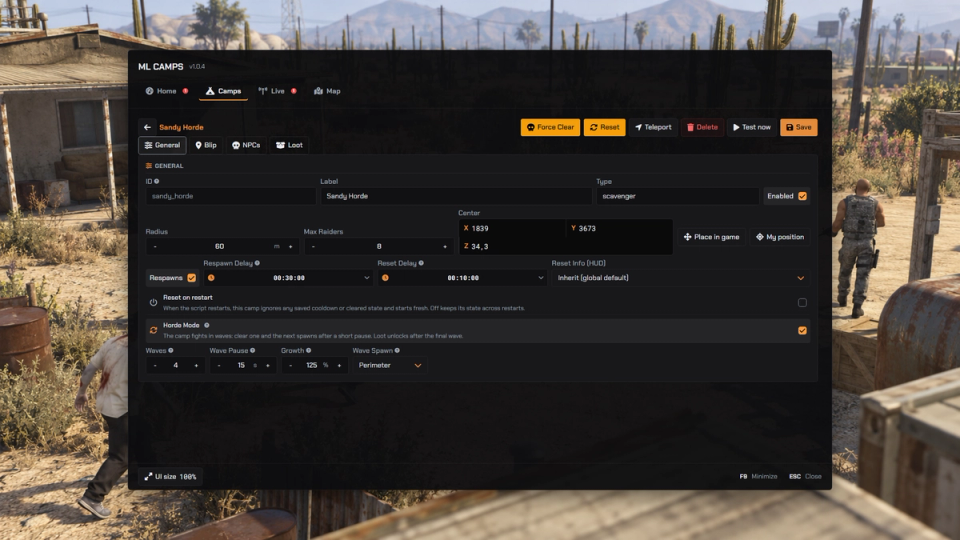
Turn a camp into a stand. Up to ten waves spawn with a pause you set between them. Each wave can grow from half size up to three times the first, and arrives from the perimeter or from the spawn points you placed.
Stealth Detection
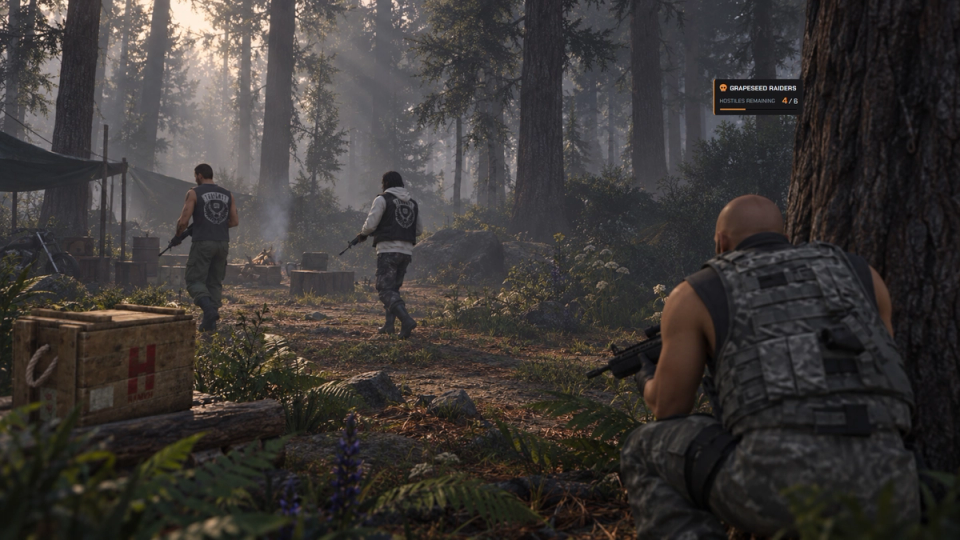
Defenders use sight cones, line of sight and hearing. Crouch to close the gap and avoid sprinting; an alert can spread to nearby defenders. Guard blips on the minimap show vision cones and shift color as suspicion rises.
Locked Loot Crates
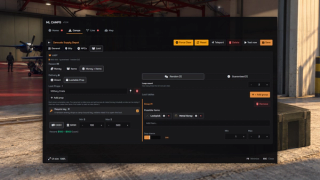
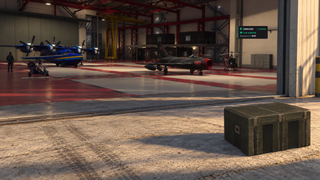
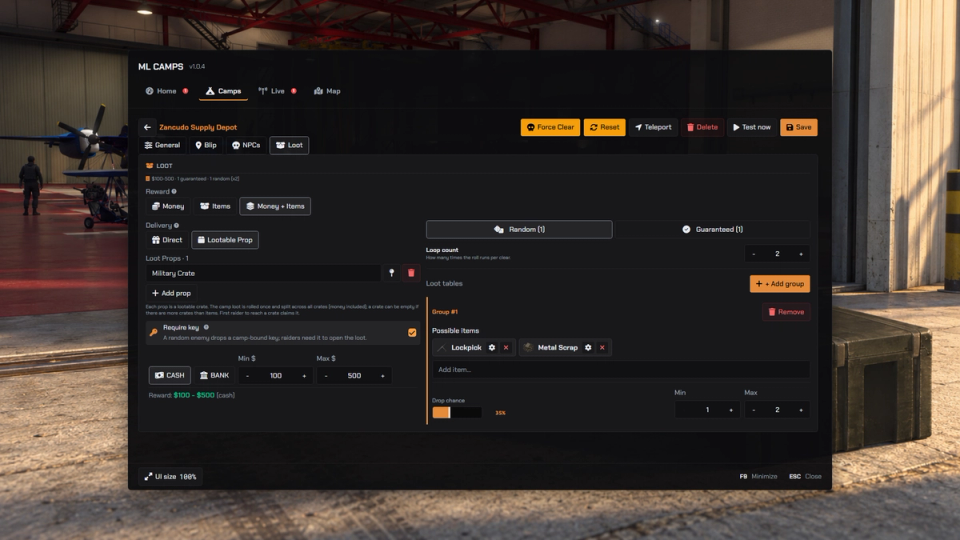
Crates appear with the raid but stay sealed until the last defender falls. The loot is spread across the crates, only credited raiders can open them, and each crate is claimed once.
Camp Keys
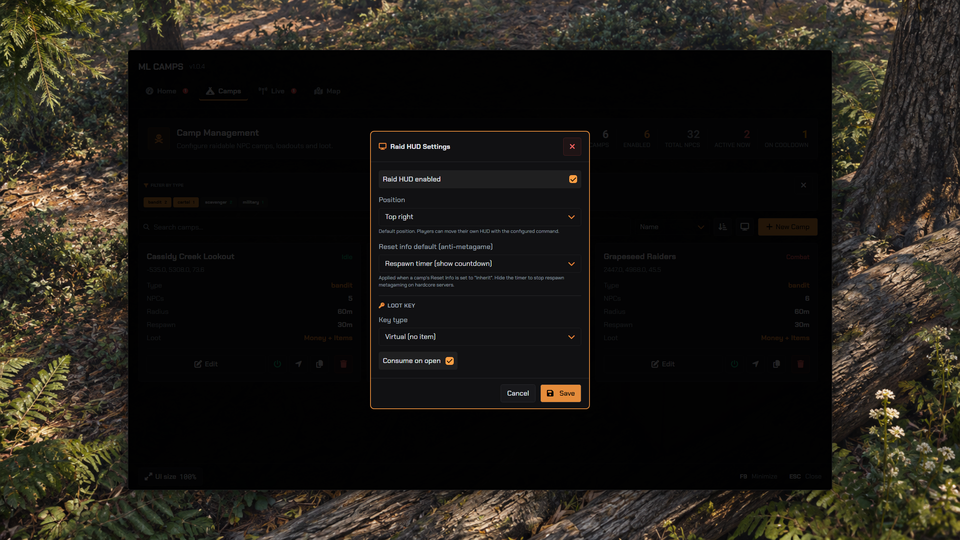
One random defender can carry the stash key. When that defender falls, the nearest raider receives it. It works with zero item setup by default, or as a real inventory key bound to the camp it came from.
Clothing in the Loot
With ML Inventory, camp loot can include clothing: a fixed piece, or a random piece from a series of drawables. The editor shows a photo of every model so you pick by sight.
Player-Tuned Raid HUD
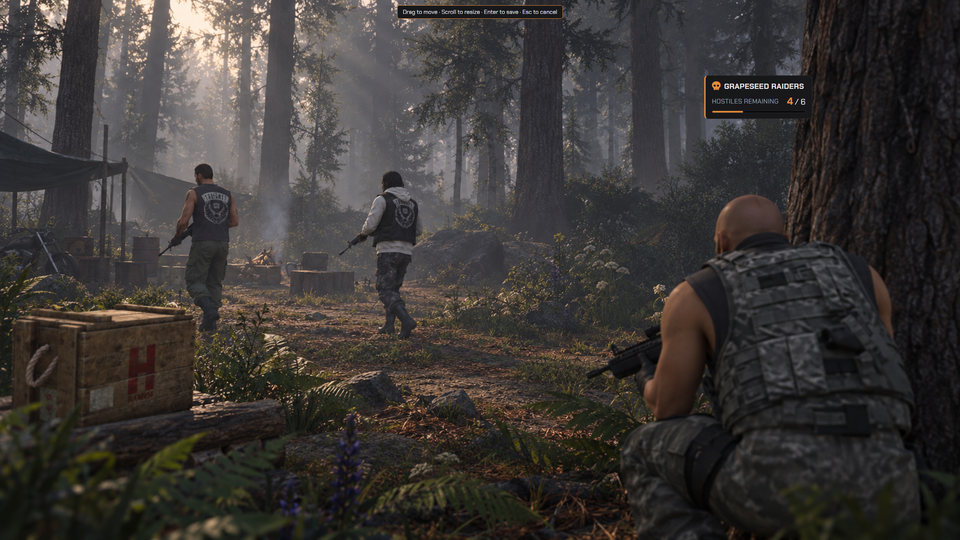
Camp name, hostiles left, kill bar and status while inside the zone. Every player drags and scales their own HUD, and staff set the default from the panel.
Camps That Reset Themselves
Camps activate when players arrive, restock abandoned raids, unload when the area empties, and respawn on cooldowns that survive restarts. Every step can go to its own staff log channel.
Trouble Flags For Staff
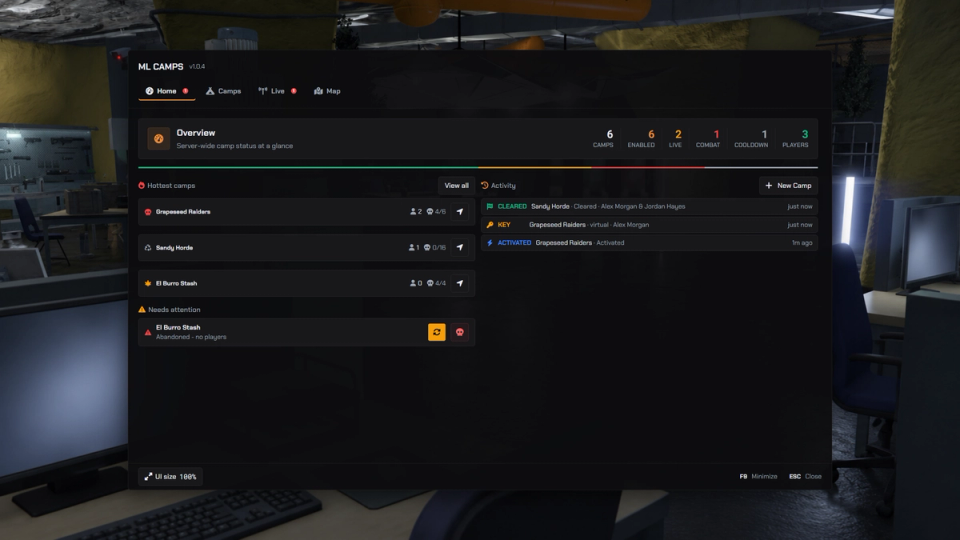
A home dashboard totals every camp, flags raids abandoned mid-fight and camps stuck on cooldown, and keeps a running feed of raids, loot, keys and staff edits.
Battlepass Objectives
With ml_battlepass, clearing a camp advances battlepass objectives for every player who took part, solo raids included. One config line turns it off.
Hooks for Your Scripts
Server exports read a camp status, check if it is cleared and count the enemies left. Open hook files react to activations, waves and clears, change the loot, and let your own weapon damage rules apply to camp enemies.


Secure Payments via:















Tip: Log in with Discord and your customer roles sync automatically.
Verified Reviews
No reviews yet. Be the first.