ML Inventory | Grid and Clothing
A grid inventory add-on for ox_inventory with clothing slots, armor plates and backpacks. Includes an item wheel and in-game item management.


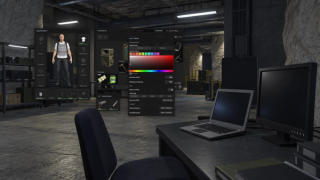
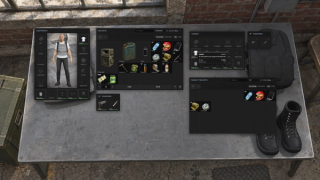
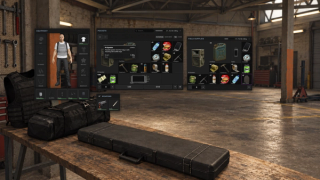
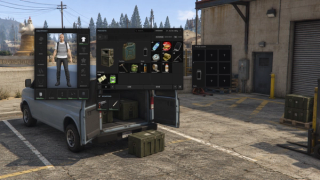
Overview
Version 3.0
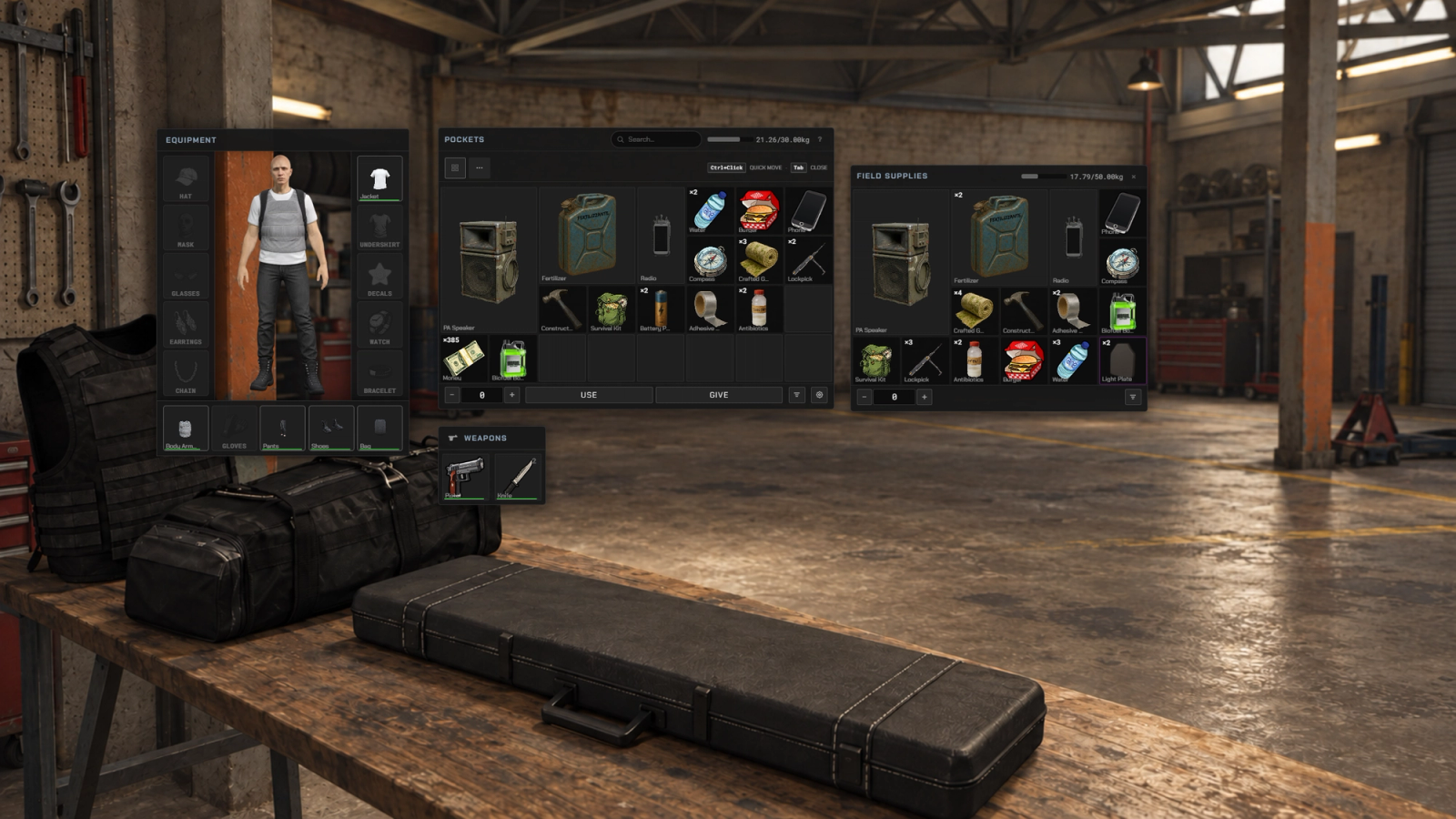
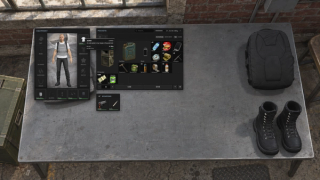
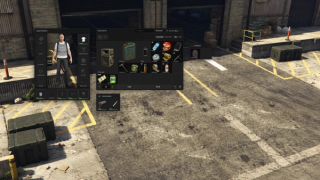
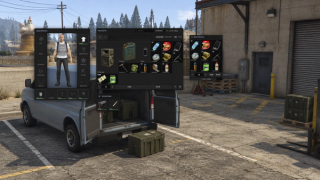
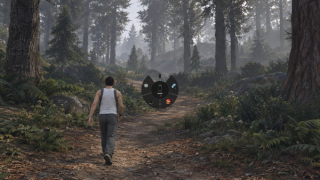
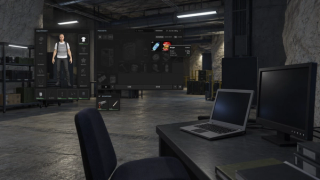
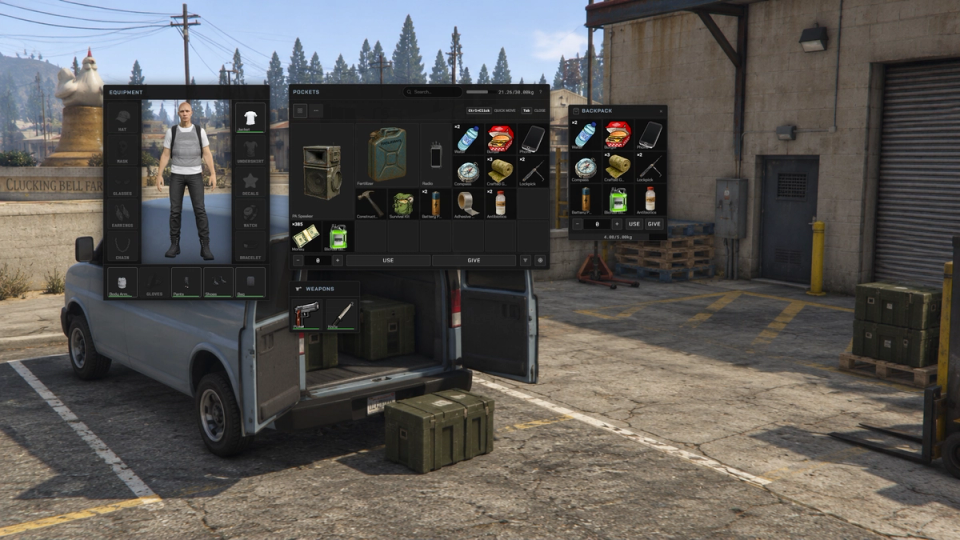
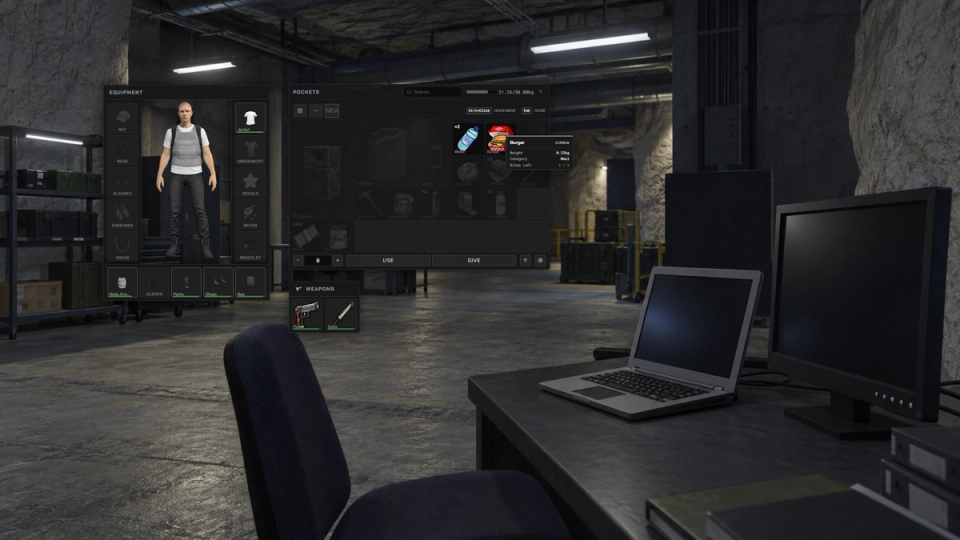
Arrange items in a grid and rotate them to fit. ML Inventory adds fifteen clothing slots, armor plates and backpacks to an ox_inventory setup. Players can move and resize the panels, choose their interface settings and assign items to a five-slot wheel. Grid actions include sorting, renaming and destroying items, and loot containers can stay hidden until a player uncovers them.
Each clothing piece is an inventory item. Players can trade, store or loot worn gear. Armor plates have their own condition, while backpacks add carry weight and grid space with configurable movement penalties.
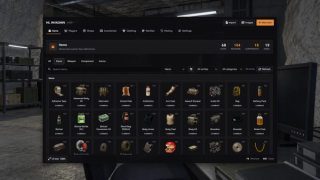
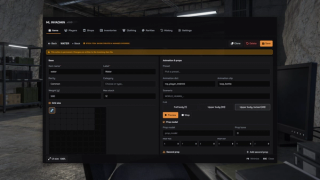
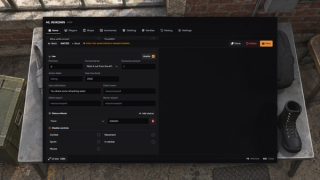
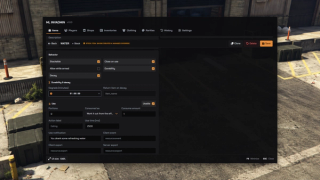
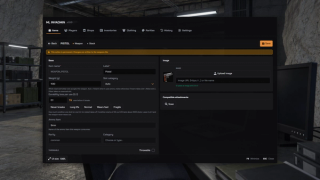
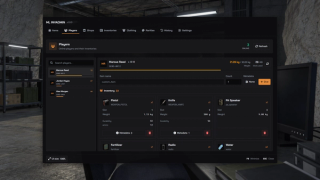
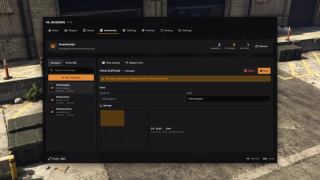
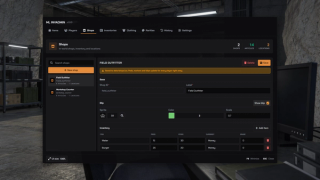
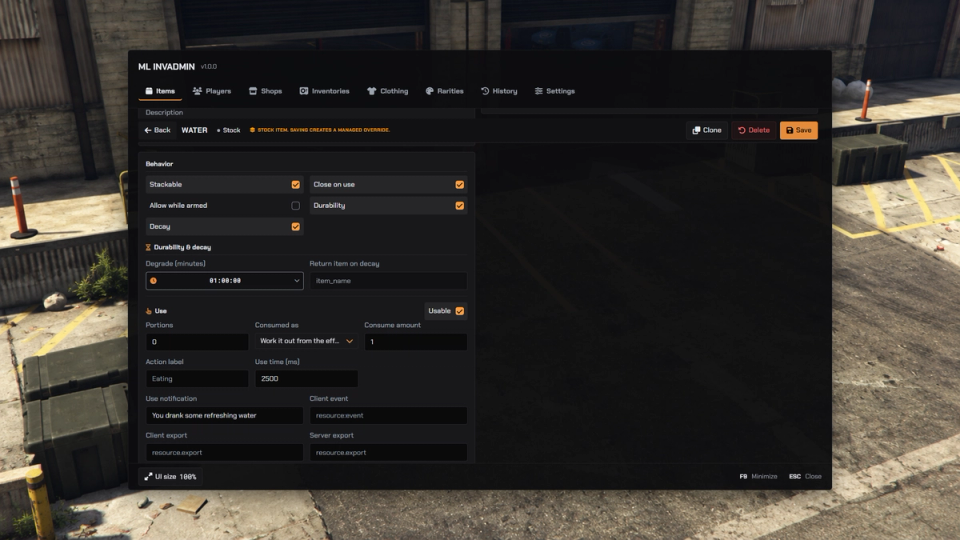
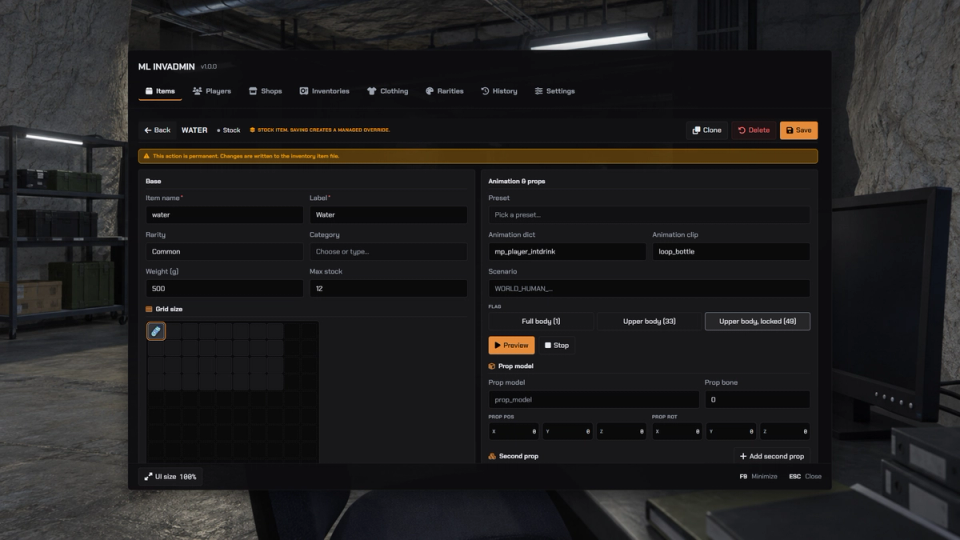
The admin panel manages items, weapons, stashes and shops from inside the game, including metadata and durability. Configure rarity, categories, stack limits and expiring items. The separate ml_autocapture resource can capture clothing thumbnails when its required capture and catalog resources are installed.
This add-on requires a separate, supported copy of ox_inventory. The package includes the Micio Mods interface and add-on files, ML Clothing, and the replacement files listed in the installation guide. Follow that guide for installation, upgrades and migration, and check custom integrations before using them.
Check the dependency guide for supported ox_inventory versions and framework setup. ML Clothing also supports standalone use through ML Bridge; the inventory needs its own supported framework configuration.
Key Features
Outfits As Real Items
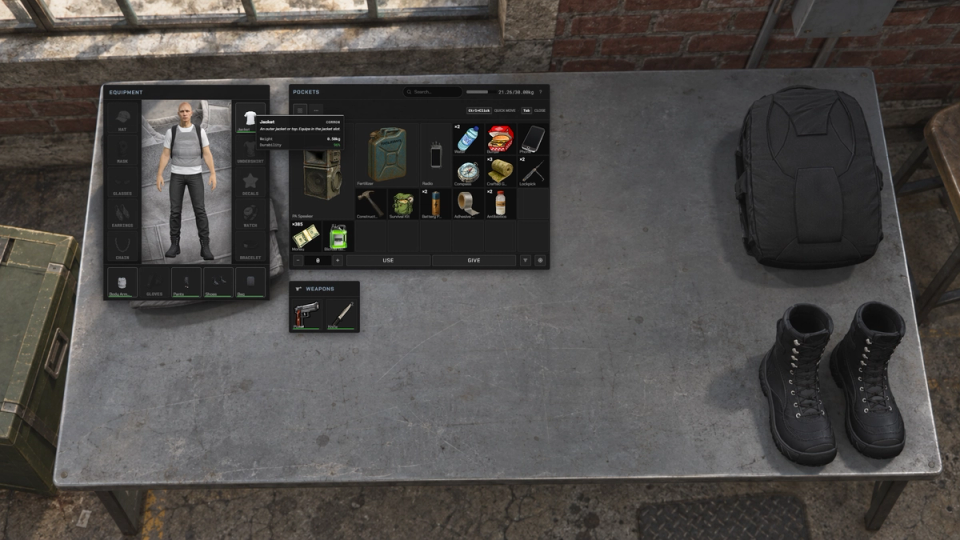
Fifteen clothing slots where each hat, jacket, mask or chain is a true item you can trade, loot from a body or store. An optional wear system can make configured gear lose durability and break over time.
Ballistic Plate Carrier
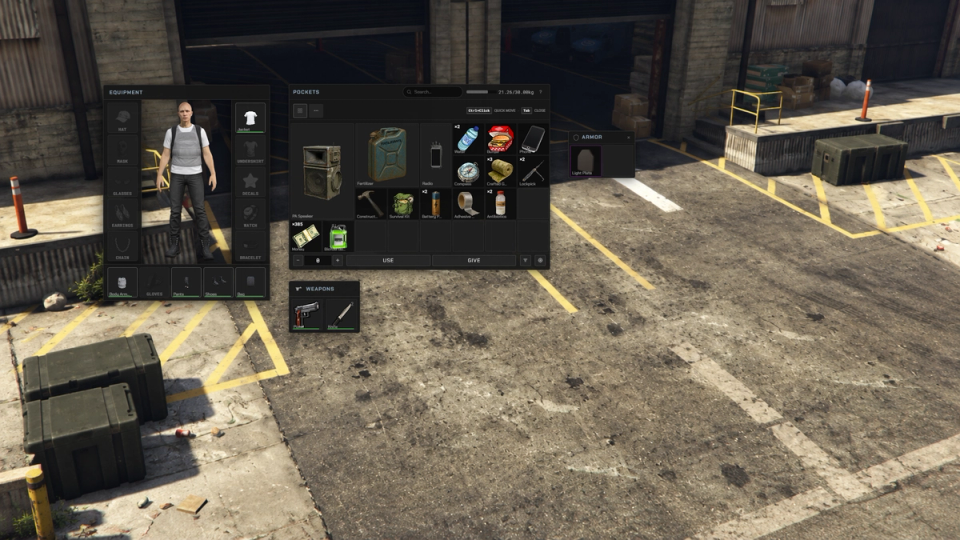
Fit armor plates into a vest, track their condition under fire and replace spent plates. Broken plates remain as inventory items.
Backpacks and Carry Limits
Backpacks add carry weight and grid space. Configure movement penalties for heavier loads and a blacklist for items the bag cannot hold.
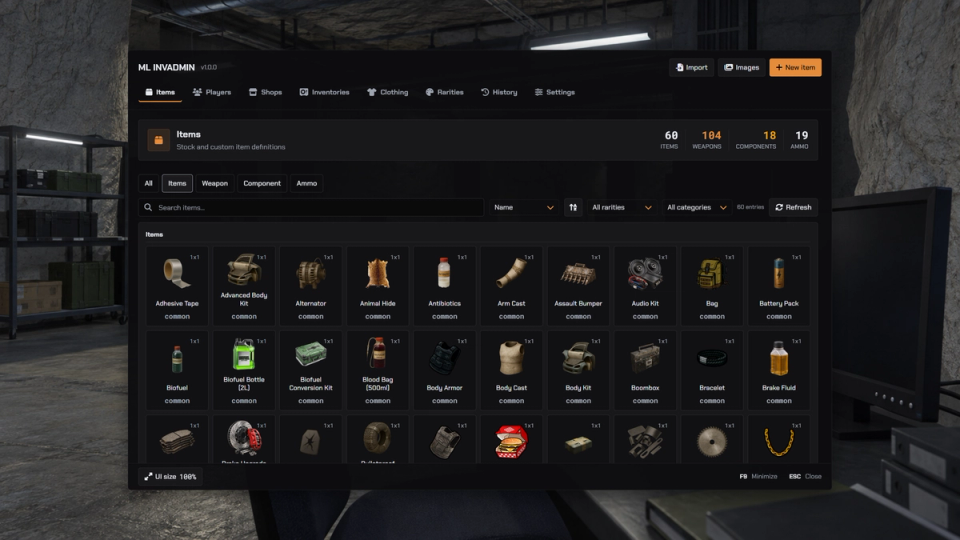
In Game Admin Panel
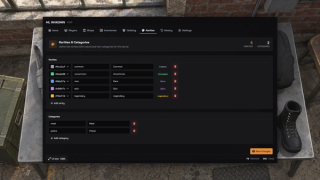
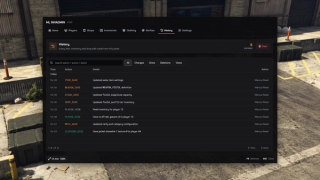
Create and edit items, stashes and shops from the admin panel, including item metadata and durability. The panel applies changes to connected players and keeps backups.
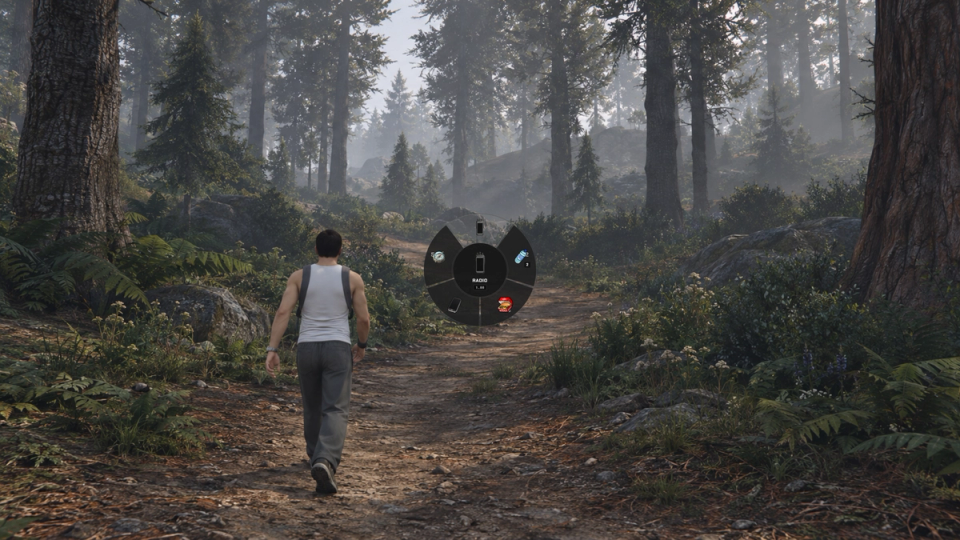
Item Wheel On Its Own Key
Assign up to five items to a radial wheel and pull them out with one key, weapons included. The number keys 1 to 5 follow the same assignments, and the hotbar on screen shows what sits on the wheel.
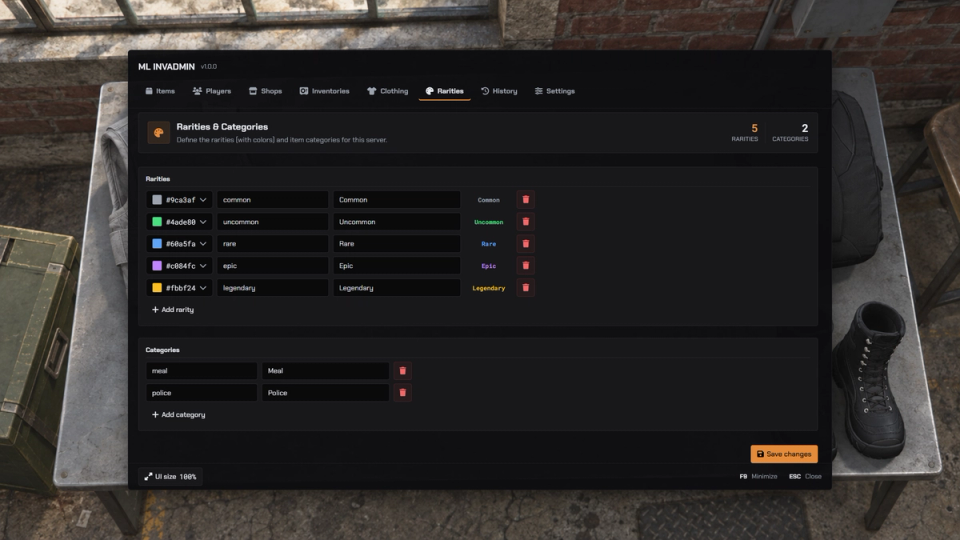
Colour Coded Rarity
Every item wears a rarity tier, Common through Legendary, each with its own colour so players read an item's worth at a glance.
Category Tabs
Every item carries a category, set in its definition or from the admin panel, and the grid groups them into tabs like Food, Weapons and Currency, so a full pack stays quick to scan.
Items That Spoil
Choose which item replaces a perishable when it expires, such as rotten food replacing fresh fruit.
Stack Limits Per Slot
Cap how many of an item sit in a single slot to keep hoarding and pocket stuffing in check, set per item to fit your economy.
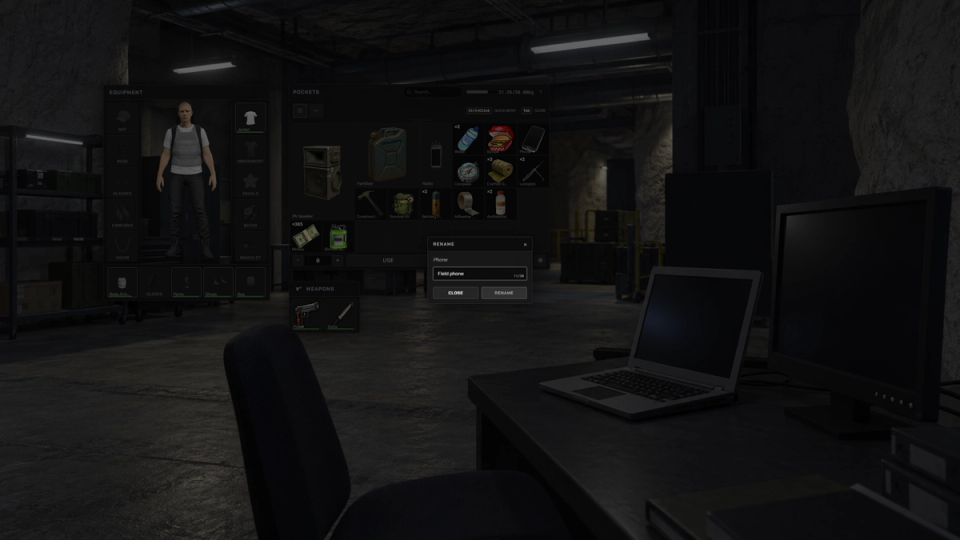
Rename Any Item
Players give an item a custom name straight from the right click menu, handy for labelling stashes, gifts and roleplay props.
In World Trade Marker
A floating marker highlights the nearby player you are handing an item to.
Clothing Icon Capture
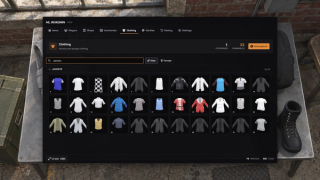
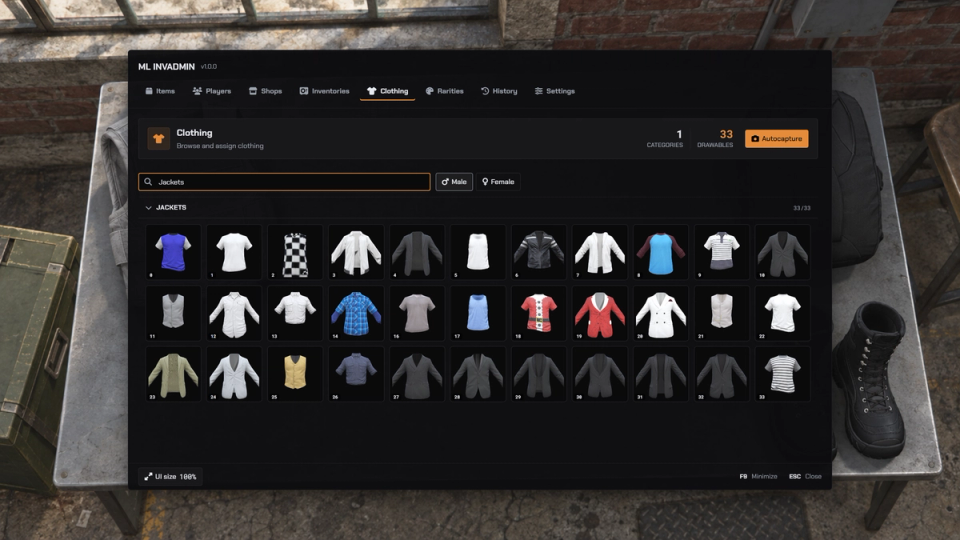
Open the separate ml_autocapture resource from the Clothing admin panel to capture clothing thumbnails. Install and run the required capture and catalog resources as described in the guide.
Movable, Resizable Panels
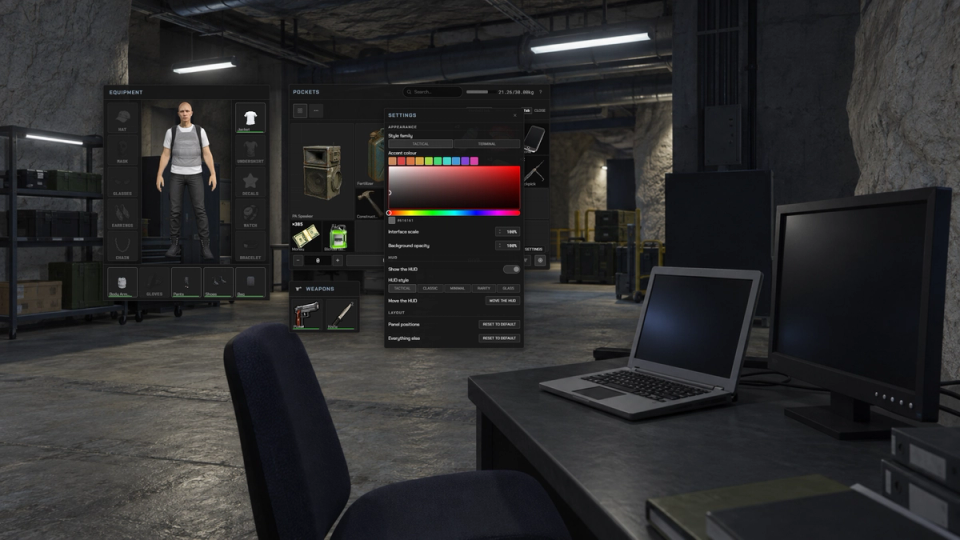
Players drag the side panels where they want them, choose an accent colour, adjust the interface scale and set how solid the grid sits over the game. Their layout is remembered between sessions. Players can also choose from the style families enabled in the server configuration.
Weapon & Ammo Admin
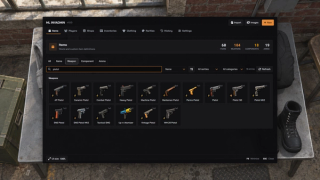
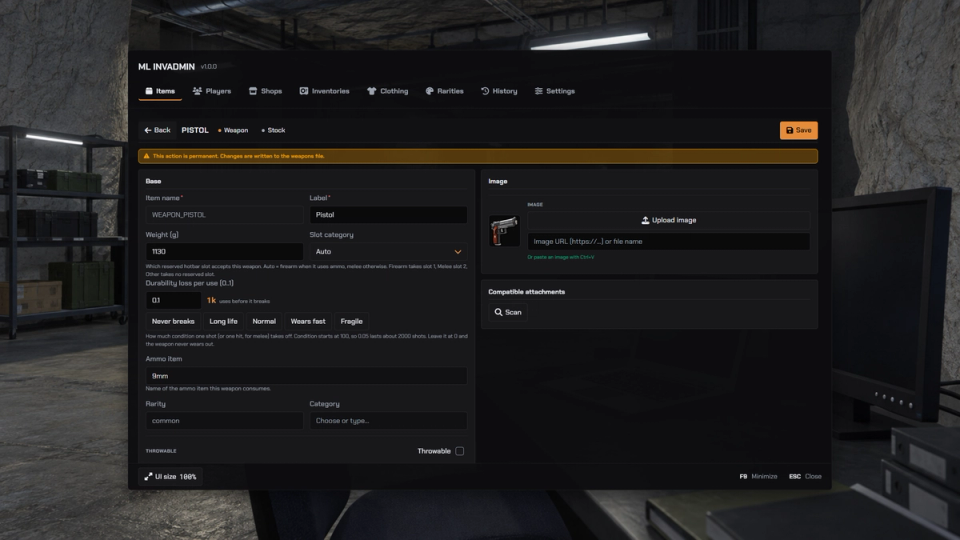
The same panel edits weapons, attachments and ammo, not only items. Add a gun, tweak a component or set ammo counts and it writes to your data files with a backup.
Search Worn Gear
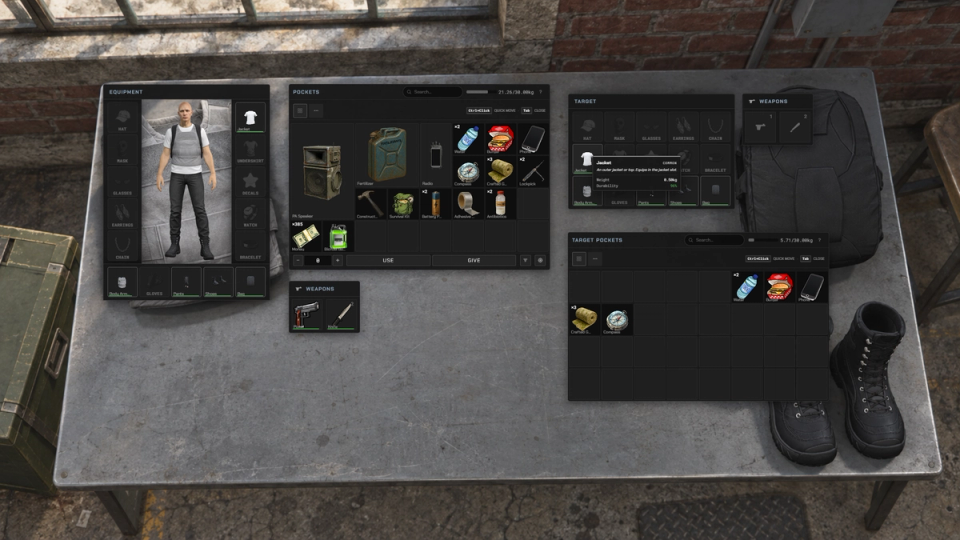
Inspect another player's equipped clothing and take worn items such as a mask, vest or backpack when your server's interaction rules allow it.
ox_inventory Add-On
Install the add-on into a separate, supported ox_inventory setup. Follow the installation guide for replacement files, migration and custom integrations.
Grid Sizes & Rotation
Arrange items with different grid sizes and rotate them while dragging to fit the available space. Placement respects occupied cells and carry weight.
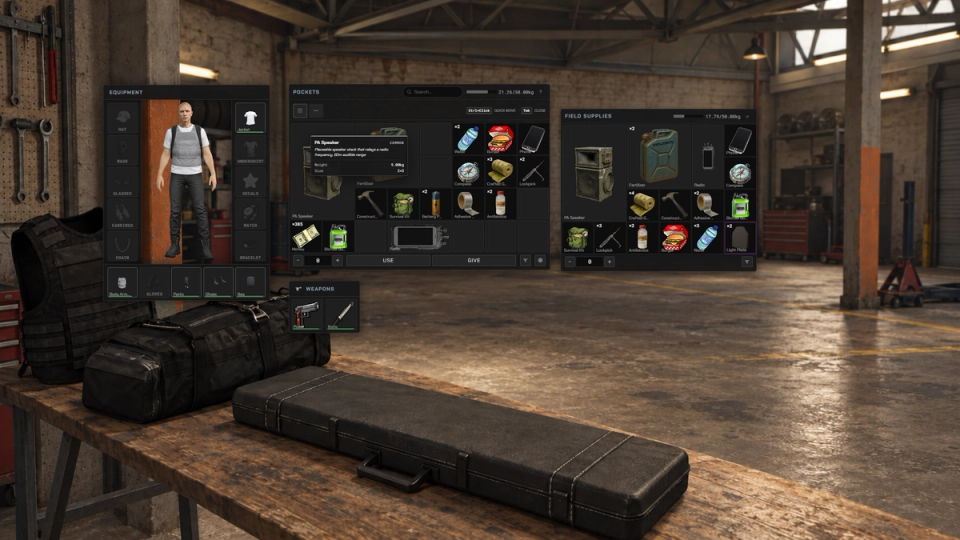
Hidden Loot Containers
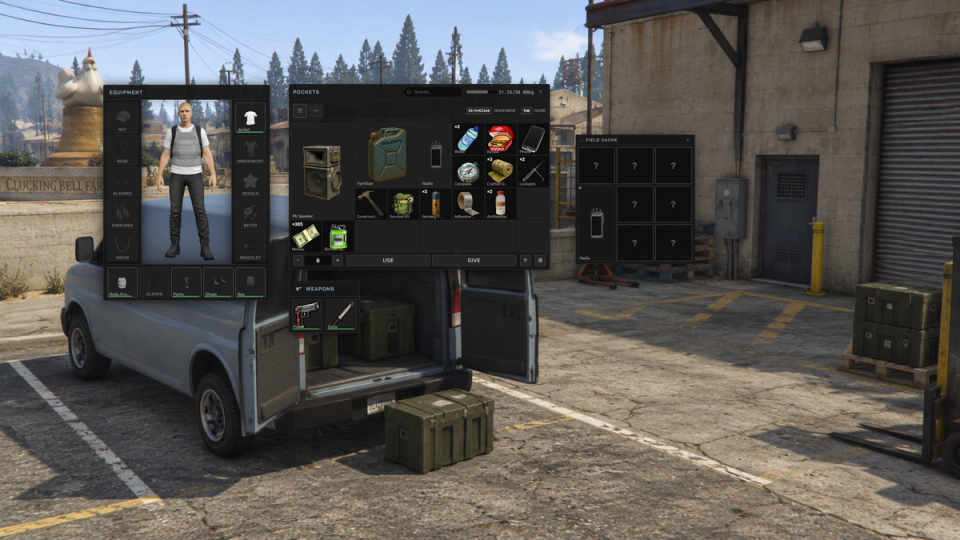
Configured loot containers keep their contents hidden until players search and uncover the cells or items. Containers can also use the built-in lock minigame.
Item Handover Consent
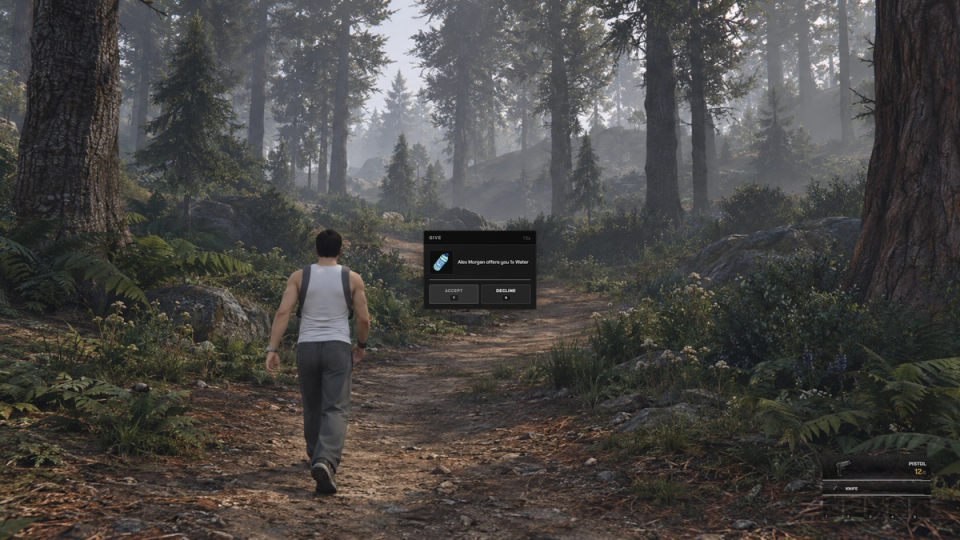
Players can accept or decline an item handover. Configure automatic acceptance or a timed prompt, with limits on the distance between giver and receiver.
Ground Placement Integration
With ml_itemthrowing started and PlaceAllItems enabled, dropping an item from the inventory opens its placement mode through the configurable ItemPlacement hook. Without the integration, the normal inventory drop remains available.
Item Portions
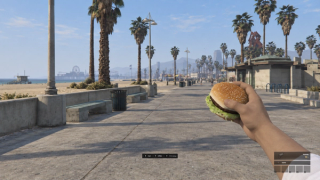
For consumable items configured with portions, players can keep the item in hand, consume one portion at a time and offer it to a nearby player. The tooltip shows portions left, and effects are divided across the configured portions.


![Ashfall RP [DEV]](https://frontend.cfx-services.net/api/servers/icon/oaa5qbj/-267466854.png "Ashfall RP [DEV]")
![DOOM Capítulo II [BETA]](https://frontend.cfx-services.net/api/servers/icon/mxd36q/-1954905432.png "DOOM Capítulo II [BETA]")


Secure Payments via:
















Tip: Log in with Discord and your customer roles sync automatically.
Verified Reviews
No reviews yet. Be the first.