Liquid Stations | Rain and Jerry Cans
Place tanks for water, fuel or other configured liquids. Fill and drain containers, read the in-world gauge, collect rain and repair worn tanks.



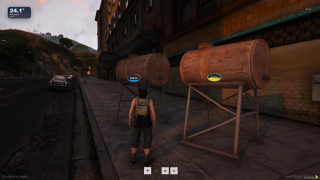
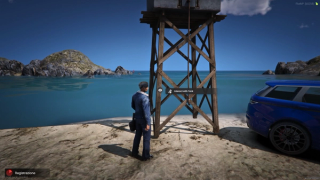



Overview
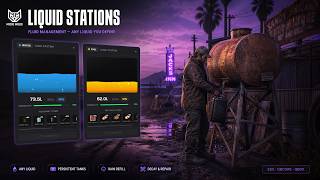
Place tanks for water, fuel and other configured liquids. Fill or drain containers, read the in-world gauge and maintain the tank. Save its location, contents and condition across restarts.
What to expect
- Define any liquid in config, each with its own gauge look and containers
- Jerry cans pull an exact amount with a slider and remember what they hold
- Bottles, jugs and buckets swap between empty and full items
- Tanks wear down on a timer and need the repair item you assign
- A broken tank can drain itself, and pulling from it spills a share
- Rain tops up tanks holding liquids you flag as rain-fillable
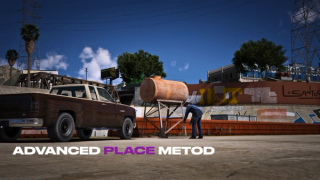
- Ghost placement preview with rotation and height before it locks in
- Abandoned tanks clean themselves up after idle days you set
- Every fill, drain and repair is checked on the server and logged to Discord
- The tank gauge draws when it is on screen
Key Features
Any Liquid You Define
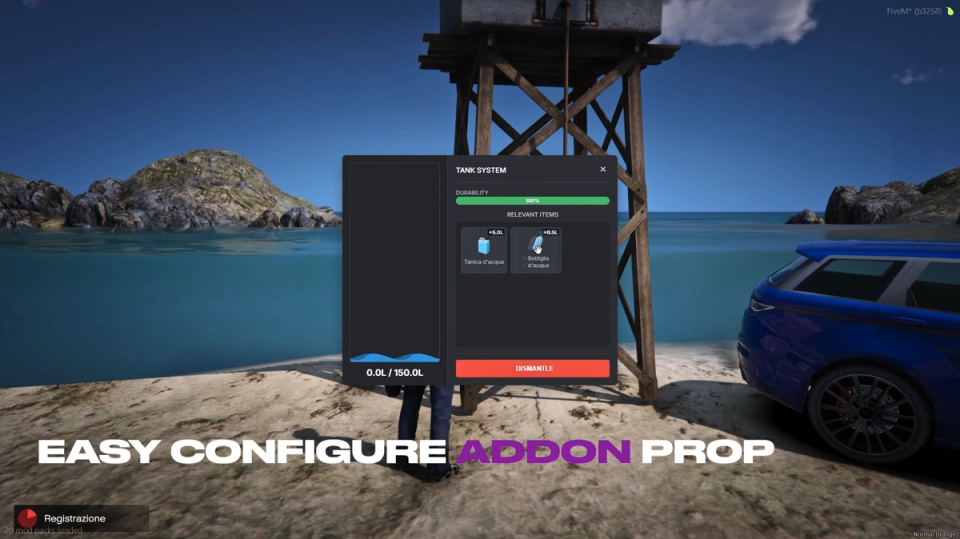
A tank holds whatever you set up. Water and fuel come wired end to end with tanks and containers; oil and chemicals ship as ready gauge presets you point your own tanks at, each a simple config block you can copy. Container rules live in config, and every liquid gets its own gauge look, from color and thickness to waves, bubbles and shimmer.
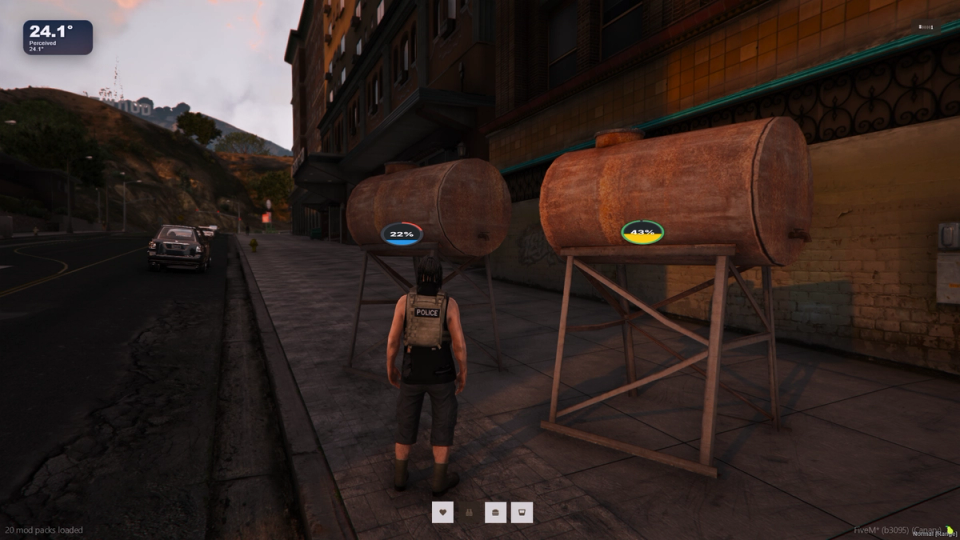
Jerry-Can Transfers
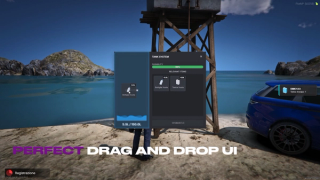
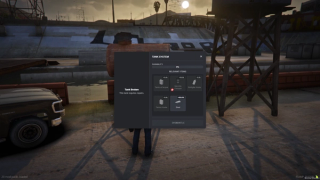
Use a slider to choose how much liquid to transfer. Configure each can's capacity and accepted liquid types.
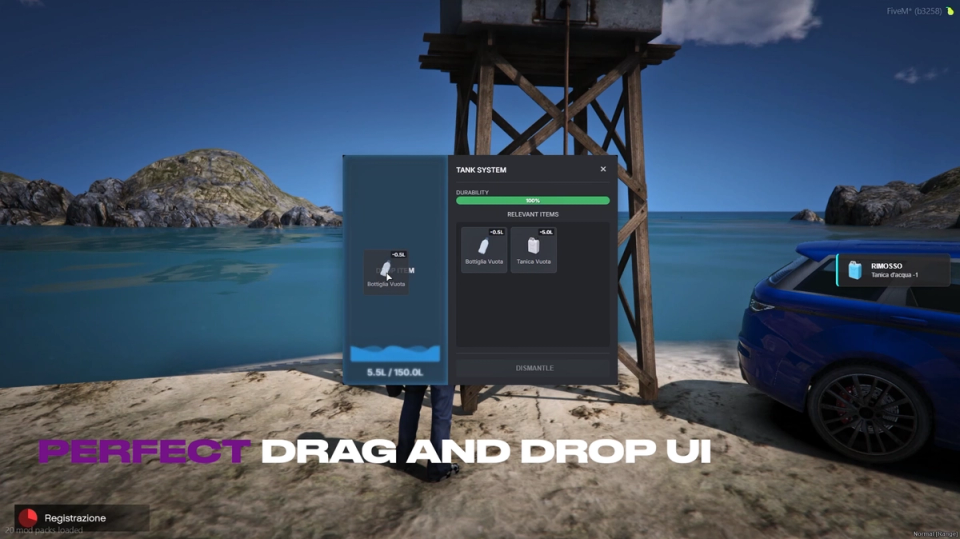
Cans Remember What They Hold
A can keeps its current amount and liquid type on the item itself. A can drawn to twelve liters reads twelve liters the next time it comes out of the bag and refuses any liquid that does not match what is already inside. Liquid type, amount and capacity show right on the item tooltip.
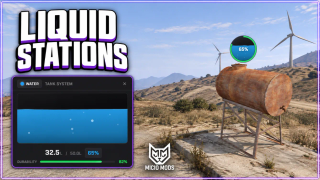
In-World Fill Gauge
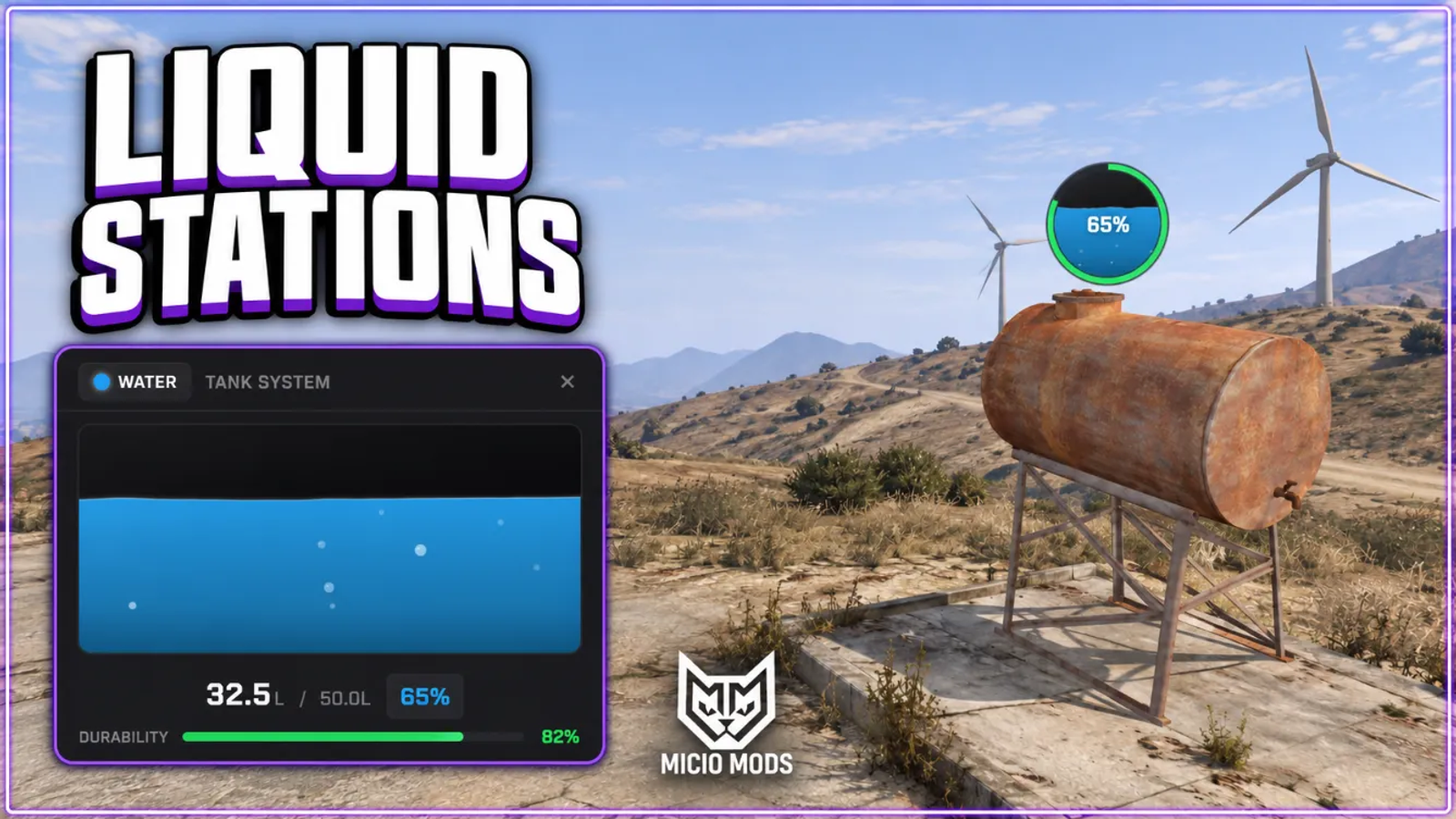
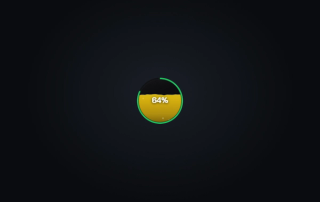
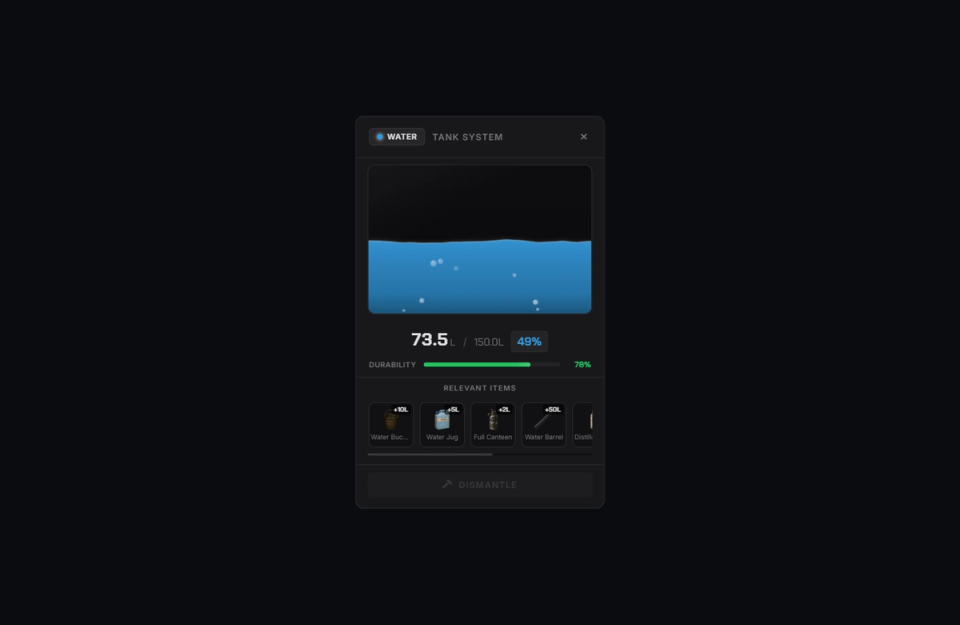
A fill and health gauge floats above each tank and scales with distance. Set the view distance, size and offset per tank, or turn the gauge off. Its draw loop runs while a gauge is on screen.
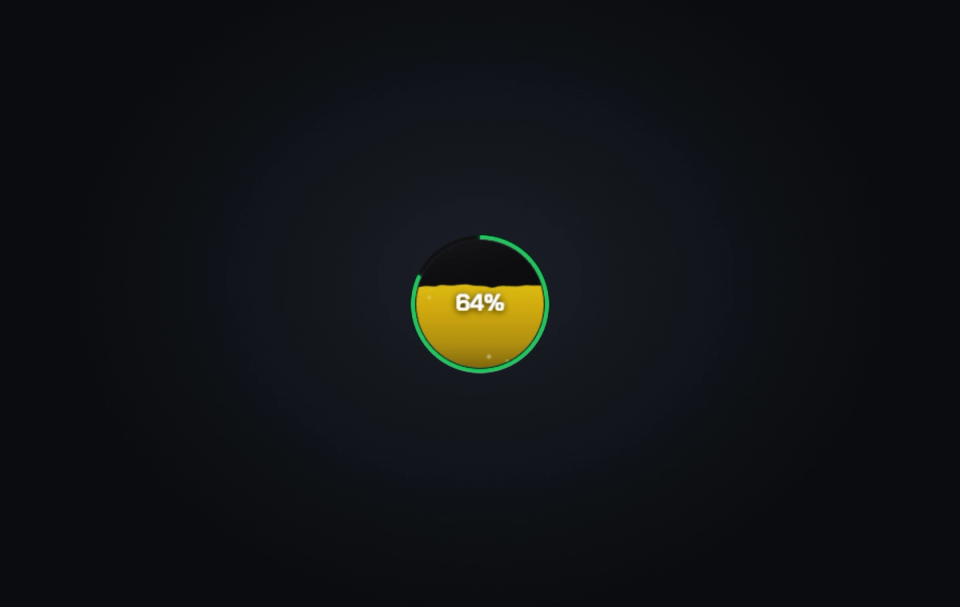
Living Liquid Surface
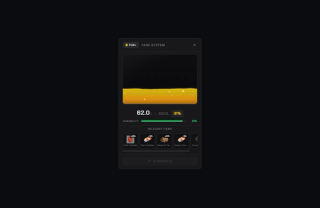
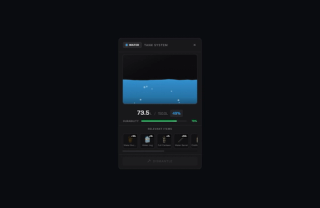
The gauge surface moves to match the liquid inside, driven by thickness, wave speed and height, bubble count, oily shimmer, transparency and color. Water ripples, oil sits dark and slow, chemicals bubble away.
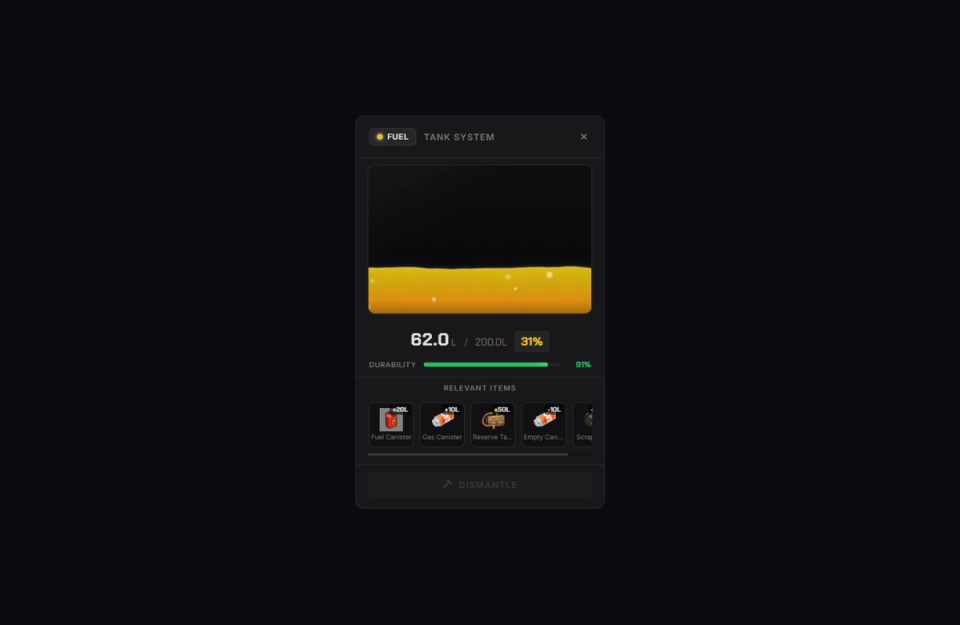
Fill And Drain Containers
Bottles, jugs and buckets pour into a tank or fill from it in fixed steps, swapping the empty item for the full one and back again. The amount taken is written onto the filled container so it pours back the right value later.
Saved Across Restarts
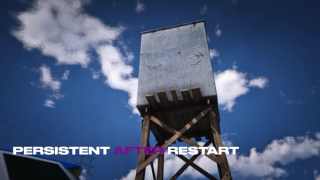
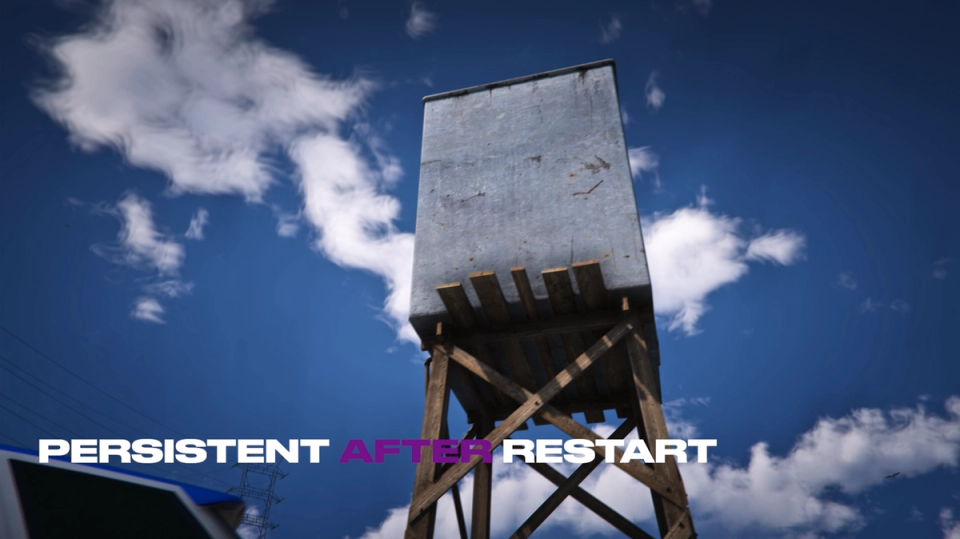
Tanks save their position, fill level, condition and owner across server restarts.
Decay And Repair
Set wear and repair amounts per tank, including the required repair item. The health ring changes from green to amber to red as condition falls.
When A Tank Breaks
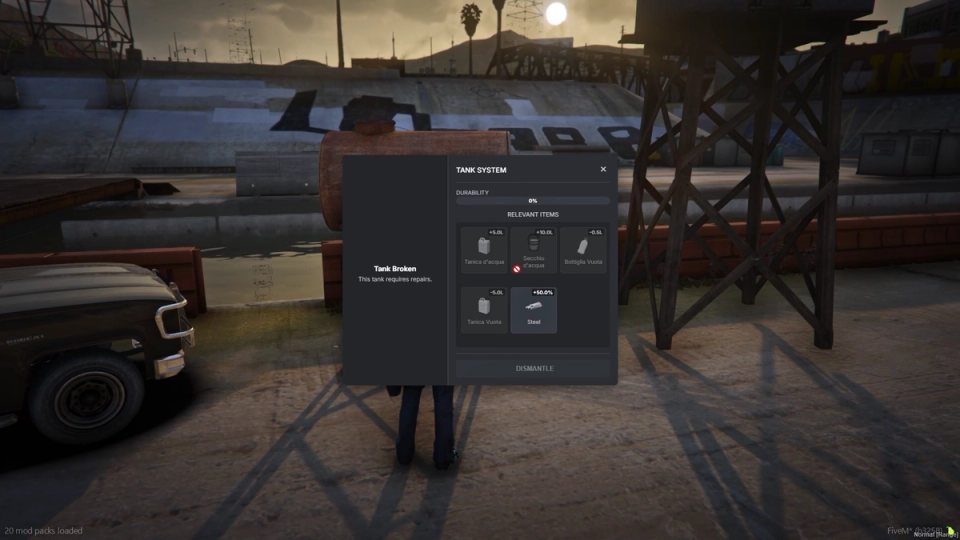
At zero health a tank can drain itself, and you choose whether players can still take from, fill, or dismantle a broken one. Pulling liquid from a broken tank loses a share to spillage that you set.
Fixed And Pre-Placed Stations
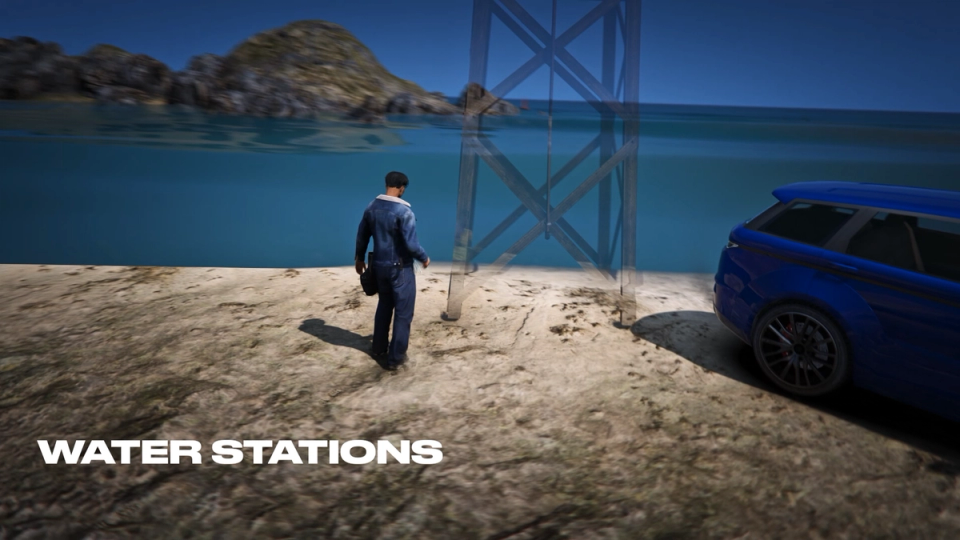
Drop always present tanks at fixed spots in the config. Mark one as unbreakable so it never decays, or let a broken fixed tank quietly heal back to full over time instead of staying a dead prop.
Clears Abandoned Tanks
Remove tanks left unused beyond the number of days you set. Optionally limit cleanup to empty or broken tanks.
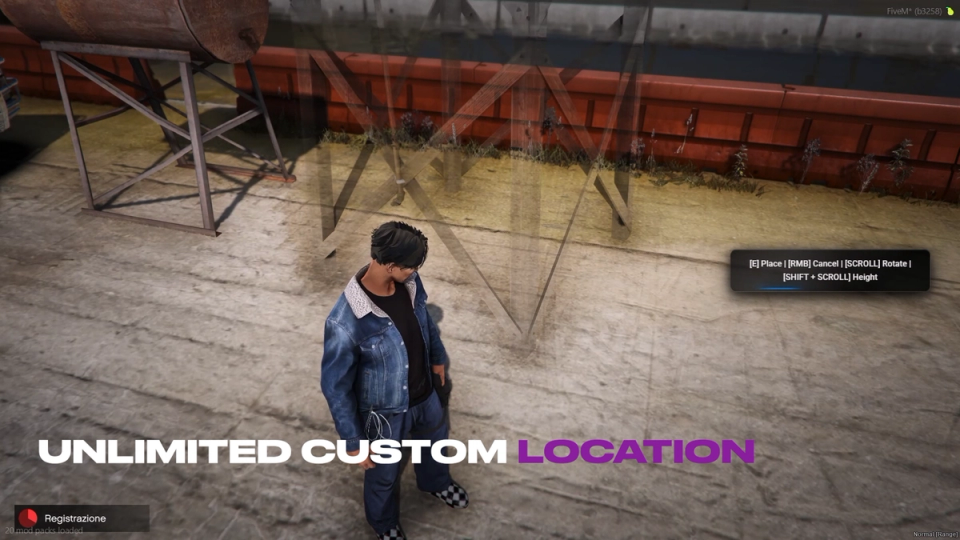
Ghost Placement
A ghost tank tracks where the player points until they lock it in, and a progress bar confirms the install so nothing snaps into place by accident.
Rain Collection
Tanks holding a liquid you flag as rain fillable top up while it rains, gaining a flat amount each tick. Turn it off everywhere with one switch, or limit it to specific liquids such as water.

Per-Player Tank Limit
Limit the number of tanks each character can own using the saved tank records.
Your Own Rules on Every Tank
Simple stub functions let you gate placement, access, dismantle and can transfers, set cooldowns per action, lock certain tank types behind a rank or job, and run your own logic after any action.
Discord Audit Log
Every placement, dismantle, fill, drain, repair and jerry-can transfer can post to its own Discord channel, each entry carrying the player name and ID, the tank and a clean before and after of the level or health, with placements also logging the exact map spot. A separate channel catches flagged exploit attempts with the reason and details. You see who did what and spot abuse early.
Your Props Or The Stock Ones
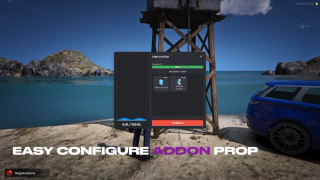
Each tank type points at any prop model. You can use the included water tanks or your own add on tanks. Spawn and interaction distances are set per prop. Big tanks read from far off and small ones stay tidy.
Wear Travels With The Tank
Pick a tank up and its condition is written onto the item, visible in the tooltip. Place it again and it comes back at that same health, so nobody resets wear by re-placing it.
Items And Icons Included
The install folder ships ready item definitions plus inventory icons for the bottles, jugs, buckets, tanks and repair steel. The default setup drops straight into your inventory.
Prompt on the Tank
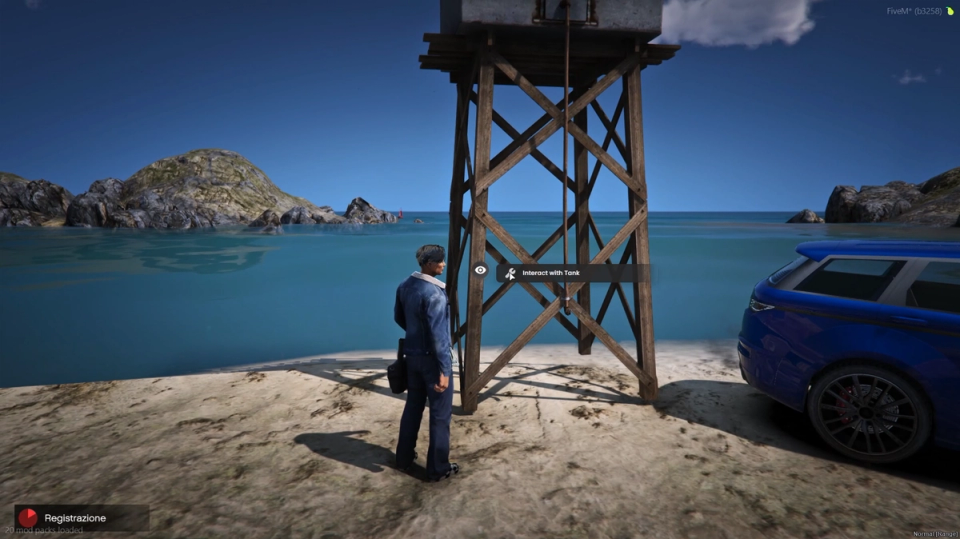
Interaction goes through your target resource when one is installed. Without one, players get a plain E prompt on the tank.


![Ashfall RP [DEV]](https://frontend.cfx-services.net/api/servers/icon/oaa5qbj/-267466854.png "Ashfall RP [DEV]")

Secure Payments via:
















Tip: Log in with Discord and your customer roles sync automatically.

Verified Reviews
No reviews yet. Be the first.