Recycler | Scrap and Salvage
Place recycling machines that turn junk into materials. Players run jobs on a screen on the machine, and staff manage stations, recipes, upgrades and settings from an in-game panel.




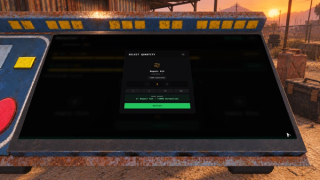
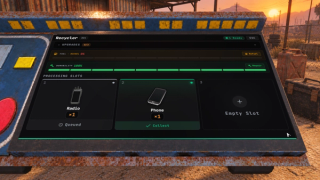
Overview
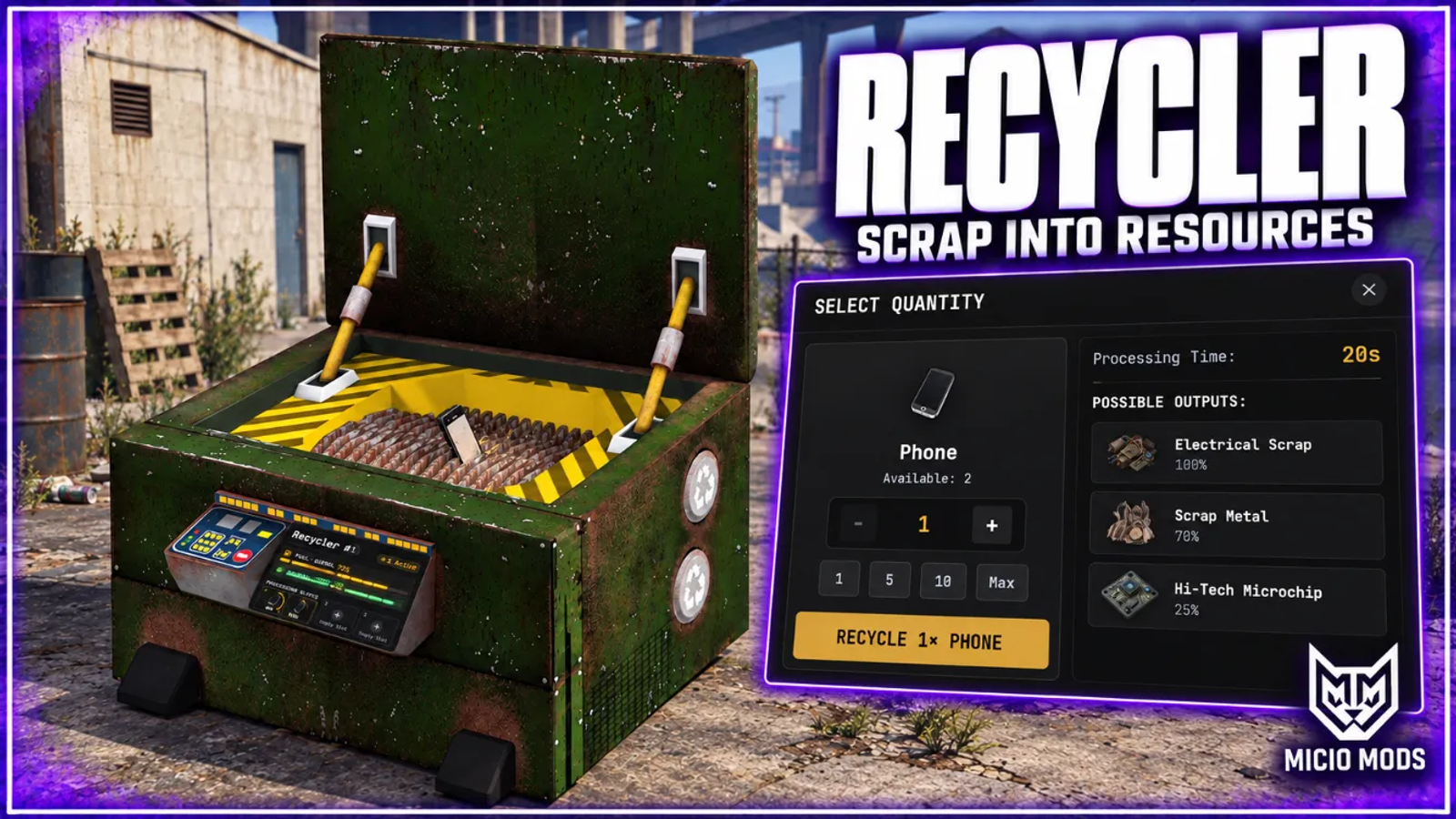
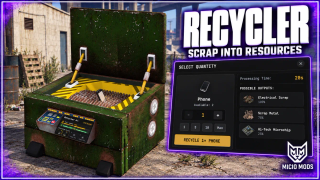
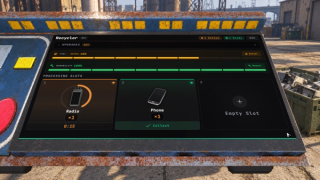
Configure recycling recipes and let players process junk into materials at a placeable machine. Its screen shows the job, fuel and condition on the prop.
What to expect
- Any input item maps to outputs with quantity ranges and drop chances
- Staff panel with a map and a list of every recycler on the server
- Stations, recipes, upgrades and settings can be edited in game, no restart needed
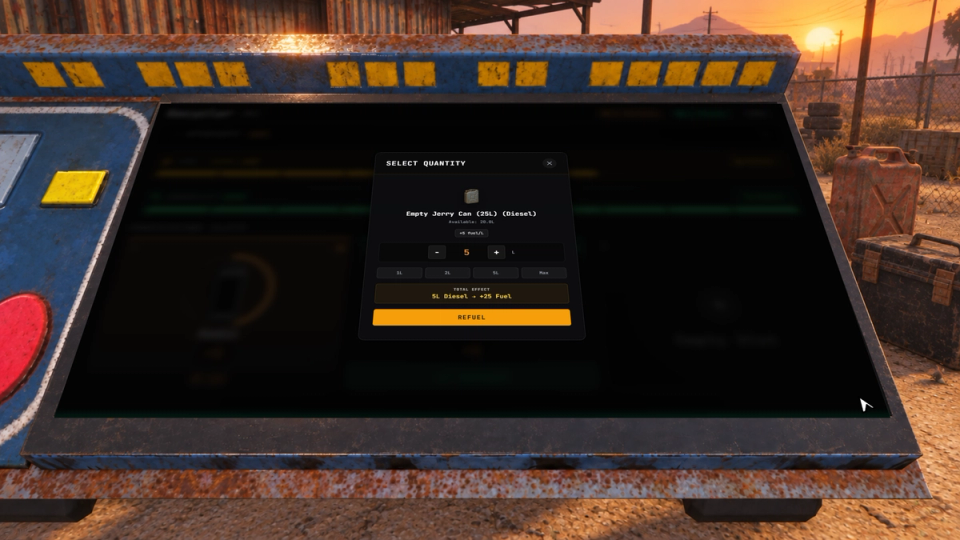
- Fuel burns by the minute, from one-shot items or refillable jerrycans
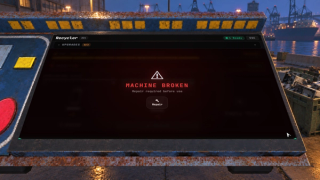
- Wear slows the machine, jams it, and finally calls for a repair kit
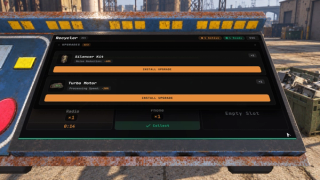
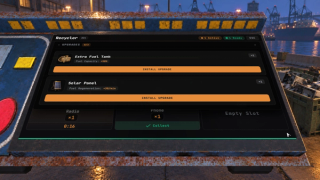
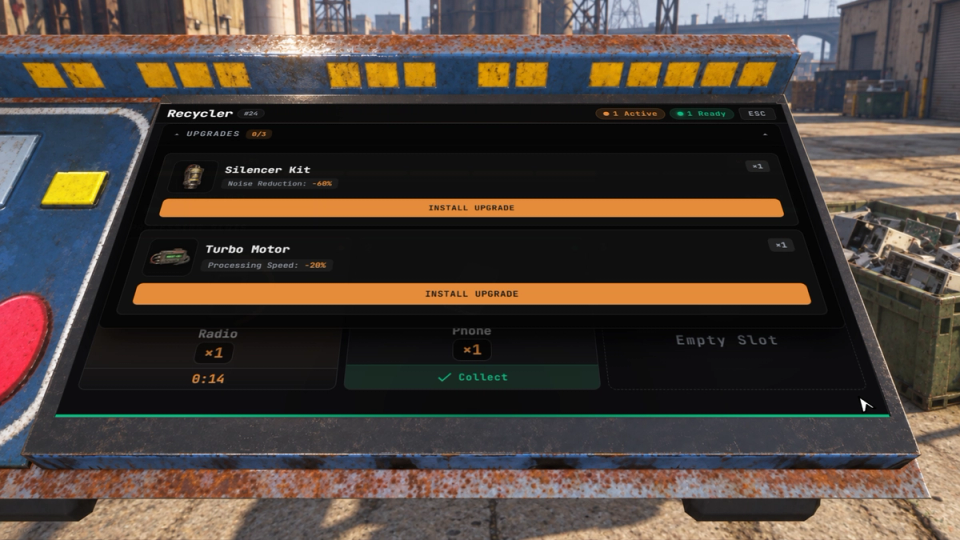
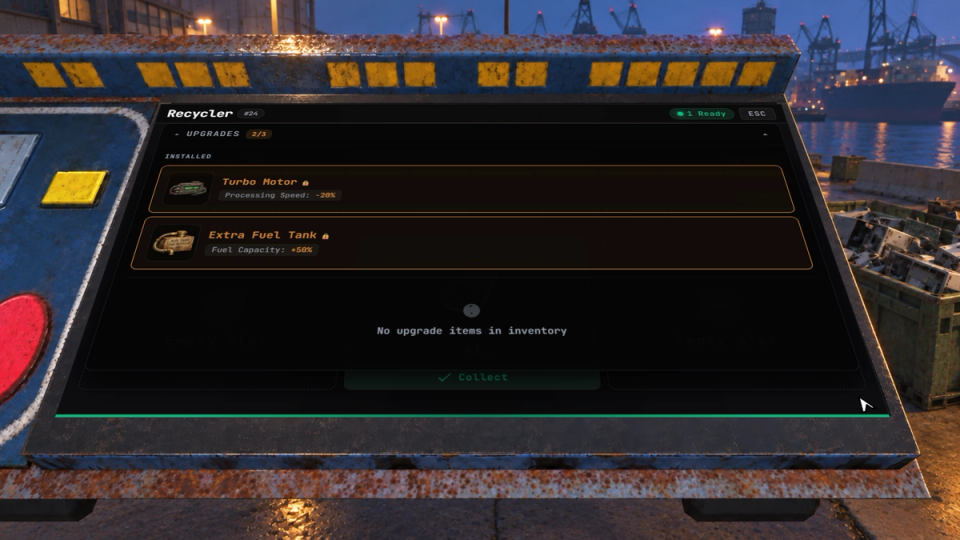
- Turbo motor, extra tank, silencer kit and solar panel ship as upgrades
- Upgrades can add slots, raise the machine tier and require each other
- Jobs run on the server clock and keep working while the owner is offline
- A dismantled machine keeps fuel, wear and modules on the item
- One machine per player by default, one player at a time on the screen
- Every action can trigger your other scripts, from breakdowns to refuels
Key Features
Screen Built Into the Machine
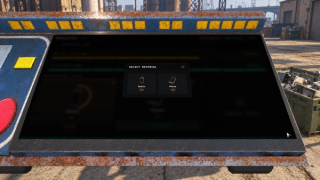
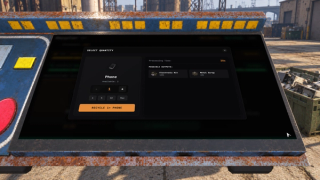
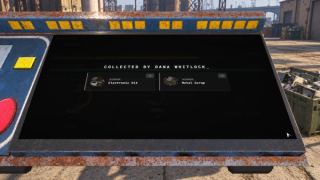
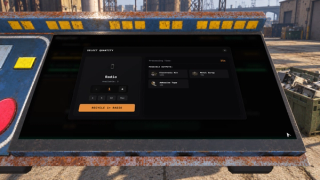
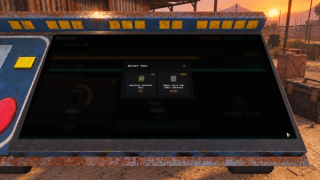
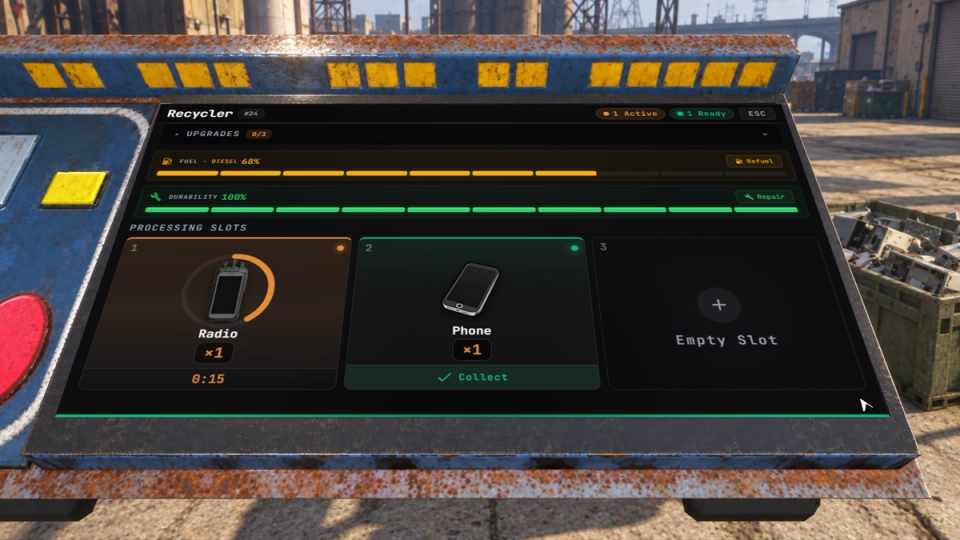
The interface is drawn on the prop itself. Players walk up and work the machine in front of them, with fuel and condition on the screen while it runs. When someone collects, players nearby see the loot reveal too, with the collector's name on it.
Staff Panel With a Map
Type /recyclers to see every machine on the server on a map, colored by status, and in a list you can search, filter and sort. Each one shows its owner, fuel, durability, upgrades and what every slot is processing. Staff can teleport to a machine, refuel it, repair it or remove it, and the stats at the top count how many are working, out of fuel or broken. A key, F9 by default, hides the panel and brings it back.
Change the Config in Game
Recipes, upgrades, fuel and repair items, slots, permissions, wear and placement rules each have a tab in the panel. A change applies when you press save, without a restart, and config.lua stays as the starting point you can reset to. The panel refuses edits that would cost players items, such as deleting a recipe that is still processing.
Shape the Machine in Config
Starting and maximum slots, processing speed, fuel rules, placement and screen distance, ownership permissions. Set them in the config or change most of them live from the staff panel. The machine ships with its own streamed prop.
Recipes That Drive the Economy
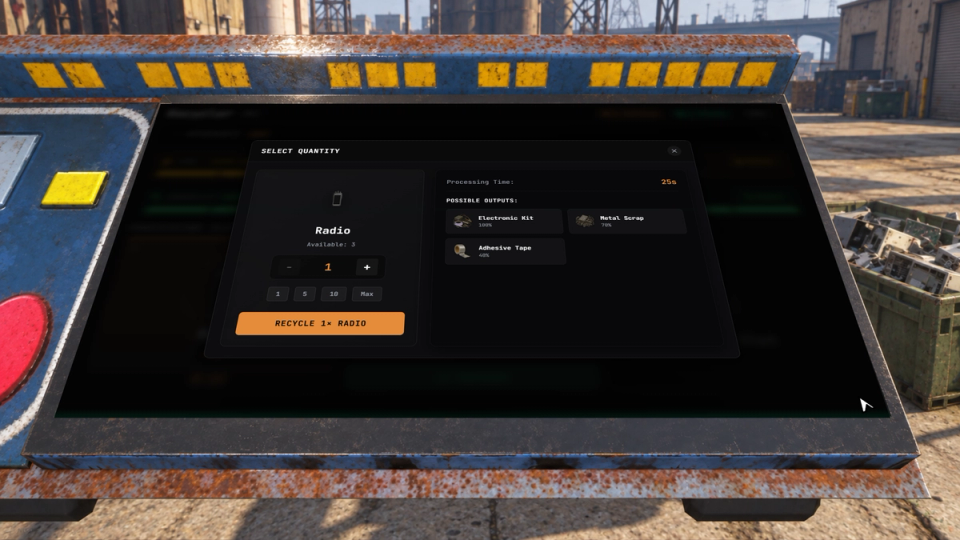
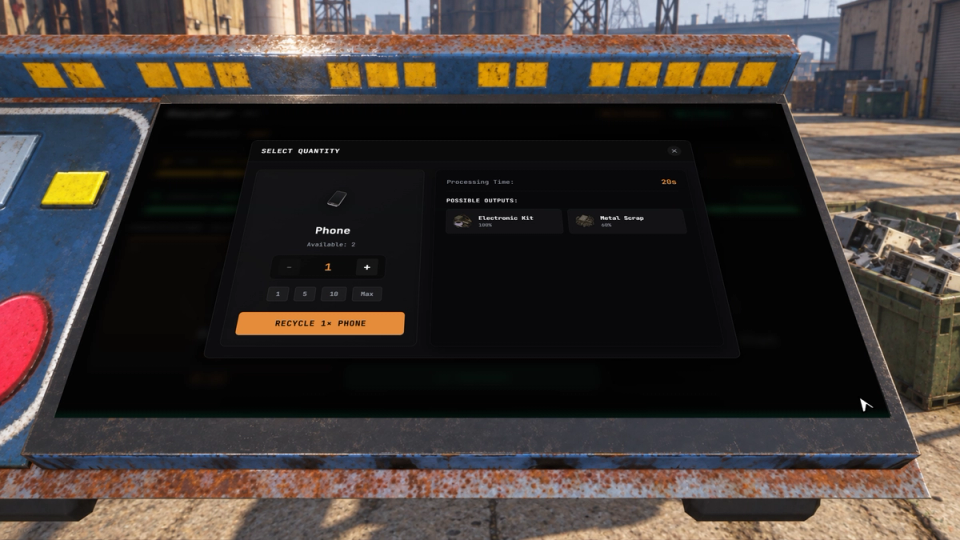
Each input item maps to a list of outputs with quantity ranges, drop chances and a rarity. Outputs and bonuses can be locked behind a machine tier. Build recipes in the panel with an item search and a tier by tier preview of the drops, or write them in the config.
Fuel and Durability
Fuel burns by the minute from one-shot items or refillable jerrycans, and the jerrycan path pairs with ml_fuel. Every job wears the machine down until it slows, jams, and finally needs a repair kit. You decide which fuel types the jerrycan path accepts and how each liter converts into machine fuel.
Upgrade Modules
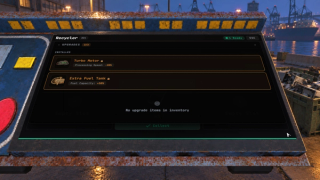
Includes a turbo motor, extra tank, silencer kit and solar panel. Make your own in the panel or the config: extra slots, a higher machine tier, or a kit that needs another one installed first, so you can build tiers like Slot Expansion I, II and III. The silencer reduces the zombie-noise radius only when that optional integration is enabled and its resource is running.
Placement and Fixed Stations
Players position their recycler with a live preview, rotating it and nudging its height, and you can require it near a base. Staff place permanent community stations from the panel with the same preview, then move, rename or remove them later. A station can run on unlimited fuel, never break, and come with modules players cannot strip out.
Breakdowns Your Server Can React To
Every action the machine takes can trigger the rest of your server: an item added, a job finished, loot collected, a breakdown, a refuel, a repair, a module going in or out, the recycler placed or picked up. Hang XP, logging, Discord alerts or your own rules off any of them.
Runs While You Are Away
Jobs run on the server clock. Machines keep working while the owner is offline, pause when the tank runs dry or the machine breaks, and pick up where they left off after a restart.
Discord Logging Included
Placements, pickups, recycles, refuels, repairs and module swaps post action details to your configured webhooks. Refuel and repair logs include before-and-after values. Staff actions and panel changes have their own webhook, and flagged requests get theirs.
Keep Machine Condition on Pickup
Dismantling preserves fuel, condition and installed module types on the item. Fuel and condition appear in its description. Placement restores the saved condition and modules, with fuel capped at the base tank capacity.
Bulk Recycling
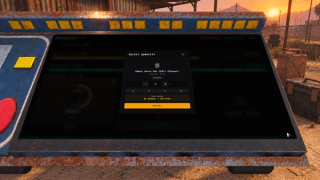
Choose how many items to recycle in a slot. Bulk recycling is enabled by default; when enabled, job time scales with the quantity and each item gets its own loot rolls.
Survival Noise Integration
Optionally emit a noise event while a recycler processes items so a compatible survival resource can react. This integration is disabled by default and requires the configured resource to be running. With it enabled, the silencer reduces the event radius.


Secure Payments via:
















Tip: Log in with Discord and your customer roles sync automatically.
Verified Reviews
No reviews yet. Be the first.