Airdrop | Supply Drops
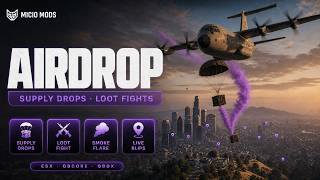
Send a cargo plane to deliver a parachute crate. Players open it with a tool or minigame and claim loot one slot at a time. Set timers for each zone, call drops with flares and configure them in-game.



Overview
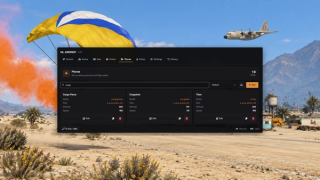
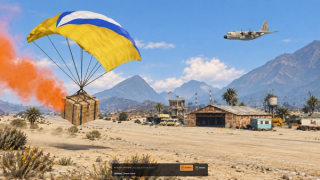
A cargo plane flies across the map and releases a parachute crate. After the sealed countdown, players can open it with a tool, complete a minigame or open it instantly, then hold to claim loot one slot at a time.
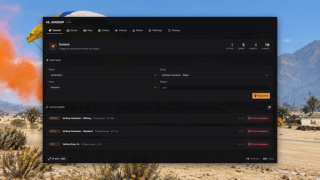
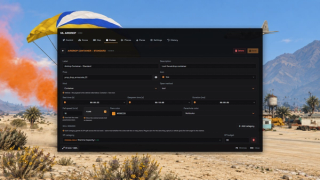
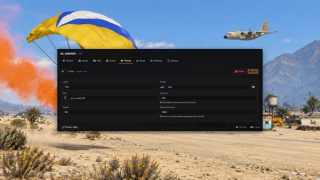
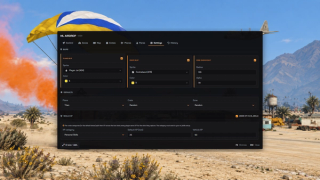
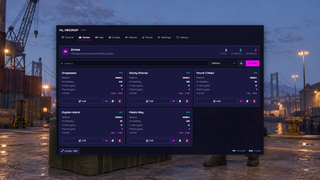
Run automatic drops on a shared timer or set an independent schedule for each zone, with fixed or random intervals. Drops can also be called by command or signal flare. The in-game admin panel manages the zones, timers, aircraft, crates and loot, and shows upcoming drops alongside those already active.
- Parachute descent with ground checks
- Shared crate contents and individual loot claims
- Weighted rewards: items, weapons, cash, bank money or a vehicle
- Signal flares with player cooldowns
- Live 3D previews for aircraft and crate models
- Optional skill XP, Discord logging and selectable themes
Key Features
Cargo plane flyover
A cargo aircraft approaches from outside the drop area, flies across the map and releases its payload over the drop point. A plane blip and search circle guide players to it.

Parachute Descent
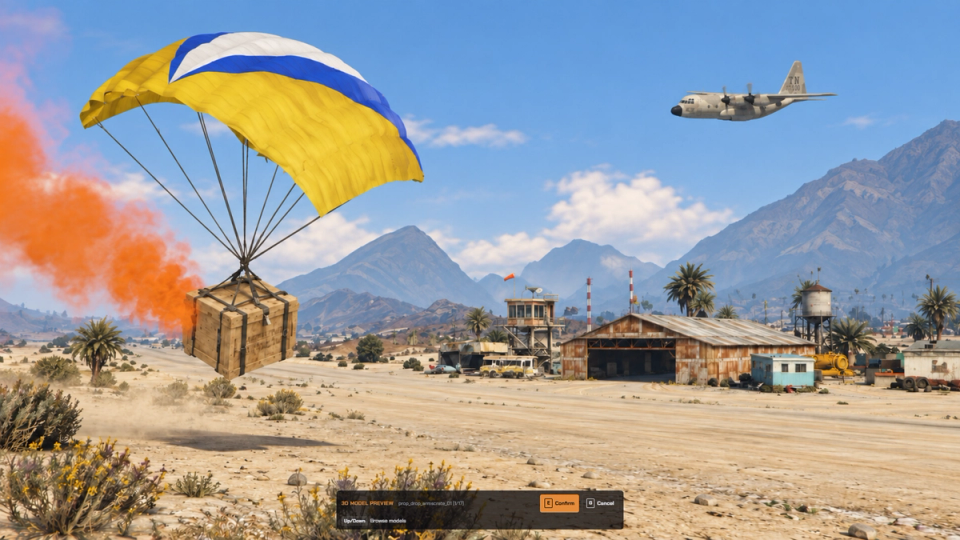
The crate descends under a colored canopy with a smoke trail and ground checks for landing.
Sealed crate countdown
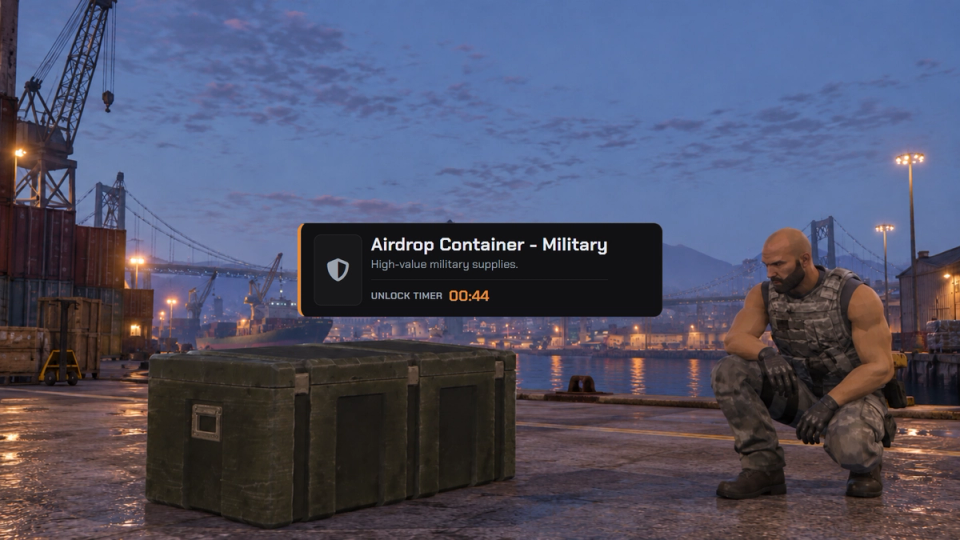
Crates stay sealed for a set time after landing. A floating tag shows the countdown until players can open them.
Tools and minigames
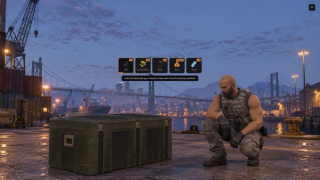
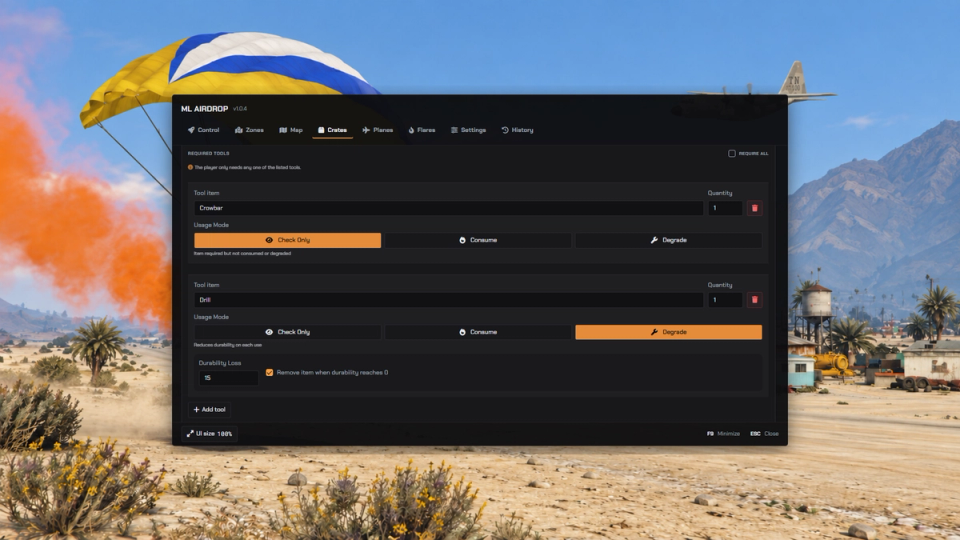
Open crates with tools and a progress bar, a skill-check minigame, or instantly. Require every tool in a list or any one of them, and choose whether tools are checked, consumed or worn down.
Hold to claim loot
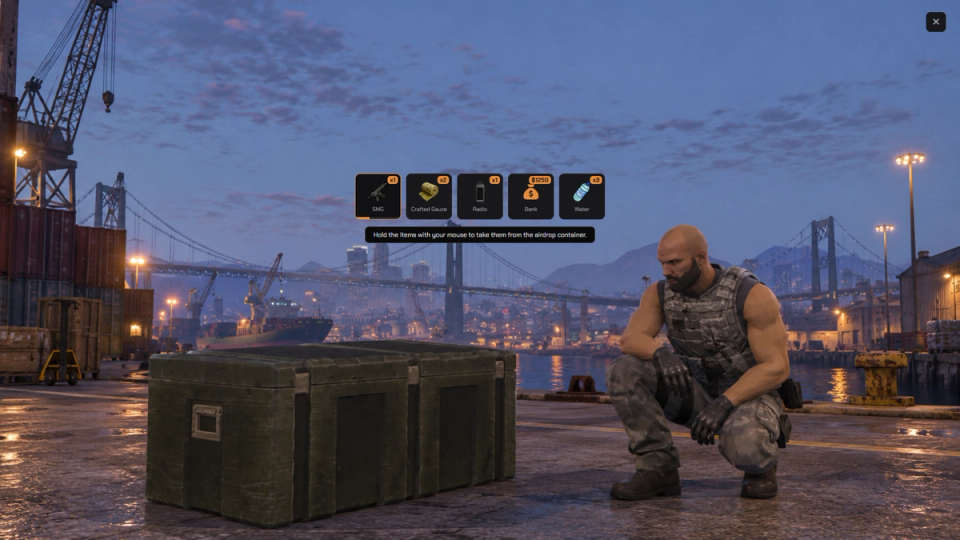
Players hold to claim one loot slot at a time. The remaining contents stay available for others to take.
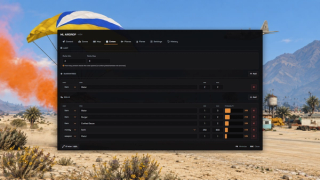
Weighted Loot Tables
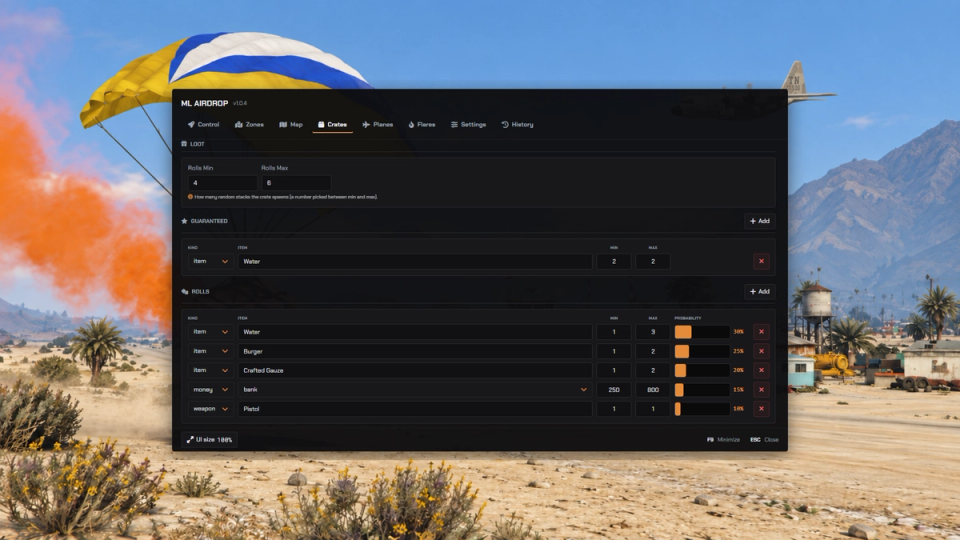
Set entry weights, guaranteed rewards, stack sizes and a random number of rolls. Mark rewards as rare, and include items, weapons, cash or bank money.
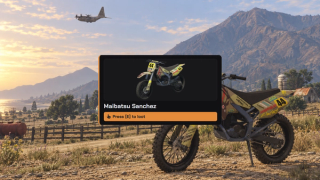
Vehicle Drops
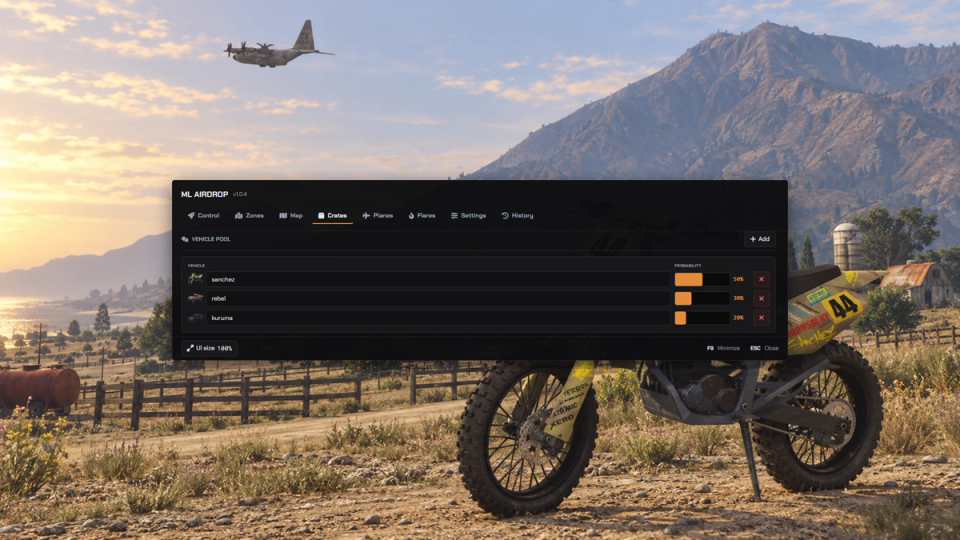
Each vehicle drop draws a model from a weighted pool and lands locked and without fuel. On claim, the winner receives restored fuel and either keys or ownership. Qbox ownership registration works out of the box; QBCore and ESX use the supplied registration snippets.
Automatic drops by zone
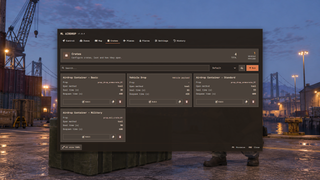
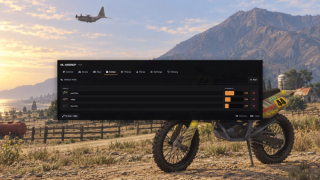
Use a shared automatic timer or enable a separate timer for each zone. Choose fixed intervals or random ranges in minutes, set a minimum number of online players, and show an optional warning before the plane appears.
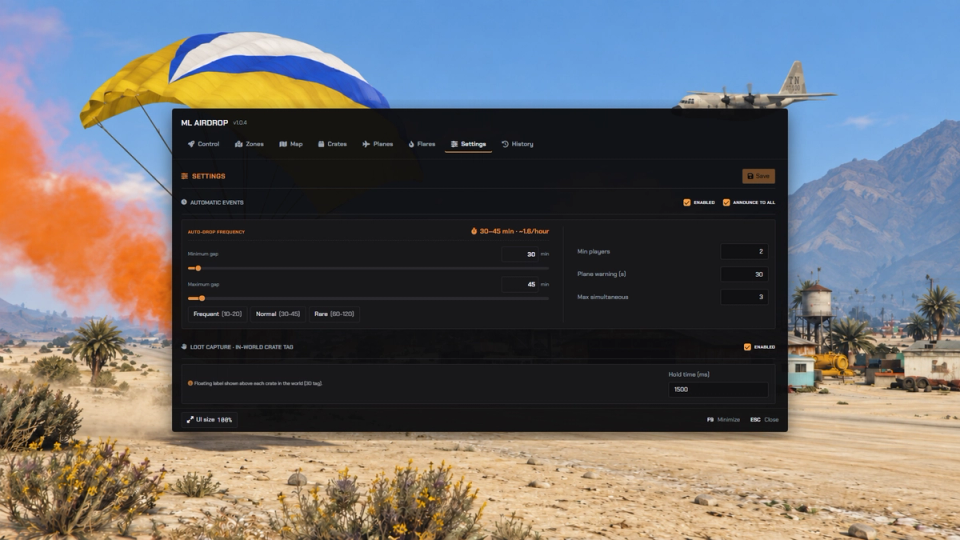
Signal Flare Items
Bind inventory items that call in an airdrop near the user, with a per-player cooldown, a randomization radius and a choice of fixed or random crate. If the drop cannot spawn, the consumed flare is refunded automatically.
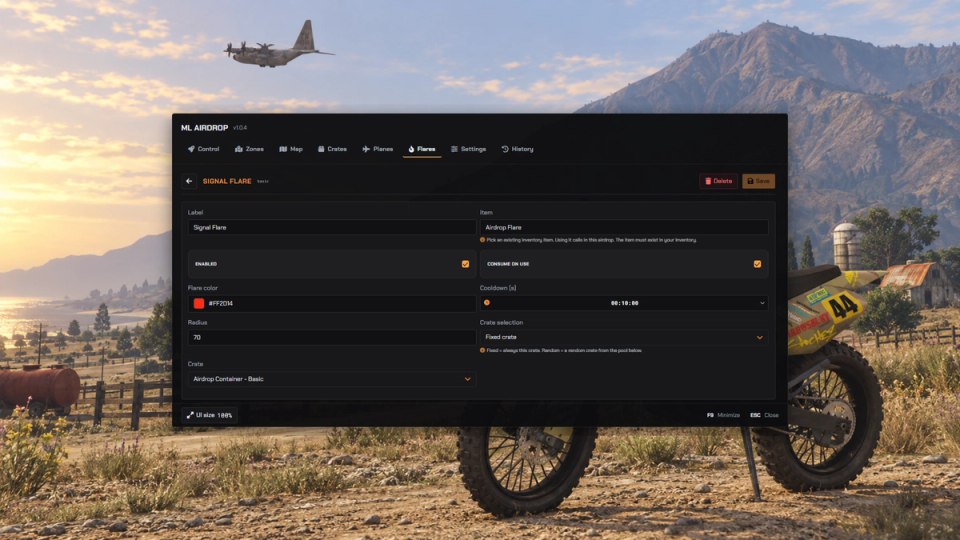
Free-For-All Or Locked
Make a drop open to everyone or lock it to whoever triggered it. Drops triggered by other scripts can be locked to the player who called them, while flare and world drops stay competitive.
In-game admin panel
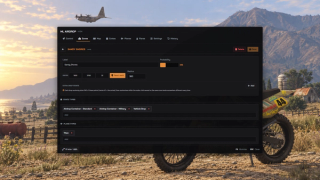
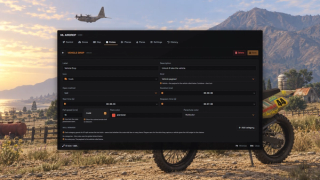
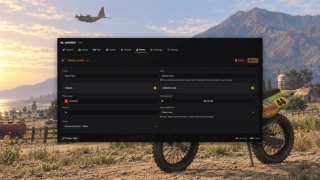
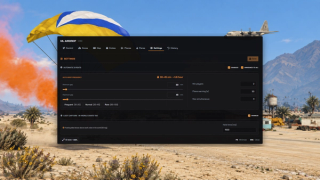
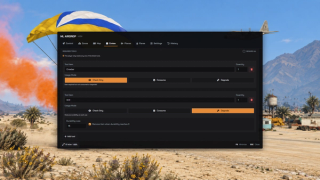
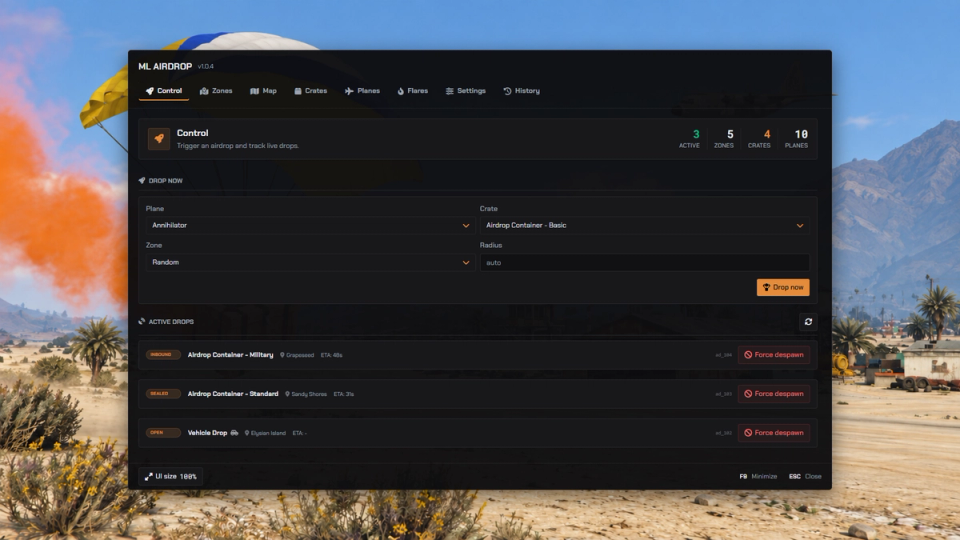
Open the panel by command to trigger drops and edit aircraft, crates, loot, zones, flares and automatic timers. Save changes in-game without editing files.
3D previews and model selection
Preview aircraft and crate models in 3D. Search aircraft and pilot catalogs with live thumbnails, choose crate props, and pick map blips from a searchable list. Set smoke colors, parachute colors and timer presets in the panel.
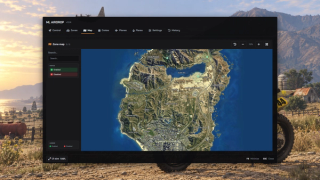
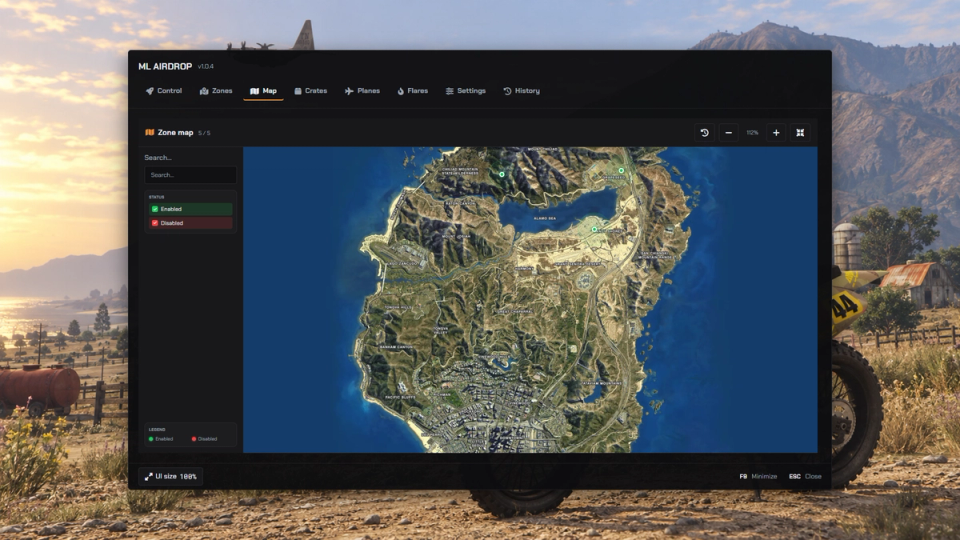
Zone Map Overview
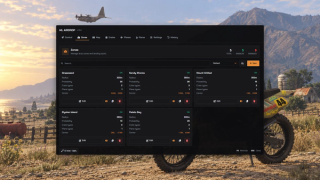
View each zone and its radius on the map. Search zones, teleport to them, and place or resize their drop area in the world.
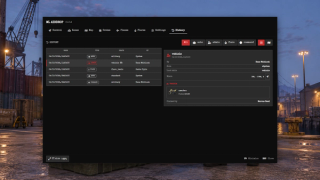
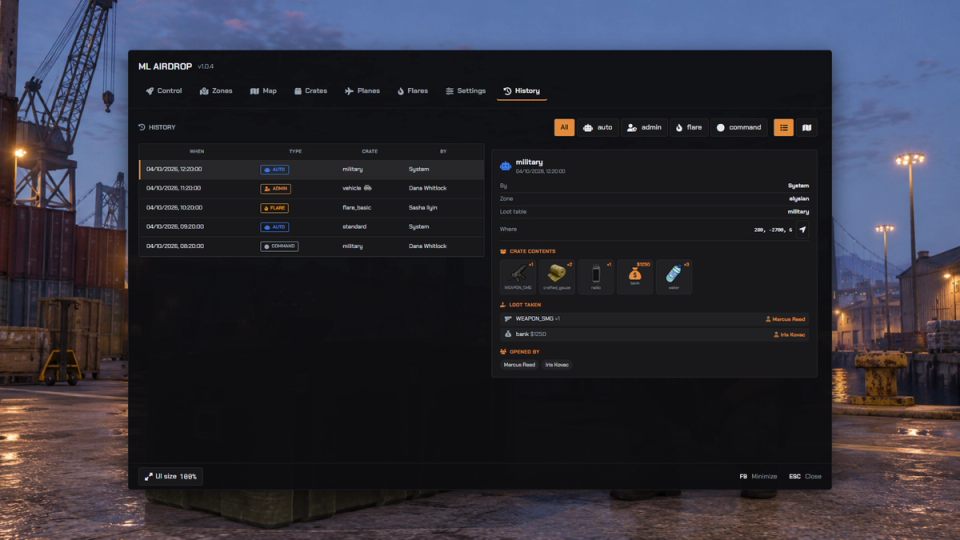
Drop History
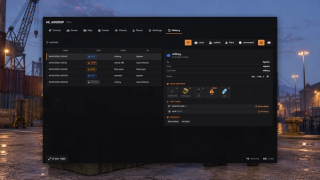
A history tab logs every past drop, its contents and who took what, with a teleport button and automatic cleanup of old records on a retention timer.
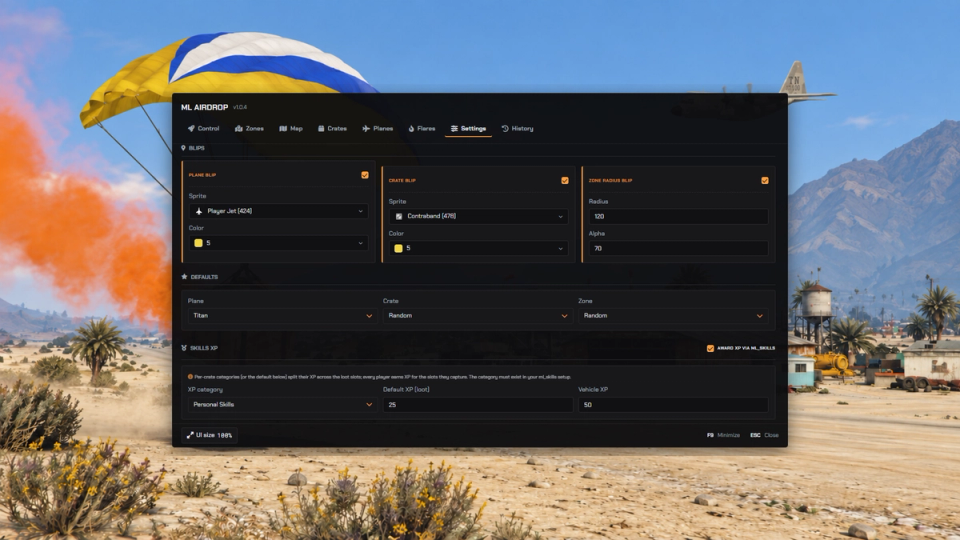
Optional Progression Rewards
Reward players with skill XP for looting a drop, in one or more skill categories per crate. The XP is split across the loot so everyone earns for what they personally grab, with amounts you set globally or per crate.
Discord Event Logging
Record drop spawns, loot pickups, vehicle claims, admin actions and cleanup, with details of the players and rewards involved. Each action can go to its own Discord channel. Logs use outcome colors and can also go to FiveManage, console logging, or multiple destinations at once.
Live Drop Tracking
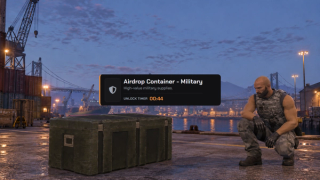
The Control tab shows active drops with their state, unlock timer, ETA and zone, alongside upcoming automatic drops and any reason they are waiting. Remove an active drop from the same panel.
Prompt Or Target Opening
Choose an [E] prompt or target interaction to open landed crates through the configuration.
Remembered Admin Workspace
Adjust the admin panel’s UI size, keep that size between sessions, and use the configured hotkey to minimize and restore the panel.


![Ashfall RP [DEV]](https://frontend.cfx-services.net/api/servers/icon/oaa5qbj/-267466854.png "Ashfall RP [DEV]")


![Dual Planet [ Base Prueba ]](https://frontend.cfx-services.net/api/servers/icon/pggjdk8/-2144784010.png "Dual Planet [ Base Prueba ]")
Secure Payments via:
















Tip: Log in with Discord and your customer roles sync automatically.
Verified Reviews
No reviews yet. Be the first.