Zone Display | Where You Are
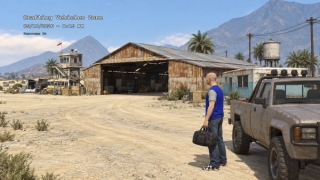
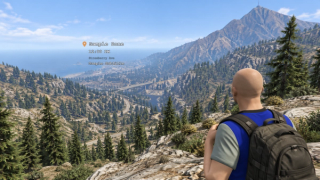
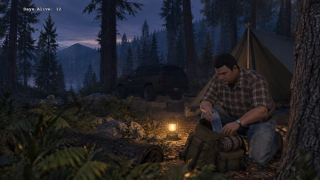
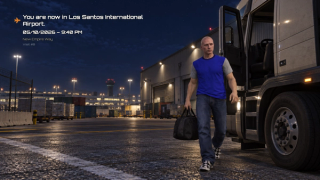
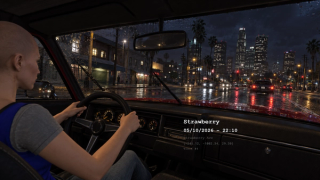
An on-screen overlay that names the area, the street and the time the moment a player crosses into it. Players drag it where they want, scale it with the wheel, and keep their layout between sessions. Themes, entry animations, a real clock and visit counters that remember every place they have been.


Overview
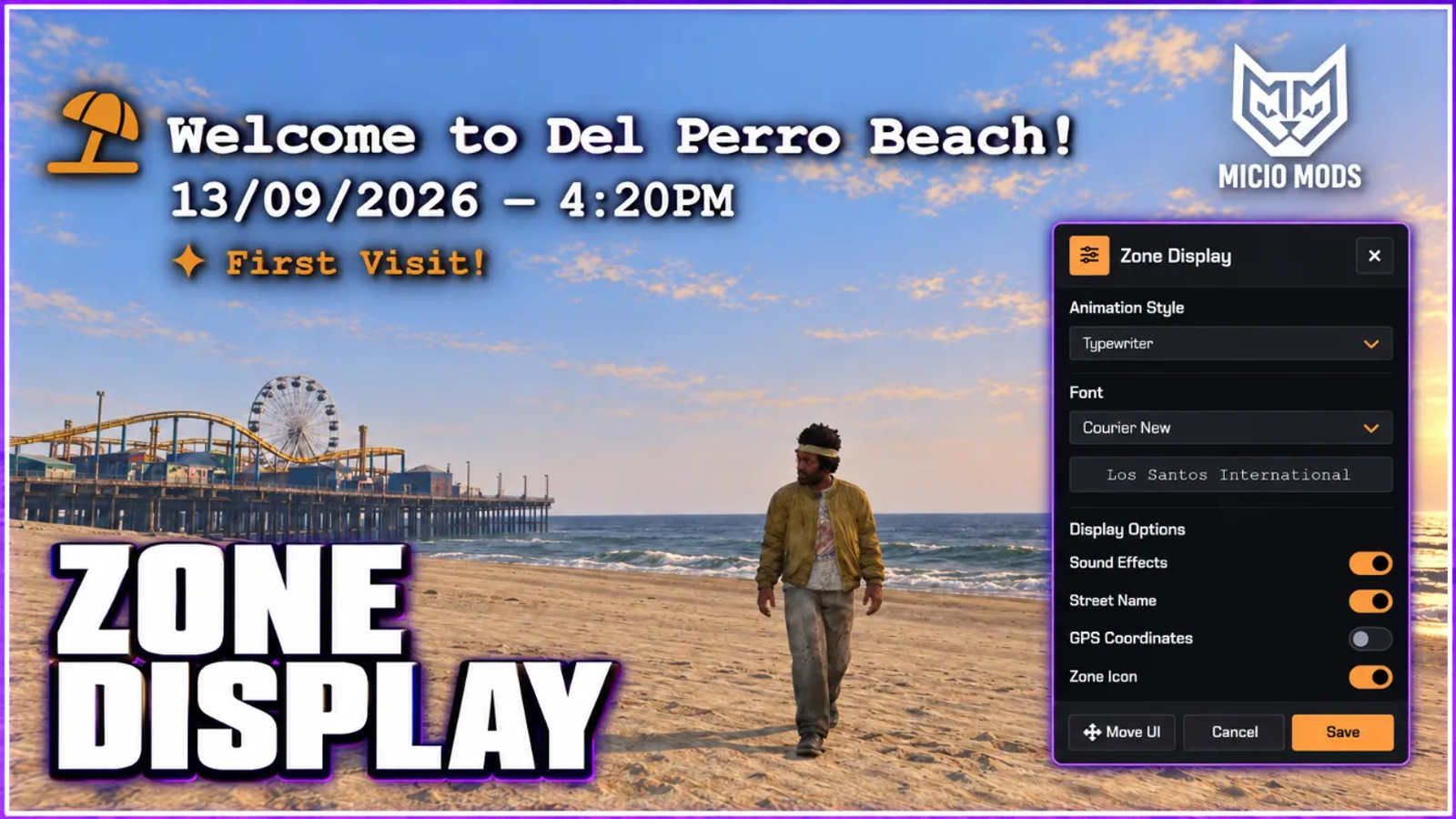
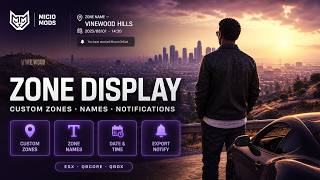
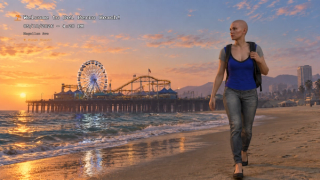
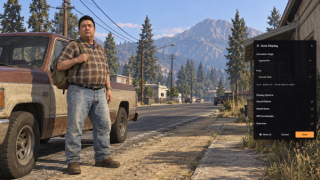
Show area names, street names and a configurable clock as players move around the map. Define custom zones and let players adjust the overlay within the limits you set.
What to expect
- Players drag and scale the overlay, and their layout is remembered
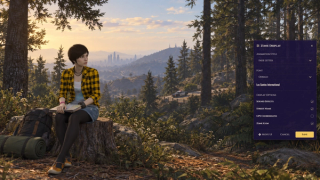
- A /zonesettings panel lets each player pick font, animation and sound
- A real date and time engine: real-world or in-game clock, any offset
- Rename any base-map area, or define your own zones with custom labels
- Per-zone icons and sounds, with cooldowns so nothing spams
- Visit counters remember every place, with a first-visit effect
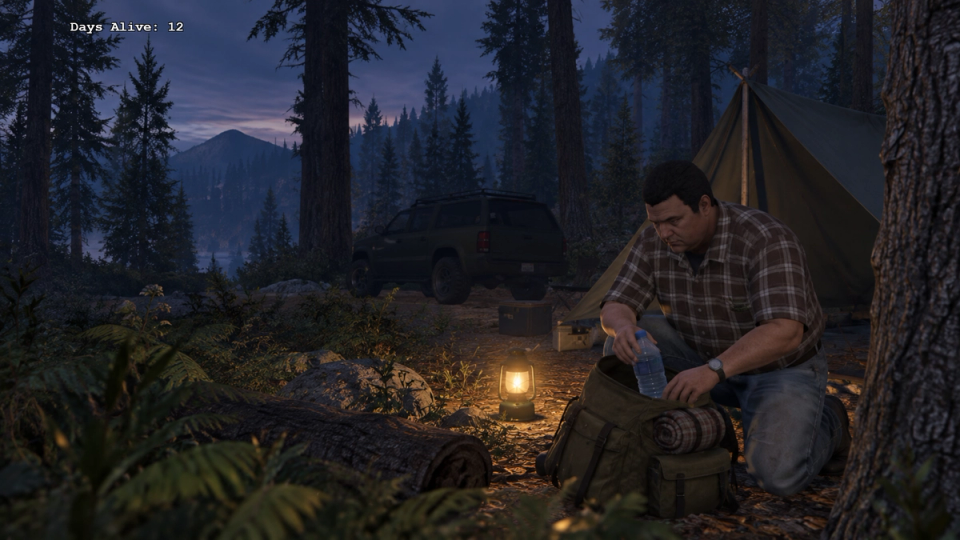
- A subtitle line holds live readouts like a Days Alive counter
- Your other scripts can drive the overlay through an open layer
Key Features
Drag It, Size It, Keep It
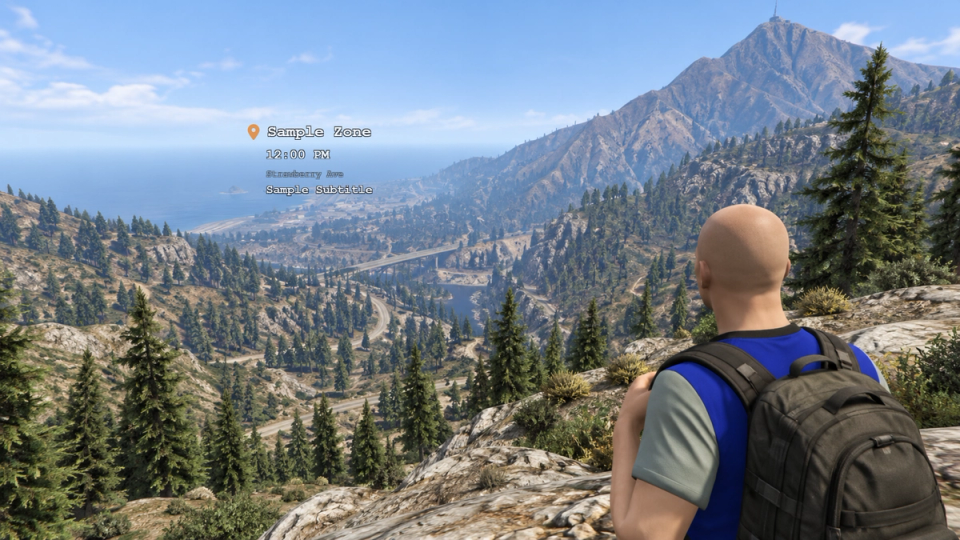
Players move the overlay anywhere on screen and scale it with the mouse wheel. Both the position and the size are saved per player and come back the next time they log in. Move mode opens from the settings panel with clear on-screen prompts.
Your Own Welcome Lines
Customize entry messages in the locale file and enable randomized greetings. Configure zone labels separately.
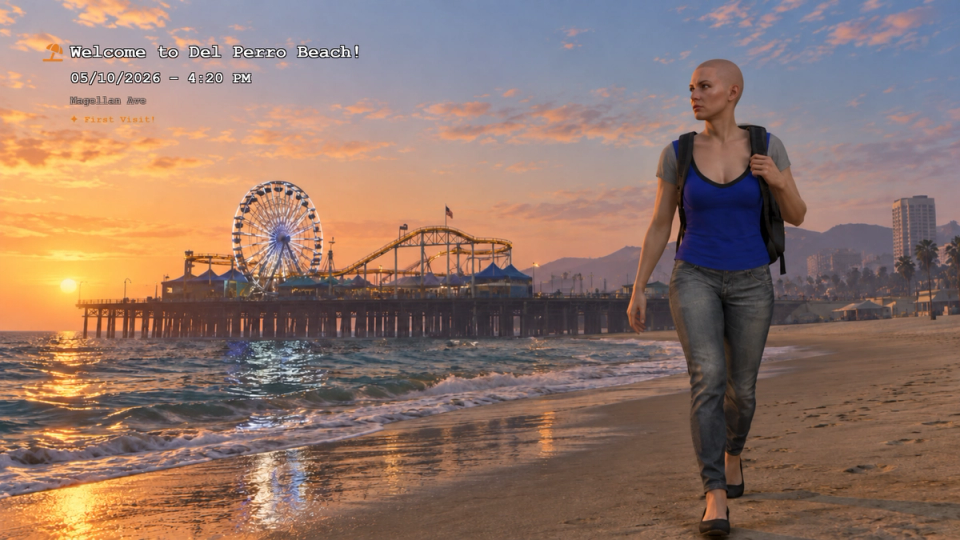
Five Entry Animations
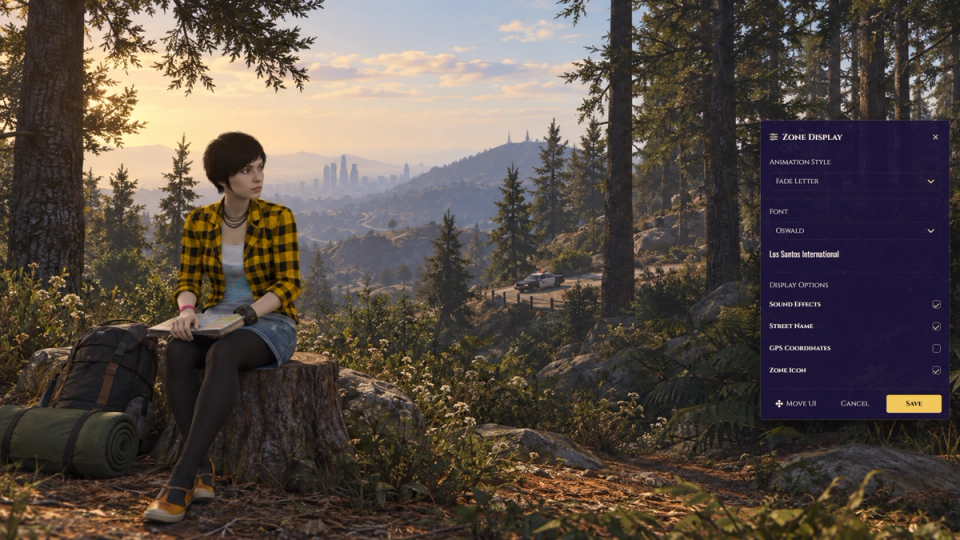
Choose from Typewriter, Slide In, Fade Letter, Glitch and Cinematic entry styles. Set the default in config or let each player pick their own in the settings panel.
Visit Counters That Remember
Every area keeps its own running count shown as Visit #N, and the very first time a player enters a place a special First Visit effect plays. The counts stay saved across restarts.
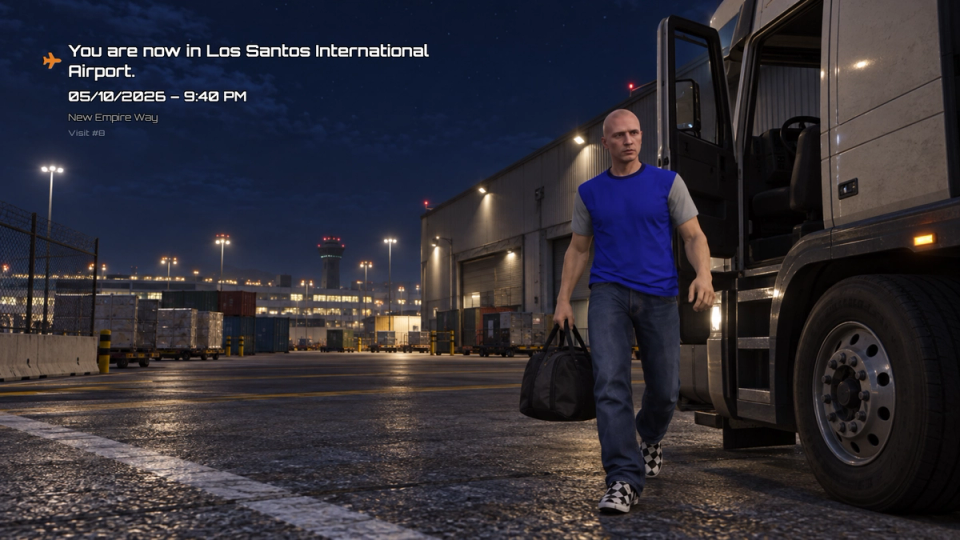
Real Date And Time Engine
Run on real-world time or follow the in-game clock. Apply a fixed UTC offset when using real-world time, shift the displayed year, month or day, or pin a fixed year for a custom server timeline.
12h, 24h And Date Control
Show or hide the date and time, and choose whether the date includes the year. Read the clock in 12-hour AM and PM or 24-hour through the locale setting. The date and year are worked out from the offsets you set.
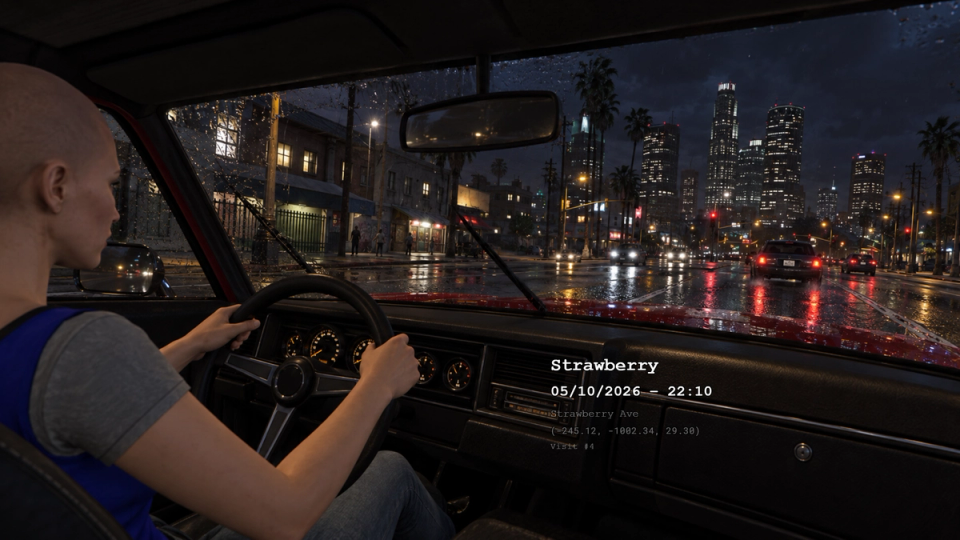
Your Own Custom Zones
Define areas as spheres, rotated boxes or polygons, give them your own labels, and announce places the base map never names. Drop them in wherever your server needs them.
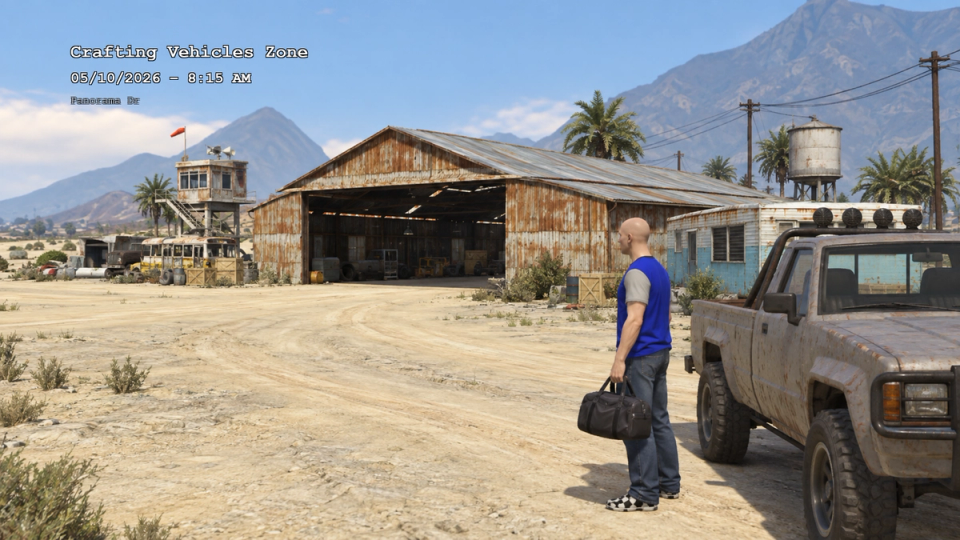
Per-Zone Icons
Assign icons to zone codes in config, from an airport plane to a prison lock, a beach umbrella, a lab or a stadium, shown next to the name. Icons can be turned off globally or by each player.
Street Name And Coordinates
Optionally include the supplied street name and coordinates in zone notifications. Each has its own toggle.
In-Game Settings Panel
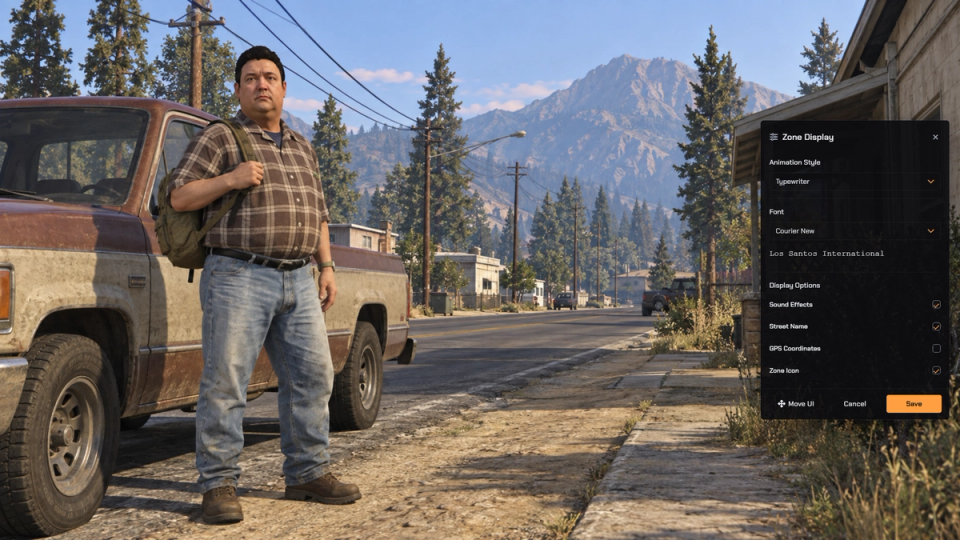
A /zonesettings command, with an optional key bind, opens a per-player panel for font, animation, sound, street name, coordinates and icon. Every toggle is yours to allow or lock in config.
Built-In Font Picker
A handful of ready fonts ship with the overlay, from clean monospace to bold display faces. Players pick one when you allow it, or you lock a single font for the whole server. Additional Google Fonts can join the picker by editing the font URL and list in config.
Permanent And Timed Subtitles
A subtitle line under the main label can hold a permanent readout like Days Alive, or a temporary message on a timer. Set, update and clear each one on its own from any script.
Drive It From Your Scripts
Any of your other scripts can drive the overlay: show and hide it, swap the theme, read the current zone and settings, and run the full permanent and timed subtitle system.
Extend Without Touching Core
An open layer lets you rewrite a zone label, block a notification, react when a player enters or leaves an area, or reformat the clock, all editable in files you own.
Per-Zone And Per-Theme Sounds
Give each theme its own entry sound and flip one flag and override it for individual zones. Sounds are served from the resource, so drop your own audio in to make each area feel different.
Rename The Whole Map
Edit the supplied zone-label mapping to replace area names with your own wording. Turn the airport into a smuggler's strip or rename a district for your story, and the overlay shows your wording instead of the stock label.
Cooldown And Disable List
A per-zone cooldown in minutes keeps the same area from announcing itself too often, and a disable list lets you silence places like the prison or a mountaintop entirely.
Find Zone Codes Fast
Flip debug mode on and a command shows the raw zone code wherever you stand, ready to fill in icons, labels and the disable list.


















Verified Reviews
No reviews yet. Be the first.