Weapon Skins | Weapon Customizer
Let players paint their own guns in-game. Freehand draw, stickers, text and images on a live 3D preview, native GTA tints and MK2 camo, a full procedural skin gallery, a per-weapon library that keeps every skin they own, and an optional credit, code and pack economy you can switch on.


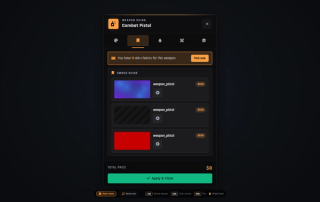
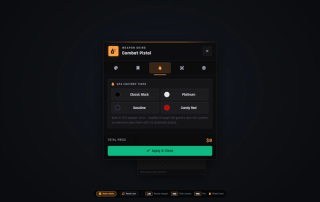
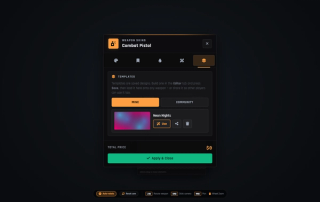
Overview
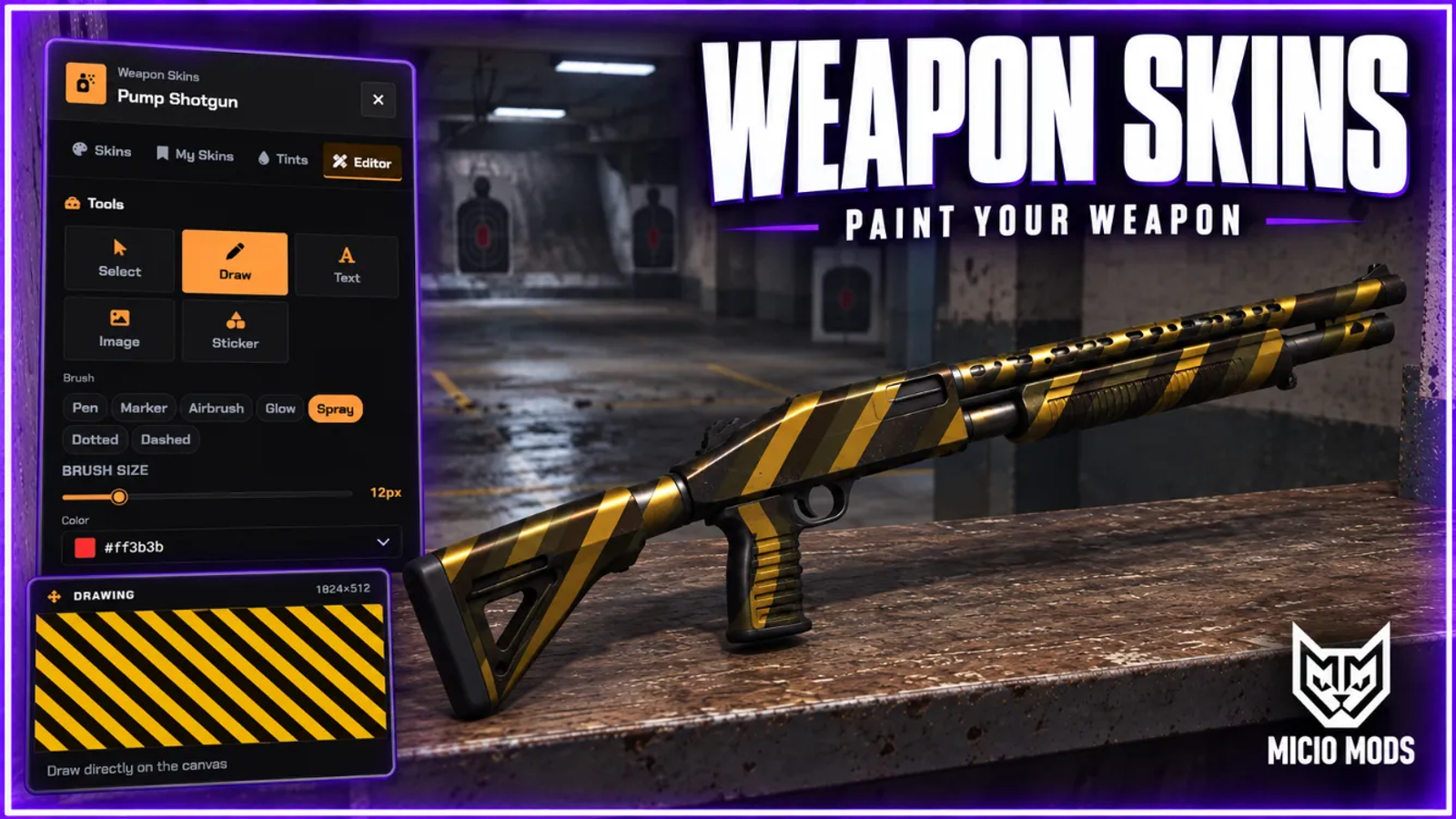
Weapon Skins is a full in-game gun-painting studio. Players open the right-docked panel at a workbench, with the kit item, or by command, and work straight on a live 3D preview of the weapon. They can orbit the camera, zoom in, and every change lands in real time.
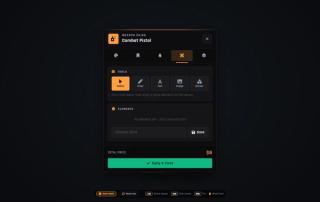
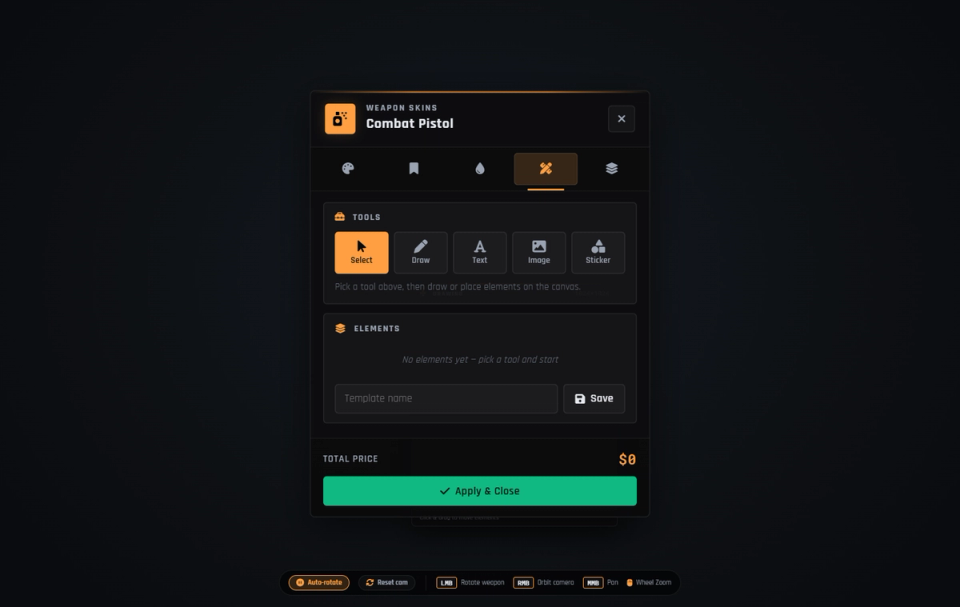
Start from the built-in procedural gallery, with solids, gradients, camo, tech, cosmic and animated finishes that need no extra downloads. Or open the editor and build a skin from scratch. Freehand draw with several brushes, drop in text, stickers and hosted images, then reorder and undo layers on a draggable canvas. A separate Tints tab applies GTA's own weapon tints across every gun, plus MK2 camo liveries.
There are two ways a skin shows to other players, and they behave differently. Native tints and MK2 camo use the engine's own variant system, so everyone sees them with no extra assets. Custom-painted artwork is drawn straight onto the weapon itself. In the default overlay mode it is visible to players near you, but that mode needs the optional ml_weaponskins_stream model pack, about 1.3 GB on disk. Without that pack, switch the sync mode to local and custom skins render on the owner's own screen. Either way the server checks and stores the skin itself.
Skins stay with the gun. A custom or gallery skin is written into the weapon's item data, so it follows the weapon through trades, storage and stashes, and the server re-reads and checks it after every change. This needs an inventory that keeps item data, which every common one does. On an inventory that does not, the apply is cleanly blocked instead of corrupting anything. Every paid or owned skin is also saved per weapon in a personal Skin Library. Switching back to a skin you already own is always free.
The economy is optional and ships switched off. Turn it on and charging runs on Tebex donation credits, in-game money, or an inventory item. Eight weapon groups are priced on their own: pistols, SMGs, shotguns, rifles, snipers, MG and heavy, melee and other. You can charge for each new gallery skin, or charge once to unlock the custom creator for a group or a single weapon, and admin codes can unlock it account-wide. On top of that you get Tebex credit bundles with refund handling, direct skin-pack purchases that deliver a fixed skin, pick-any tokens or a creator unlock straight to one weapon, and admin-minted redemption codes you can sell off-platform for players to redeem in-game.
Admins curate the gallery with their own image decals, moderate every published player template from a panel, and can lock skinning behind a job to run it as a gunsmith business. A content kill-switch can restrict players to procedural, decal and native skins only. A server hook lets you decide exactly who may open the customizer, for on-duty checks, zones, cooldowns or jail rules.
What to expect
- Live 3D editor: orbit and zoom preview, multi-brush freehand draw, text, stickers and hosted images, layer reorder and undo, a full procedural gallery, and a Tints tab for native GTA tints and MK2 camo.
- Skins live on the item: the skin is stored in the weapon's own item data and re-checked on the server after each change. It follows the gun through trades, storage and stashes; a per-weapon Skin Library keeps owned skins and re-applies them for free.
- Two visibility modes: native tints and MK2 camo sync for everyone with no assets; custom artwork is visible to nearby players in overlay mode, which needs the optional 1.3 GB stream pack, or owner-only in local mode.
- Optional skin economy: off by default, eight weapon groups priced separately, buy-each-skin or unlock-the-creator modes, Tebex credit bundles with refunds, direct skin packs, and redemption codes.
- Owner controls: admin decals, a template moderation panel, a content kill-switch, job-gating, and a server hook for your own open rules.
Needs an inventory that keeps item data. Works on ESX, QBCore and Qbox.
Key Features
Live 3D Editor
Work on a live 3D preview of the gun. Orbit the camera, zoom in, and watch every change land in real time on a draggable canvas with layer reorder and undo.
Procedural Skin Gallery
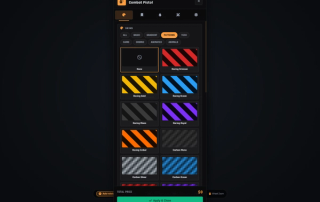
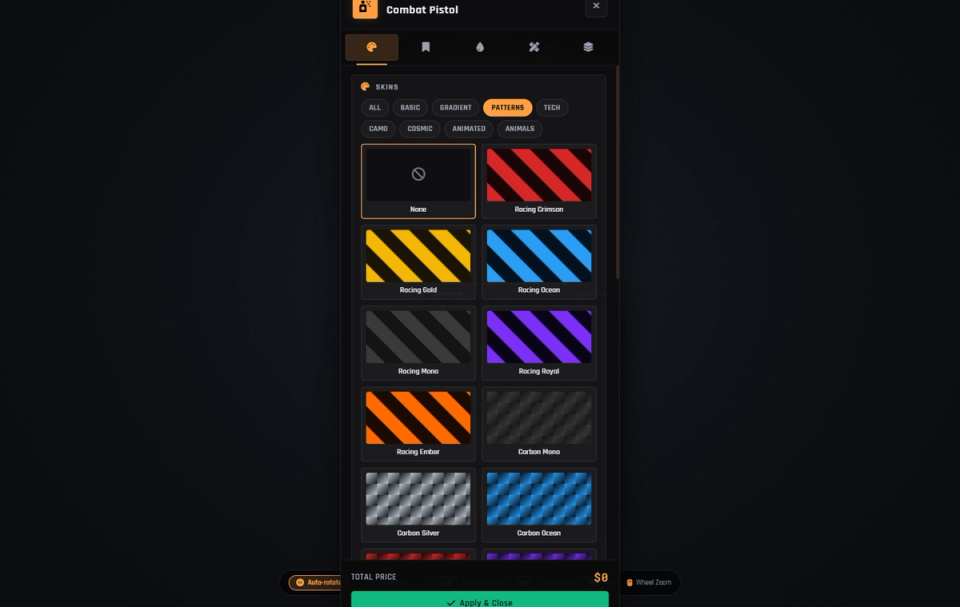
A built-in catalog of solids, gradients, camo, tech, cosmic and animated finishes, generated right in the panel with no downloads to stream.
Freehand Draw, Text, Stickers and Images
Build a skin from scratch with several brushes, text, stickers and hosted images. Image links are checked against an allow-list of hosts, or leave it open to accept any secure link. Ten brush styles, from spray and airbrush to chalk and crosshatch.
Native Tints and MK2 Camo
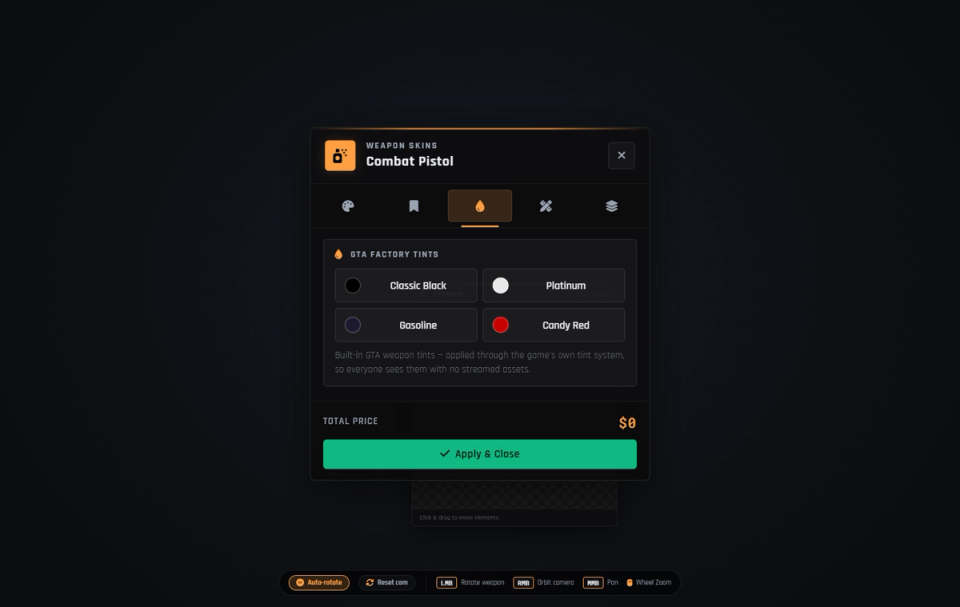
A separate Tints tab applies GTA's built-in weapon tints on every gun, plus MK2 camo liveries. These use the engine's own system. Every player sees them with no extra assets. Priced on their own when the economy is on.
Skins Live on the Weapon Item
A custom or gallery skin is written into the weapon's own item data and re-checked on the server after each change. It follows the gun through trades, storage and stashes.
Per-Weapon Skin Library
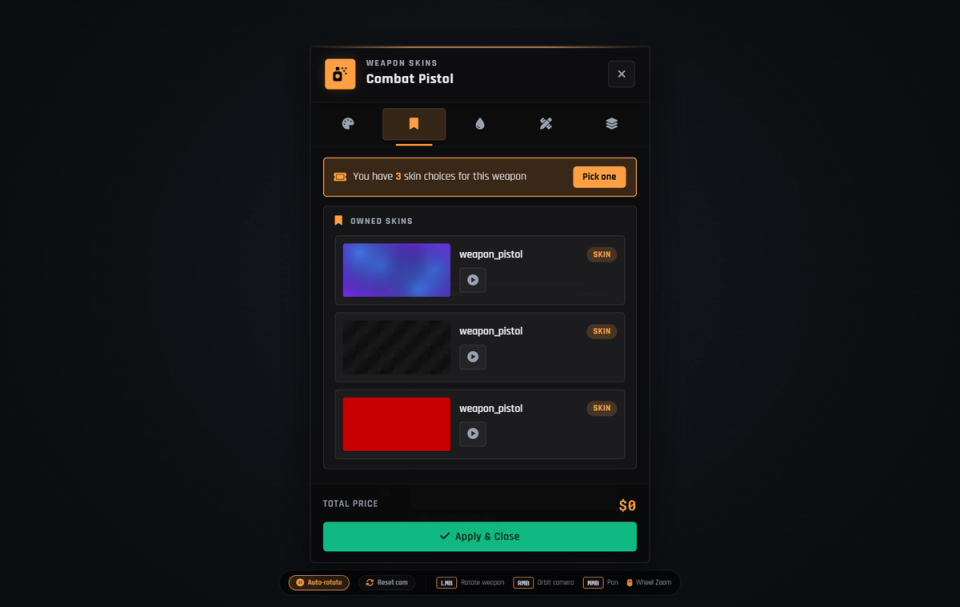
Every paid or owned skin is saved per player and weapon in the My Skins tab. Switching back to a skin you already own is always free, and the oldest are pruned once a weapon's library fills up.
Two Custom-Skin Visibility Modes
Overlay mode makes custom artwork visible to nearby players, and needs the optional 1.3 GB ml_weaponskins_stream model pack. Local mode is owner-only and needs no extra assets.
Per-Group Pricing, Two Pack Modes
Eight weapon groups priced on their own. One mode charges for each new gallery skin while re-applying an owned one stays free. The other charges once to unlock the creator, scoped to a group or a single weapon, with admin codes for account-wide.
Tebex Credit Bundles
Optional Tebex donation-credit bundles top up a per-player credit balance. Credits are granted on purchase and removed cleanly if a buyer refunds.
Direct Skin Packs
Tebex purchases that deliver straight to one weapon: a fixed image skin, a batch of pick-any gallery tokens, or a creator unlock. Each is also grantable by admin command and by redemption code.
Redemption Codes
Admins mint codes to sell off-platform, and players redeem them in-game by command. Codes can grant credits, creator unlocks, per-weapon unlocks or skin packs, with use limits, expiry and revoke.
Template Sharing and Moderation
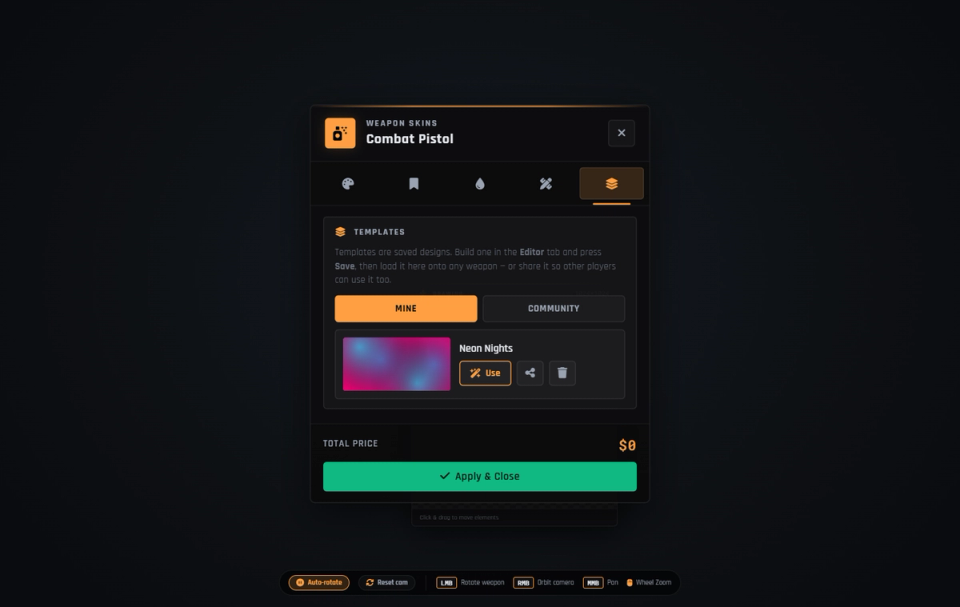
Players save designs as personal templates and publish them for the whole community, with an optional approval queue. Staff browse, search and delete any player template from a moderation panel.
Admin Decals and Content Kill-Switch
Admins curate the gallery with their own image decals. A content kill-switch can restrict players to procedural, decal and native skins only, blocking freehand draw, text, stickers and pasted images.
Optional Skin Economy
Ships free with the master switch off. Turn it on and charging runs on Tebex credits, in-game money or an inventory item. Admins never pay. Every credit grant, spend, refund and revoke is written to an audit log table.
Flexible Access and Job-Gating
Open the customizer at a world workbench, with a usable kit item anywhere, or by command. Lock access behind a job to run skinning as a gunsmith business. A server hook can route every paint fee into the job's society fund. Gunsmiths earn from each job.
You Decide Who Can Paint
Decide exactly who may open the customizer. You can layer in on-duty checks, zones, cooldowns or jail rules without touching the rest of the script.
Add Any Weapon, Add-Ons Included
Add your own image skins in-game with no restart, and register any weapon, add-ons included, in config. An in-game helper trials texture names on the weapon you hold so you can verify them before saving.
Skins on Carried Weapons
Client exports let holster and back-carry scripts show the same skin on a carried weapon prop, native tints and custom artwork alike.
Discord Activity Logs
Skin applies and clears, public template shares and credit grants post straight to your Discord webhook.
No Database Setup
Every table creates itself on first start. The SQL file ships as reference only.
Matches Your Server's Look
Swap the whole panel's style with one config value to fit your server's identity.
Secure Payments via:
















Tip: Log in with Discord and your customer roles sync automatically.
Verified Reviews
No reviews yet. Be the first.