Tattoos | Custom Tattoos and 3D Preview
Development preview. Not yet available to buy. Browse GTA tattoos on a 3D character, create custom artwork and manage access, factions and uses from an admin panel.


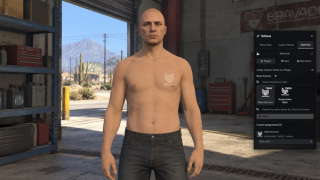
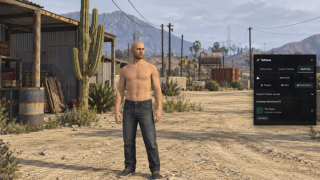
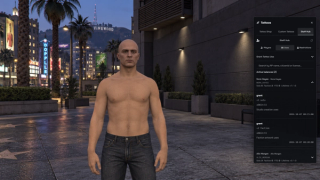
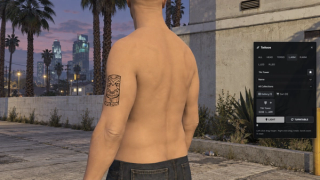
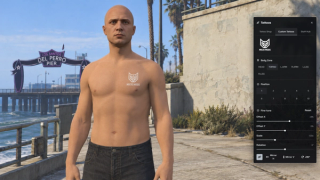
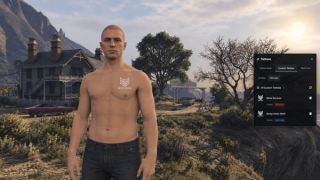
Overview
Development preview. This resource is announced and is not yet available to buy.
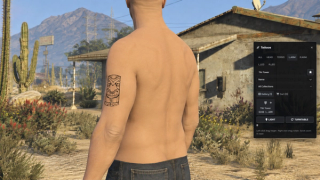
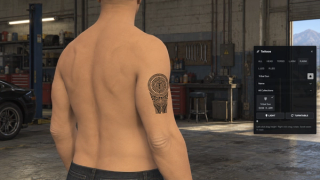
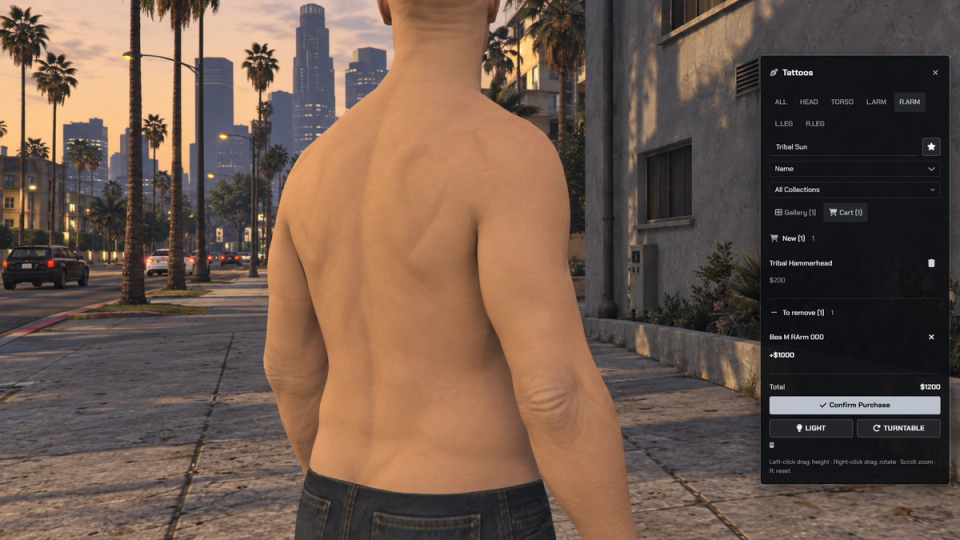
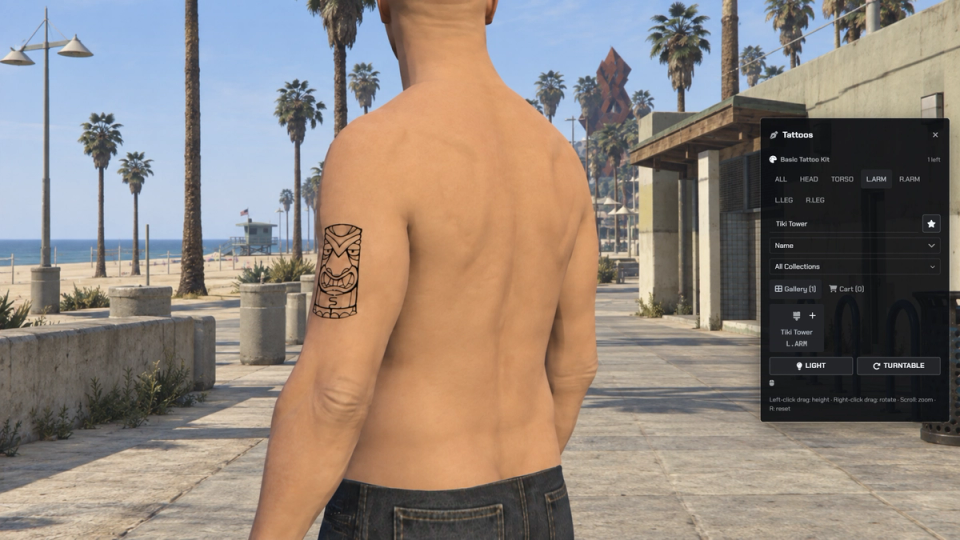
Browse the supplied GTA tattoo catalog by pack, body zone or design name, sort by price and inspect your owned designs. Preview on your character with orbit, pan, zoom, body-zone camera positions, turntable and work lighting. Add designs or removals to the cart and confirm the configured money or item payment. Preview clothing can be hidden and restored on close, and successful checkout can show applying progress.
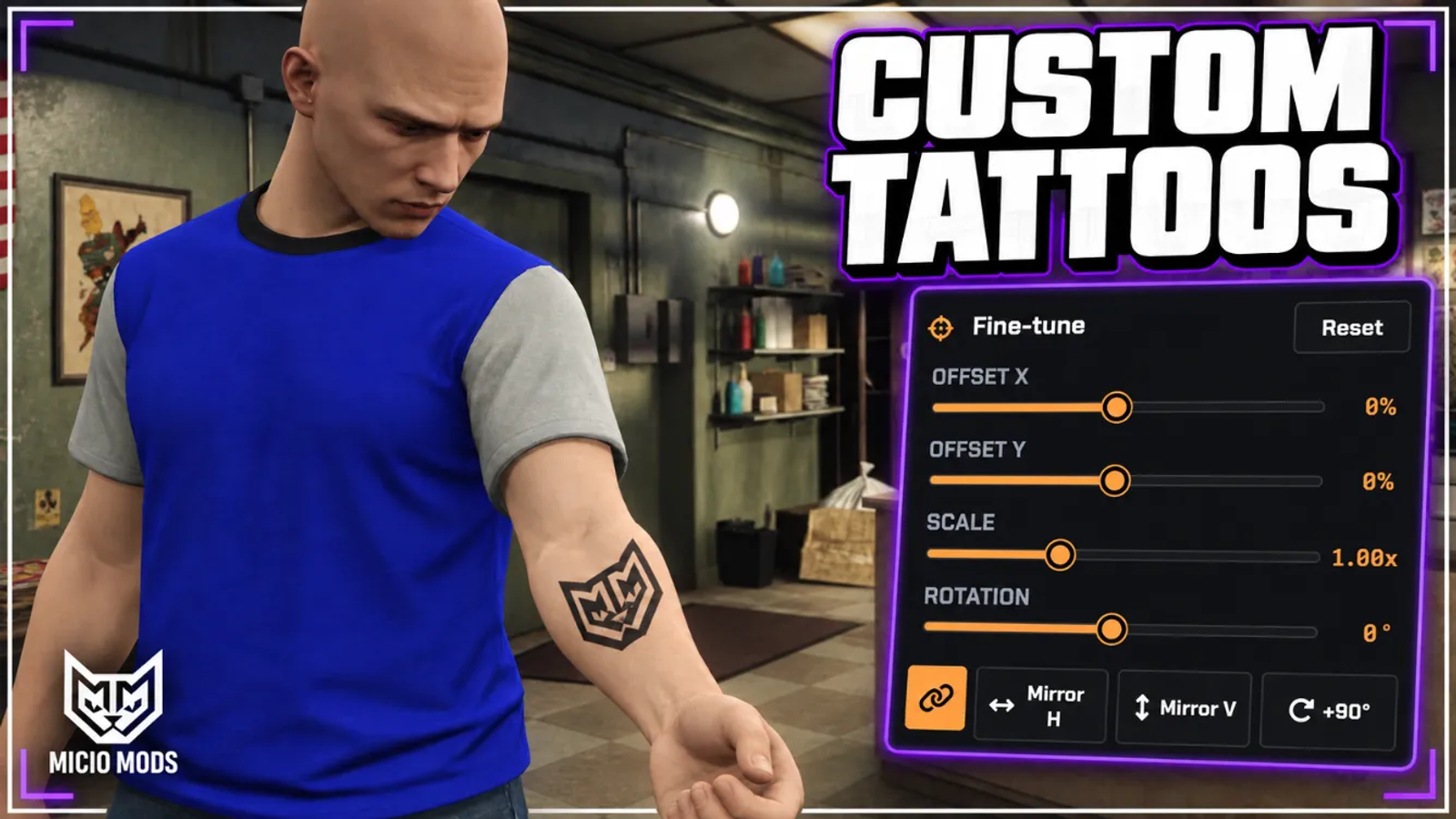
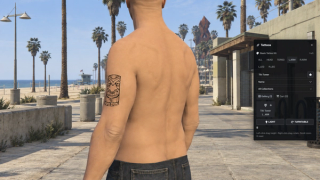
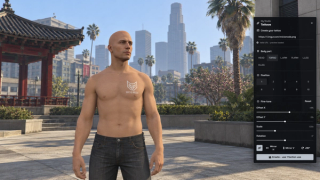
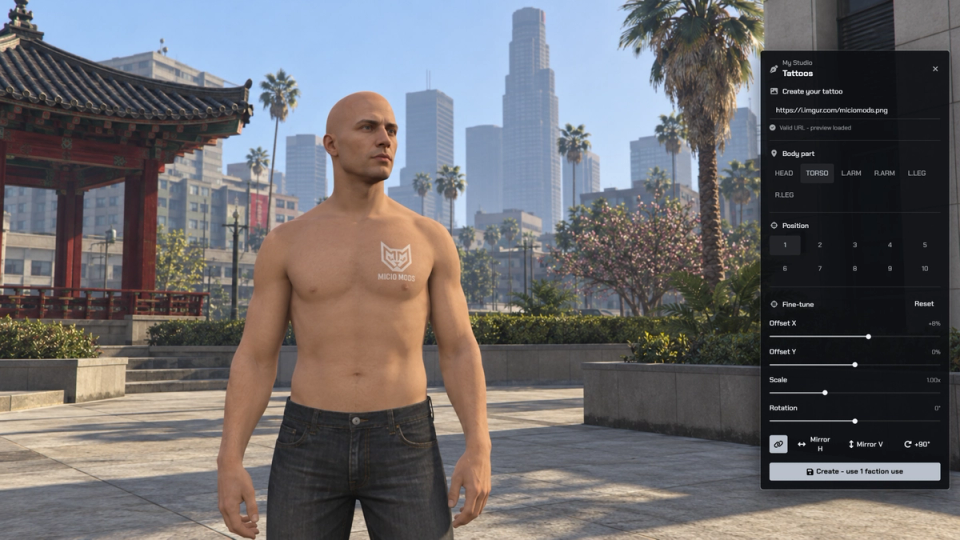
Players create custom artwork from an allowed HTTPS image link, or upload a PNG when FiveManage media is configured. Choose from 43 positions across six body zones, then adjust offset, scale, rotation and mirroring. Customs can remain personal or be shared with the creator's faction. Creation uses one solo or faction use by default; money and free payment modes are configurable.
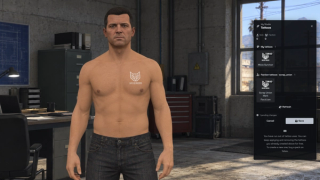
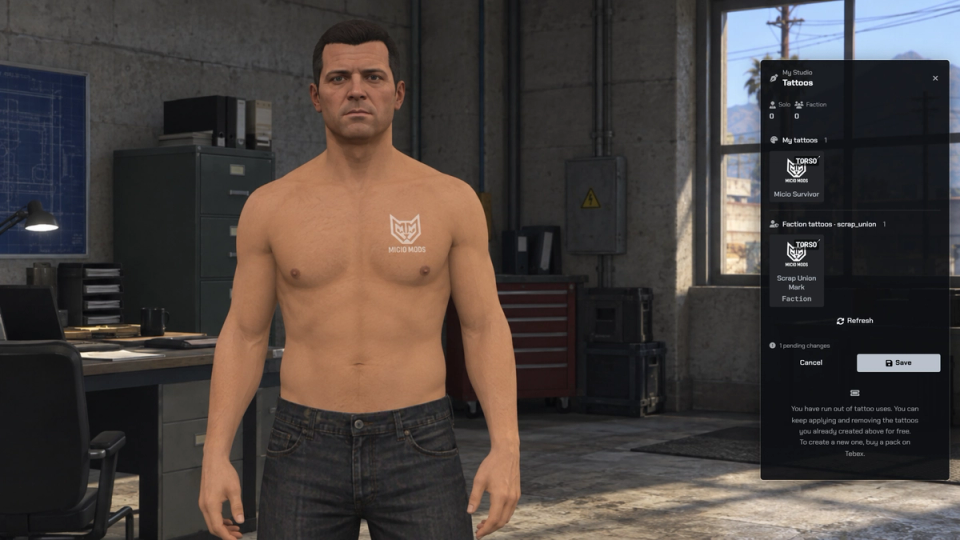
My Studio lists your own customs and designs shared with your faction. Preview pending changes and save them to wear or remove existing customs without another creation use. Removing a tattoo from skin preserves its saved design. SQL stores owned decorations, images, transforms and visibility; player loading restores saved tattoos and replicated custom slot state lets clients load other players' worn artwork.
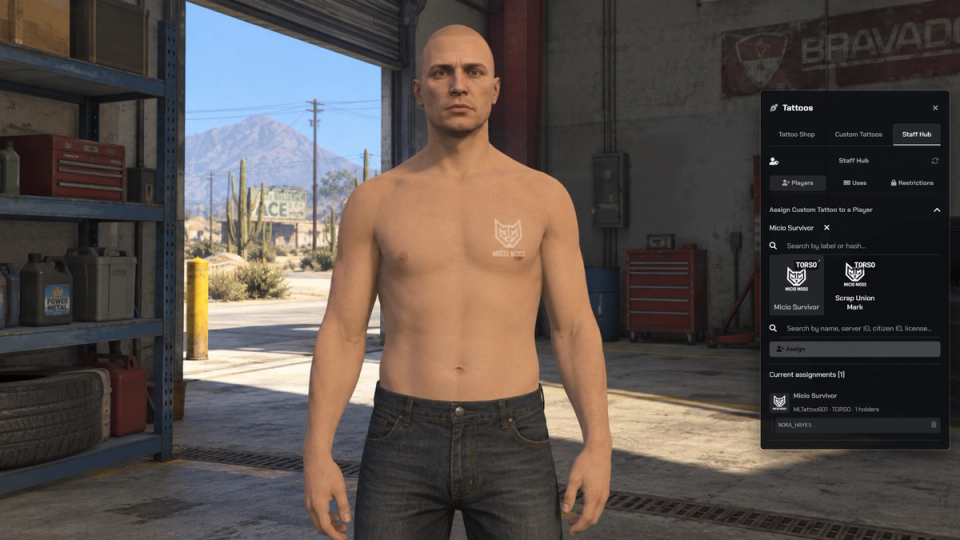
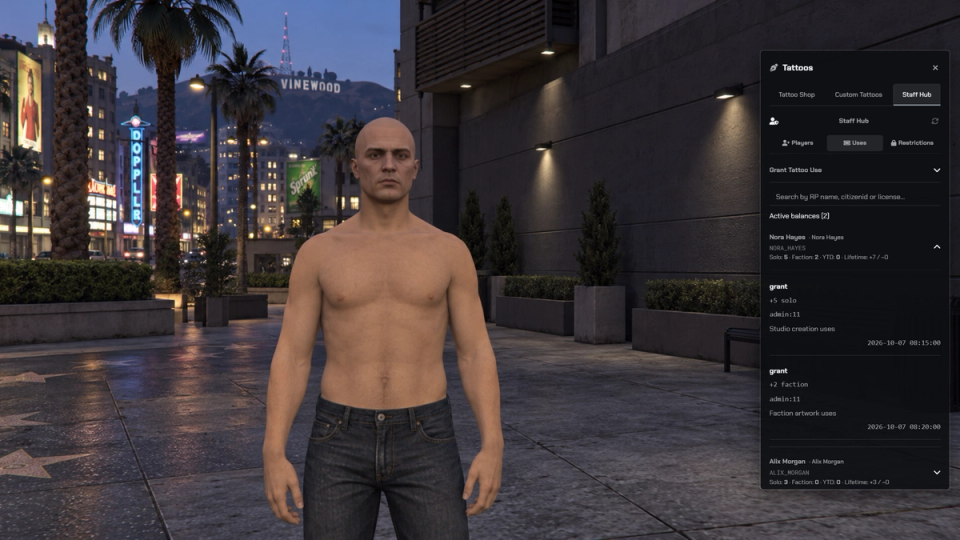
Authorized staff manage customs, visibility, assignments and job or faction restrictions, review credit balances and use logs, and grant uses to online or offline identifiers. Discord logging requires configured webhooks. Free-session grants open the shop on an online player with a server-enforced cap and expiry. The supplied access flow has no public shop locations; configure your own blips, optional NPCs and target or proximity interactions, or keep item, command and export access.
Optional ML Tebex handles configured solo, faction and YTD use purchases and refund events. The supplied package entries are Tebex-only; in-game use purchases require money or both sources. Refunds revoke available uses and report already-spent amounts rather than removing created artwork. Install streaming full-body tattoo packs separately and configure their overlays to enable permanent pack unlocks; the supplied full-body list is empty. Server exports that change uses require an explicitly allowed caller.
UI presets and colours can follow the global ML settings or use resource overrides. ML Bridge provides ESX, QBCore, Qbox and standalone adapters; account, item and faction behaviour depends on the configured providers. The resource requires ML Bridge, ox_lib and oxmysql. Custom world tattoos also require the ml_tattoos_meta companion, while in-game PNG uploads require fmsdk and its FiveManage API setup. Image-link input remains available without that upload provider.
Key Features
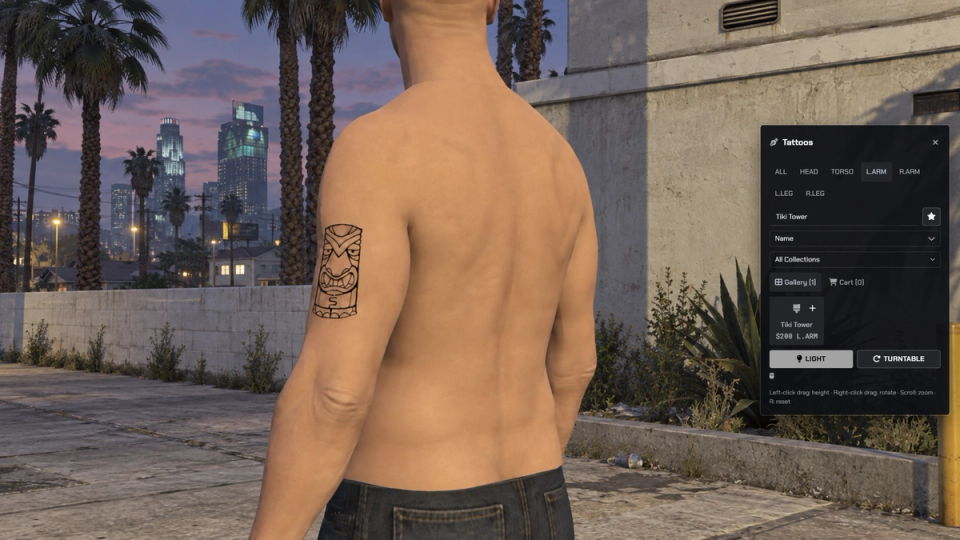
3D Rotating Preview
Preview designs on your character before paying, with body-zone camera views, orbit, pan, zoom, turntable and a work-light toggle.
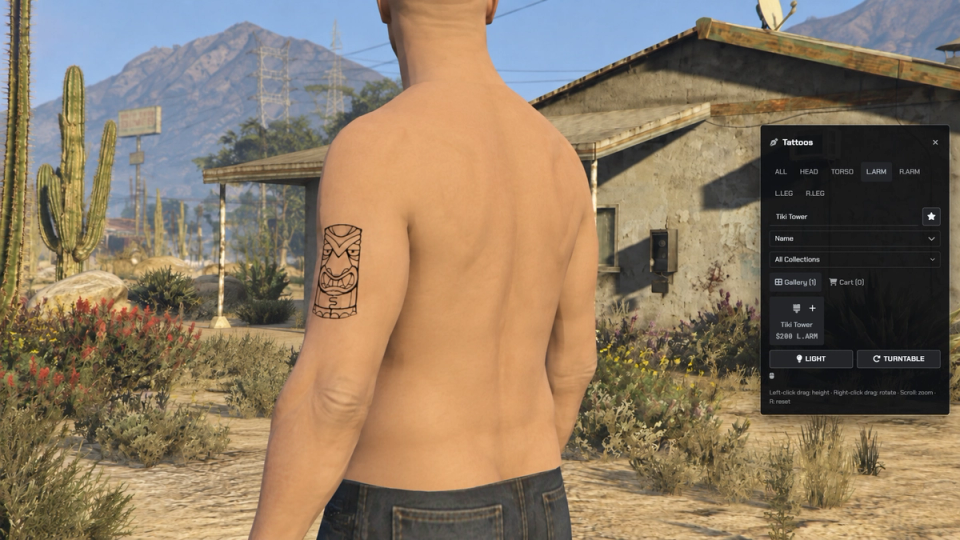
Vanilla Tattoo Catalog
Browse the supplied GTA overlays by pack, name or body zone. Sort by name, zone or price, show owned designs, and configure category or individual prices.
Player Custom Tattoos
Create a personal design from an allowed HTTPS image link or a PNG upload when FiveManage is configured. Choose a body position and adjust offset, scale, rotation and mirroring. Creation spends one use by default; money and free modes are configurable.
Faction-Shared Customs
Create a design for yourself or share it with your current faction. Faction creation requires faction membership and follows the configured payment mode; compatible faction data comes through ML Bridge.
Staff Control Over Every Tattoo
Authorized staff create, rename, change visibility and delete customs, assign designs to players, and grant uses to online or offline identifiers. Review balances and use logs in the panel; Discord logs require configured webhooks.
Factions and Restrictions
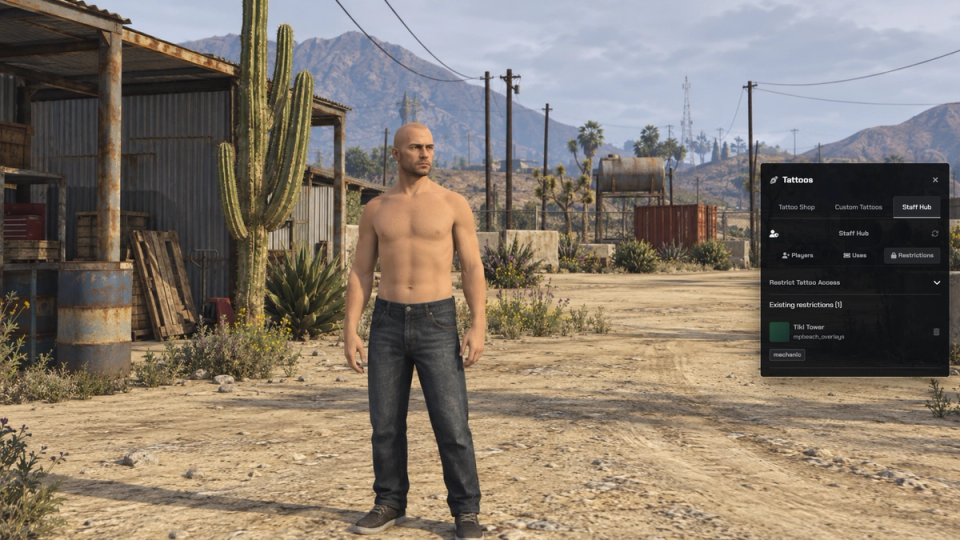
Set job or faction restrictions on selected designs. Custom visibility can be public, private, faction-based or limited to chosen player identifiers; access is checked by the server.
Flexible Payment
Use money for the normal catalog, enable item payment, or bind tattoo kits to filtered designs and limits. Configurable item-ownership gates can protect selected hashes. Custom creation has its own uses, money or free payment setting.
Item, Admin or Public Shops
The supplied setup has no public shop locations and keeps access through items, commands or exports. Add your own locations, blips and optional stock GTA NPCs, with target or proximity interaction.
Optional Donations and Uses
Grant solo, faction or YTD uses through staff and approved resources. Optional ML Tebex handles configured purchases; in-game use purchases require packages set to money or both. The current package examples are Tebex-only, while normal catalog purchases use the shop payment settings.
Full Body Donor Packs
Install your own streaming tattoo packs separately, configure their collections and overlays, and let one YTD use unlock a pack permanently. Access can be open or restricted to factions and identifiers. No full-body pack is configured in the supplied list.
Free Session Grants
Staff can open a free session on an online player with a tattoo cap. Each server grant is single-use and expires; the default grants one tattoo for two minutes.
Works With Your Scripts
Client exports open the shop with supported filters. Server exports read uses, or grant, consume and refund them through an explicit resource allowlist. Mutating callers must be added to the empty default list; balance reads remain open.
Chargebacks Handled
Configured ML Tebex refund events revoke the available uses and report clean, partial or irreversible results when some or all uses have already been spent. Already-created artwork and permanent pack unlocks are not reversed by this credit callback.
My Studio Collection
Browse your saved customs and designs shared with your faction. Preview pending changes, then save to wear or remove existing customs without another creation use. Removing a design from skin keeps the saved artwork.
Saved Tattoos and Custom Sync
SQL stores owned tattoos, custom artwork, transforms and visibility. Player loading restores saved decorations, while custom slot state and texture updates let clients resolve worn custom designs for other players.
Preview Clothing and Applying Progress
The preview can hide configured clothing and props and restore them on close. Mark owned designs for removal through the cart, and show a configurable applying progress after a successful checkout.
Configurable UI Themes
Choose default, wasteland, cyberpunk, noir or fantasy in configuration, with primary, accent, background, surface and text colours. Resource overrides can inherit shared ML settings. Set in configuration.


Secure Payments via:













Tip: Log in with Discord and your customer roles sync automatically.
Verified Reviews
No reviews yet. Be the first.