Shops | Vendor Creator
Build every shop and every trader from inside the game: place the vendor, dress it, stock the shelves, save. Stock is limited and counts down live for everyone, traders can move between spots and open only for a few hours a day, and single items stay locked until a player earns the skill. Fits a city gun store and a wasteland black market just as well.


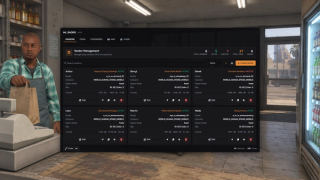
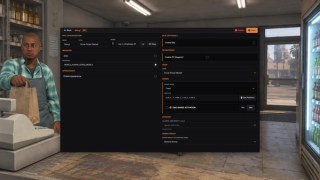
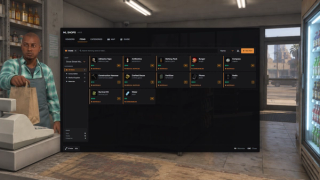
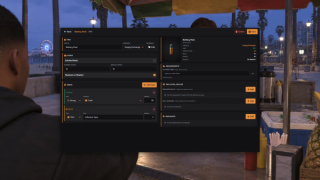
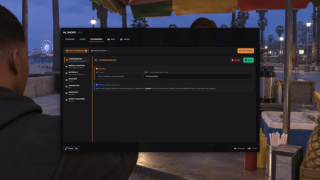
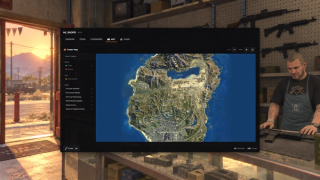
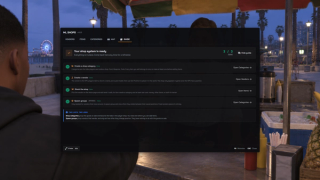
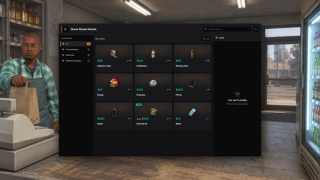
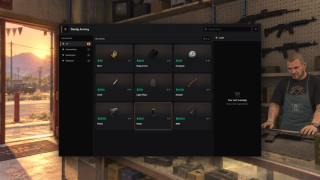
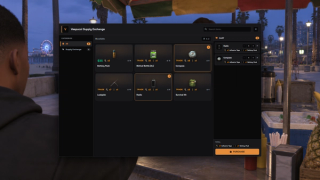
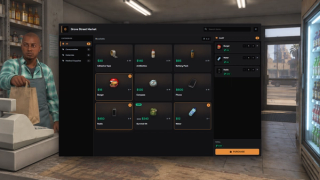
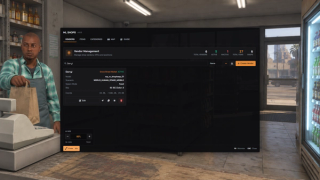
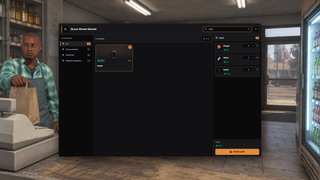
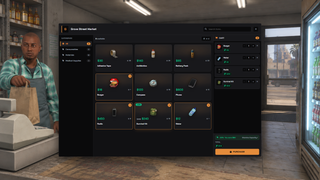
Overview
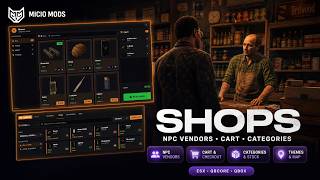
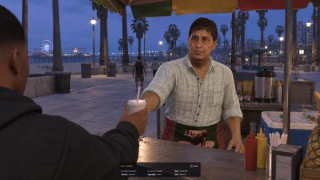
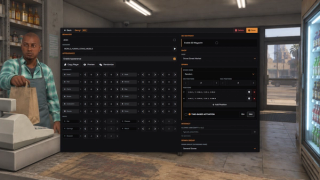
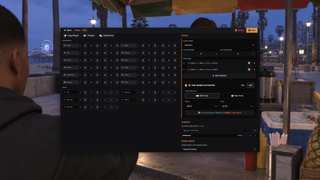
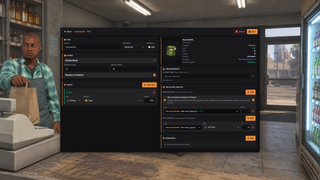
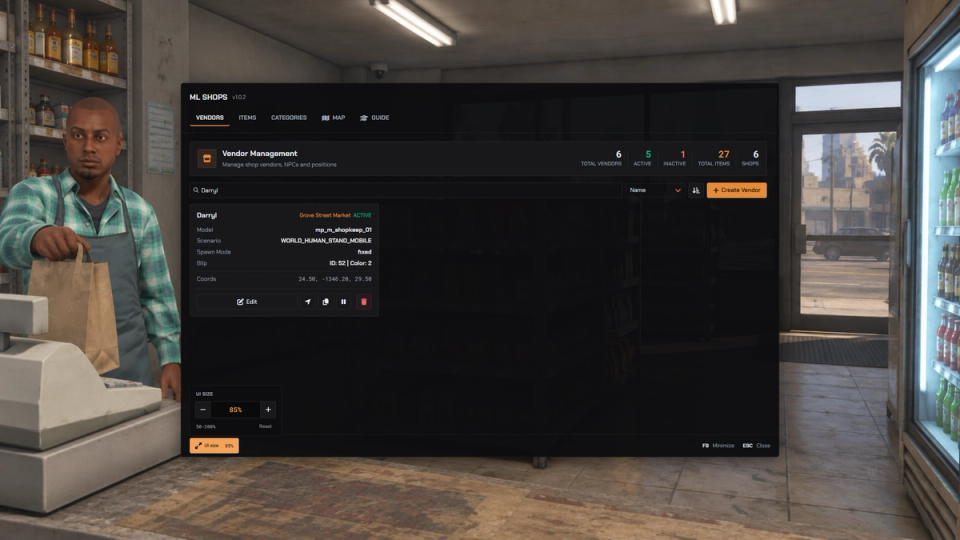
Create shops from the in-game editor. Place and dress the vendor, choose its stock and prices, then configure access rules and opening hours. Traders can rotate between locations, while limited stock updates as players buy.
What to expect
- Traders go anywhere, with a live preview of model, outfit and animation
- One click copies your own look onto the trader
- Players shop from a cart with categories, search and an order summary
- Limited stock counts down live on every open shop window
- Traders can rotate between spots and keep opening hours, on real time or game time
- Shops lock to jobs and ranks, single items to ml_skills levels
- Purchase checks cover player distance, funds and inventory space
- Phone apps and other scripts can open a shop with no vendor at all
Key Features
In-Game Shop Creator
Build every shop from one admin panel. Place the vendor, set its look, fill its shelves and it is live. No config files, no restarts to add a shop. Teleport straight to any trader from the panel to check it in the world.
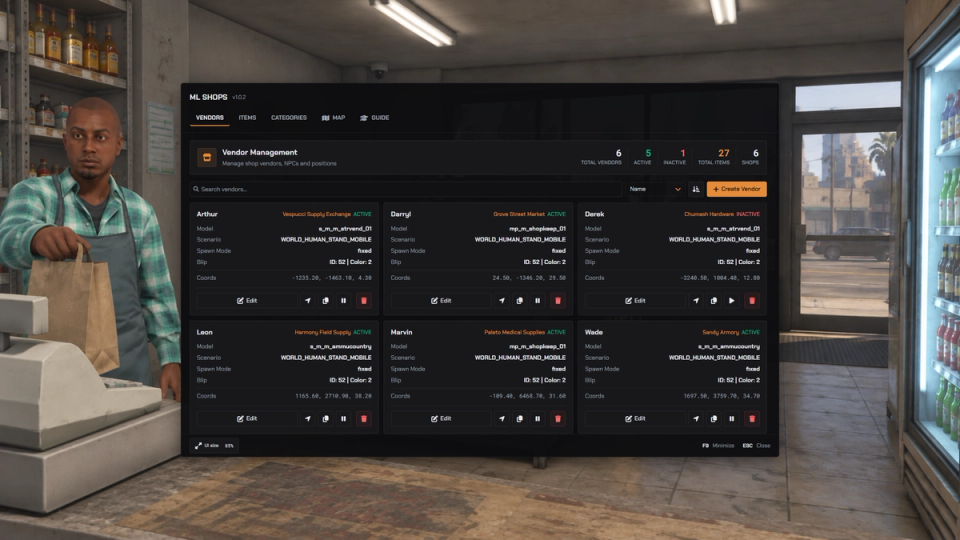
Place Vendor NPCs Anywhere
Drop a trader anywhere on the map with a live placement tool, then pick its character model and an idle animation or scenario. Cycle character models, animations and scenarios on a live preview standing in front of you before saving.
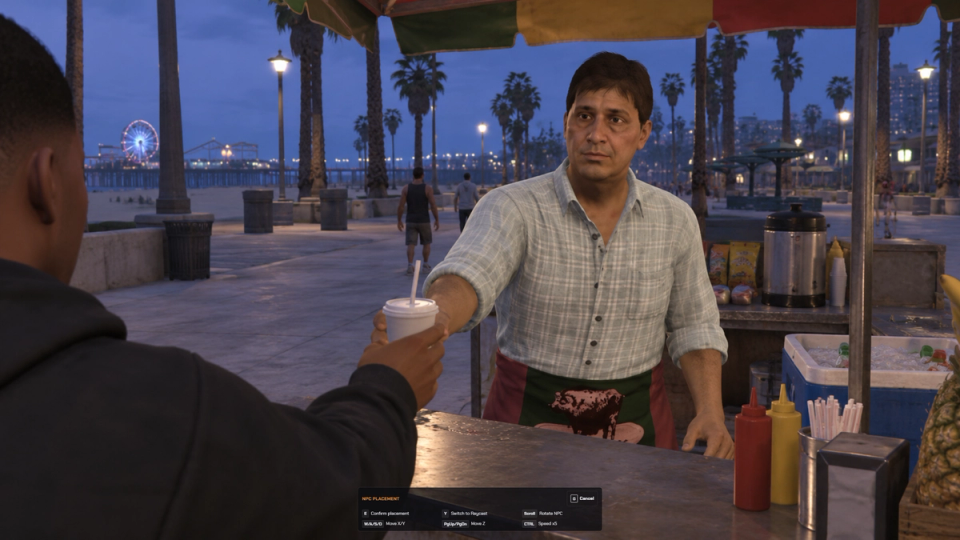
Full NPC Appearance
Give the vendor a real character: head shape, skin, face features, hair and overlays, clothing and props. One click copies your own look onto the trader. One click rolls a completely random outfit for the trader.
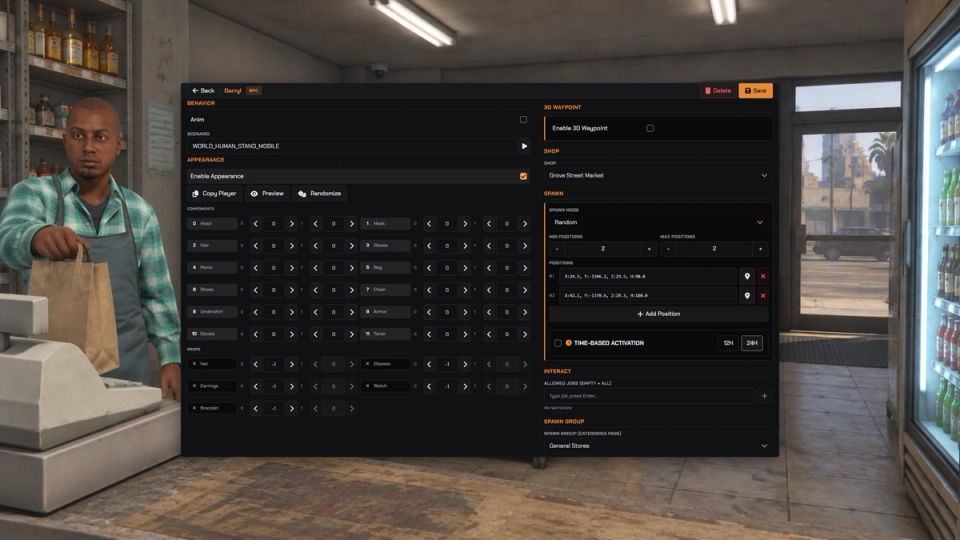
Cart-Based Player Store
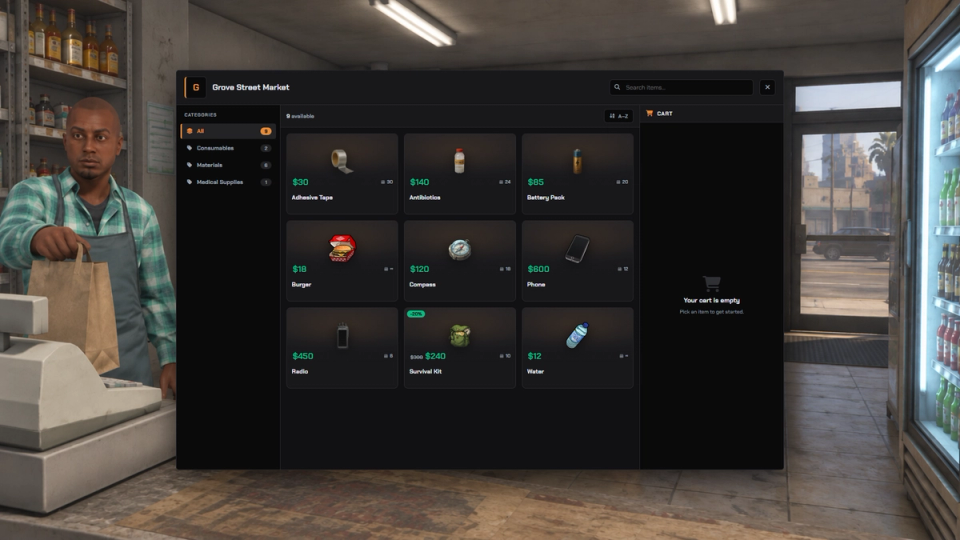
Customers browse items by category with search, add to a cart, review an order summary, and confirm. Clean and quick to use.
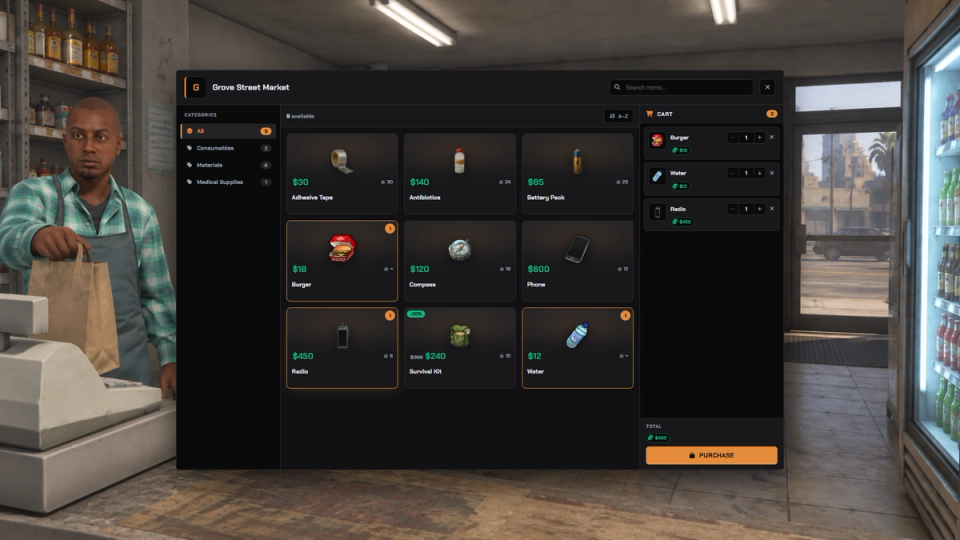
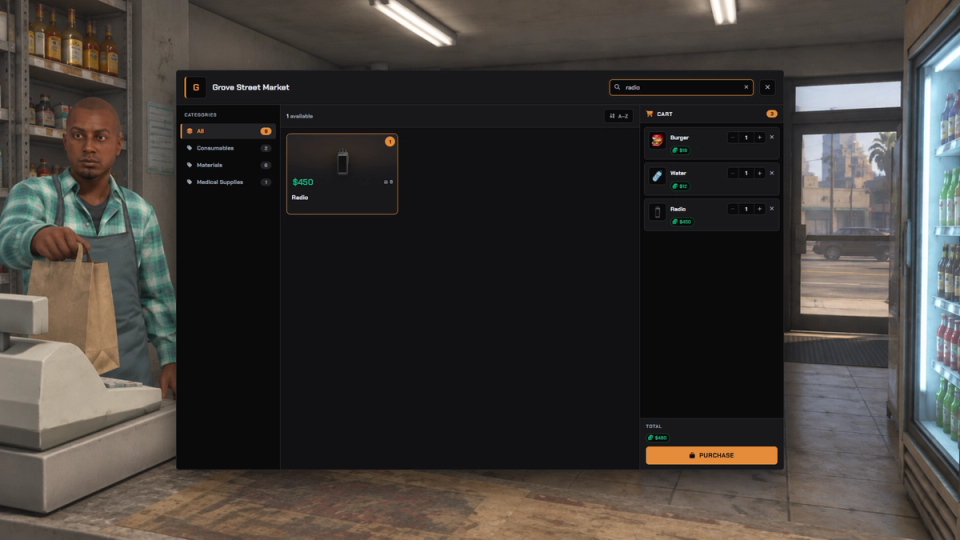
Categories and Search
Organize each shop into named categories with a search bar so players find what they want fast, even in large inventories.
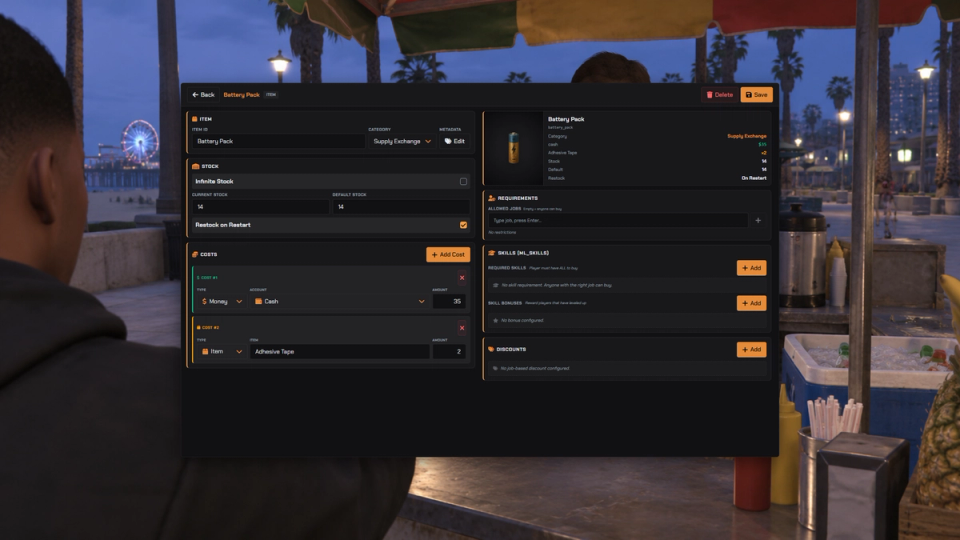
Flexible Pricing
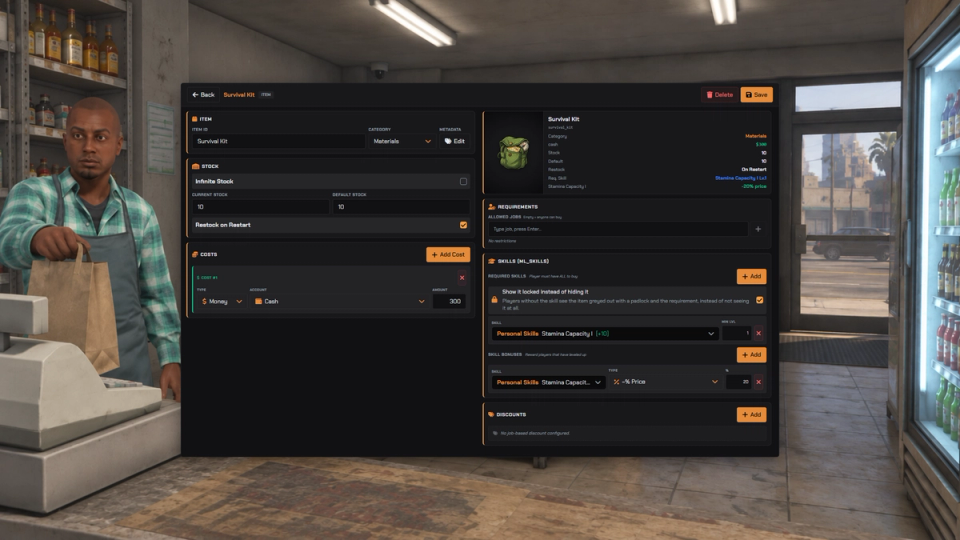
Charge cash, bank or other accounts, require inventory items, or mix money and materials for a single purchase.
Live Dynamic Stock
Limited stock counts down as players buy and updates instantly on every open shop window. Everyone sees the same shelf.
Scarcity and Restock Control
Set stock to infinite or a fixed number, choose whether it refills to default on restart, and restock a whole shop on demand. A shelf with six units on it makes an item rare on your whole server.
Map Blips and Waypoints
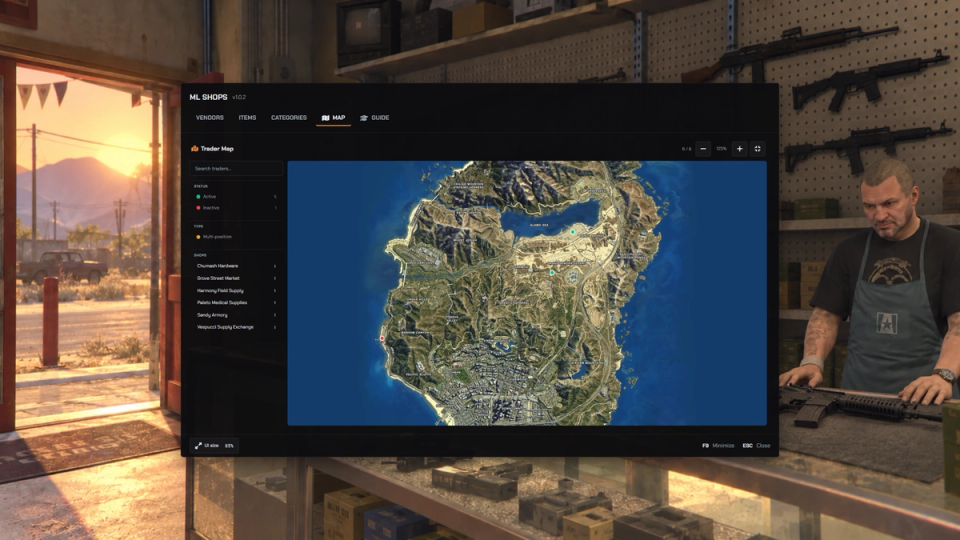
Each trader can show a map blip with its own sprite, color and scale, plus an in-world marker to guide players to the door.
Wandering Traders and Black Market Spots
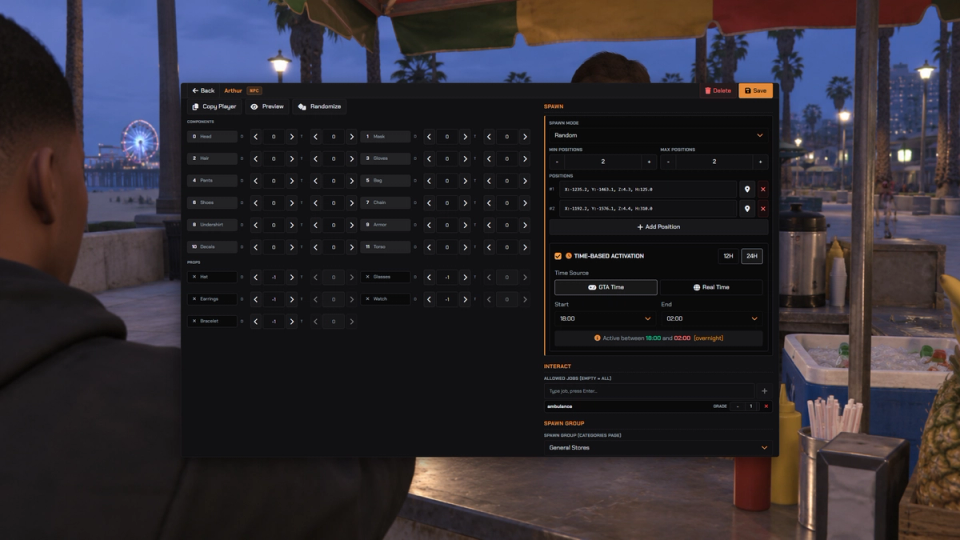
Keep a trader at one spot, or give it a pool of positions it rotates between on a timer. Players have to find it instead of walking to a permanent blip. Pair it with opening hours and you have a smuggler who is only somewhere for a few hours.
Opening Hours
Give a trader active hours and it appears and disappears on its own as the in-game or real clock crosses the window you set.
Job and Rank Locks
Restrict a whole vendor to specific jobs and minimum ranks. Only the right players can shop there.
Skill Requirements and Discounts
Gate individual items behind skills and reward skilled players with discounts. Reads ml_skills trees directly, and stays optional.
Targeted Stock Updates
Shop-specific stock and refresh updates target players viewing the shop or nearby.
Discord Logging
Optional logs for edits, purchases, stock changes, trader management and flagged exploits, each routed to its own channel.
Let Missions and Jobs Touch the Stock
Let your missions and jobs read shop data, check what a player can buy and adjust stock, with changes limited to the scripts you trust.
Mobile and Phone Shops
Open an allowlisted shop straight from a phone app, inventory item or another resource. Stock and purchase checks stay server-side; configured vendor job and opening-hour rules still apply when a trader is linked.
Custom Rules Without Core Edits
Editable hook files cover dynamic pricing, sales tax, purchase gates and per-player item visibility, including hiding selected items from specific jobs.
Admins Stay In Sync
Several staff members can edit shops at the same time. Every save, delete and stock change refreshes the panel live for every admin who has it open.
Remembered Admin Workspace
Adjust the admin panel scale from the footer and keep your choice between sessions. Minimize it with the configured key while working in the world, and hide or reopen the setup guide.
![Ashfall RP [DEV]](https://frontend.cfx-services.net/api/servers/icon/oaa5qbj/-267466854.png "Ashfall RP [DEV]")


Secure Payments via:
















Tip: Log in with Discord and your customer roles sync automatically.
Verified Reviews
No reviews yet. Be the first.