Vehicle Craft | Build a Car
Drop a bare chassis in the world and build a real, drivable, owned vehicle part by part. Carry the engine in on a hoist, bolt on wheels, doors, seats and more, then watch a cinematic reveal. Solo, crew or open builds, optional wreck salvage for parts, full in-game admin panel.


Overview
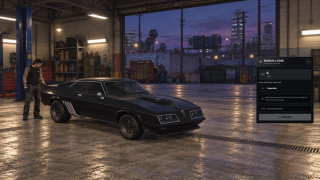
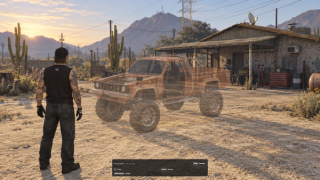
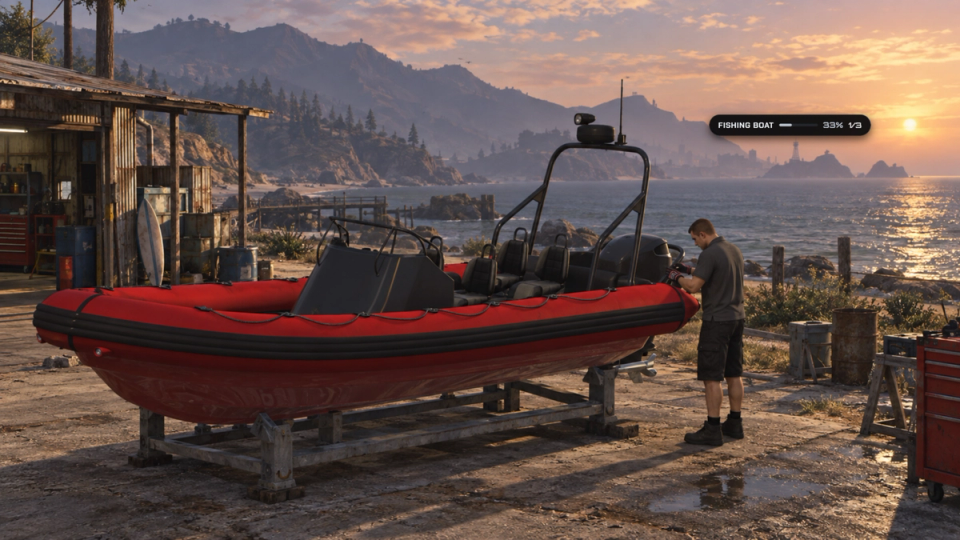
Build a vehicle restoration economy around real projects in the world. Place a bare chassis, fit applicable parts and finish it as a drivable vehicle. The supplied catalogue has 16 active GTA recipes across three tiers, from a dirt bike and fishing boat to sports cars and Arena War vehicles. Custom vehicle packs are configured separately.
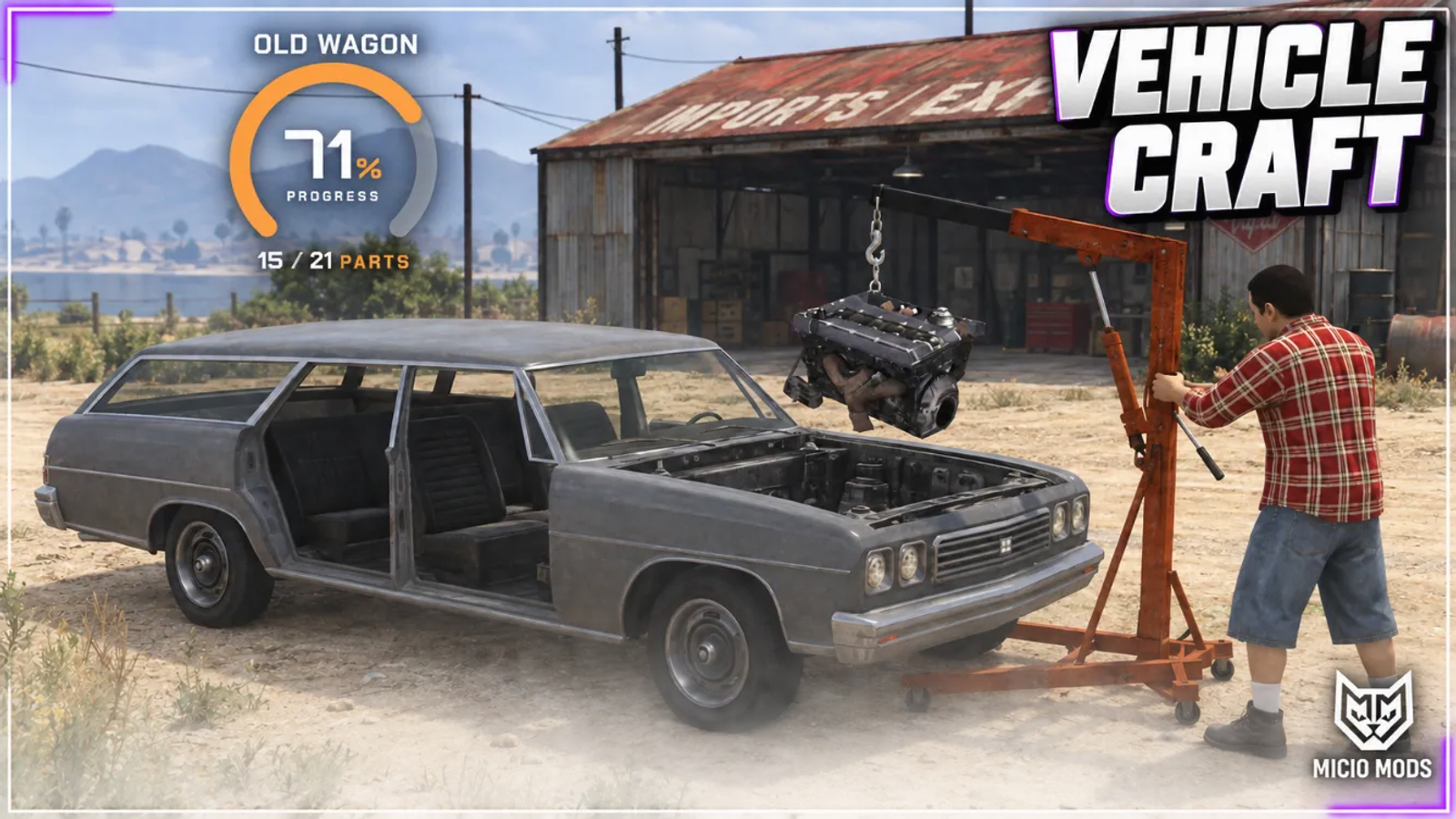
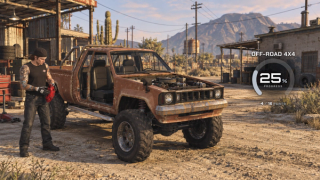
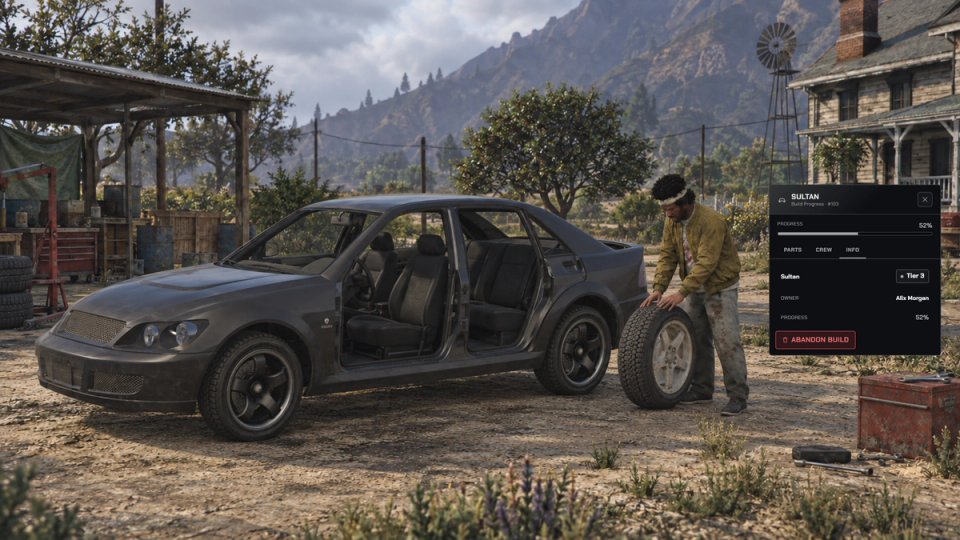
Every project follows the selected simple, intermediate or advanced recipe. Carry parts to their mounting positions, use the hoist sequence for suitable engine and transmission installs, and work through configurable prerequisites. A floating DUI board tracks installed parts in gauge, segmented or pill form. The completed car can receive an optional, skippable cinematic reveal.
Configure owner, crew or public access separately for installation and dismantling, invite helpers and decide whether the finishing player claims the vehicle. Installed parts can be recovered for the configured recipient. Projects persist with position, crew, parts, colour and plate, alongside configurable player limits, nearby-build limits and stale cleanup.
For survival or scrapyard gameplay, optional wreck salvage offers configured loot yields and cooldowns. Salvage is off by default, requires an explicit model list and needs compatible part metadata for model-locked recipes. Optional tools, job gates, ML Skills level gates, blueprint requirements and part quality let you define progression; quality is off by default, and automatic XP rewards are not enabled by the supplied examples.
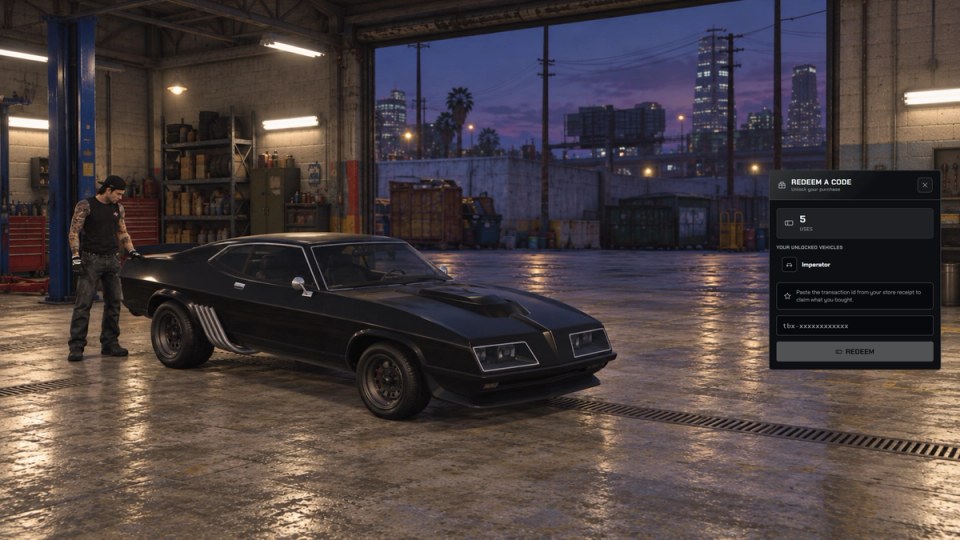
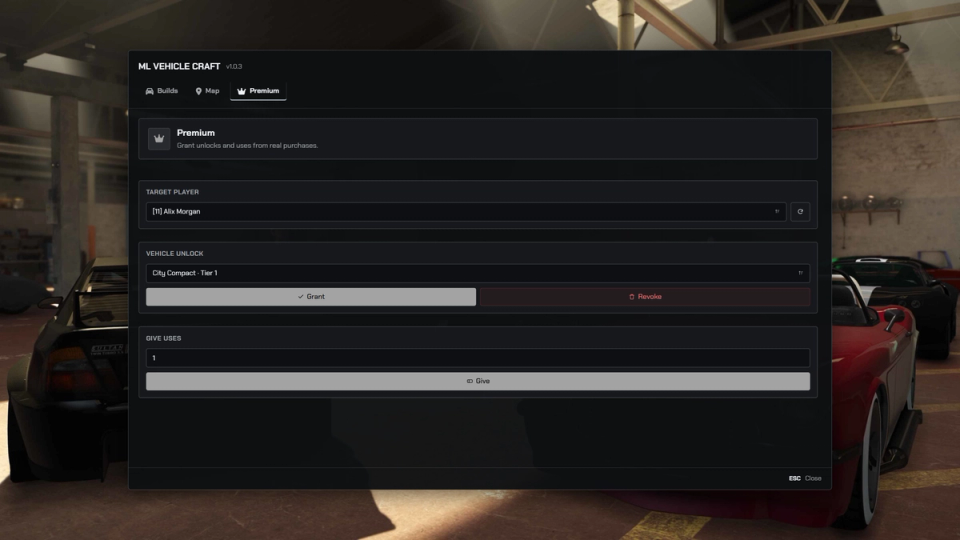
Staff use the in-game admin panel and world map to inspect projects, issue chassis or parts and perform permitted build actions. Optional Premium credits and permanent vehicle unlocks support configured package delivery and receipt redemption through ML Tebex. Premium is disabled by default, so donor-only catalogue gates are inactive until it is enabled.
Owned output uses the supplied Qbox, QBCore or ESX registration adapter; standalone servers can spawn vehicles without that ownership registration. Bridge integrations provide keys and initial fuel, while ML Mechanic can receive mileage derived from build quality. UI themes and colours can follow the shared settings or use resource overrides. The resource requires ox_lib, oxmysql and ML Bridge; metadata-based chassis, model locks and quality require a compatible inventory, with a fallback to per-vehicle chassis items when metadata is unavailable.
Key Features
Build a Drivable Vehicle
Turn a placed chassis into a real vehicle. Complete the part list, then finish the build manually by default. Owned output uses the Qbox, QBCore or ESX registration adapter; temporary output is configurable.
Part by Part Install
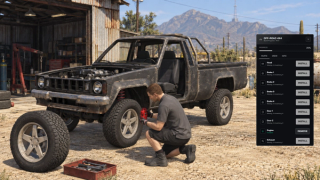
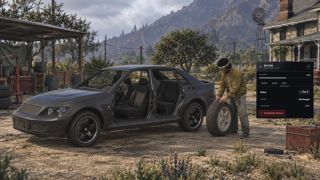
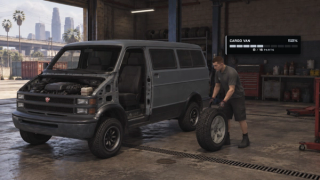
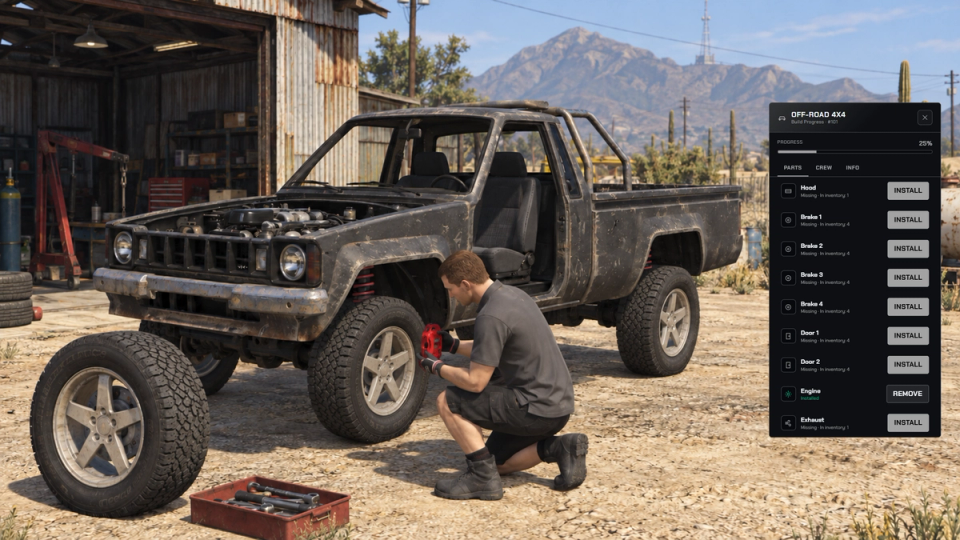
Assemble nine supported part types at their vehicle positions: engine, transmission, brakes, wheels, doors, seats, hood, trunk and exhaust. Applicable slots depend on the model, with mechanic animations, stock props, sounds and sparks.
Carry and Mount
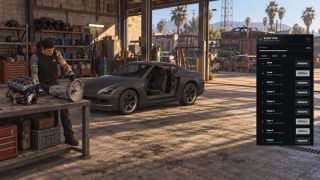
Carry supported parts to their mounting position before installation. Engine and transmission use the stock hoist sequence when the vehicle has a suitable engine bone, lowering the component into place.
Configurable Build Order
Define prerequisites such as brakes before wheels, seats before doors or engine before hood. A prerequisite only blocks installation when that part has applicable slots on the chosen vehicle.
Three Crafting Depths
Choose simple, intermediate or advanced recipes with two, five or nine part types and different installation times. Advanced is the default; quality and model compatibility are separate settings, and model geometry determines the physical slot count.
Optional Part Quality
Enable part-condition metadata and use a weighted average to set the completed vehicle's engine and body health. Quality is disabled by default and requires an inventory with metadata support.
Floating Progress Board
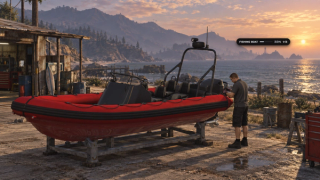
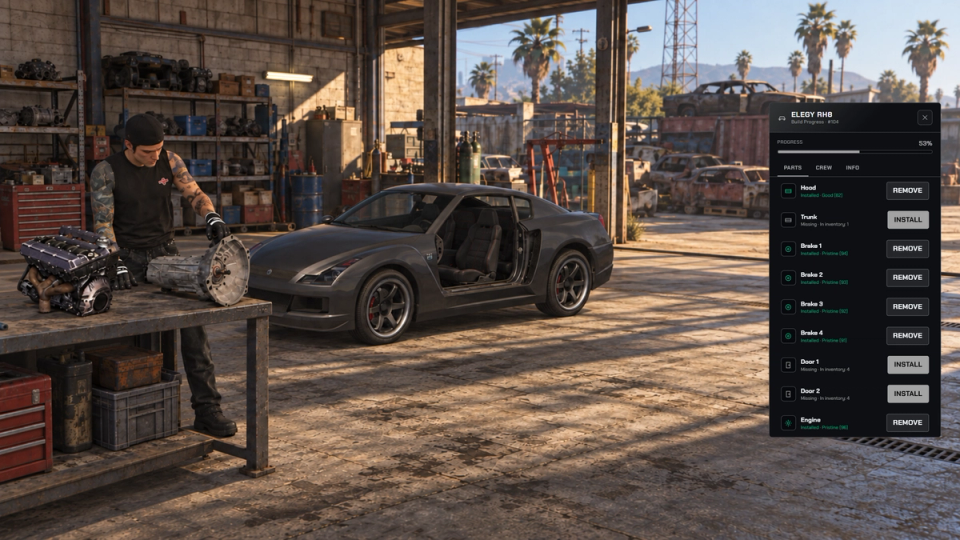
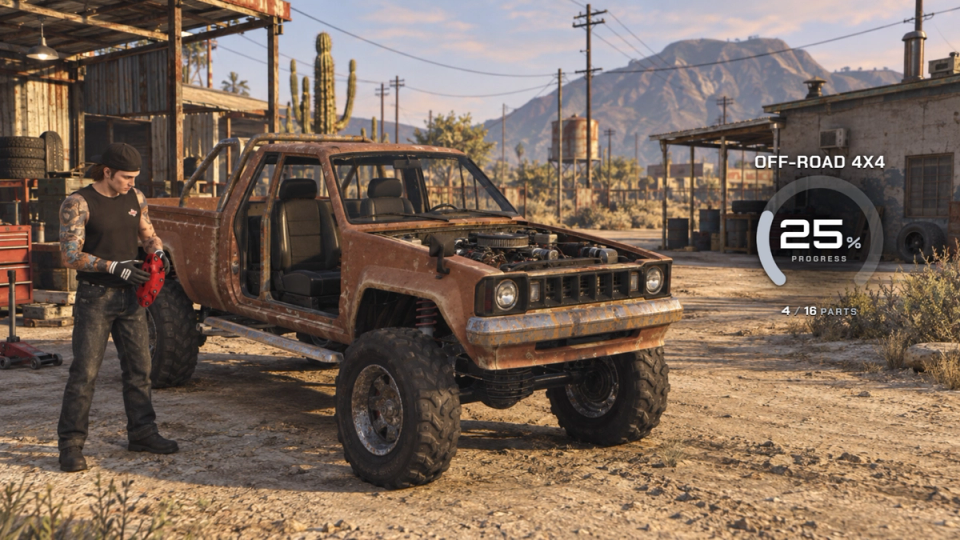
Show live assembly progress above nearby chassis with a native DUI board. Choose the gauge, segmented bar or compact pill layout, with installed-part counts and configurable drawing distance.
Cinematic Reveal
Reveal the completed vehicle with a configurable orbiting camera. The cinematic is enabled by default, can be disabled and supports a key press to skip it.
Solo, Crew or Open Builds
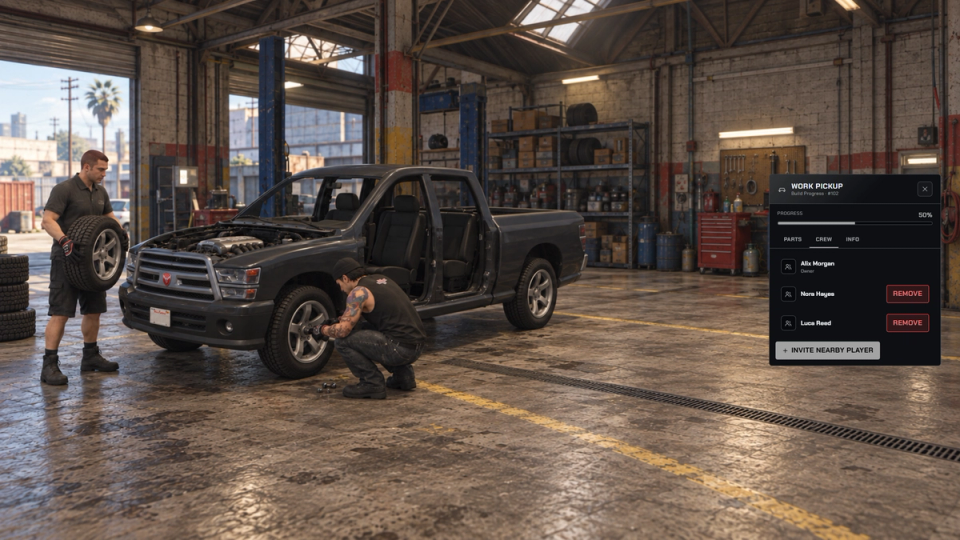
Set installation to owner, crew or public, and dismantling to owner, crew, public or nobody. Invite a crew through the owner's panel, and optionally give the finished vehicle to the player who completes it. Both actions are public by default.
Reserved Build Plate
Assign a plate when a chassis is created and carry it through to the finished vehicle. The configured generator checks existing builds and framework-owned plates, with a customizable format.
Persistent World Projects
Save each build's position, parts, crew, colour and reserved plate, then restore active projects after a resource restart. Configure player limits, nearby-build limits and cleanup of stale projects; stale cleanup defaults to 14 days.
Optional Wreck Salvage
Enable salvage for your chosen vehicle models with configurable part yields, cooldowns, progress duration and an optional skill check. A toolkit requirement depends on the Tools option. Salvage is disabled with an empty model list by default; its raw yields need compatible item metadata when model-locked recipes are used.
In-Game Admin Panel
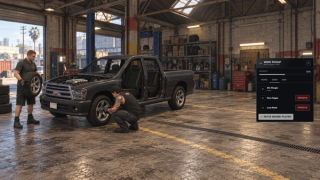
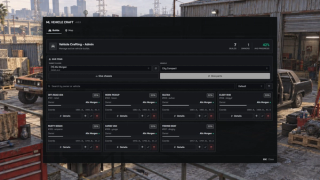
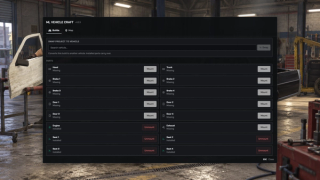
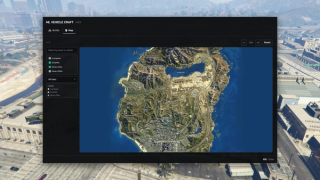
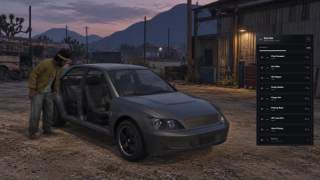
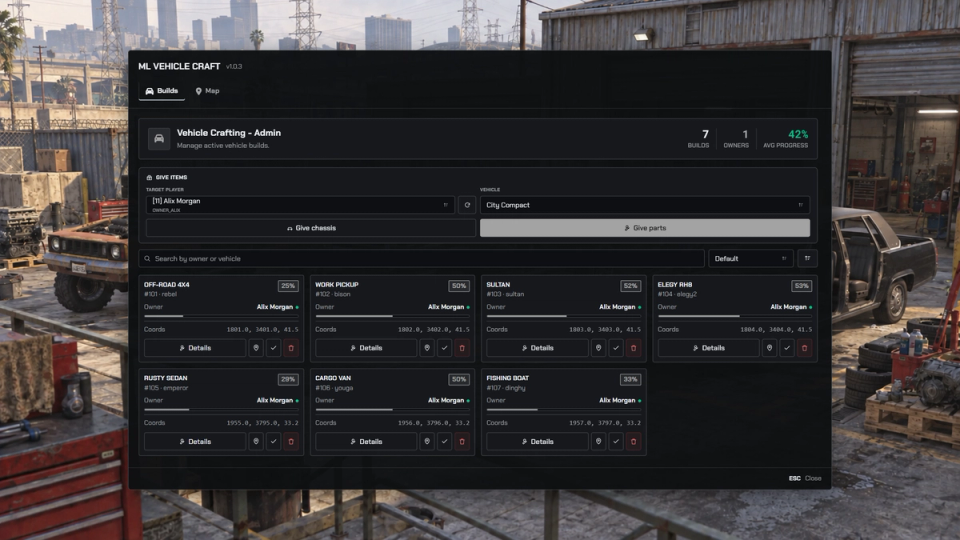
Search, sort and inspect active builds, give chassis or parts to a selected player and manage individual slots. Teleport, forced completion, deletion and build changes follow the configured staff permission tiers.
Live World Map
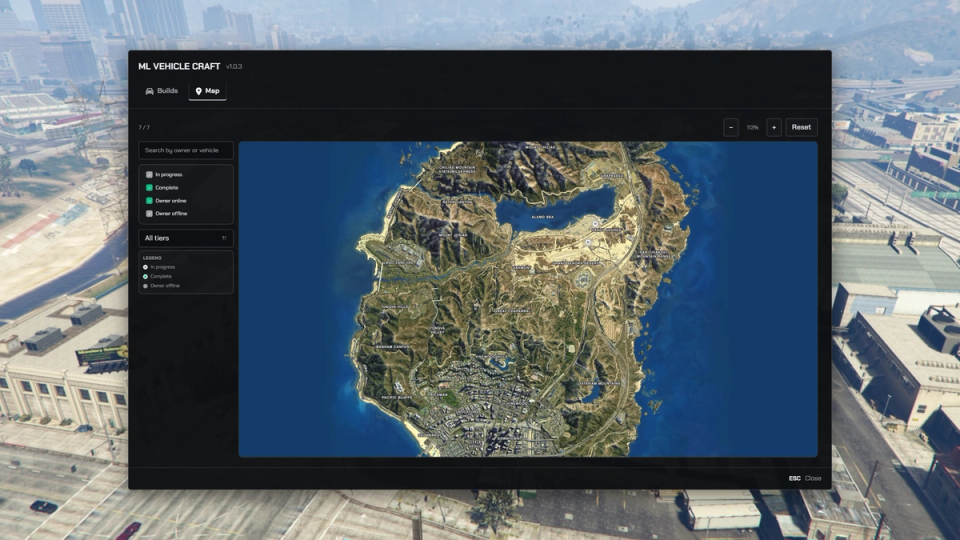
Locate active projects on the GTA world map inside the admin panel, inspect a mapped build and use permitted staff actions from its location.
Optional Purchase Credits
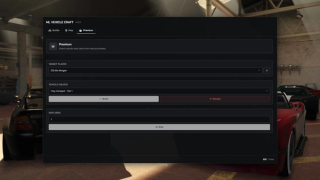
Enable a uses balance for configured instant completion and chassis swaps. Staff can grant credits, while purchase-package delivery and receipt redemption use the optional ML Tebex integration. Credits are separate from in-game cash; Premium is disabled by default.
Optional Vehicle Unlocks
When Premium is enabled, donor-only catalogue entries require a permanent vehicle unlock or the configured permission. Unlocks can be granted by staff or delivered through configured purchase packages; the donor-only gate is inactive while Premium is disabled.
Gates, Skills and Tools
Optionally require a toolkit, configured jobs and minimum skill levels for selected tiers. All three gates are disabled by default; the supplied skill provider uses ML Skills, while XP rewards require your own event integration.
Recover Installed Parts
Remove fitted parts in the permitted order and return compatible inventory items. Choose the owner or the dismantling player as the recipient; owner is the default and must be online. Optional quality loss applies when part quality is enabled, and full inventories can receive dropped items.
Configurable Blueprint Requirements
Require a blueprint for individual vehicle recipes and choose whether to consume it when starting the project. Seven standard catalogue entries use blueprints by default; the remaining entries, including the Arena War set, do not.
Ready Made Vehicle Catalogue
Start with 16 active GTA vehicle recipes across three tiers: 11 standard entries, including a dirt bike and boat, plus five Arena War vehicles. Chassis, part and required blueprint item definitions are provided for installation. Optional custom-vehicle examples require their separate vehicle pack.
Chassis and Part Exports
Connect crafting, loot or mission rewards through whitelisted server exports that give chassis and model-compatible parts. Build-event hooks support your own rewards and progression; ML Crafting is the only resource allowed by the default export whitelist.
Optional Workshop Zones
Restrict chassis placement to configured workshop or scrapyard zones when zone restriction is enabled. The default allows placement without a zone restriction, subject to the build and placement limits.
Configurable UI Themes
Choose default, wasteland, cyberpunk, noir or fantasy and configure primary, accent, background, surface and text colours through the shared UI settings. A resource can inherit the global configuration or supply its own overrides.
Fuel, Keys and Mechanic Integration
Give completed vehicles keys through the Bridge adapter and set their initial fuel, which defaults to empty. If ML Mechanic is running, the optional mechanic integration sets vehicle mileage from the completed quality average. Each integration can be disabled separately.


Secure Payments via:















Tip: Log in with Discord and your customer roles sync automatically.
Buying a pre-release product means backing its development directly. Your money pays for the hours, the testing and the reworks that get it finished.
Verified Reviews
No reviews yet. Be the first.