Fuel | Jerry Cans and Stations
Scavenge fuel from parked vehicles, wrecks and rotating gas stations. Refill jerry cans, match the fuel to the vehicle and manage consumption, tank damage and electric charging.


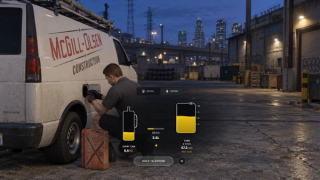
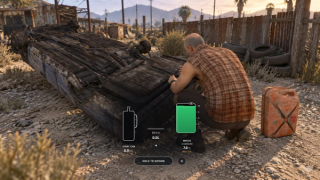
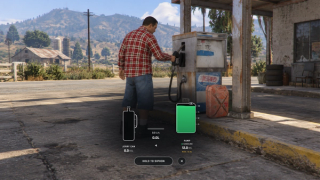
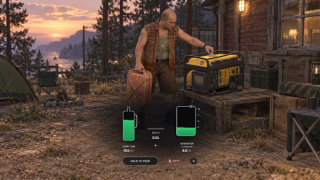
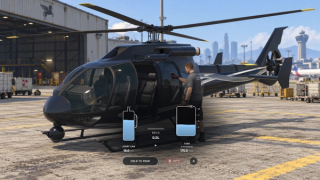
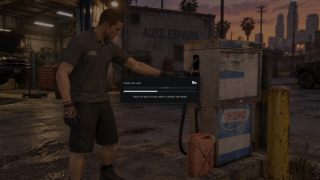
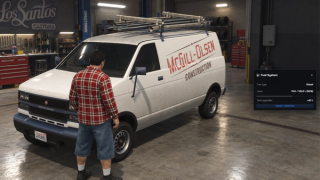





Overview
Scavenge fuel from eligible vehicles, configured wrecks and rotating gas stations. Assign gasoline, diesel, kerosene or additional configured types by vehicle class or model. Consumption uses handling, driving state, weather and tank damage, with capacity following configured vehicle rules.
Refillable containers store their fuel type and amount in item metadata when the inventory supports it. Siphon with a hose, search wrecks or use an electric pump at a station. Fuel must match the destination vehicle or container, and a can can be emptied before switching its contents.
A random subset of configured gas stations is active at a time. Each station has a finite fuel reserve that regenerates over time and is saved in SQL. Scavenging can require a configured minigame; failed checks can alert police when dispatch is enabled and supported. Configure extraction limits, cooldowns and protected vehicles.
One-use fuel bottles offer an alternative to refillable cans. Tank upgrades increase capacity and conversion kits change the fuel type, with changes saved by plate in SQL. Electric vehicles can use configured charging stations or portable power cells. The configured solar power cell recharges in inventory during eligible daylight and weather conditions.
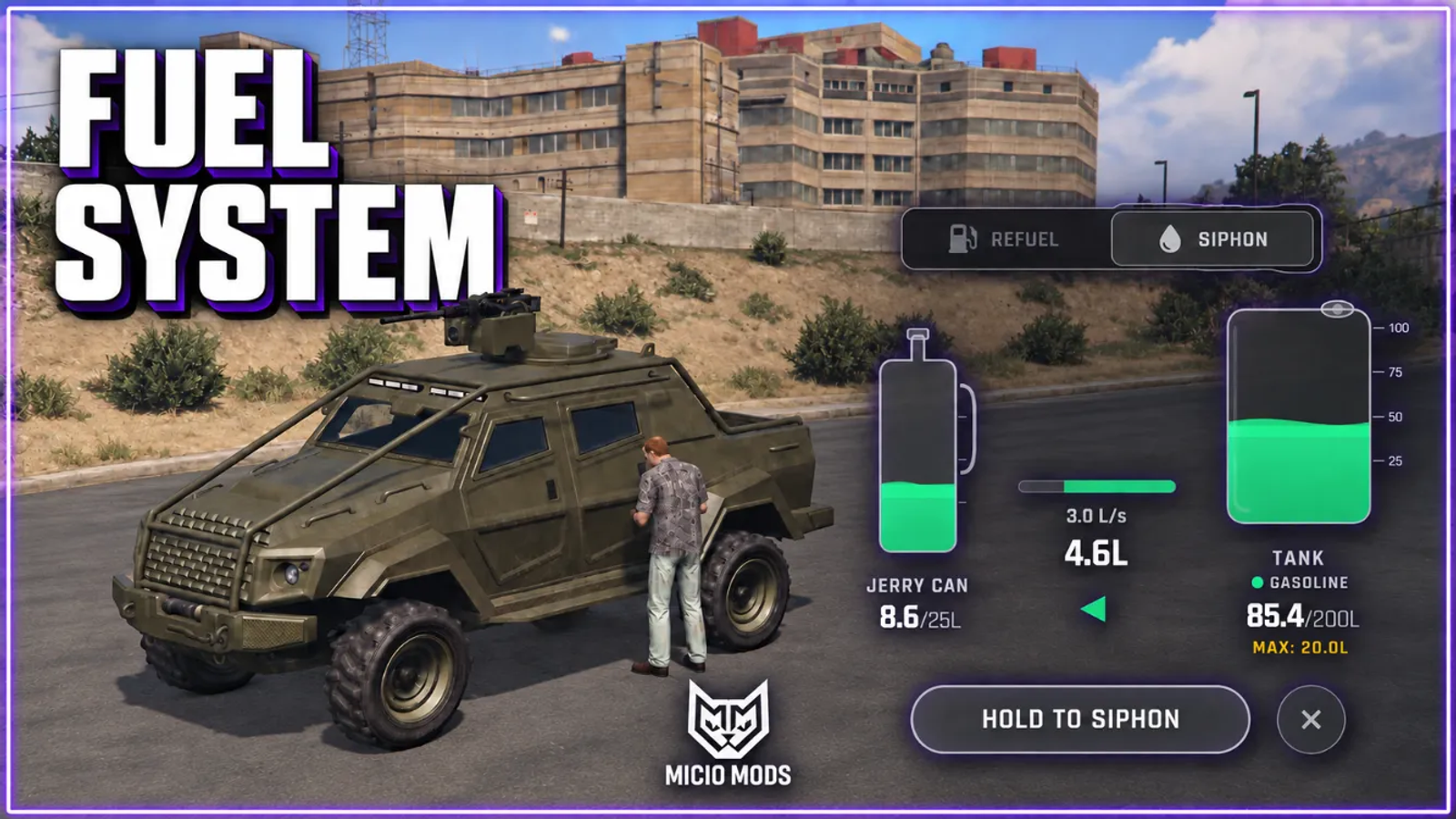
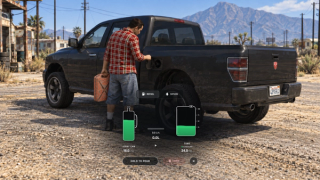
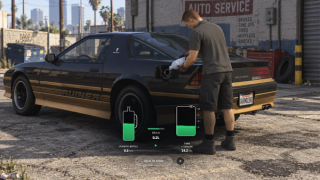
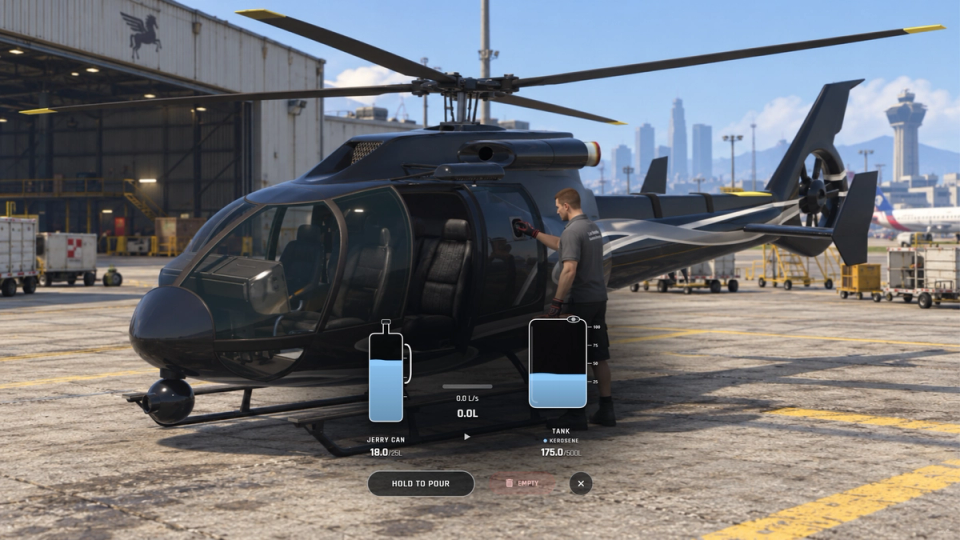
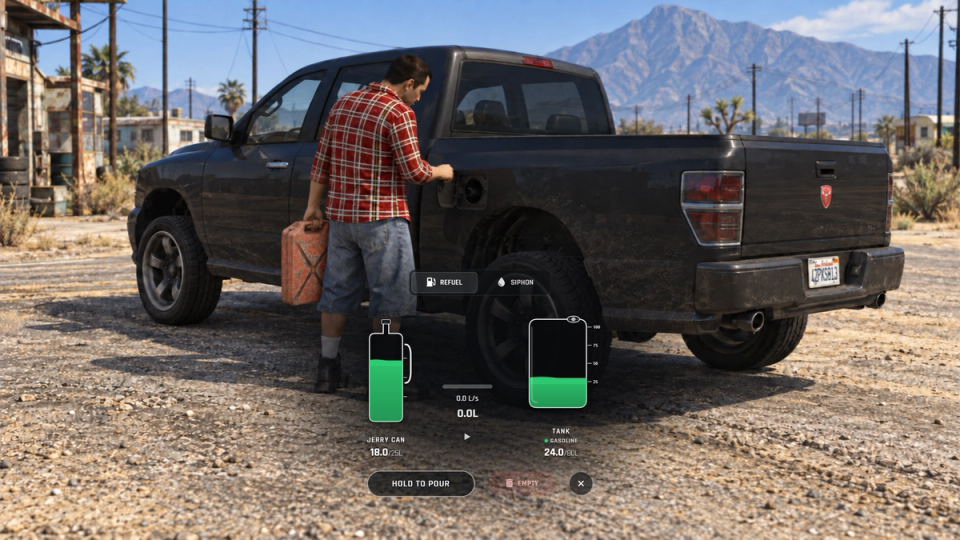
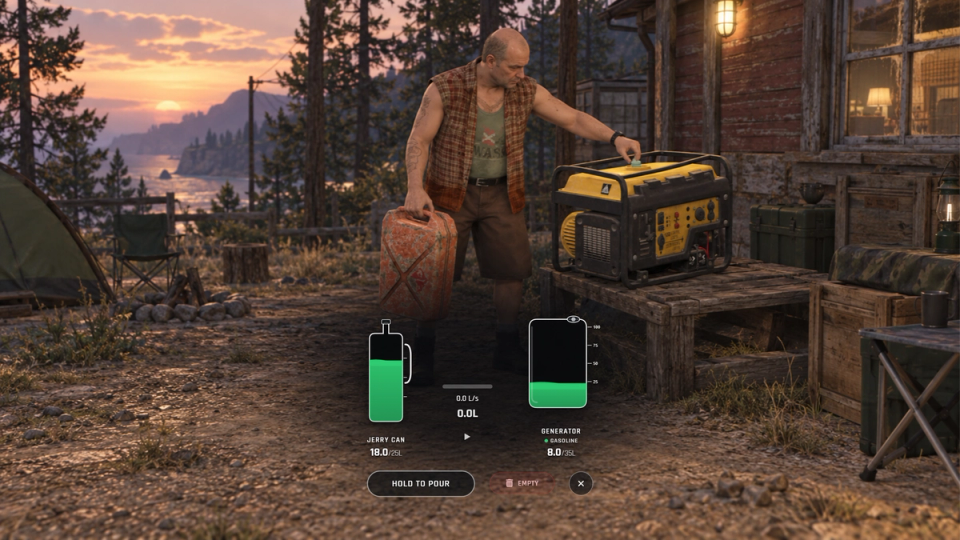
Compatible generator resources can use the same cans and transfer panel through their data, fuel and interaction exports. The panel also handles refuelling and siphoning, with amounts shown for both containers and flow that ramps up while holding the control.
Configure the driving gauge, vehicle inspection, UI theme, engine response, admin tools and supported log providers. ML Bridge detects ESX, QBCore, Qbox, ox_core or standalone adapters. Automatic fuel mode selects refillable cans when item metadata is supported and simple one-use items otherwise.
Key Features
Fuel Types and Consumption
Set gasoline, diesel, kerosene or additional configured fuel types by vehicle class or model. Consumption accounts for handling, speed, drivetrain, driving state, weather and tank damage, while tank capacity follows handling and model rules.
Jerry Cans That Hold Real Fuel
With a metadata-capable inventory, refillable cans store their fuel type, amount and capacity on the item and expose those fields through supported tooltips. Drain or empty a can before filling it with another fuel type.
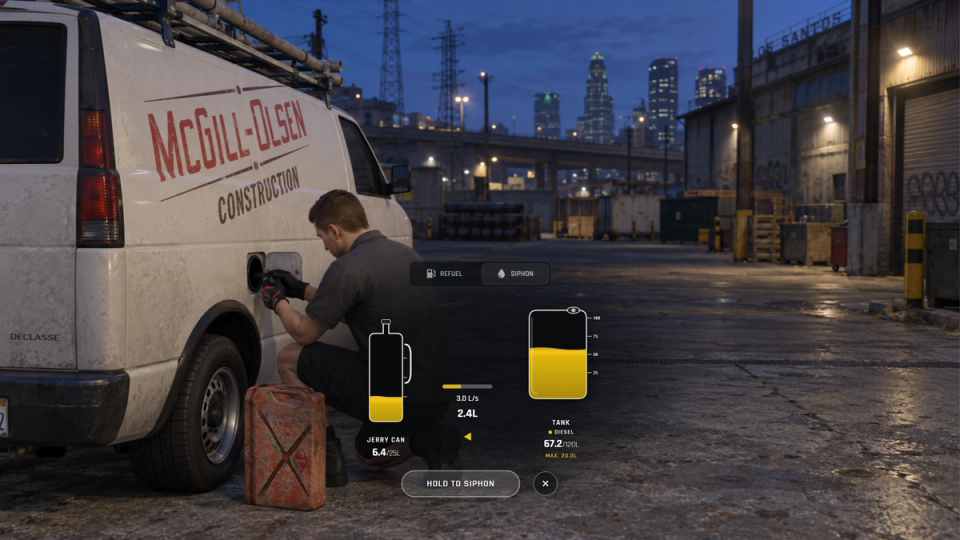
Gas Station Scavenging
A rotating subset of configured gas stations can be scavenged with an electric pump. Each station draws from a finite fuel reserve that refills over time and is saved in SQL; reward rolls can still fail.
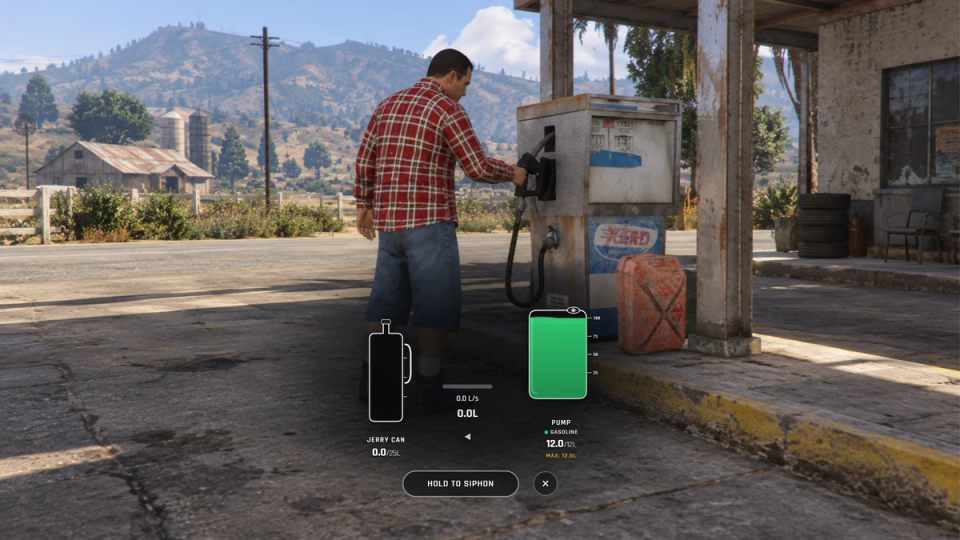
Siphoning and Wreck Searching
Use a hose to siphon eligible vehicles or search configured wrecks for fuel. Configure extraction limits, player and vehicle cooldowns, protected models or plates, and restrictions for owned vehicles.
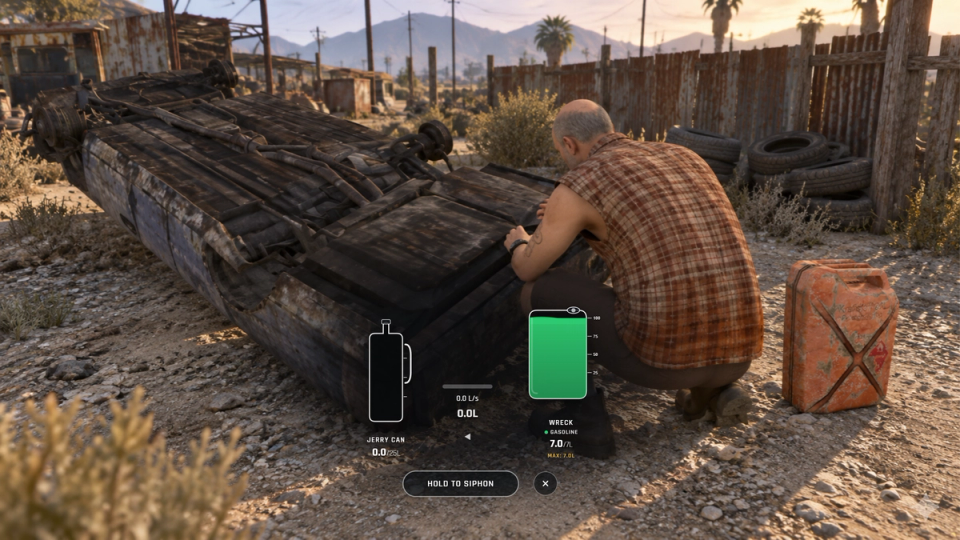
Configurable Minigames & Dispatch
Choose a minigame for siphoning, wreck searches and pump scavenging, with easy through extreme difficulty presets. Use the built-in flow challenge or supported external providers. Failed checks can send a coded police alert through a compatible dispatch adapter when enabled.
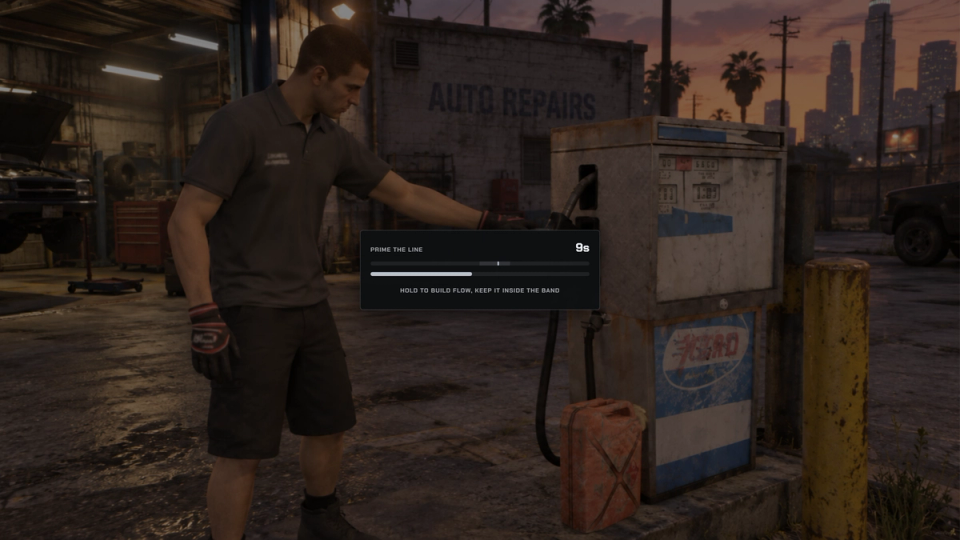
Tank Upgrades and Fuel Conversions
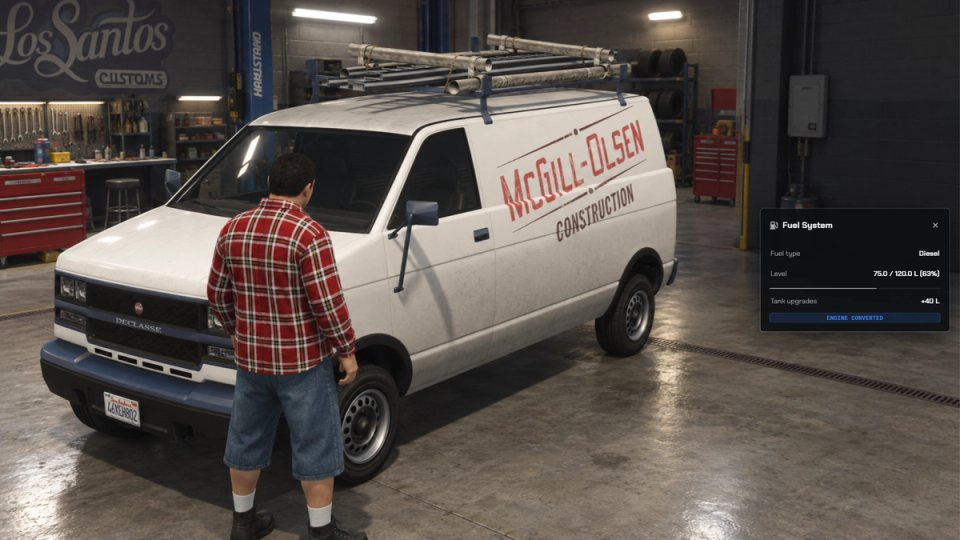
Install configured tank expansions or conversion kits to change a vehicle’s capacity or fuel type. Upgrade counts, added capacity and conversions are saved by plate in SQL and restored when the resource loads.
Electric Vehicles Included
Configure charging stations with a stored power reserve, automatic recovery and optional offline recharge. Charge electric vehicles or refill portable power cells; the configured solar power cell can recharge in inventory during eligible daylight and weather conditions.

One Panel For Every Refuel
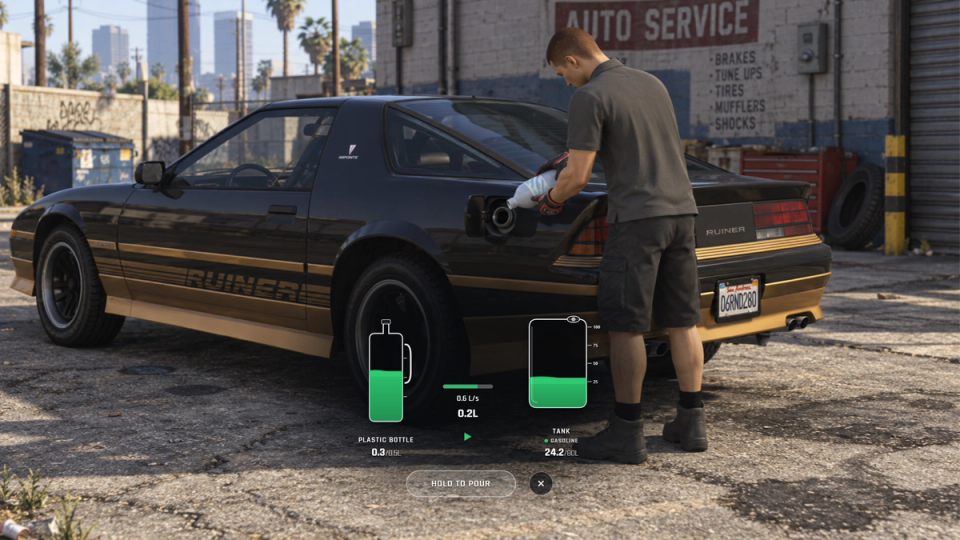
The same transfer panel handles refillable cans, vehicle siphoning, wreck and pump extraction, and compatible generators. Hold the button to ramp up the flow while both amounts update; extraction limits and completion controls follow the selected source. When both vehicle actions are available, choose the direction before starting. It stays fixed for that session, and pausing preserves the transferred amount.
Generator Integration
Refuel compatible ML Base Building or HRS Base Building generators from a matching can through the transfer panel. The generator resource must expose the expected data and fuel exports and provide the interaction that opens the panel.
Idle Engines Keep Burning
An unoccupied vehicle tracked with its engine running continues to lose fuel at the configured server-side idle rate. When it reaches zero, its replicated engine state is marked off.
Driving HUD & Fuel Inspection
Choose minimal, survival or modern fuel gauges, position and scale them, and show fuel type, litres and percentage with a low-fuel warning. Inspect a vehicle for its type, current amount, tank upgrades and conversion status.

Simple Items & Metadata Mode
Use one-use fuel items or refillable metadata containers. Automatic mode selects the container system from inventory support, while configuration can force simple or advanced mode.
Included Custom Bottle Prop
The custom fuel bottle prop is included, with configurable held-prop offsets and pouring animations for the fuel items that use it.
Low Fuel & Empty Tank Controls
Configure low-fuel engine stutters, empty-tank notifications, engine shutdown and restart blocking. An event-only mode lets another resource handle the out-of-fuel response.


![Ashfall RP [DEV]](https://frontend.cfx-services.net/api/servers/icon/oaa5qbj/-267466854.png "Ashfall RP [DEV]")


Secure Payments via:
















Tip: Log in with Discord and your customer roles sync automatically.
Verified Reviews
No reviews yet. Be the first.