Crafting | Benches and Recipes
Craft from a monitor on the workbench with alternative ingredients, blueprints, timed queues and optional skill requirements. Staff build recipes, benches and community projects in game.


Overview
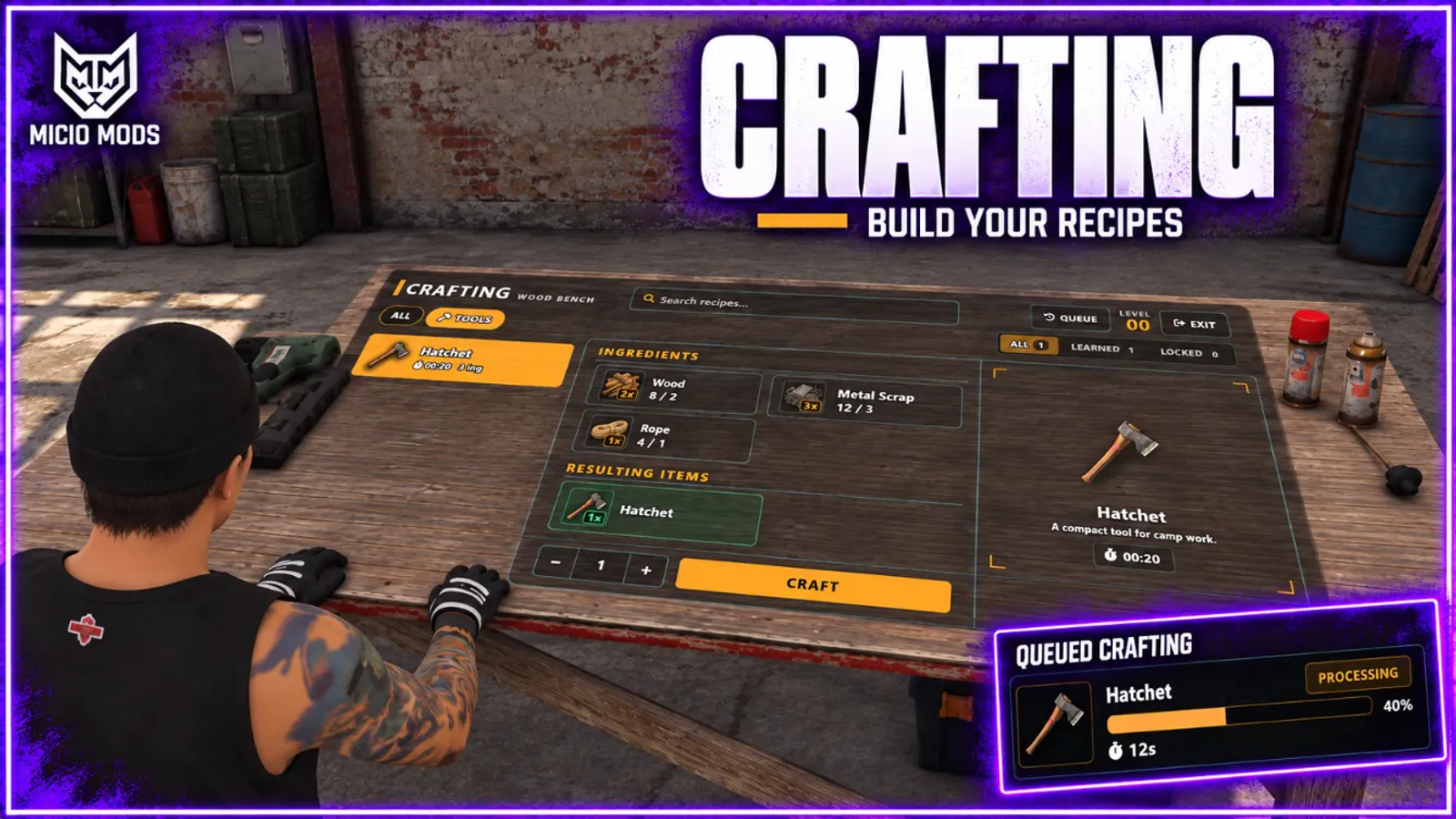
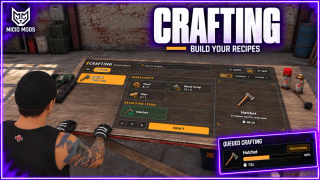
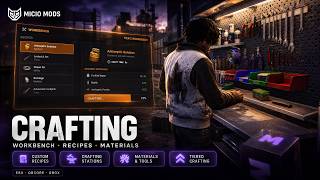
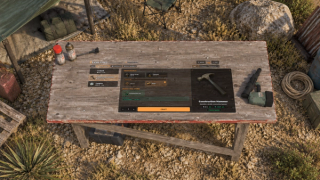
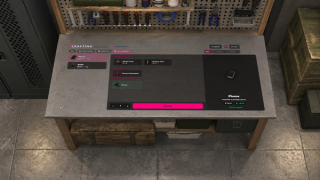
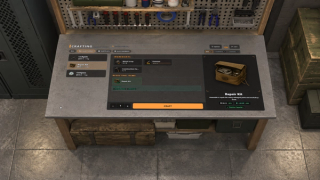
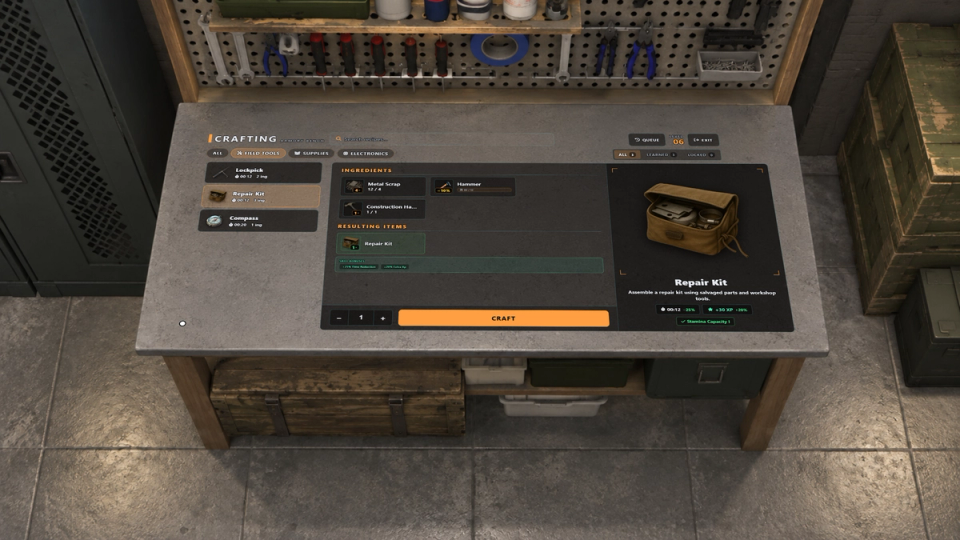
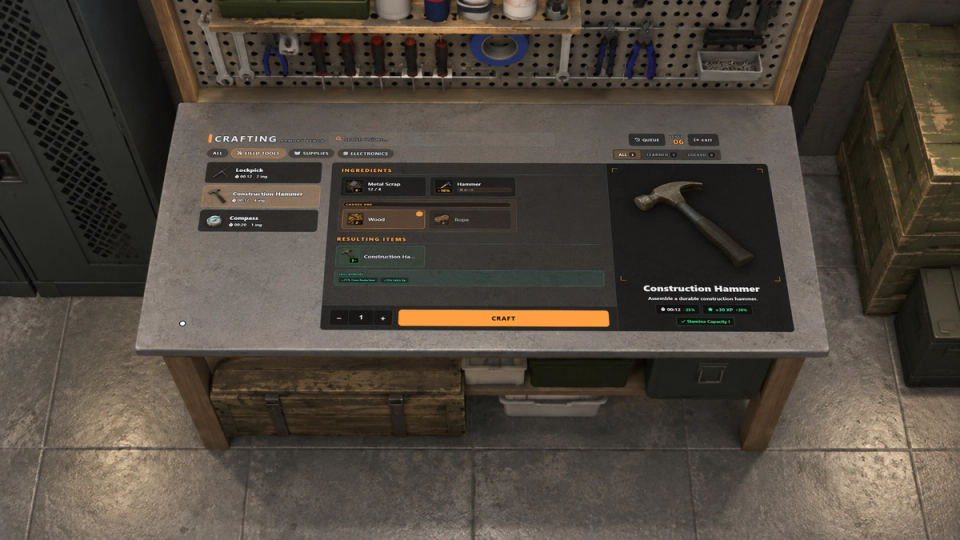
Craft from a monitor on the workbench. Players choose ingredients, queue jobs and come back to collect them, with a hologram of the result above the station.
What to expect
- The interface lives on the workbench monitor in the world
- Iron, steel or scrap can fill the same recipe slot
- Recipes unlock by blueprint item or permanent account knowledge
- Ingredients can be consumed, wear down as tools, or just be checked
- Portable benches place with a ghost preview, and can be stolen if you allow it
- Queued crafts finish on their own, and rivals can lift them off the table
- Benches can burn fuel and wear down until repaired
- Server-wide community projects players fill together
- Clothing results with ML Inventory, a fixed piece or a random piece from a series
- Recipes can advance ml_battlepass objectives
- Staff build every recipe, bench and blueprint from an in-game panel
- Native ml_skills gating, XP and live crafting bonuses
Works on Qbox, QBCore, ESX and standalone. The full guide is in the docs.
Key Features
The Menu Lives on the Workbench
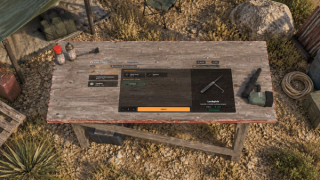
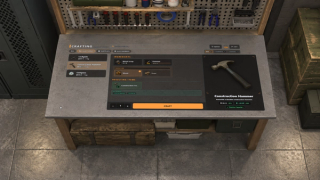
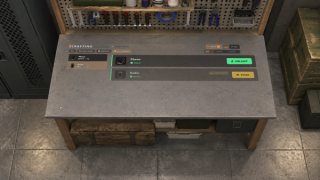
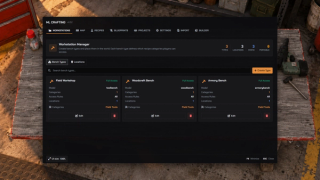
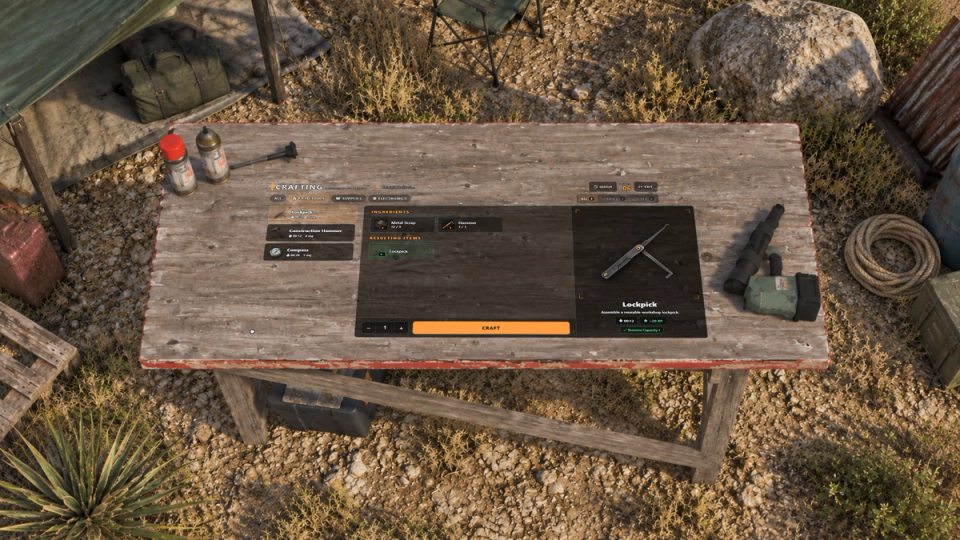
The crafting interface shows up on the workbench screen, in the world where the bench stands, and stays on the prop as you move around it. You run a cursor over the panel and click through it like a terminal. Benches placed near each other stay independent.
Interchangeable Ingredient Slots
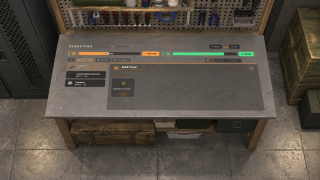
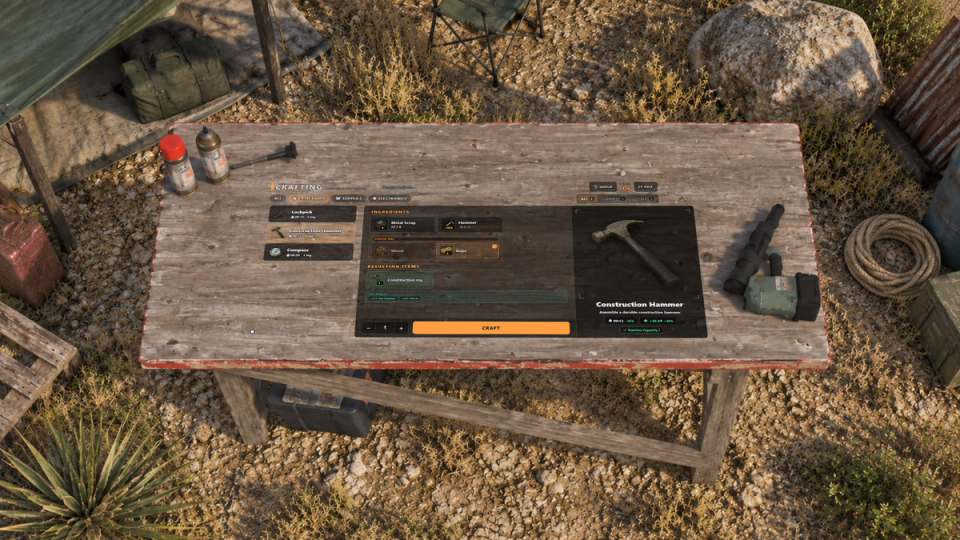
A single recipe slot can take any one of several items: iron, steel or scrap, coal or charcoal. Drag ingredients into color-coded groups, and the server uses whichever the player carries.
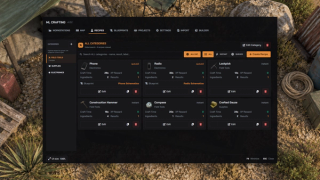
In-Game Admin Panel
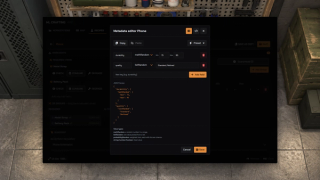
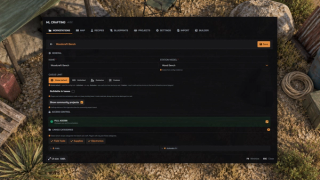
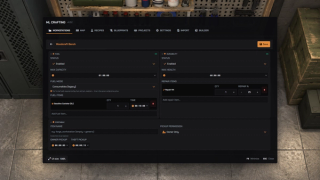
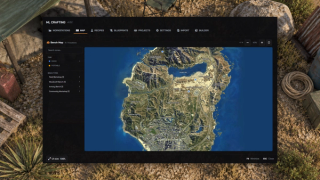
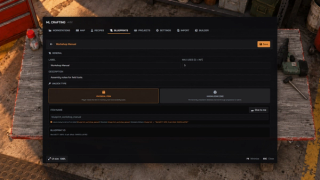
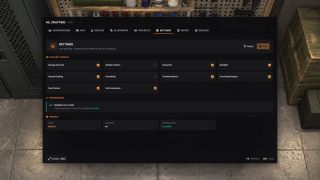
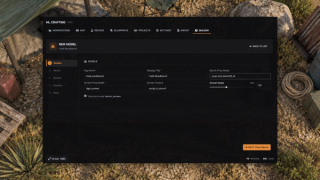
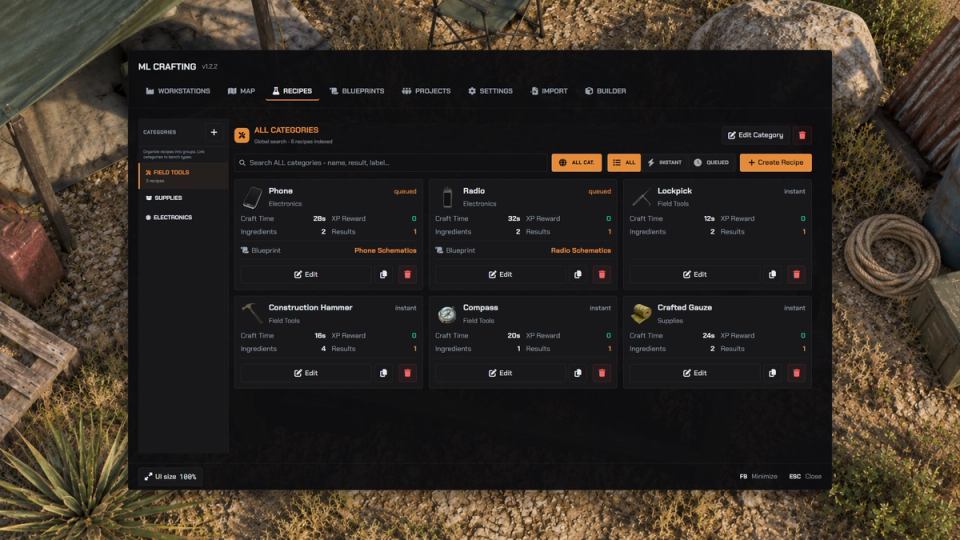
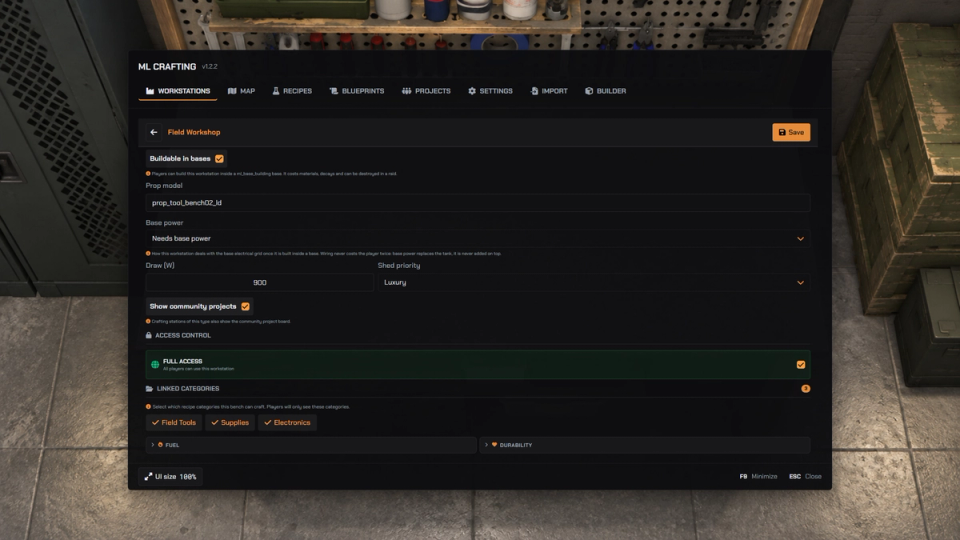
Edit workstations, recipes, blueprints and crafting settings from the admin panel. Use the bench map and the prop builder, then save to update connected players.
Server-Wide Community Projects
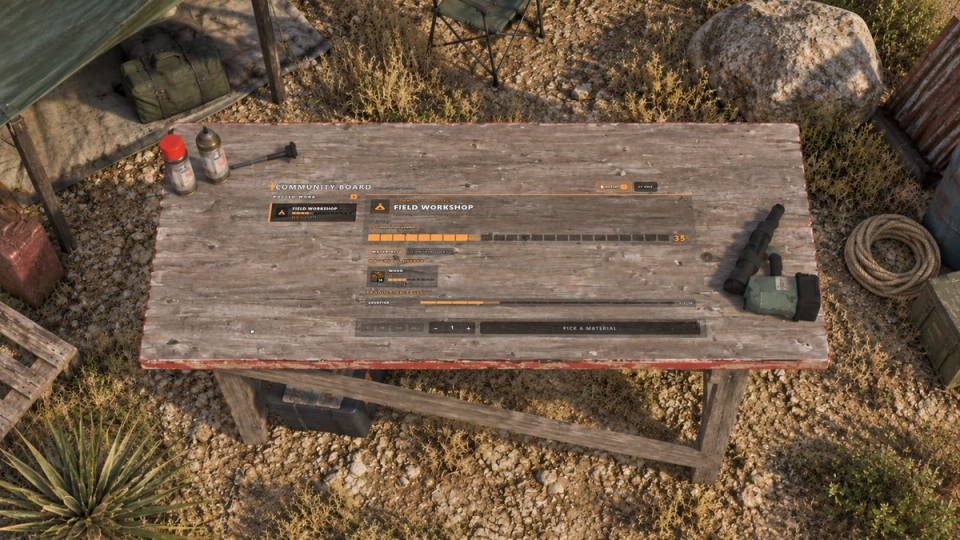
Post a goal the whole server works toward. Players donate materials at a station, or craft the item it asks for and the counter moves on its own. Any placed bench can become a community board that shows the project. At 100% it pays out by tier and can unlock recipes, categories or whole station types for everyone. Contributors can stay anonymous per project.
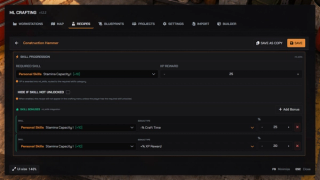
Native ml_skills Gating
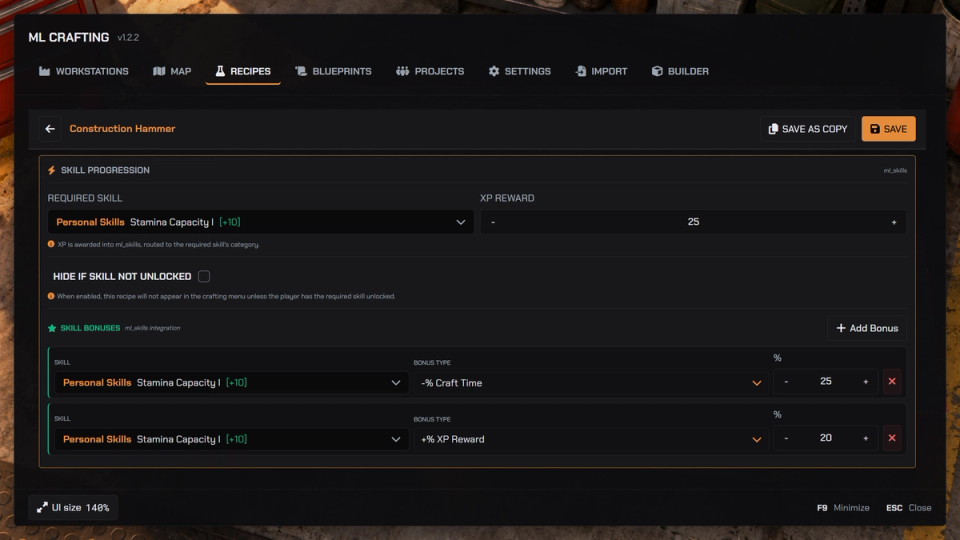
Lock recipes behind a skill or a level, hide them until the skill is unlocked, and pay XP into ml_skills with automatic category routing. Skill bonuses give faster crafting, more XP, bigger yield, cheaper ingredients and better byproduct odds. Without ml_skills, the built-in progression runs its own levels.
Dual Blueprint System
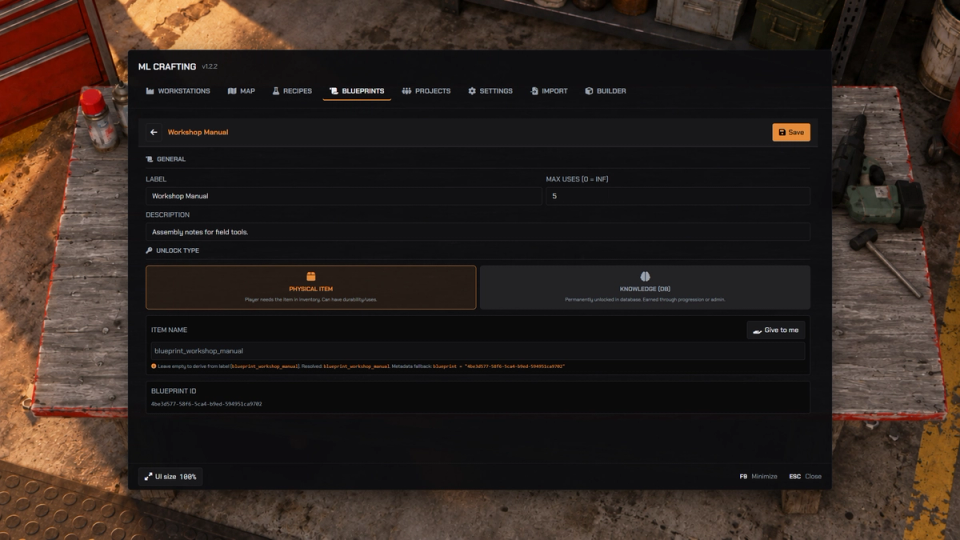
Two ways to unlock a recipe: a blueprint item, consumable or reusable with optional limited uses, and a permanent unlock saved to the player. Mix them per recipe.
Three Ingredient Modes
Each ingredient can be consumed, degraded like a tool that loses durability, most worn copy first, or only checked, like a license that is never taken.
Dynamic Outputs and Result Data
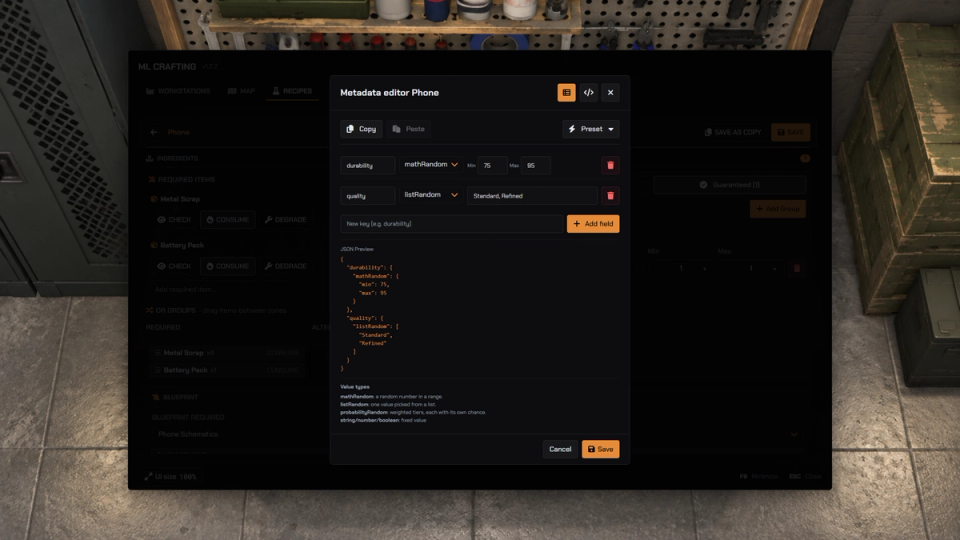
Weighted variant results pick one color per craft from the whole palette, byproducts roll on their own chance, and every output can carry random data: durability, serials, quality or clothing drawables.
Clothing Results
With ML Inventory, a recipe can give clothing: a fixed piece, or a random piece from a series of drawables. The editor shows a photo of every model so you pick by sight.
Placeable Workbenches
Players place portable stations with a ghost preview, surface snapping, rotation and anchor rules. Pick them back up, or with an open pickup rule, steal someone else's after a timer. A picked-up bench keeps its fuel, wear and label inside the item. Static benches are placed from the admin panel.
Walk-Away Queue and RP Theft
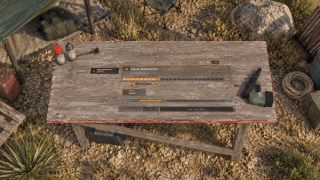
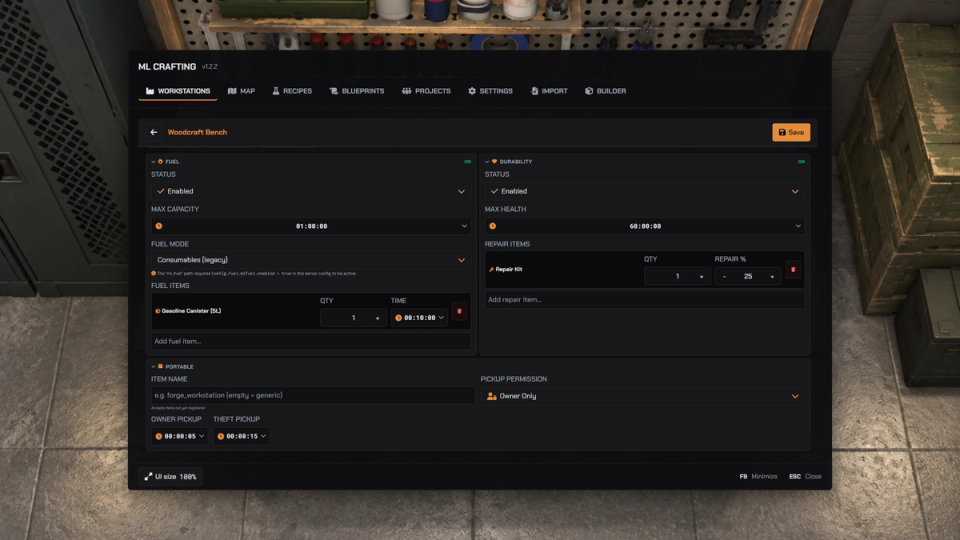
Queue crafts, walk away and collect them later. A shared queue view lets everyone at the bench see each other's jobs, and with theft on you can grab a rival's finished craft off the table, logged for staff.
Fuel and Durability Stations
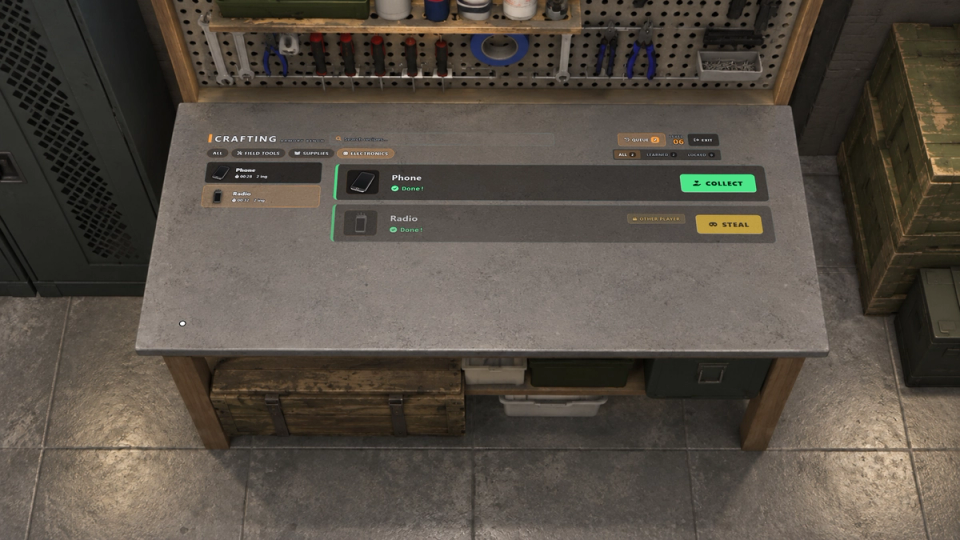
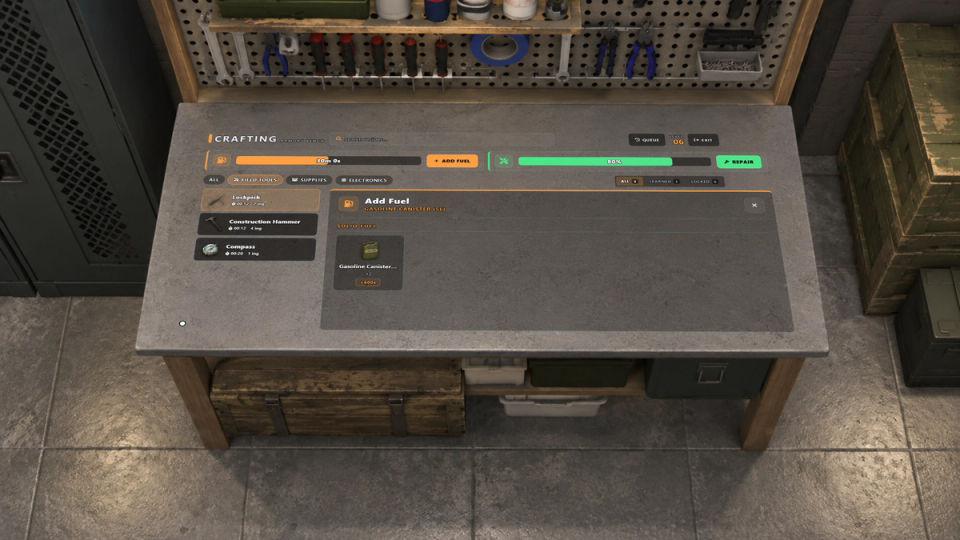
Benches can burn fuel and wear down with use. With ml_fuel, jerrycans work as refillable fuel, or use plain fuel items. Repair stations with materials you choose. All optional, set per bench type.
Focus Camera and Hologram Prop
A focus camera frames the bench while a hologram of the result floats and spins above it, fitted to any model, with crafting animations, a spotlight, particles and sound.
Crafts Your Other Scripts Can React To
Your other resources can react to crafts and unlock recipes, so a heist reward, a shop or a quest can tie straight into the bench. Discord logging is split per action.
Battlepass Objectives
With ml_battlepass, finishing a craft advances the objectives that ml_battlepass ties to that recipe. One config line turns it off.
Model-Bound Workstations
Map existing world prop models to a configured bench type. Matching props can then open that workstation without placing separate coordinates.
Base Machines and Power
With Outpost (ml_base_building), station types can be built as machines inside a base, with build cost, upkeep and power use. Portable stations also follow the base placement rules.


Secure Payments via:












Tip: Log in with Discord and your customer roles sync automatically.
Verified Reviews
No reviews yet. Be the first.