Vehicle Persistence | Cars That Stay
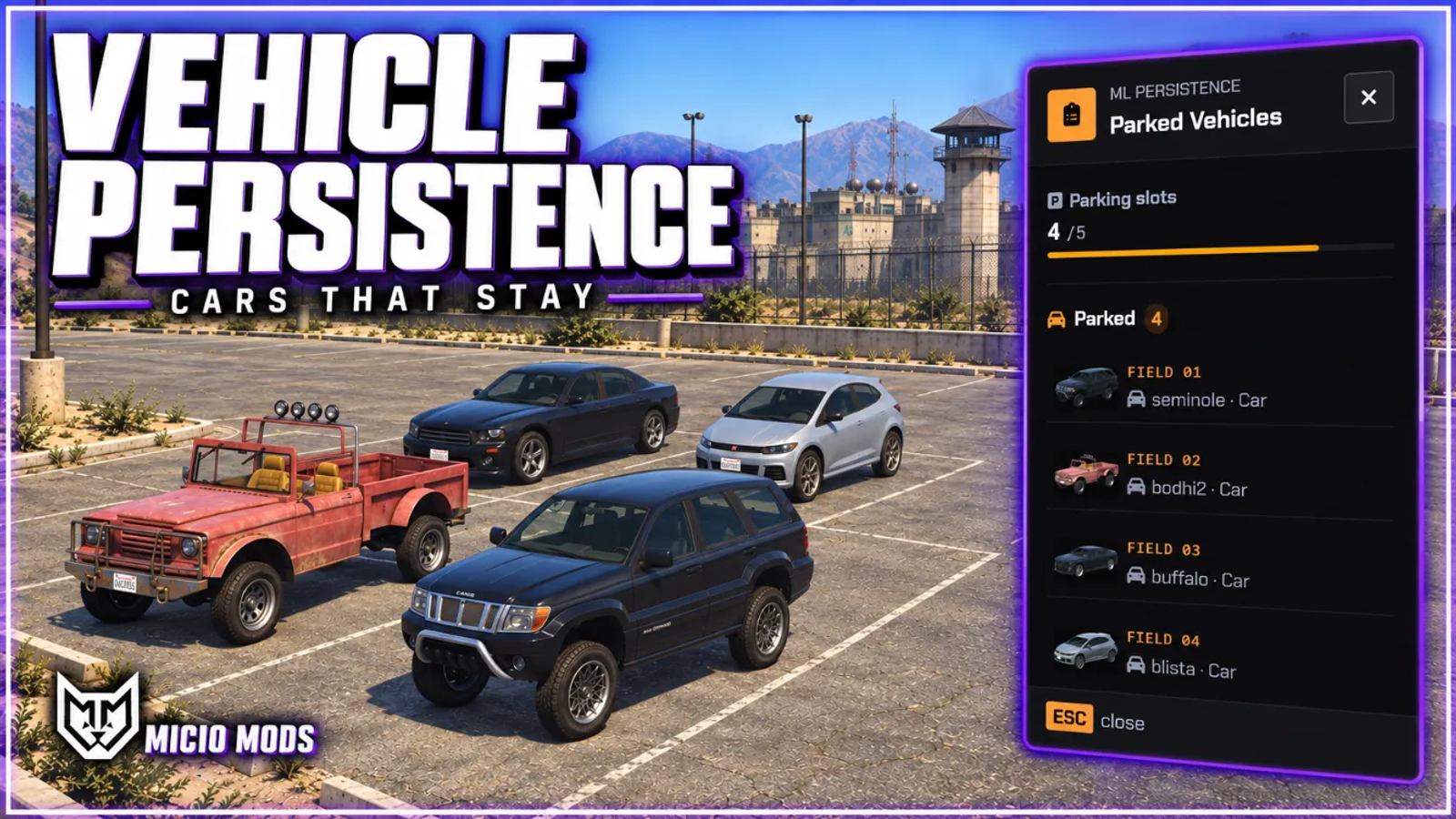
Owned vehicles stay where their driver left them, with mods, fuel and damage, through disconnects and restarts. Includes distance-based streaming, a GPS item, a tracker scanner and a staff panel.


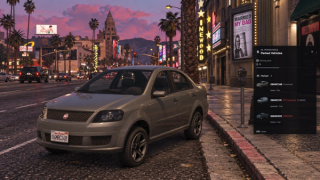
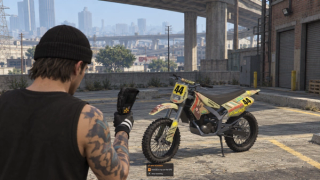
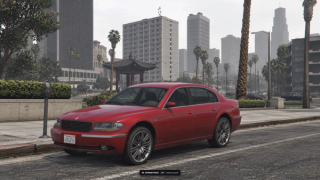
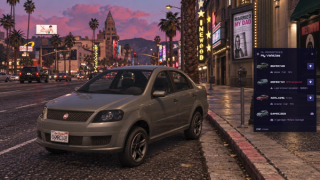
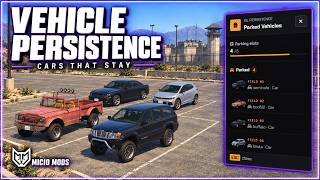
Overview
Leave a vehicle by the roadside and return to its saved position after a disconnect or server restart. You keep its fuel, damage and modifications, and staff can find the saved fleet from a map or vehicle list.
What to expect
- Persistence for cars, bikes, boats, aircraft and trailers, with controls for each vehicle type
- Vehicles load as players approach and despawn when the area is empty
- Claim eligible unowned vehicles through World Vehicles
- Per-player parking limits with optional notices
- GPS, a tracker scanner and a parked vehicle list
- Optional wreck persistence, offline decay and scheduled cleanup
- Staff controls for location, condition, fuel and vehicle removal
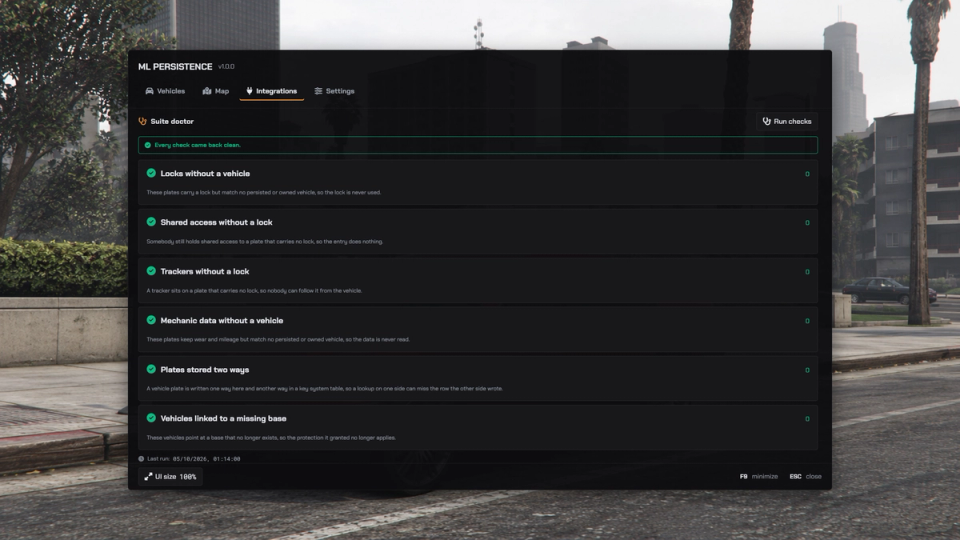
- Suite Doctor checks for mismatched vehicle records
Set the exclusions and cleanup rules to decide which vehicles stay. Connect your garage through the supported hooks; other garages may need an adapter. ML Mechanic, ML Fuel, ML Vehicle Keys and Outpost are separate optional integrations.
Supports ESX, QBCore, Qbox and Standalone. Requires ml_bridge, ox_lib and oxmysql. GPS and scanner items also need a supported inventory. See the dependencies and installation guide.
Key Features
Saved Parking
Keep owned vehicles at their saved positions across disconnects and restarts, with modifications, colours, fuel and damage. Choose which vehicle types can persist and exclude specific models or plates.
Nearby Vehicle Loading
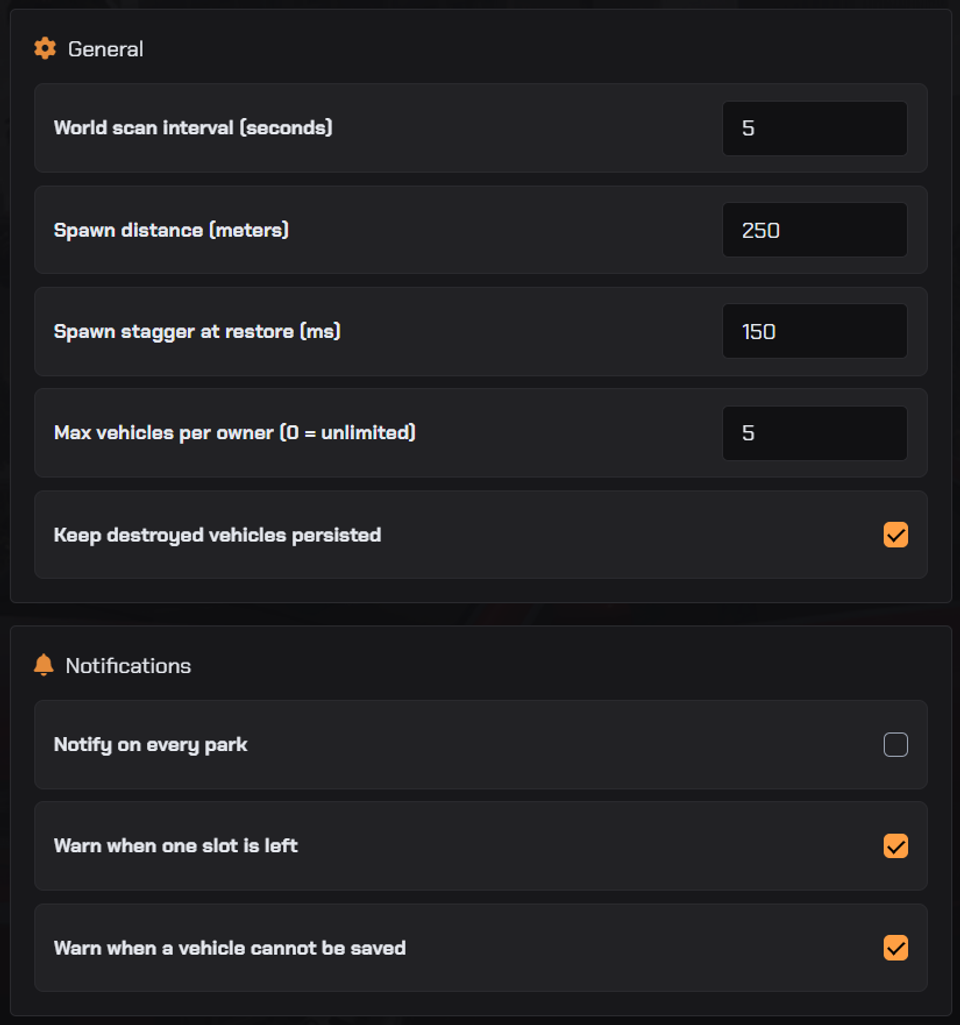
A saved vehicle appears in the world when somebody is near it. Other saved vehicles remain in the persistence records.
World Vehicles
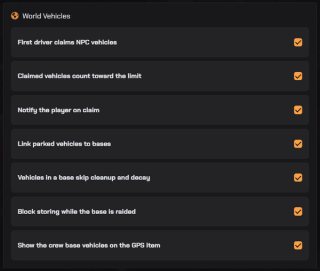
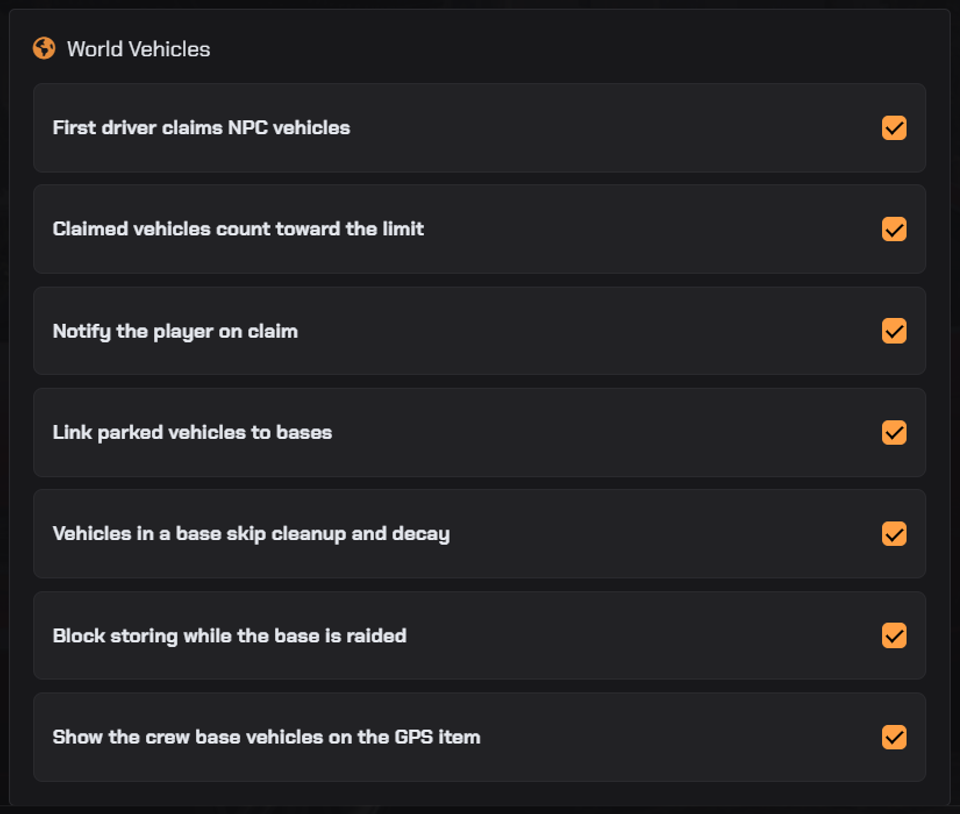
When enabled, the first driver can claim an eligible unowned vehicle. Vehicles spawned by other scripts may qualify too; exclude mission, rental or event vehicles with the provided export.
Per-Player Parking Limit
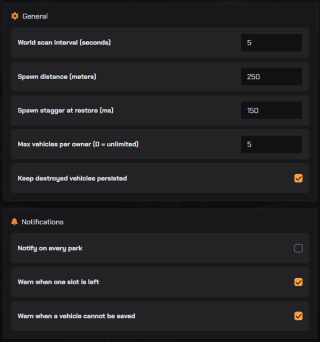
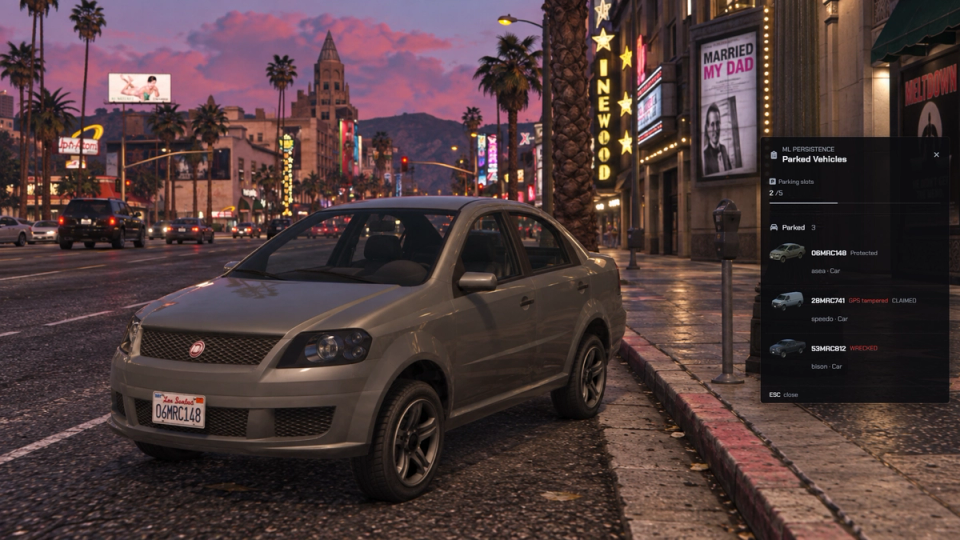
Set one server-wide maximum for each player's saved vehicles. Optional notices warn when one slot remains or the limit is full. Existing saved vehicles stay in place.
Wreck Persistence
Choose whether destroyed vehicles return as wrecks or leave persistence. Parked vehicles also keep damage recorded while nobody is driving them.
Optional Offline Decay
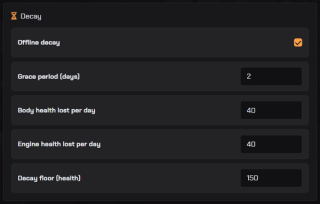
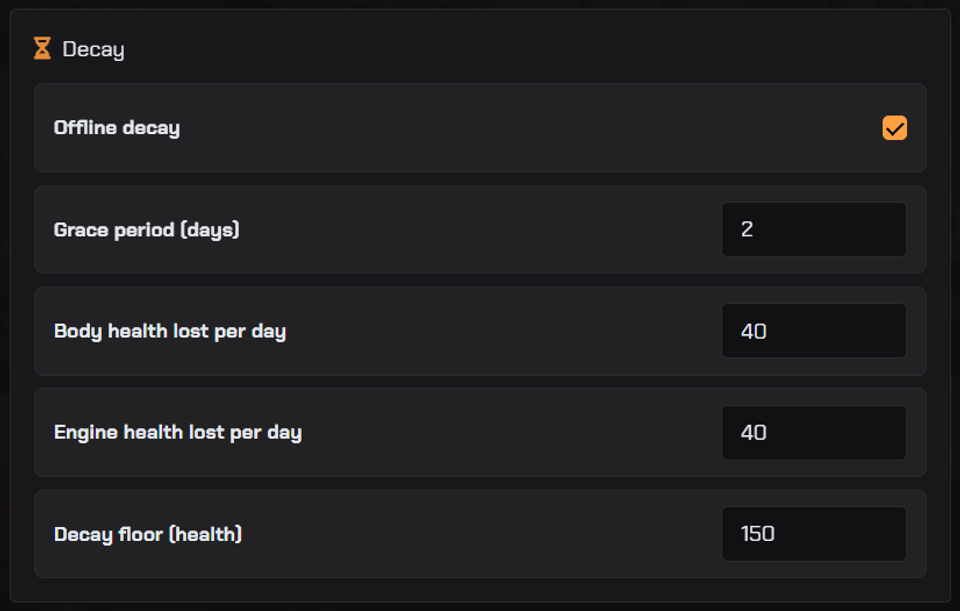
When enabled, decay reduces saved body and engine health based on time since the last save, after a grace period and down to a health floor. It applies when records are restored after a restart.
GPS And Parked Vehicle List
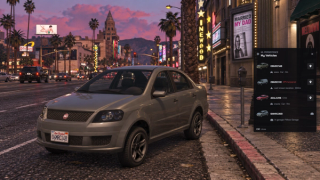
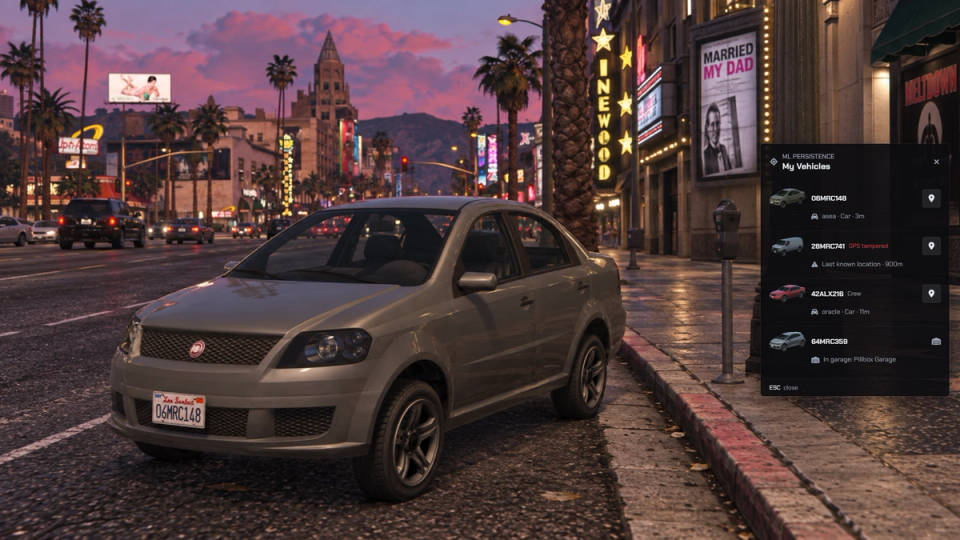
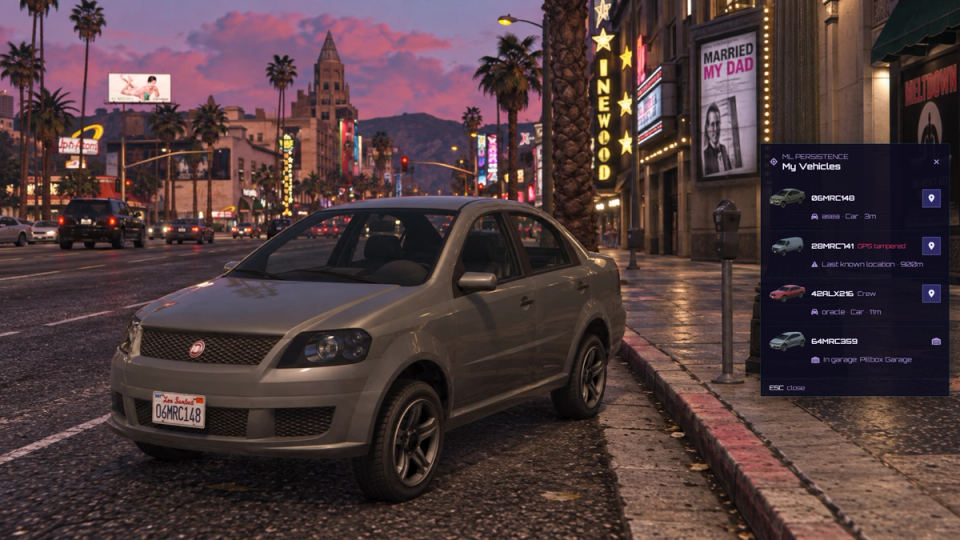
The GPS item lists a player's vehicles by distance, marks one on the map and shows vehicles in garages. A separate list, opened by command or an optional papers item, shows plates, models and slots in use.
Tracker Scanner
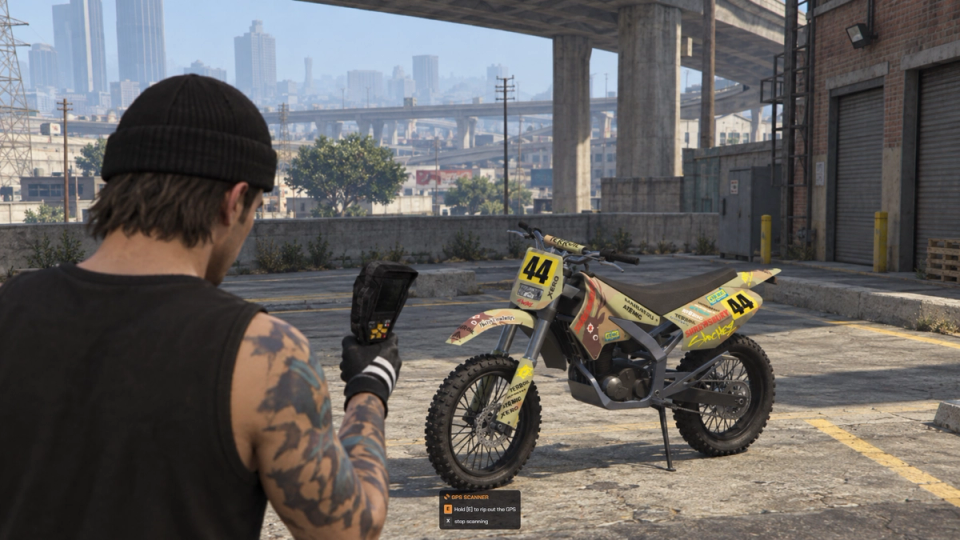
Follow the scanner's signal bars and beeps to a tracked vehicle. Nearby players can hear the beeps. Remove the tracker to freeze the owner's GPS at its last known position until they install a new module.
Scheduled Cleanup
Enable cleanup for wrecks, vehicles under the map or vehicles inside marked zones, then set the schedule. Exempt protected plates, models and sanctuary zones.
Inactive Owner Cleanup
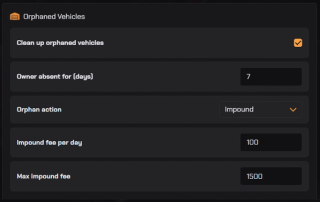
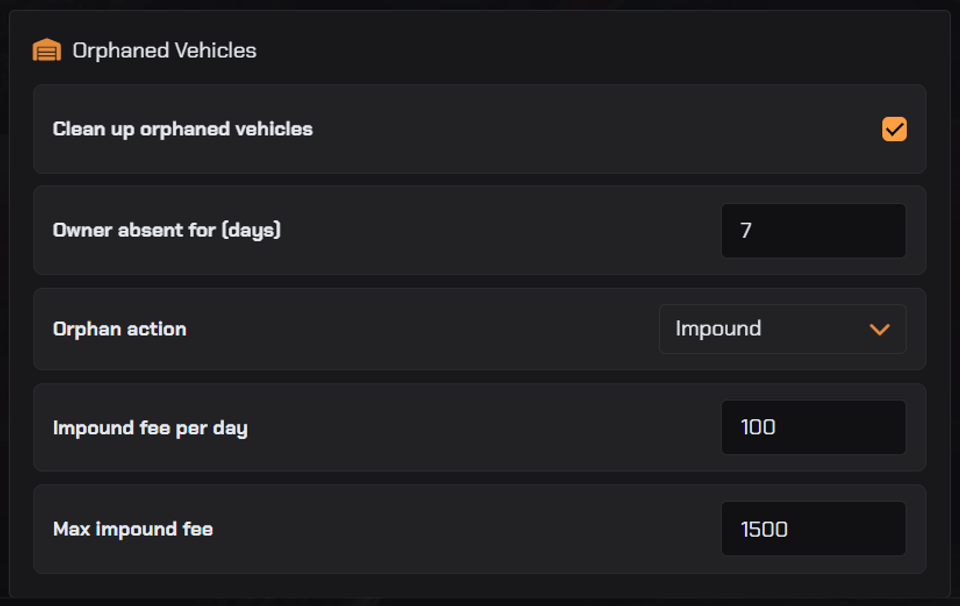
Enable a time limit for vehicles whose owners have stopped logging in. Delete them or send owned vehicles through your impound hook. Claimed World Vehicles are removed by the delete action; the impound action leaves them in persistence.
Optional Base Protection
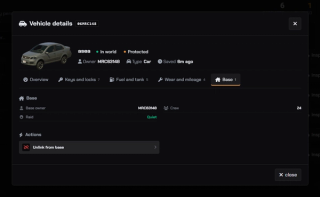
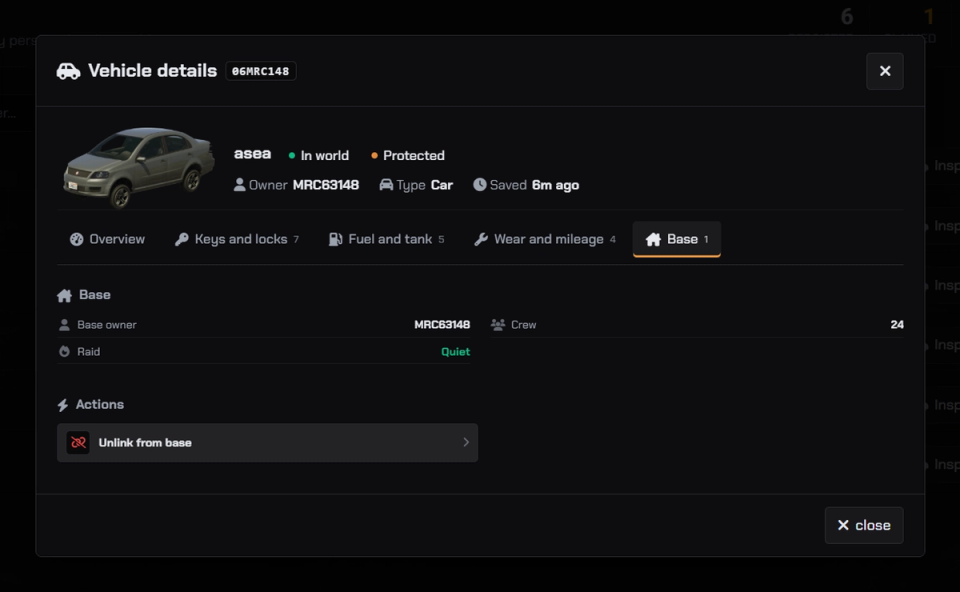
With Outpost installed and its integration enabled, vehicles inside a base can receive protection from cleanup, decay and inactive-owner removal. Raid rules can block garage storage, and crew members with driving access can find these vehicles on GPS.
Fleet Admin Panel
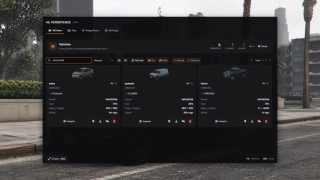
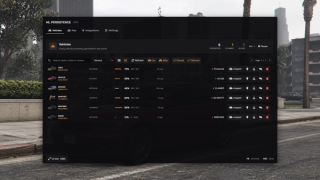
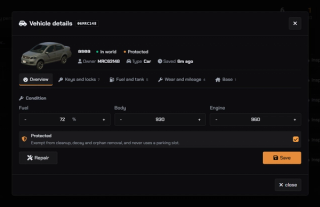
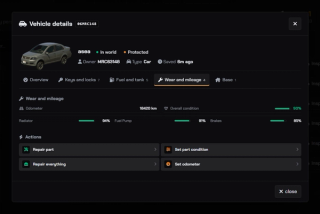
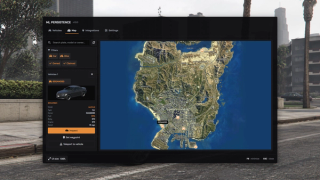
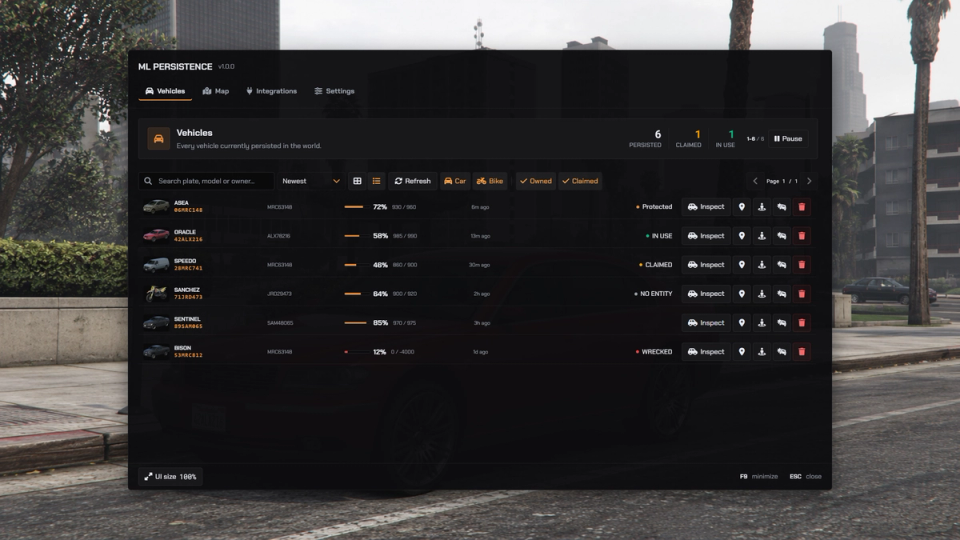
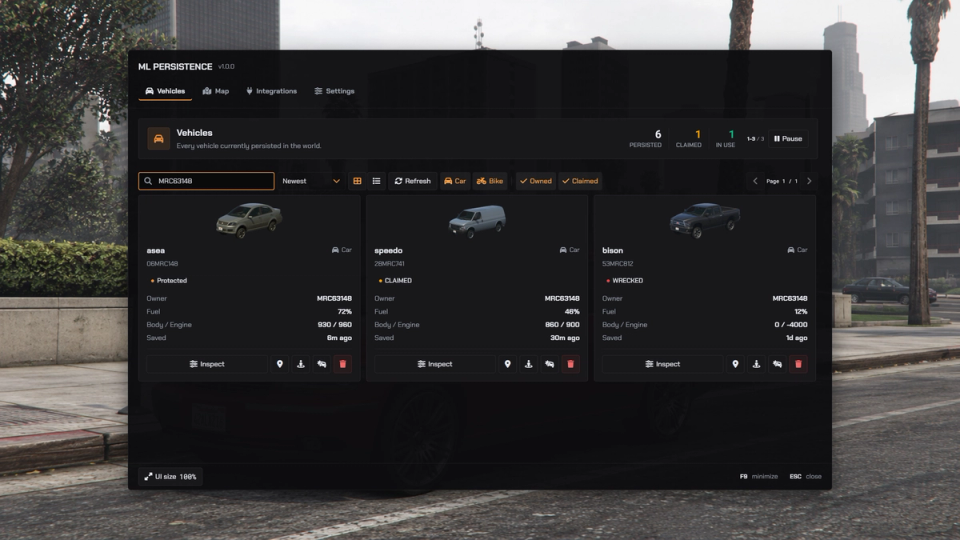
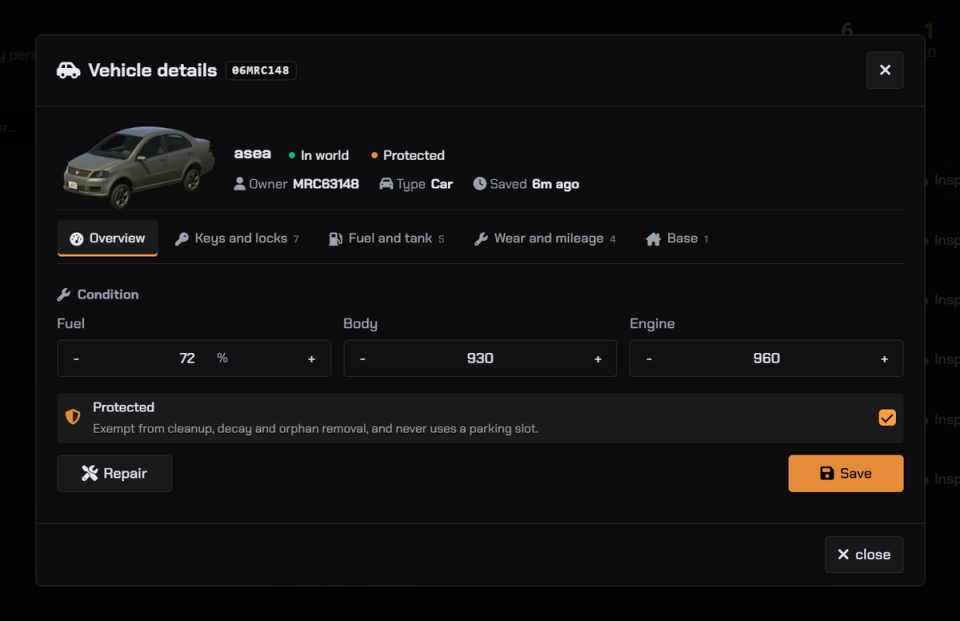
Search saved vehicles by plate, model or owner in cards, rows or on the fleet map. Inspect condition, set waypoints, teleport, repair, edit fuel and damage, or remove a vehicle. You can also change supported settings from the panel.
Optional Vehicle Integrations
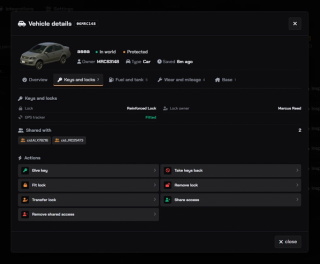
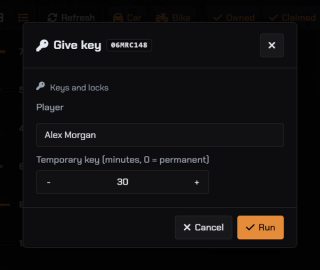
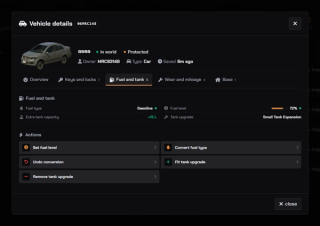
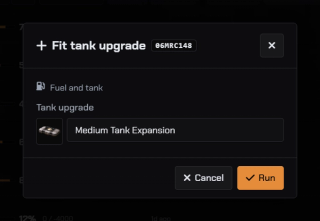
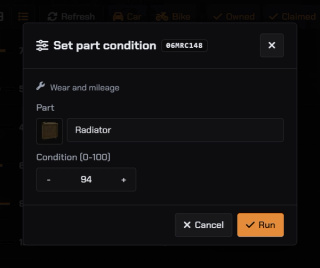
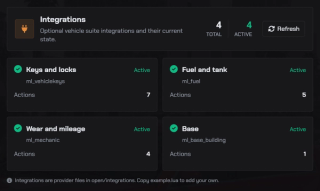
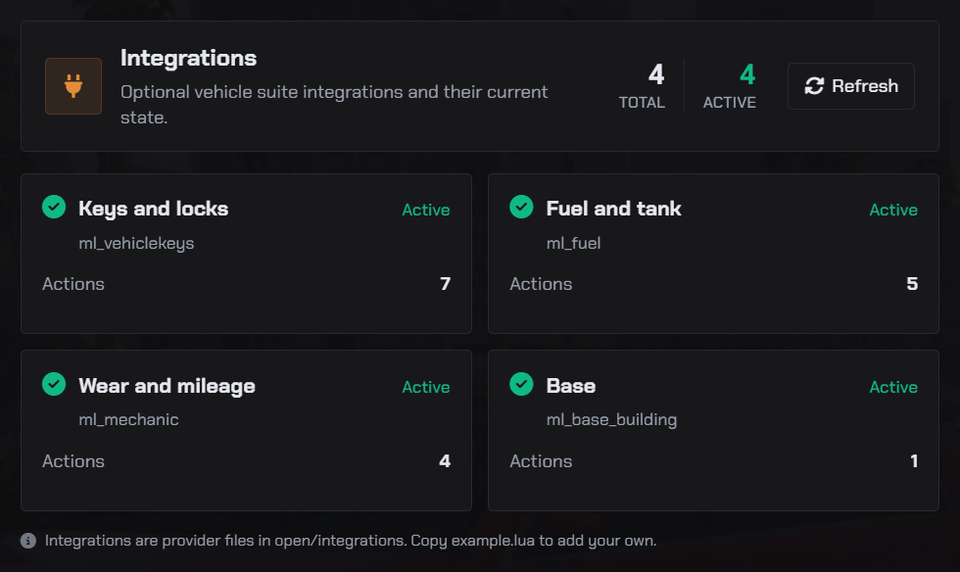
Add ML Mechanic for odometer and part condition controls, ML Fuel for fuel type and tank controls, or ML Vehicle Keys for keys and shared access. Each integration requires its separate resource.
Suite Doctor
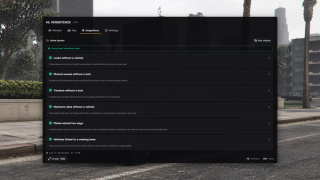
Suite Doctor scans supported records and flags mismatches such as locks without a vehicle, inconsistent plates and links to missing bases.
Garage Integration
Connect supported garages to handle vehicle storage and removal. Open hooks let you adapt other garage, towing or vehicle scripts; check their integration before enabling them.
Vehicle Record Checks
The resource checks vehicle position, model and ownership before saving a record.
Choose Which Vehicles Persist
Use exports to exclude vehicles, claim or transfer ownership, clear a character's fleet, pause persistence or query saved positions.
Discord Webhook Logs
Choose webhook destinations for parking, claims, restores, removals, impounds, tracker tampering and staff actions. Console commands also let staff manage persistence from txAdmin.
Manual Vehicle Protection
Protect individual saved vehicles from scheduled cleanup, offline decay and inactive-owner removal, and exclude them from the parking-slot count. Use the inspector or an export, with or without Outpost.
Themes And UI Scale
Choose a theme preset in the resource configuration and adjust the native UI scale. The scale is saved locally for each player.
Minimize And Resume
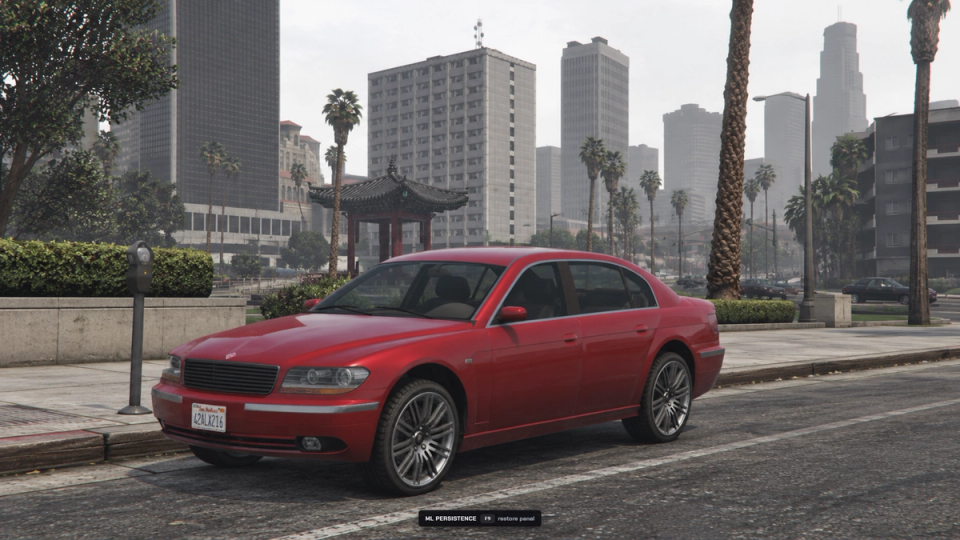
Minimize the fleet panel with the configured shortcut to return control to the game, then press it again to reopen the panel.


Secure Payments via:















Tip: Log in with Discord and your customer roles sync automatically.
Verified Reviews
No reviews yet. Be the first.