Cartography | Your Own Map Image
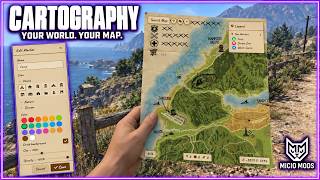
Four map designs for FiveM, with an on-screen viewer and an interactive paper map in hand. Reveal the map as you explore, save notes, share markers and choose your server's native radar style.


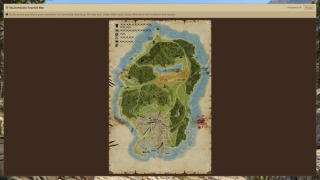
Overview
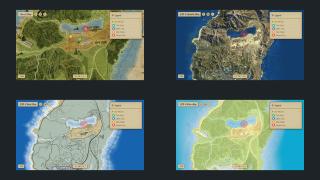
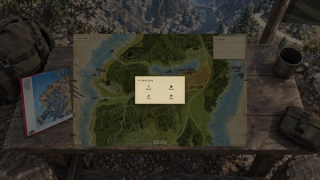
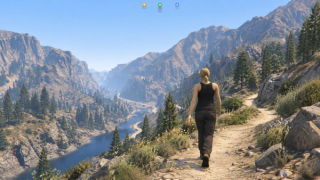
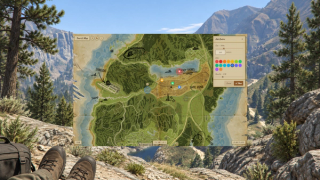
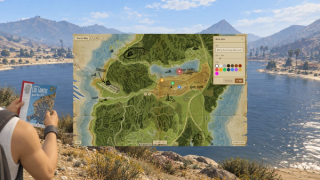
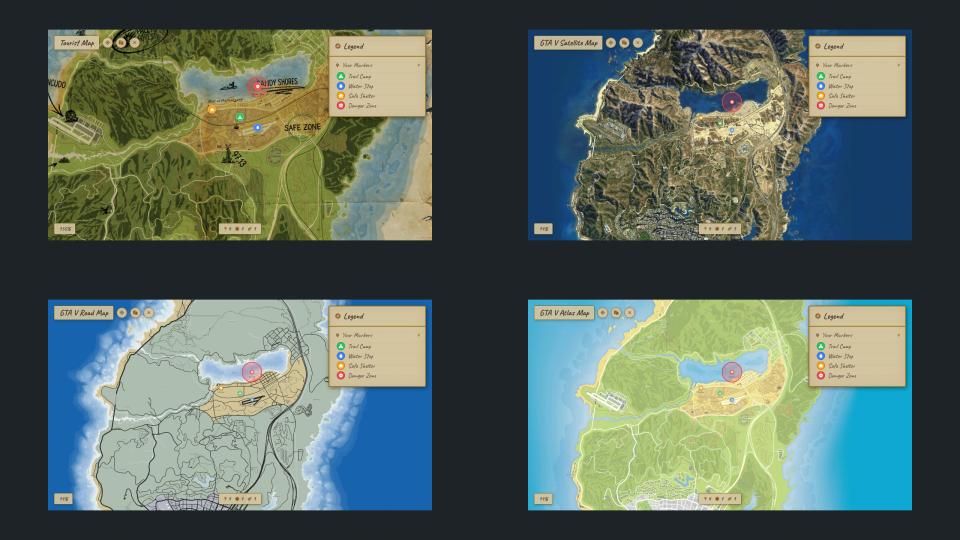
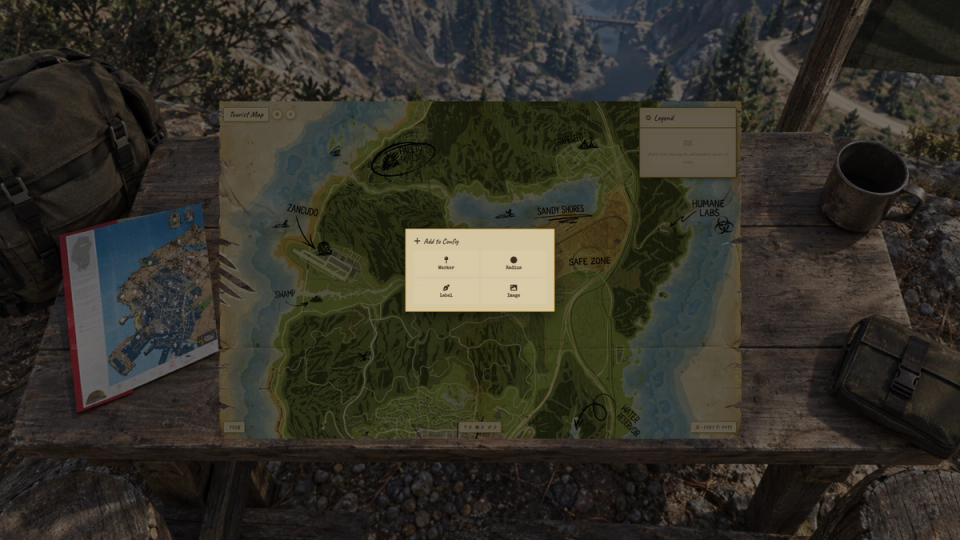
Cartography includes four map designs: Custom Tourist, GTA V Satellite, Road and Atlas. Players can open each map in the on-screen viewer (UI) or read it directly on the paper they hold in first person (DUI).
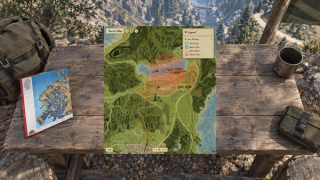
Pan across the map, zoom into roads and place pins, areas, notes or image overlays. Fog of war reveals the parts players explore and saves their discoveries. Keep progress tied to each map item so it follows the item when traded, or store a personal map for each player.
Choose the server's native radar style in the config. Its circular border is included, and the layout responds to screen resolution and safe-zone settings. If another HUD manages the radar, you can leave that control to it.
- Three GTA V map images in 8192 × 8192 WebP, plus the Custom Tourist map with English labels
- Separate UI and DUI items for each design
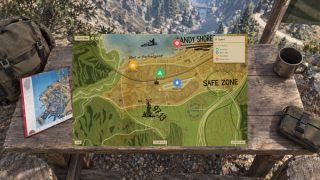
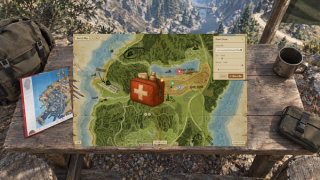
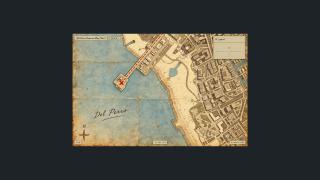
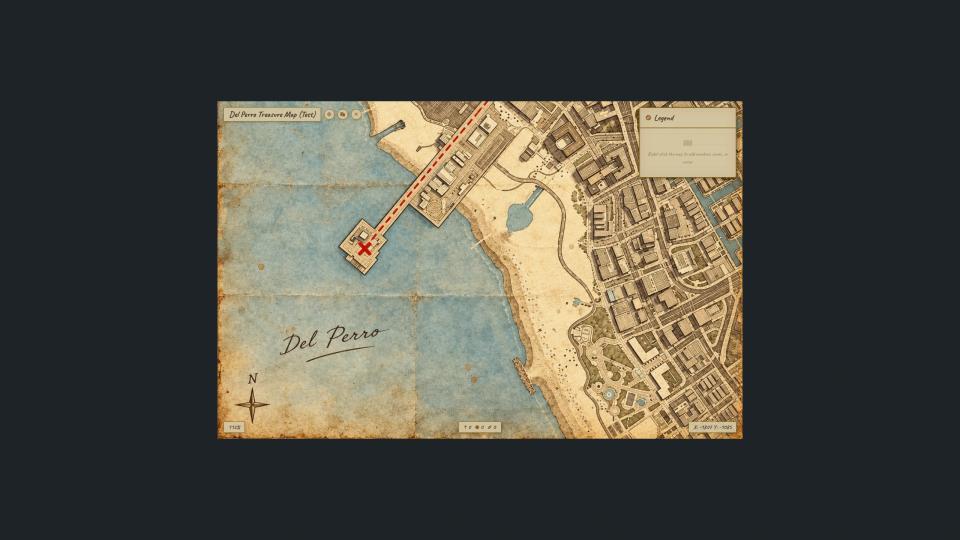
- A regional Del Perro treasure map example for creating maps of specific areas
- Your own PNG, WebP or JPG images, calibrated in game
- Marker sharing through short codes
- GTA waypoints and optional 3D waypoints through ml_bridge
- An optional compass with nearby map markers
Key Features
Four map designs
Custom Tourist, GTA V Satellite, Road and Atlas are included, with separate UI and DUI items for each. The three GTA V images are 8192 × 8192 WebP.
Interactive map in hand (DUI)
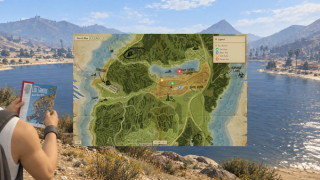
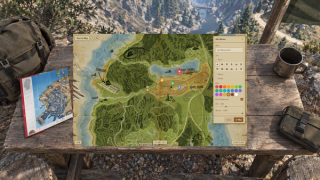
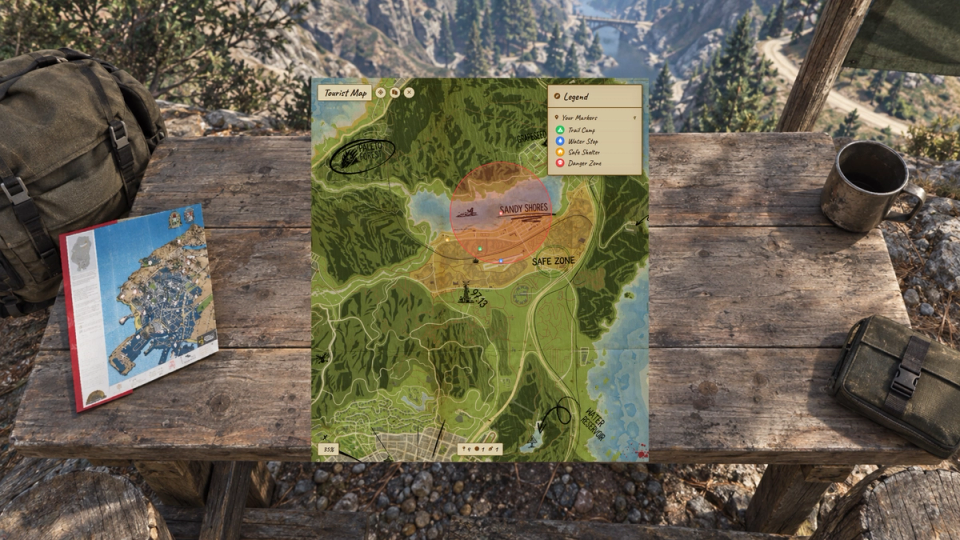
Read the live map on the paper your character holds in first person. Drag on the sheet to pan, scroll to zoom and right-click to place markers. Fog, notes and areas appear on the paper too. Choose UI or DUI per item.
Fog of war
Explored areas appear with a soft edge in both UI and DUI. Set the reveal radius for each map. Discoveries are saved, and exploration can continue with the map closed while the player carries it.
Use your own map image
Use a PNG, WebP or JPG file, or a hosted image URL. Match recognizable points on the image to positions in the world with the calibration command, then copy the resulting values into the config. Each map has its own zoom limits and reveal radius.
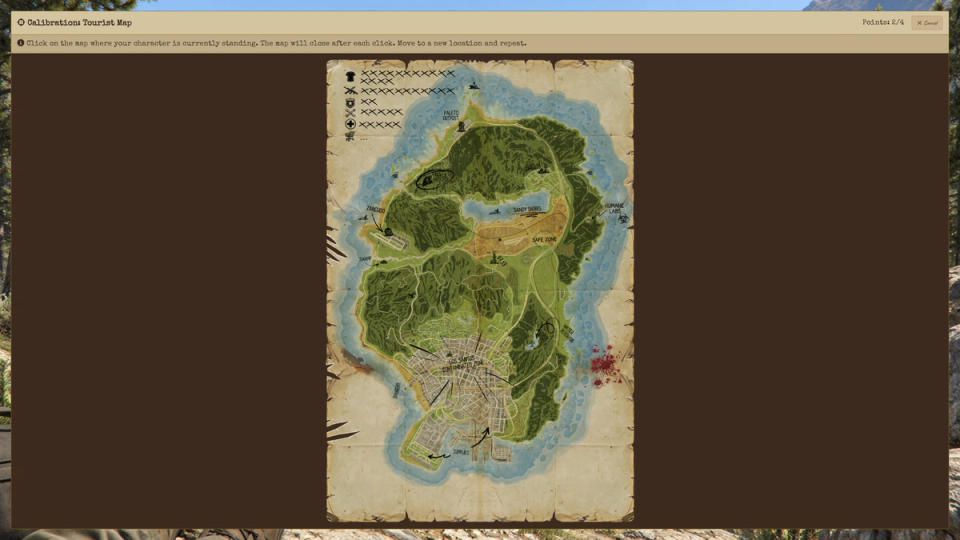
Maps of a specific area
The Del Perro treasure map is a calibrated example of a map covering one area. Use it as a starting point for your own regional artwork. The route and red X are decorative; they do not create a quest or reward.
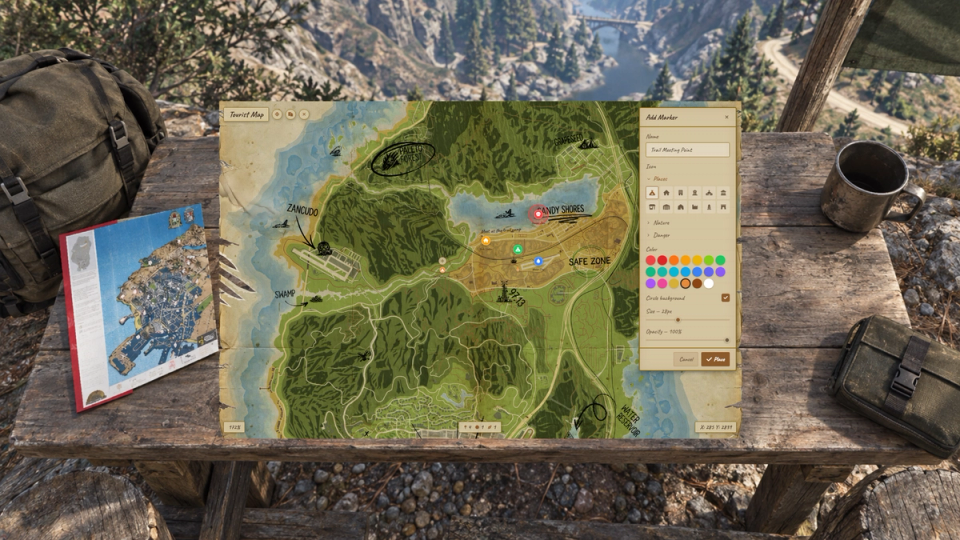
Pins, areas and notes
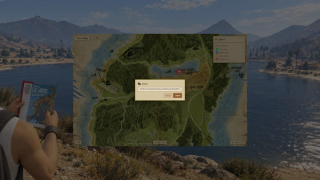
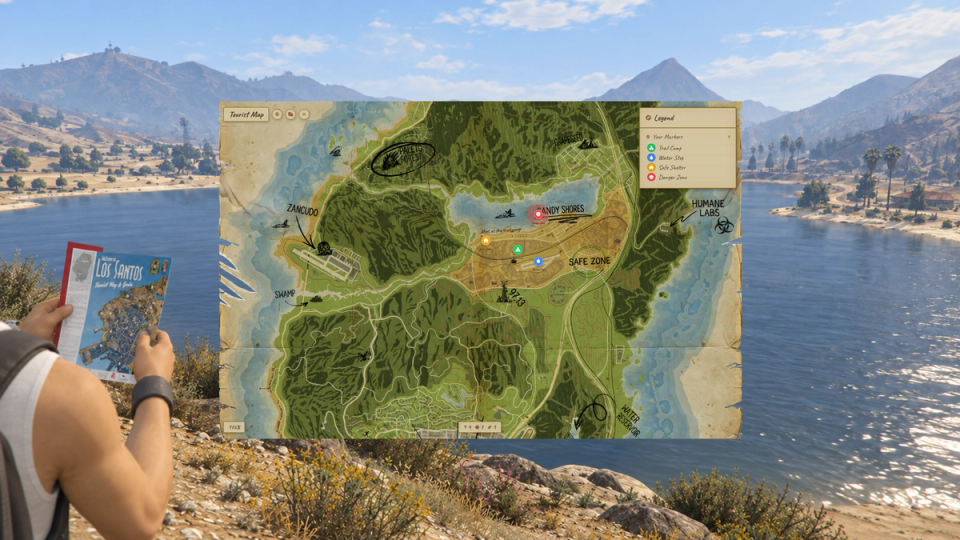
Right-click to place a preset pin, circular area, text note or image from a link. Choose marker icons, colors, size and opacity, and toggle the circle behind a pin. Move, edit or remove placed elements.
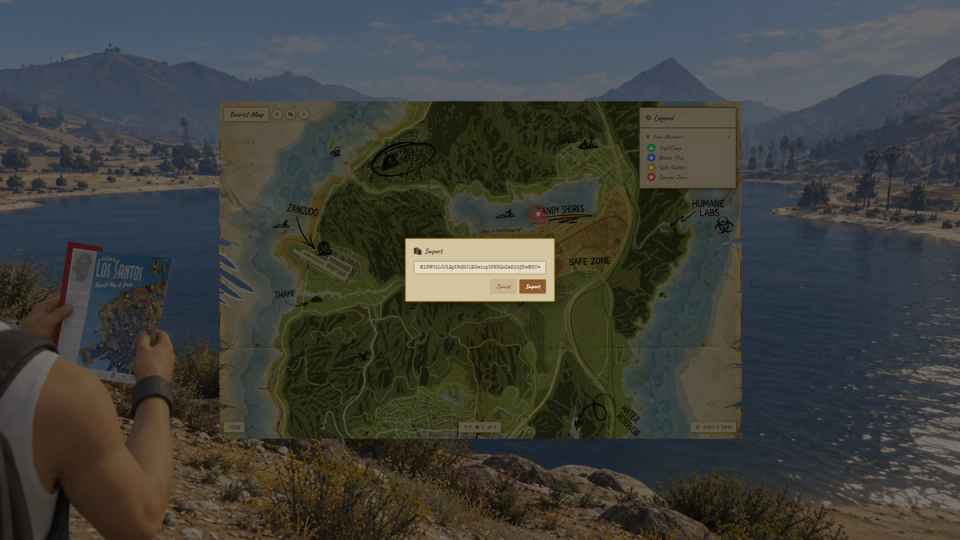
Share markers
Copy a marker as a short code and send it to another player. They can paste the code into their map to place the same marker.
Waypoints
Set a destination from the map. Use the GTA waypoint, a 3D checkpoint, marker or blip through ml_bridge, or both. Configure the world marker's appearance and distance, and clear it automatically on arrival.
Compass
An optional compass strip shows directions and map markers ahead of the player. Set its field of view, distance range and labels. The active waypoint is exempt from the distance limit. In item mode, players need the configured compass item.
Item access
Require separate map items, use one configured item or allow access without items. Each map item opens the image and UI or DUI mode assigned to it in the config. Item access uses the inventory adapter in ml_bridge.
Trade map discoveries
With metadata storage, each map item has its own saved exploration, pins, areas and notes. That progress follows the item when another player receives it.
Personal maps
Use database storage to keep discoveries and annotations tied to the player or character and map ID. Progress stays with that player instead of following a traded item.
Default markers
Place shared markers in the config or use the admin command to position them in game. Copy the generated entry into Config.DefaultMarkers to include those locations on the map.
Choose the native radar style
Set Custom Tourist, Satellite, Road or Atlas as the native radar style for your server. The circular mask and border are included. Radar visibility follows the configured map-item rules.
On-screen map (UI)
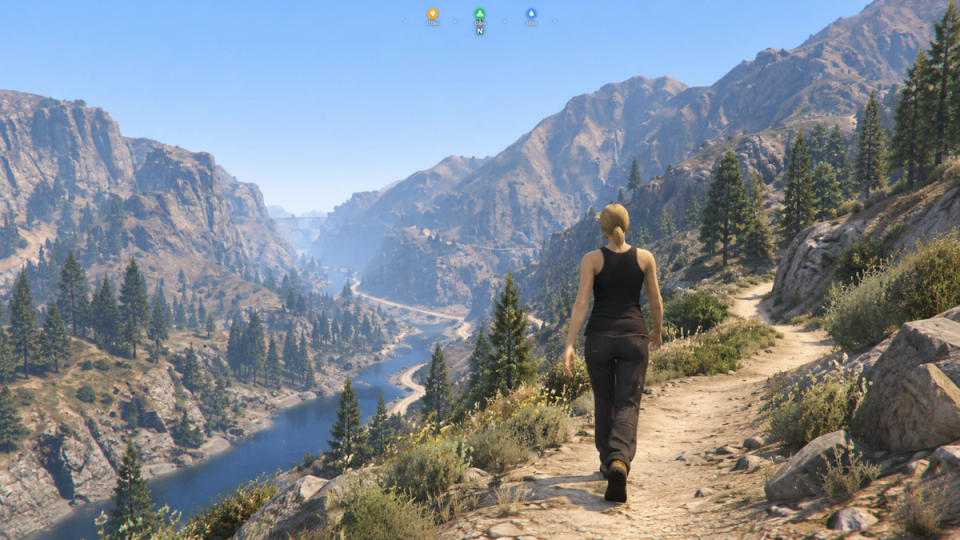
Open the map viewer to pan, zoom and track the player's position and heading. Players can also carry the paper prop with a reading animation while they walk. The prop and animation can be disabled in the config.
Use your existing HUD
Set Config.MinimapControl to false when another resource manages the radar. The map viewer, fog, compass and waypoints remain available.
Radar size and position
Set the radar diameter and margins in the config. Its layout responds to resolution, aspect ratio and safe-zone changes. HUD integrations can move it through the offset exports; the zoom command is available in debug mode.
Native map access for staff
Allow staff to toggle access to the native GTA map and radar for their own player. Set the permission group and command name in the config, or allow native map access for everyone.


![Ashfall RP [DEV]](https://frontend.cfx-services.net/api/servers/icon/oaa5qbj/-267466854.png "Ashfall RP [DEV]")


![[Qbox Project] DiselPunk test](https://frontend.cfx-services.net/api/servers/icon/zjj9kz9/2034334528.png "[Qbox Project] DiselPunk test")

Secure Payments via:
















Tip: Log in with Discord and your customer roles sync automatically.
Verified Reviews
No reviews yet. Be the first.