Loot Zones | Loot Tables and Minigames
Build lootable zones in the world with a visual editor instead of editing config files. Rotate categories on a timer, gate loot behind skill checks and tools, reward XP, alert the police, open lootbox stashes and tune every drop from one panel.


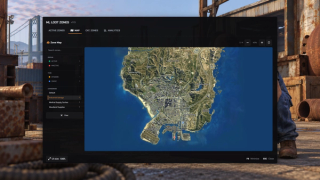
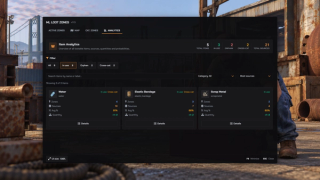
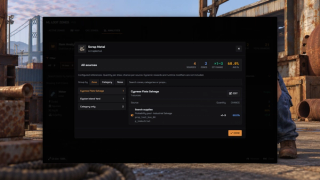
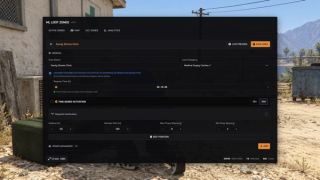
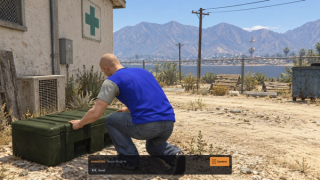
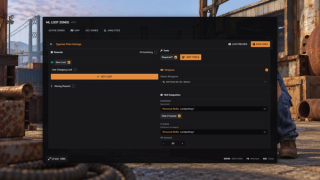
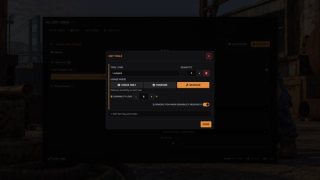
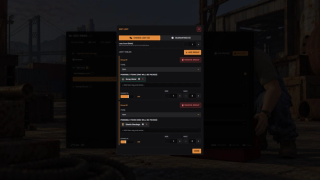
Overview
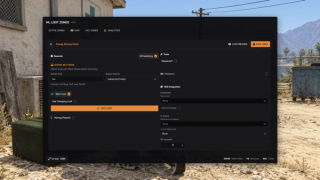
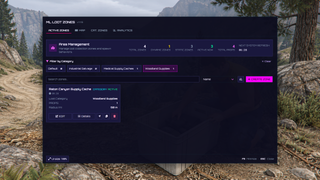
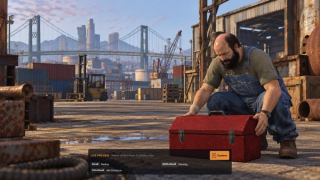
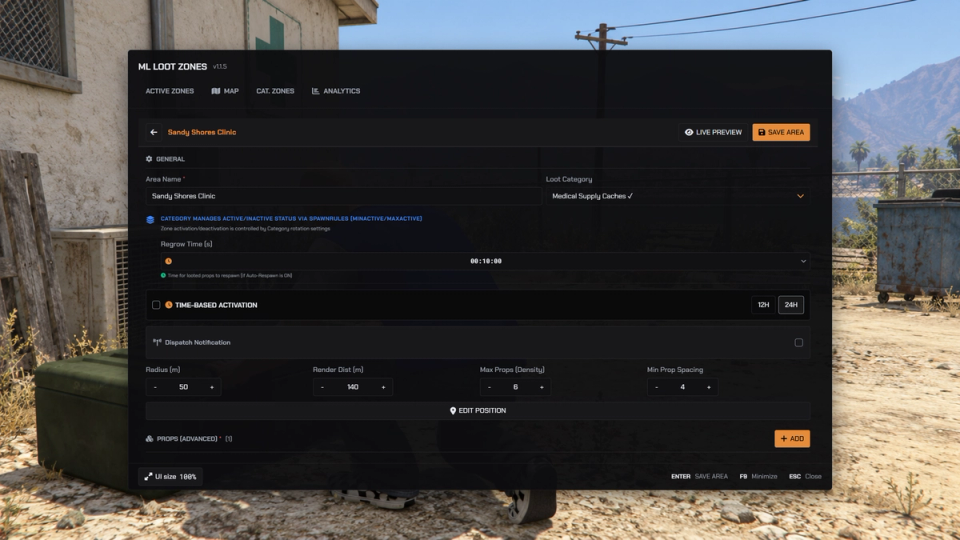
Build loot areas with the in-game editor. Place a zone, drop the props inside it and set the radius standing in the world, then let categories reshuffle their zones on a timer to vary the active loot locations.
What to expect
- Zones are placed visually in the world, with no coordinates to copy
- Categories keep a min and max of zones live and rotate them on their own
- A randomized startup delay before zones activate
- Guaranteed drops plus chance tables, with metadata presets on any item
- Props lock behind wearing tools or minigames: skill check, lockpick, thermite
- Every claim is checked again on the server: too far or no tools, no loot
- Optional ml_skills XP and skill-gated props
- Optional ml_battlepass objectives on every loot
- Clothing rewards and openable stash props with ML Inventory
- Police alerts on sensitive areas
- A scanner sorts existing map props, an analytics panel flags orphaned loot
Works on Qbox, QBCore, ESX and standalone. The full guide is in the docs.
Key Features
Visual In-Game Editor
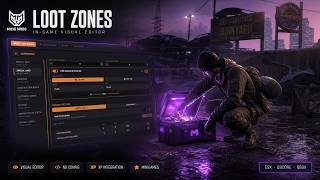
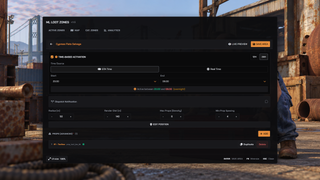
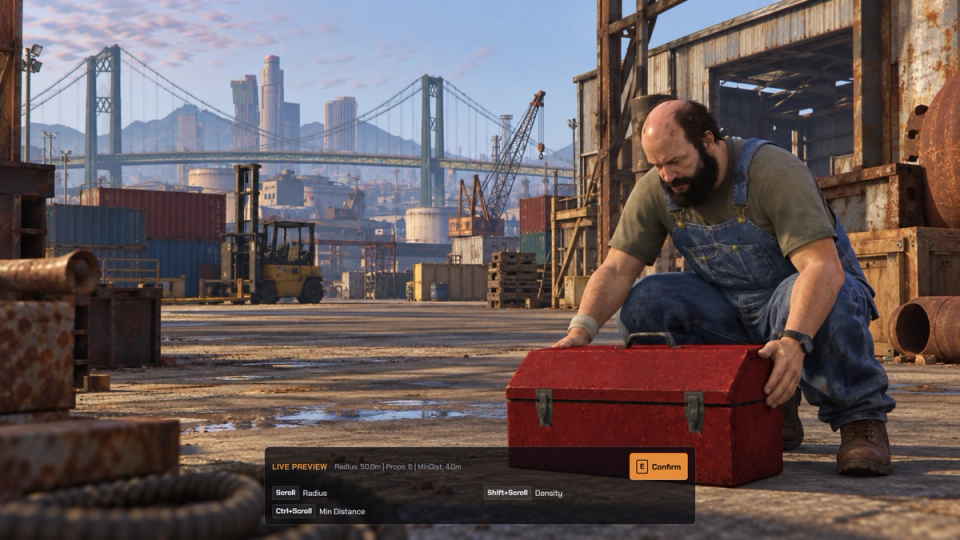
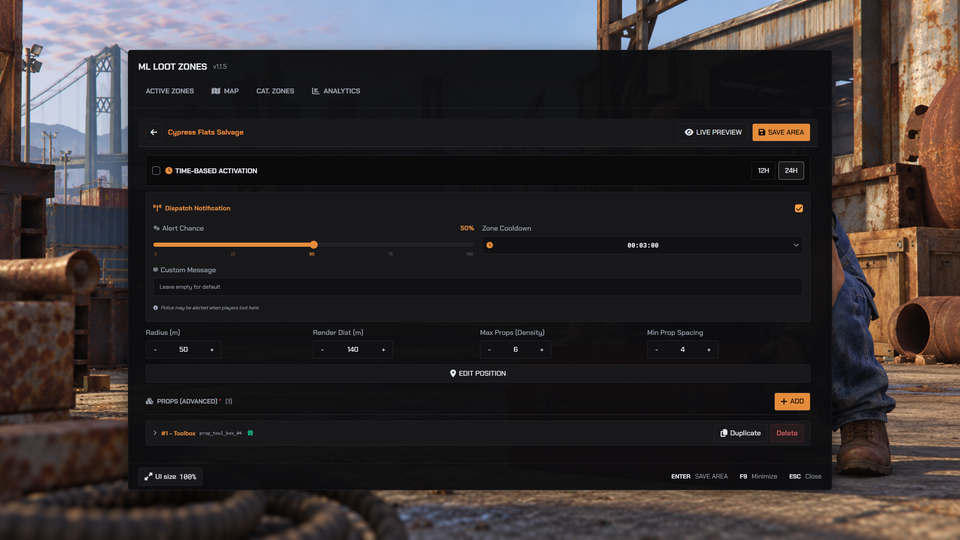
Place zones, drop props and set the radius live in the world. No coordinate hunting and no config files to edit. Live preview scatters sample loot and warns when a zone holds more props than its radius can fit.
Dynamic Zone Rotation
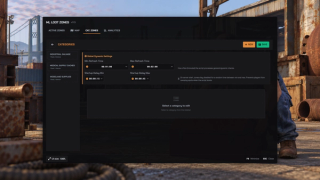
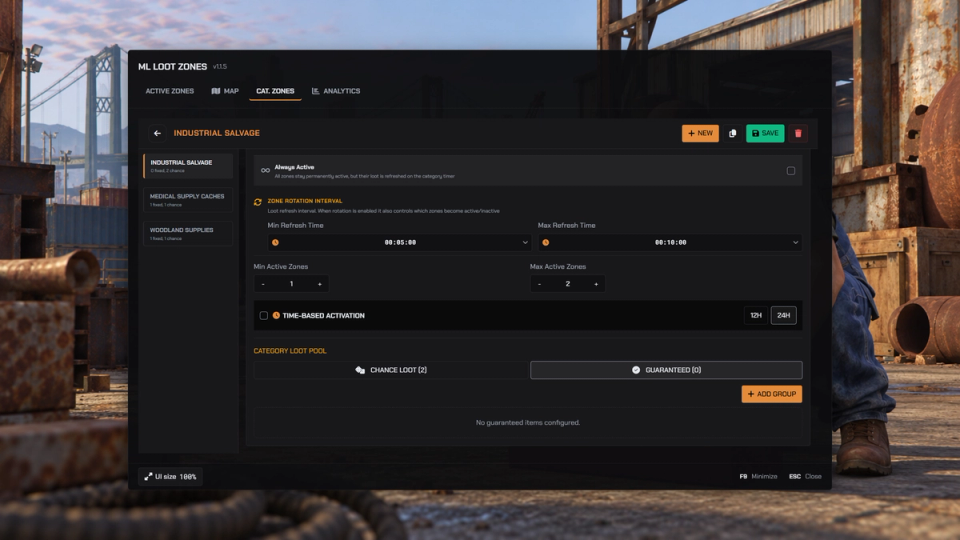
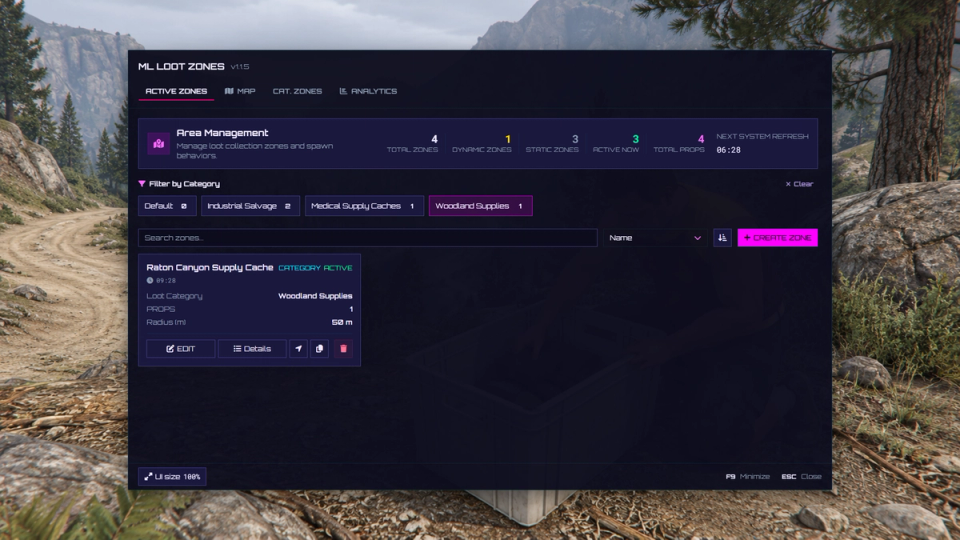
Categories cycle zones on and off, holding a minimum and maximum live count and reshuffling on a random timer.
Randomized Startup Delay
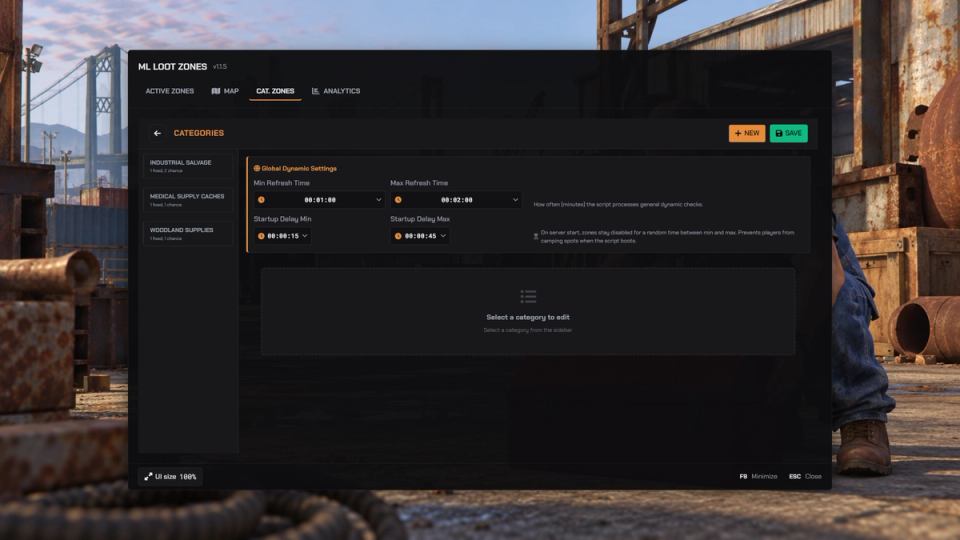
Set a minimum and maximum delay before zones activate after a server restart.
Skills XP Integration
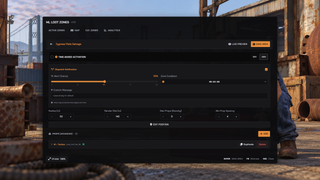
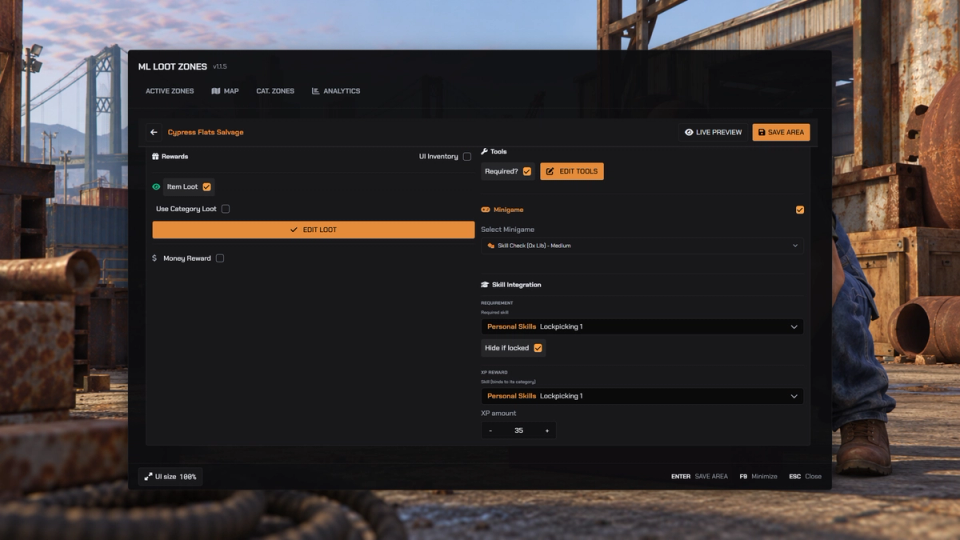
Award configured XP on loot and gate individual props behind unlocked skills. The integration switches off when ml_skills is not running.
Battlepass Objectives
With ml_battlepass, looting advances battlepass objectives. One config line turns it off.
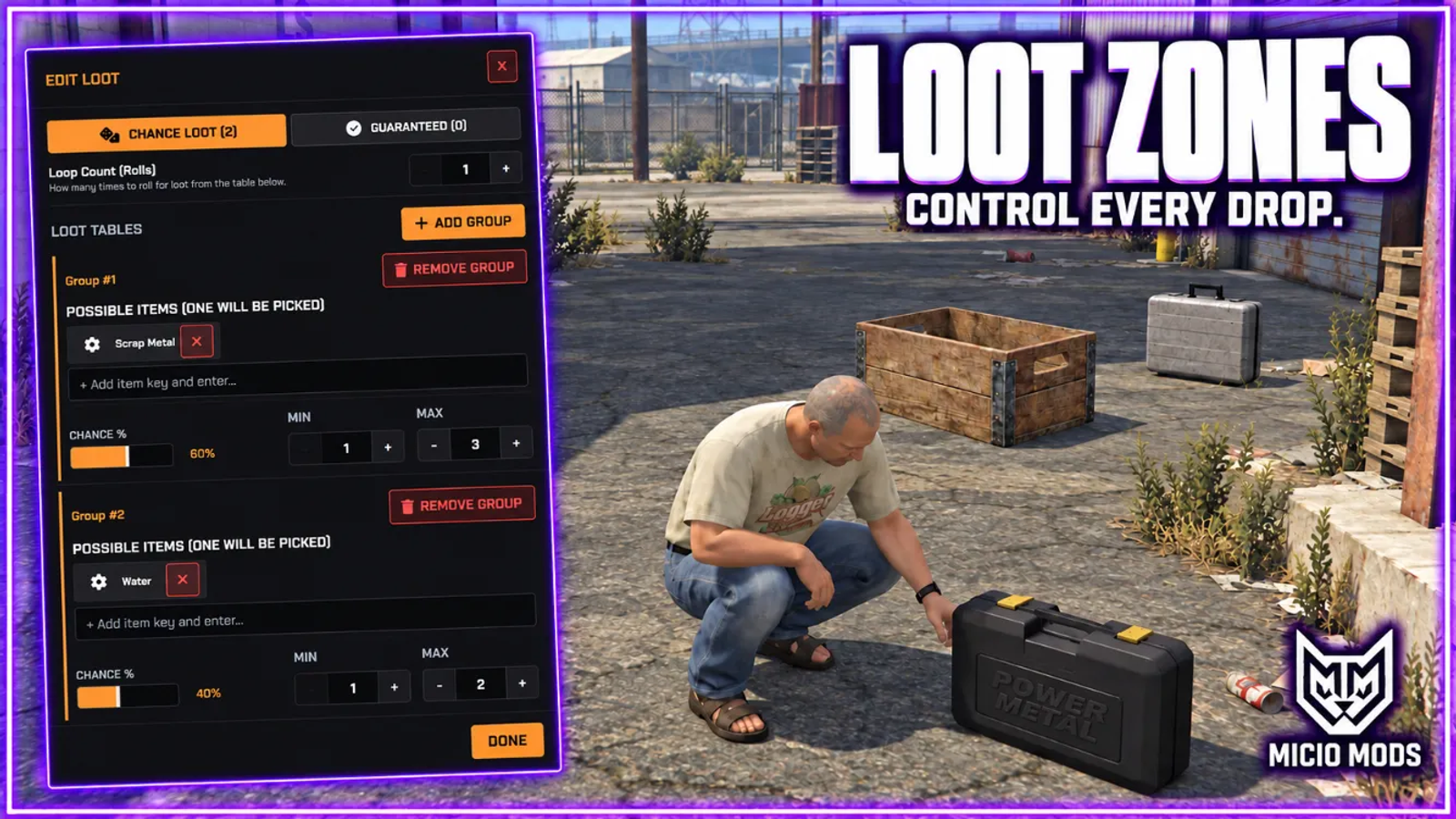
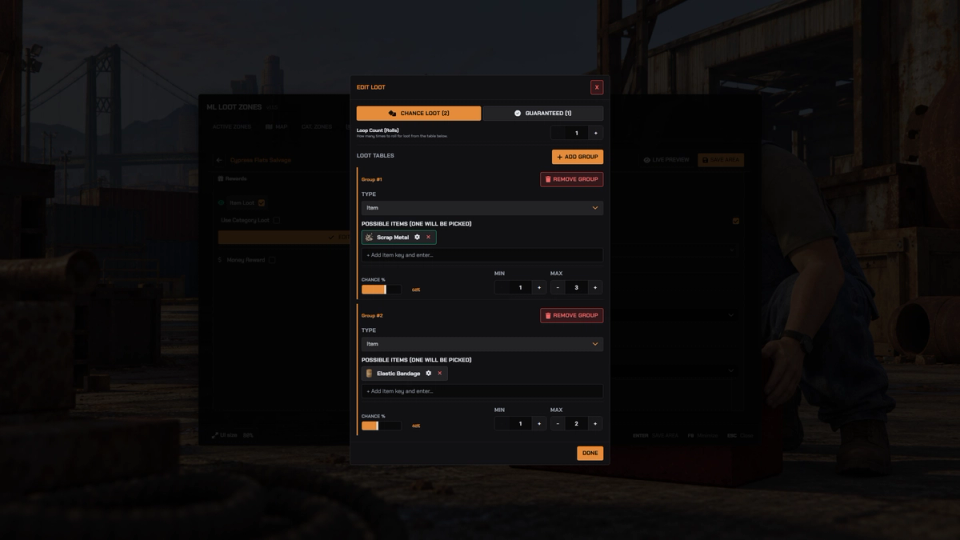
Flexible Loot Tables
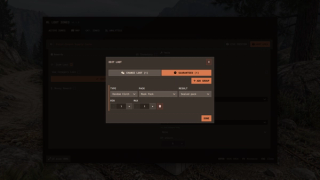
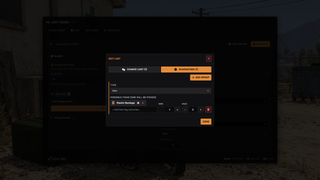
Guaranteed drops, random tables with multiple rolls, set per prop or per category.
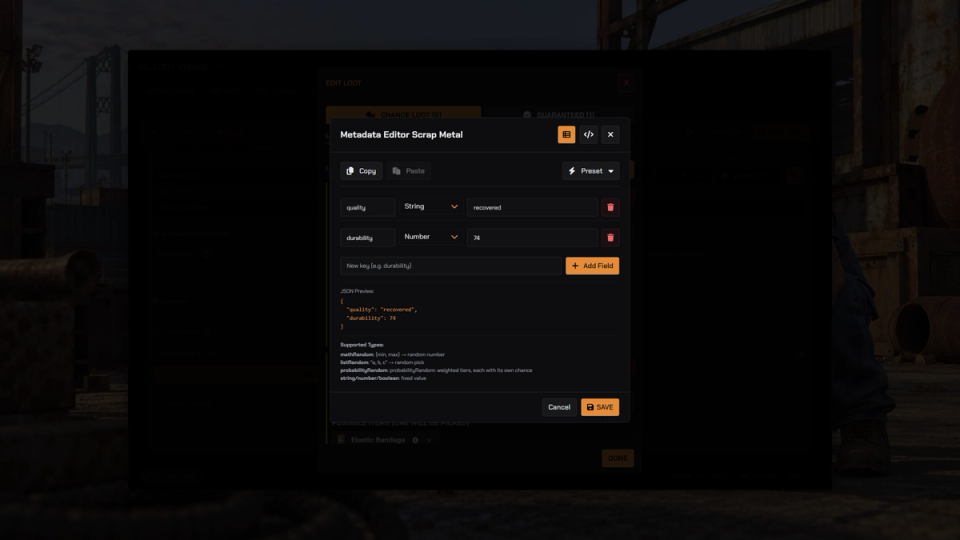
Metadata Editor
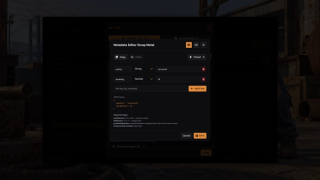
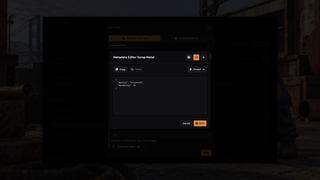
Attach metadata to any item with a visual or raw editor, with presets for durability, ammo, food, weapons and clothing.
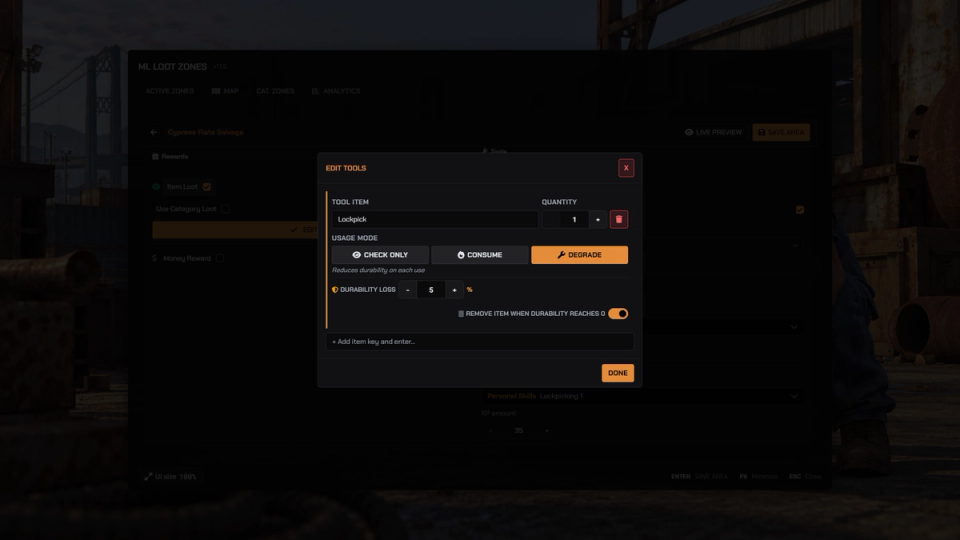
Tool & Durability
Require tools to loot, wear them down per use and remove them once worn out. Check only, consume or degrade.
Minigames
Gate loot behind a skill check, lockpick, thermite or scrambler. Lockpick and thermite need bd-minigames, scrambler needs ps-ui.
World Props & Scanner
Detect existing map props with the in-game scanner and fold them into their own prop categories.
Police Dispatch
Optionally alert police and sheriff jobs when a zone is looted, with map blips, cooldowns and a per-zone chance.
Lootbox Stashes
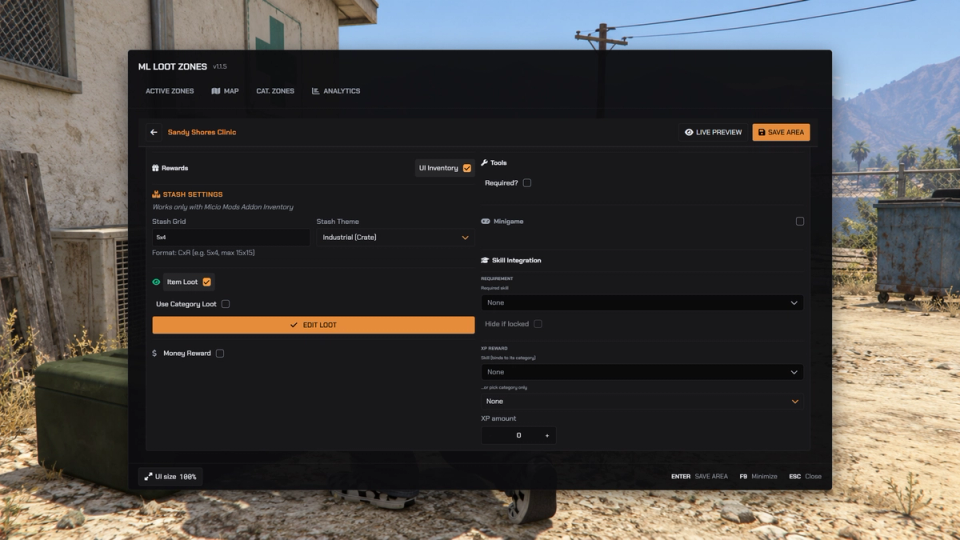
With ML Inventory, turn a prop into an openable stash instead of an instant pickup. Set its grid size and theme, with a timed loot reveal delay.
Time-Locked Zones
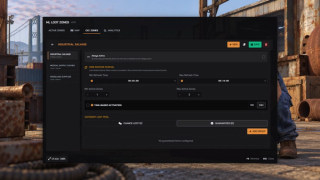
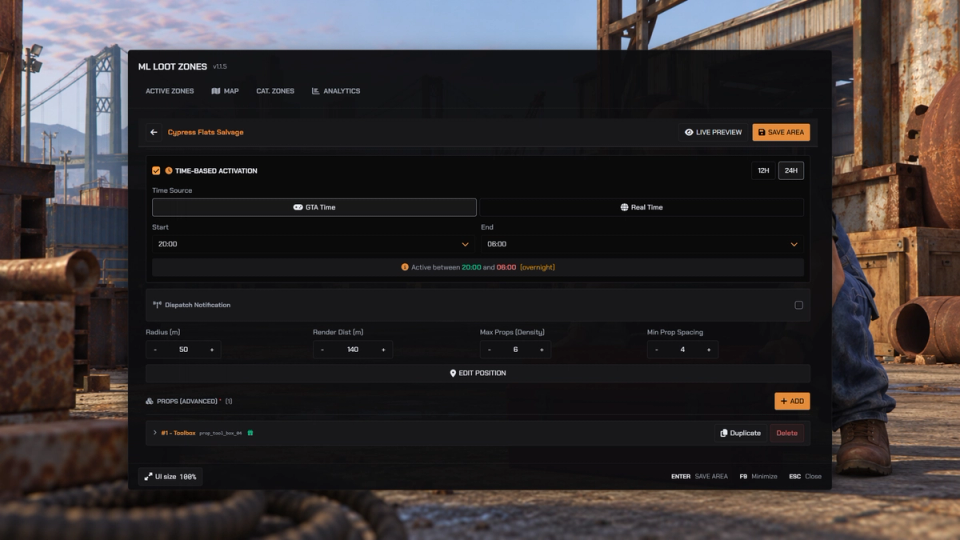
Schedule activation by in-game time or by real server time, for night-only scavenging or work-hours loot.
Item Analytics
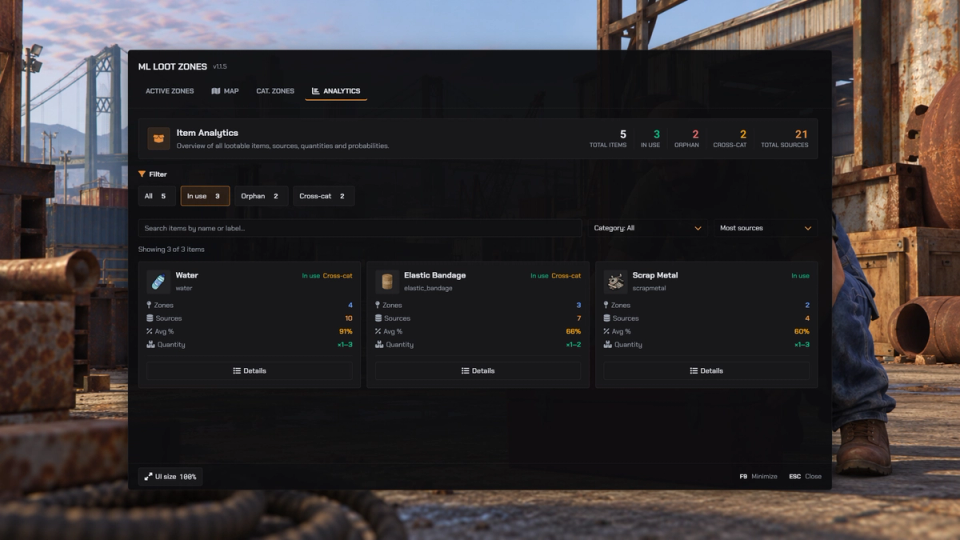
Browse configured item rewards with their sources, quantities and drop chances, plus orphan and cross-category entries.
Per-Prop Control
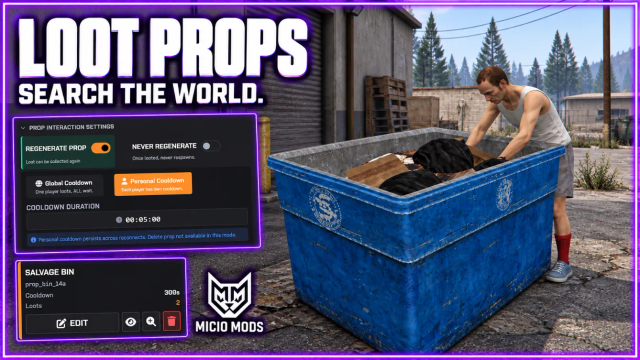
Set per-prop offset, rotation and height, disable regeneration, or toggle collision for models with broken collision.
Admin Map
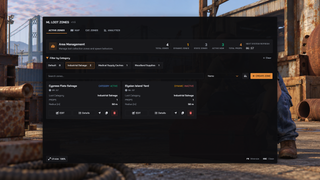
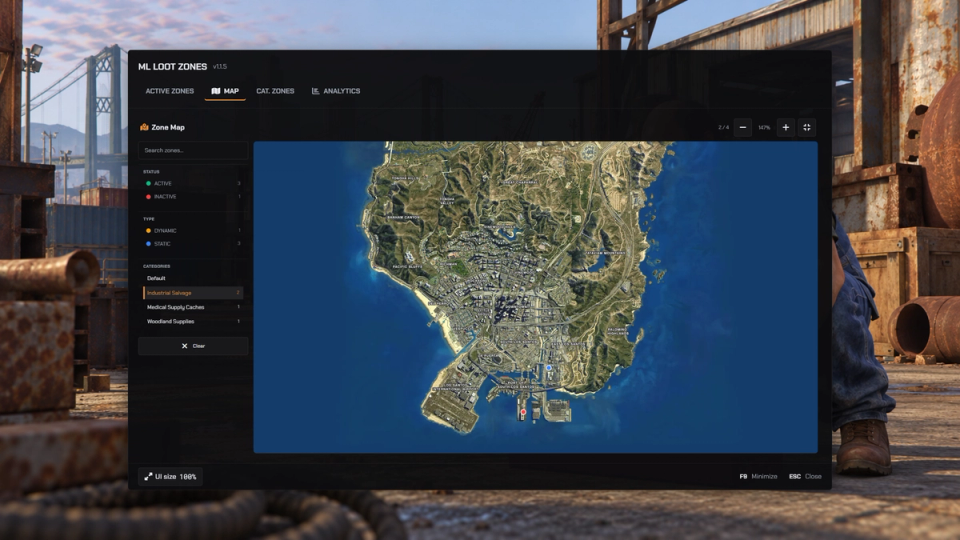
See every zone, its live status and its category on one in-game map. Teleport straight to any zone from the panel.
Loot Regrowth
Looted props come back after a per-zone regrow timer, or stay gone for good when you mark a prop as one-time. Fixed props return to the same spot, randomized ones reshuffle on the next pass.
Developer Hooks & Exports
Open hooks for loot multipliers, bonus drops, faction gates and custom animations, plus exports so your other scripts can read and refresh zones.
Works With or Without a Target
Detects your targeting resource and uses it. Servers without one get a press-E prompt on the prop.
Custom Animations & Prompts
Pick the looting animation per prop and preview it live on your character. Prompt text, progress label and interaction time are per prop too.
Random Cloth Rewards
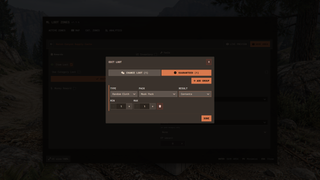
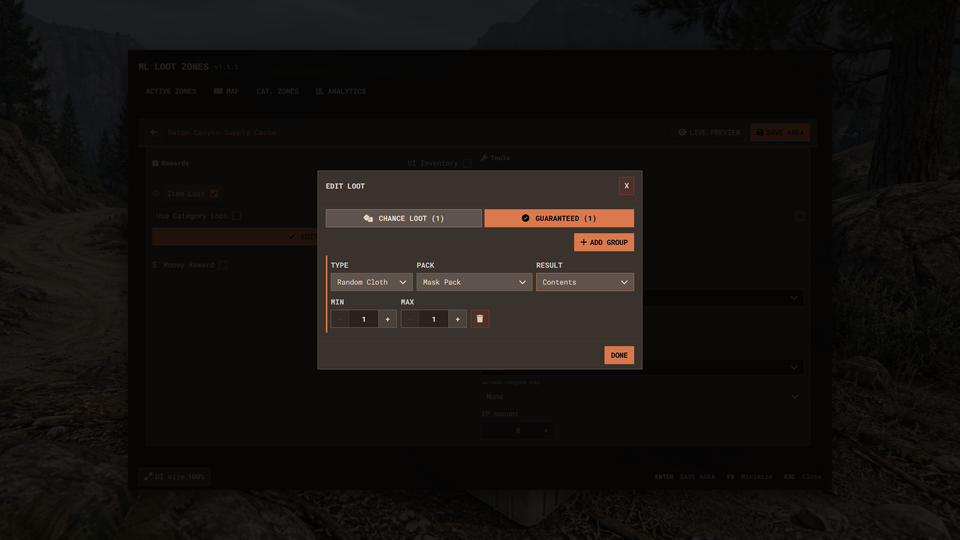
With ml_random_cloth running, add sealed clothing packs or their contents to guaranteed drops and chance groups. Provider rewards support male, female or random clothing.
Clothing Rewards
With ML Inventory, a loot table can give a fixed clothing piece, or a random piece from a series of drawables. The editor shows a photo of every model.
Themes and Panel Controls
Pick a built-in theme or follow the shared ML theme, override single UI colors and adjust the panel size. Minimize and restore the admin panel with its configured key.


Secure Payments via:
















Tip: Log in with Discord and your customer roles sync automatically.
Verified Reviews
No reviews yet. Be the first.