Loot Props | Search Any Object
Configure loot for world objects, dead NPCs and animals from an in-game editor. Includes hunting rules, tool wear, minigames, exclusion zones, stashes and optional Skills XP.



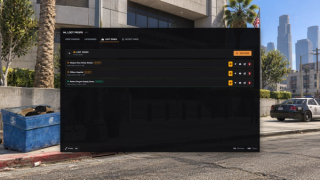
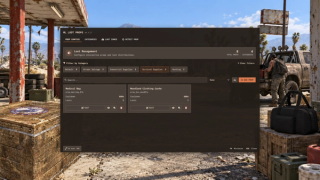
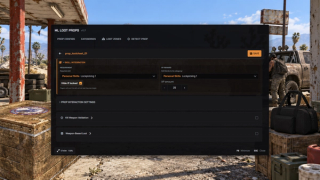
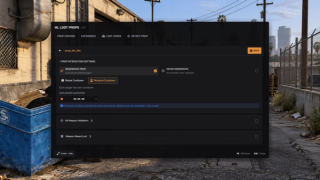
Overview
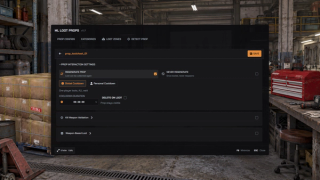
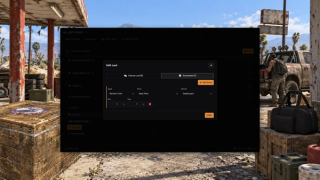
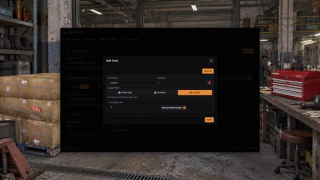
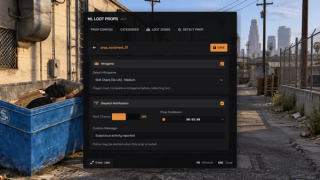
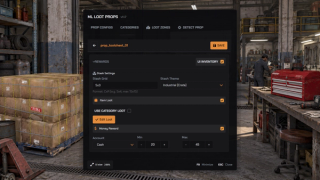
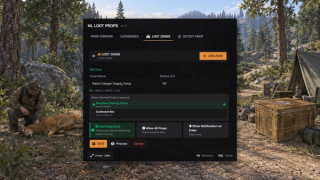
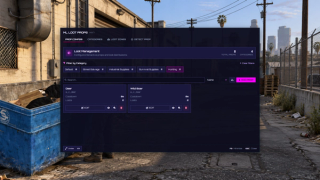
Use the in-game scanner to configure loot on world objects, dead NPCs and animals. Set rewards, required tools and hunting rules from the admin panel.
What to expect
- Turn any object, dead NPC or animal into a lootable source
- Kill-weapon rules for hunting, checked on the server
- Different butchering tools pull different cuts
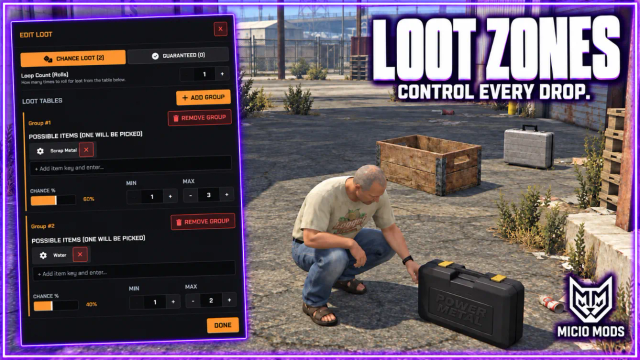
- Guaranteed drops plus chance tables that roll several times
- Metadata on any reward, with presets for durability, ammo and food
- Lock props behind tools that wear down, or behind a minigame
- Categories share loot, tools and police rules across props
- No-loot zones, police alerts and openable stash mode
- Clothing rewards with ML Inventory, a fixed piece or a random piece from a series
- Optional ml_skills XP and ml_battlepass objectives
Works on Qbox, QBCore, ESX and standalone. The full guide is in the docs.
Key Features
Lootable World Objects
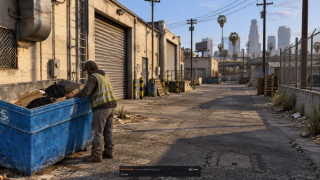
Make any in-world object lootable by its model. Point the in-game scanner at it and add it on the spot.
Hunting and Animals
Loot dead NPCs and animals. The kill is read automatically and only the models you configure ever drop loot.
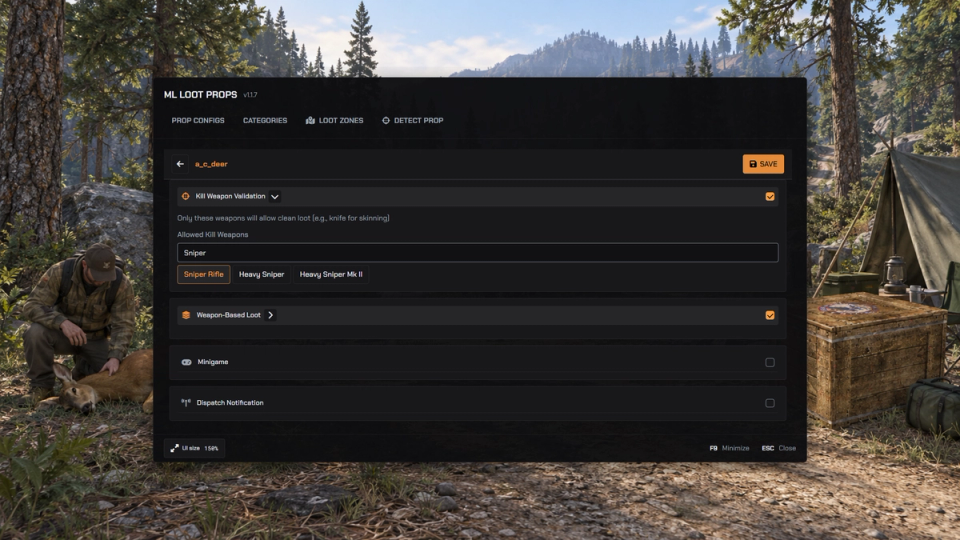
Clean Kill Rules
Choose which kill weapons allow players to harvest an animal, including rules for explosive damage.
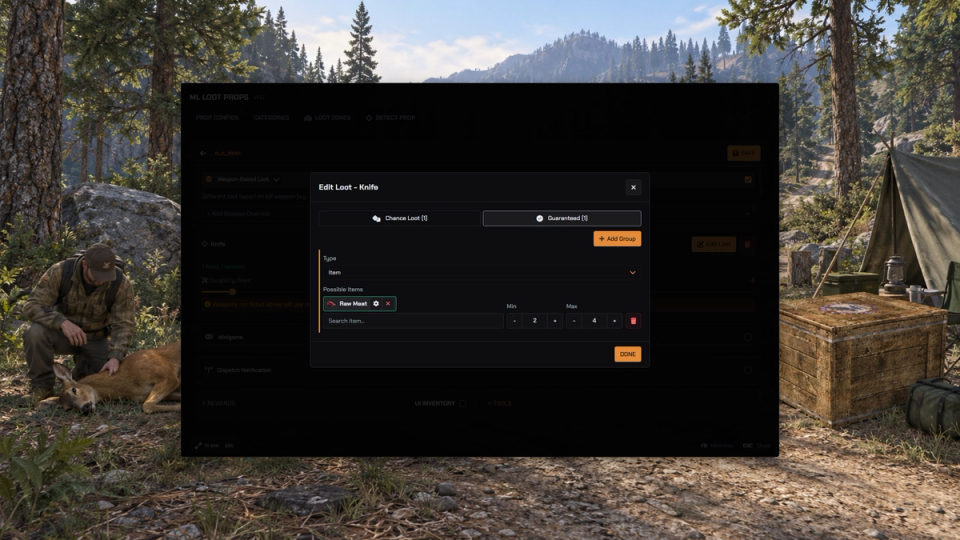
Loot by Weapon
Configure different rewards for the weapon used to butcher an animal, with optional weapon wear per use.
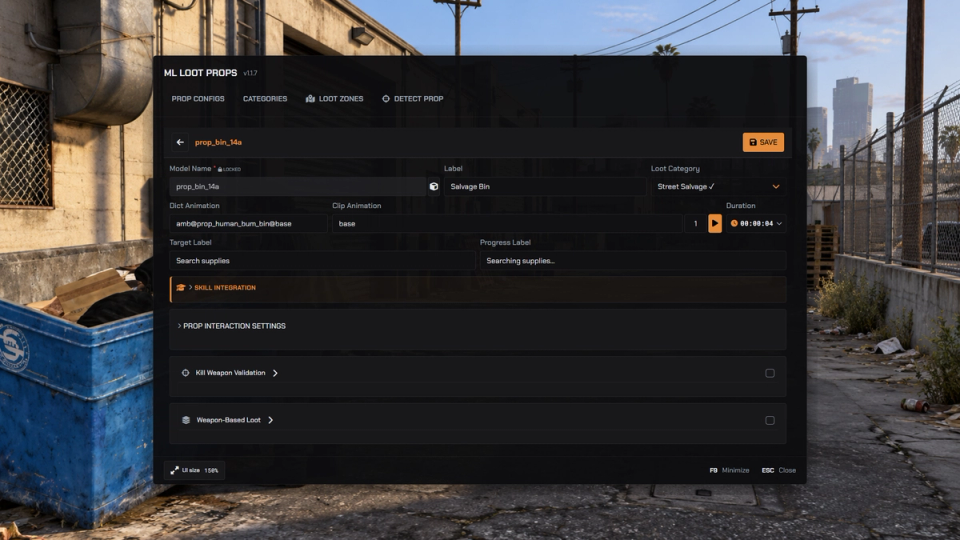
In-Game Builder
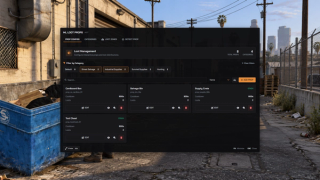
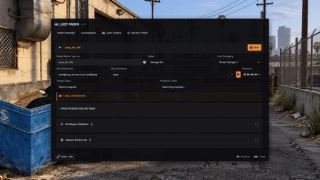
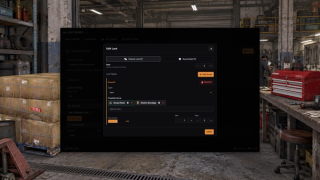
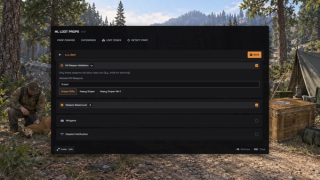
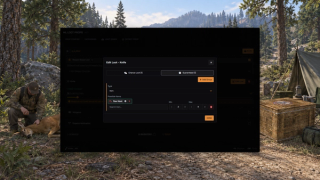
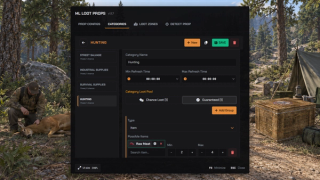
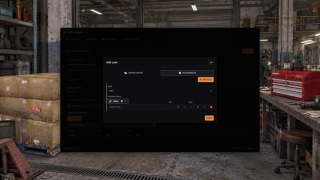
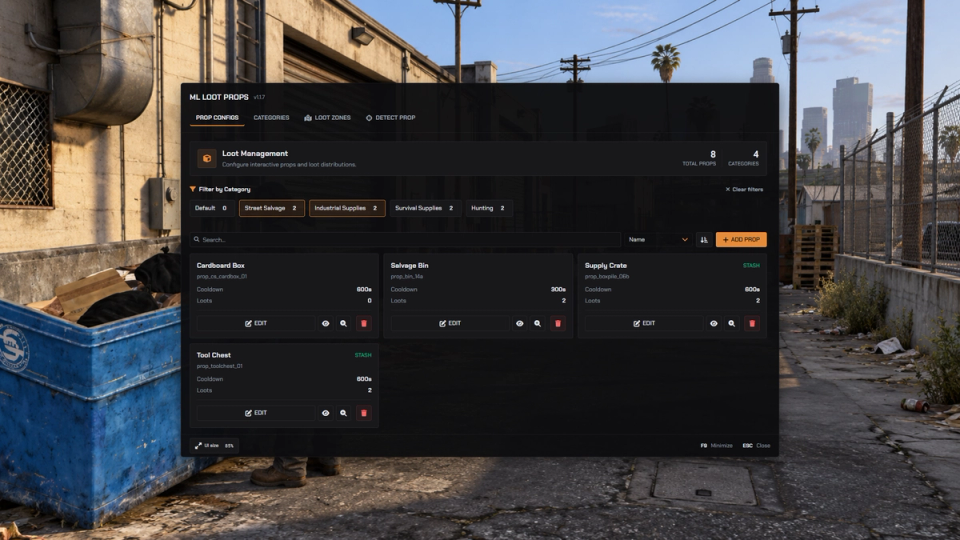
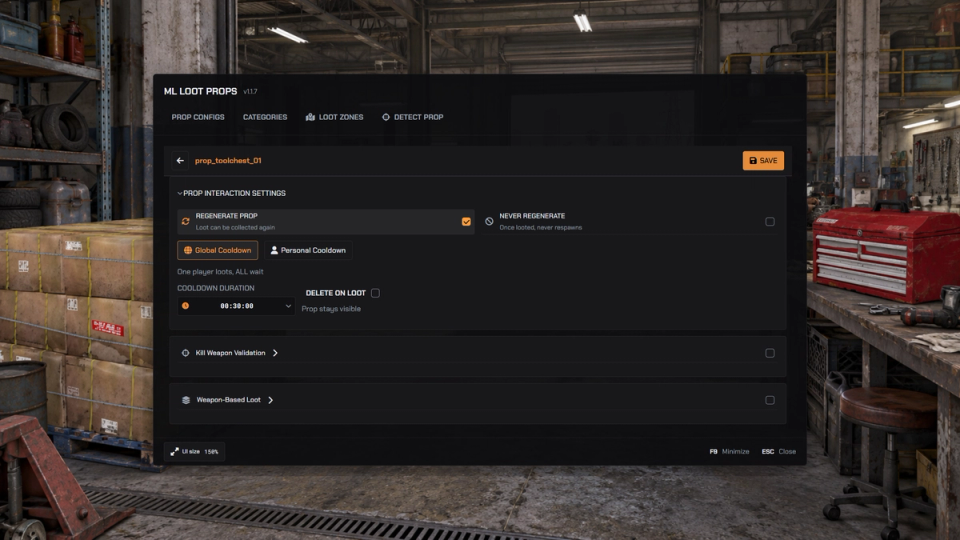
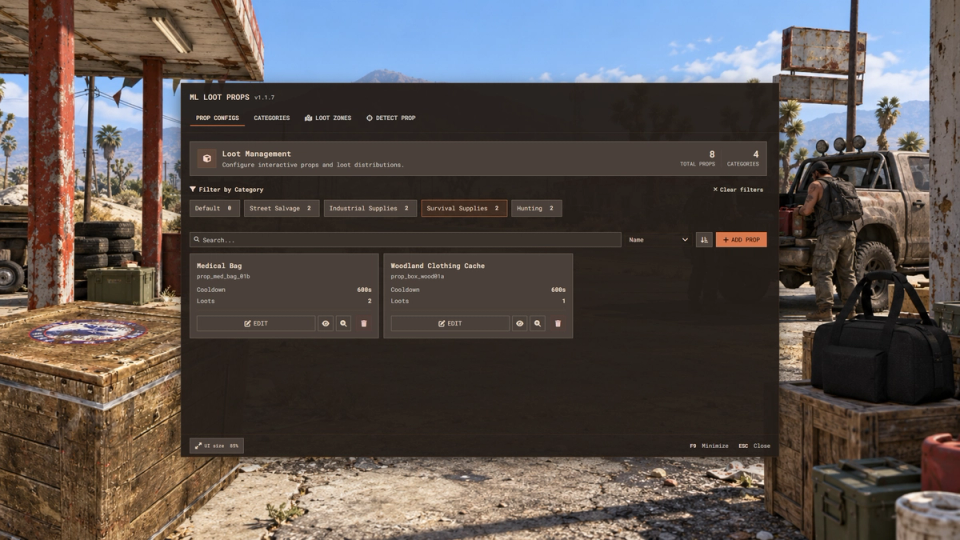
Create and edit every prop, loot table and rule from an admin panel inside the game. Nothing to touch by hand. Preview any model in 3D in front of you and highlight every matching prop in the world before you commit.
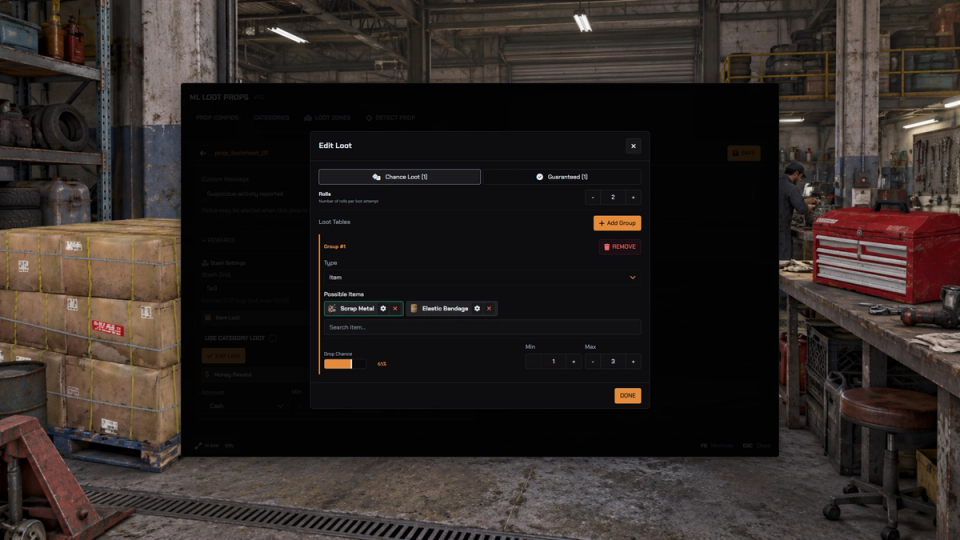
Deep Loot Tables
Mix guaranteed drops with chance tables that roll several times, and pay out cash or bank money on top.
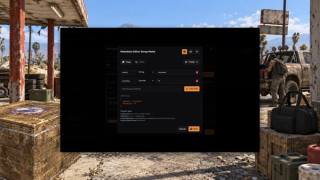
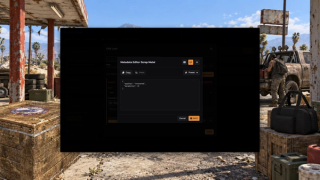
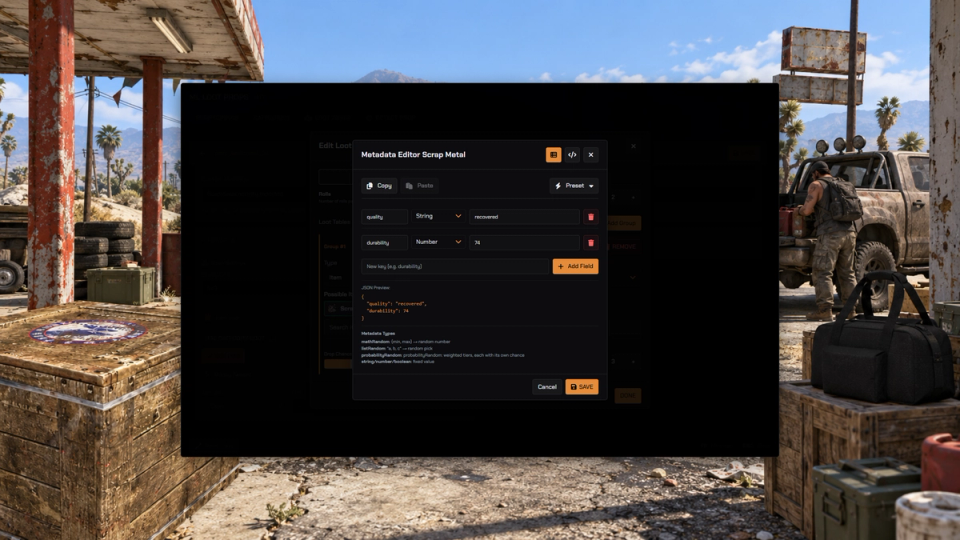
Item Metadata
Attach metadata to any reward with a visual or text editor, using ready presets for durability, ammo, food and clothing.
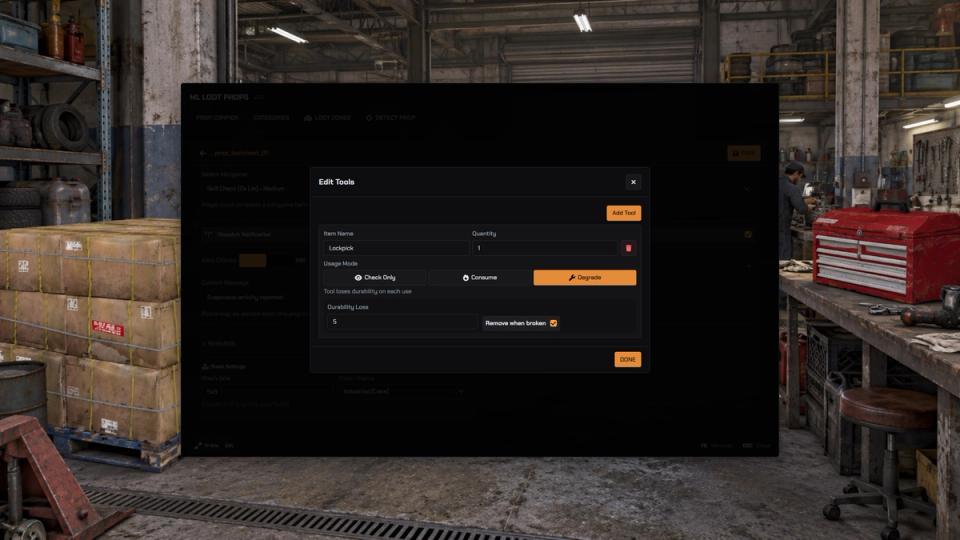
Wearing Tools
Require tools to loot, drain their durability on each use, and remove them once they break.
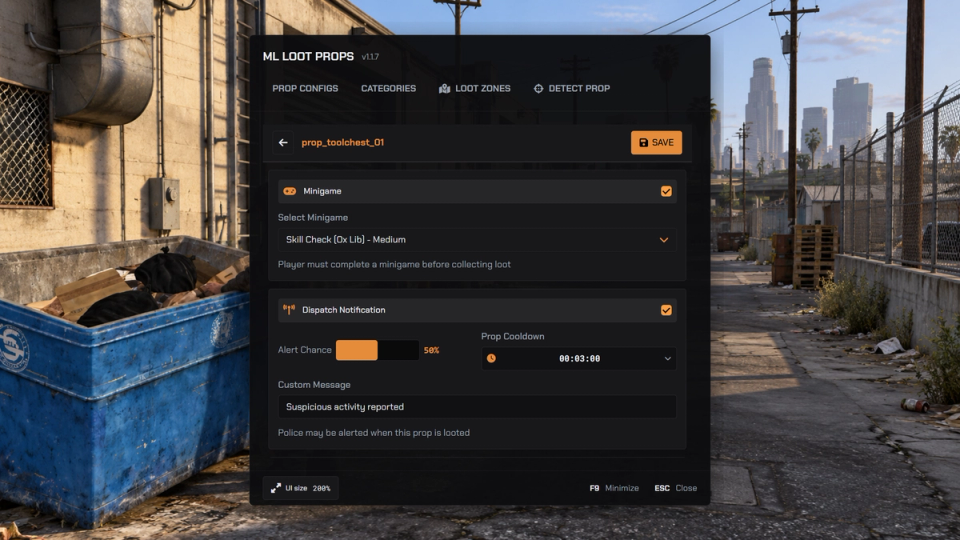
Minigame Locks
Gate loot behind a skill check, a lockpick, thermite or a scrambler before it is handed over, the extras appearing when the matching minigame resources are installed.
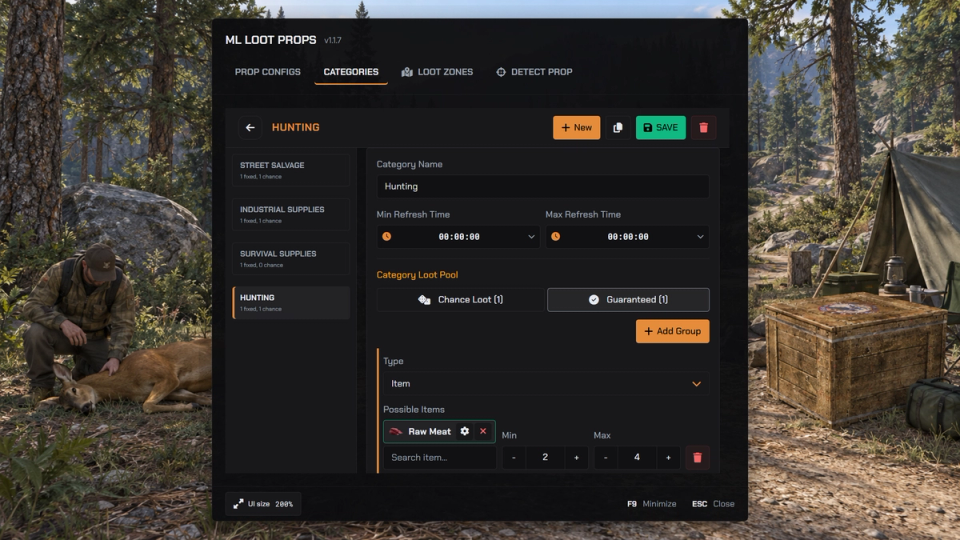
Shared Categories
Group props into categories that share loot, tools, weapon rules and police settings in one place.
Cooldowns and One-Time Loot
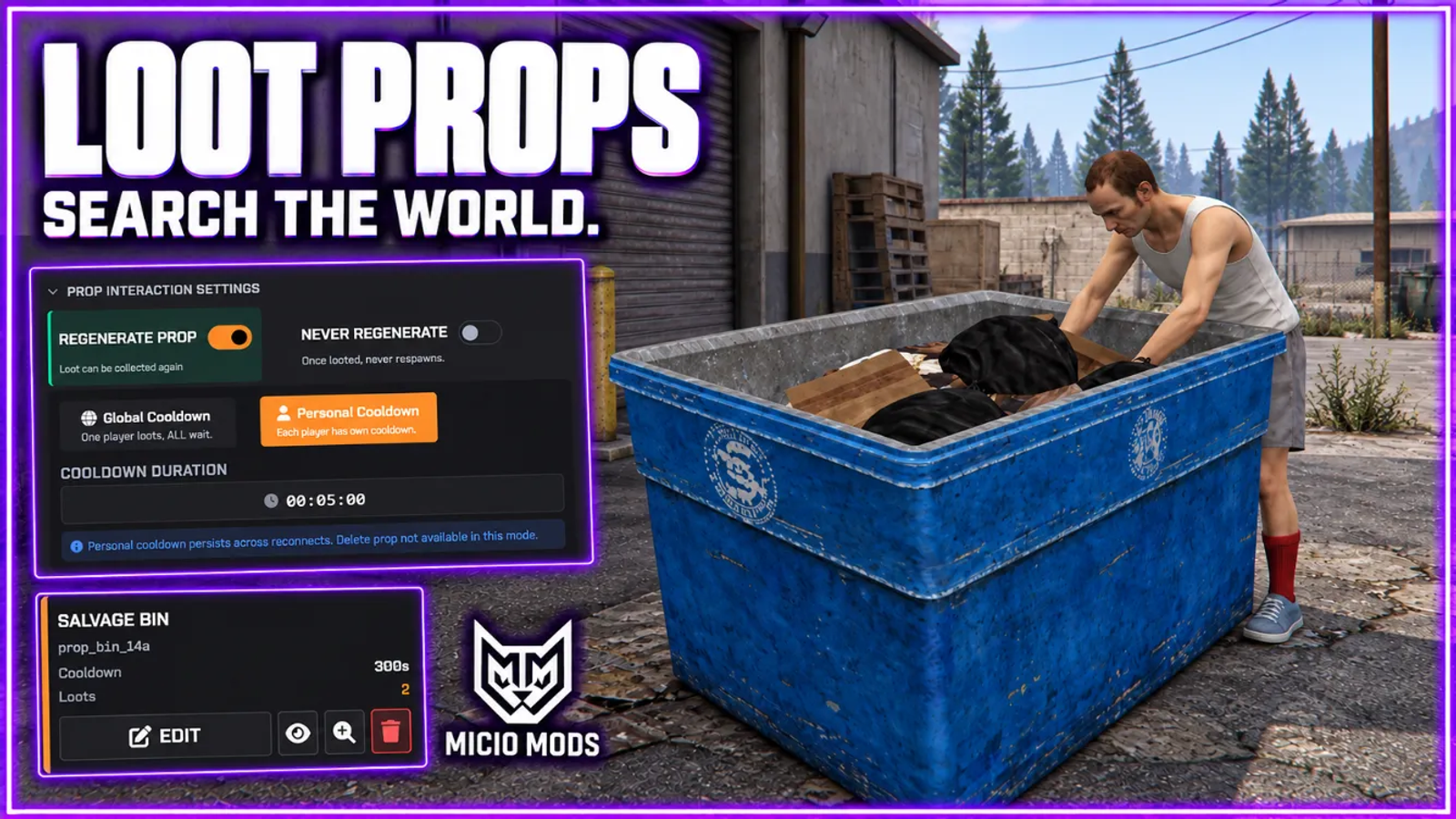
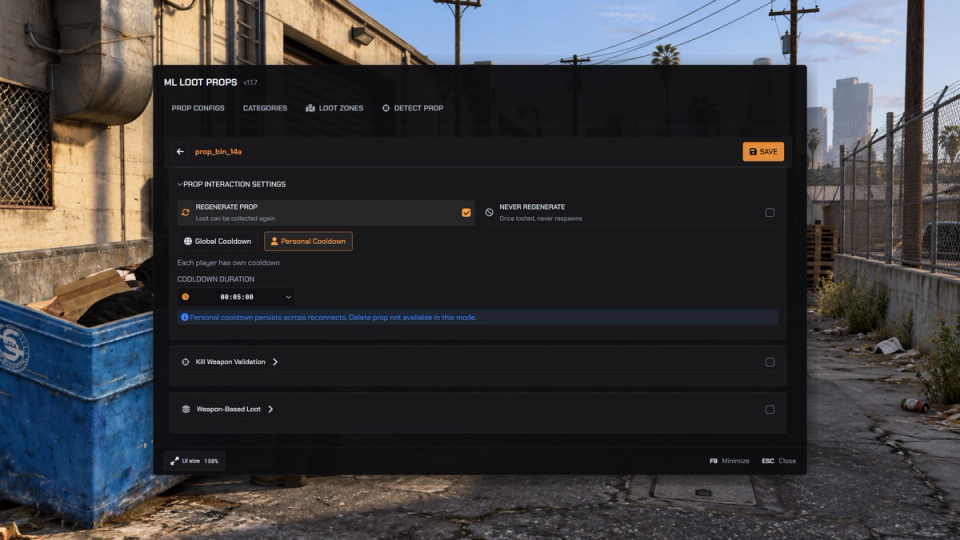
Set global or personal cooldowns, delete a prop after looting, or make a reward never come back.
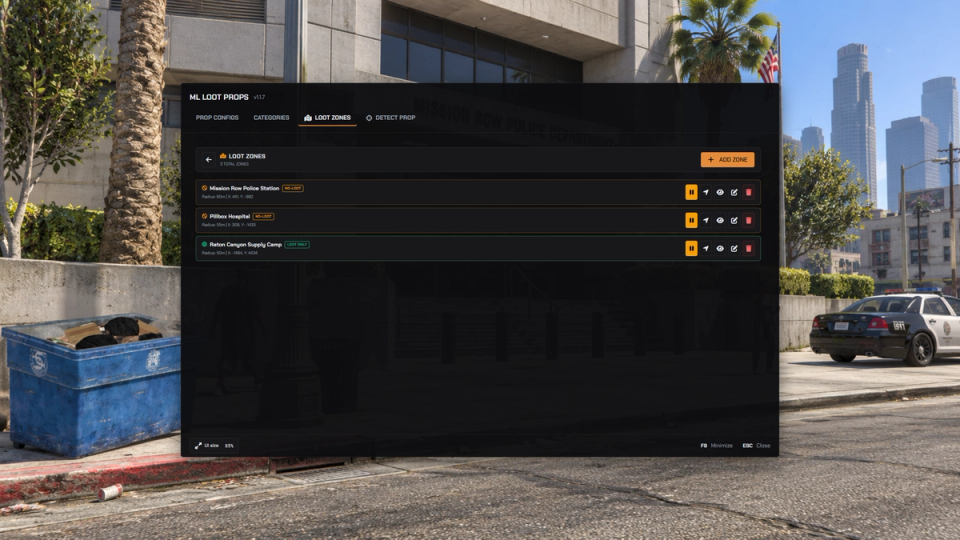
No-Loot Zones
Draw circular zones where looting is switched off, for safezones, events and protected areas. Apply a zone to all or selected models, or invert it so those models can only be looted inside.
Police Alerts
Optionally alert police and sheriff jobs when a sensitive prop is searched, with a map blip and its own cooldown.
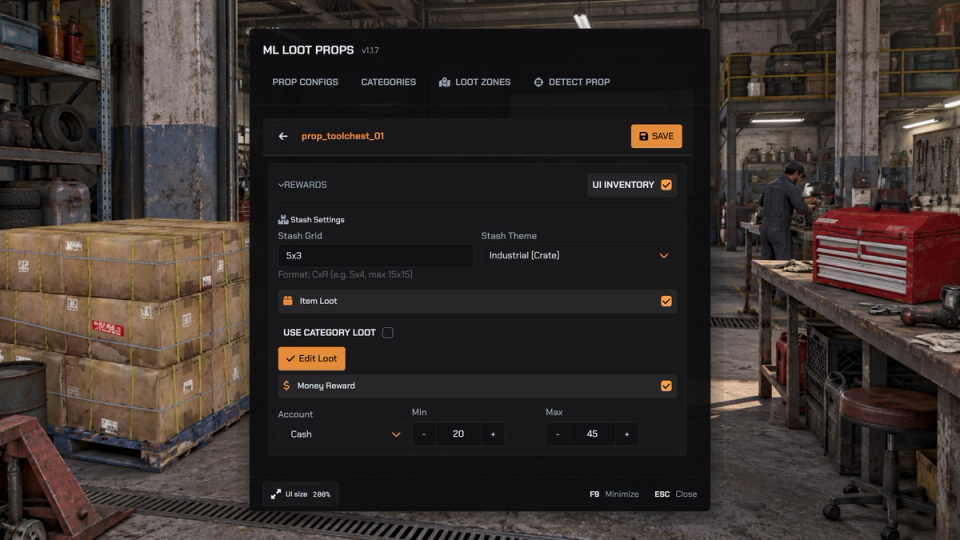
Openable Stashes
Turn a prop into an openable storage stash instead of an instant pickup. Players sort through the haul. Several players can dig through the same stash at once, and abandoned stashes clean themselves up.
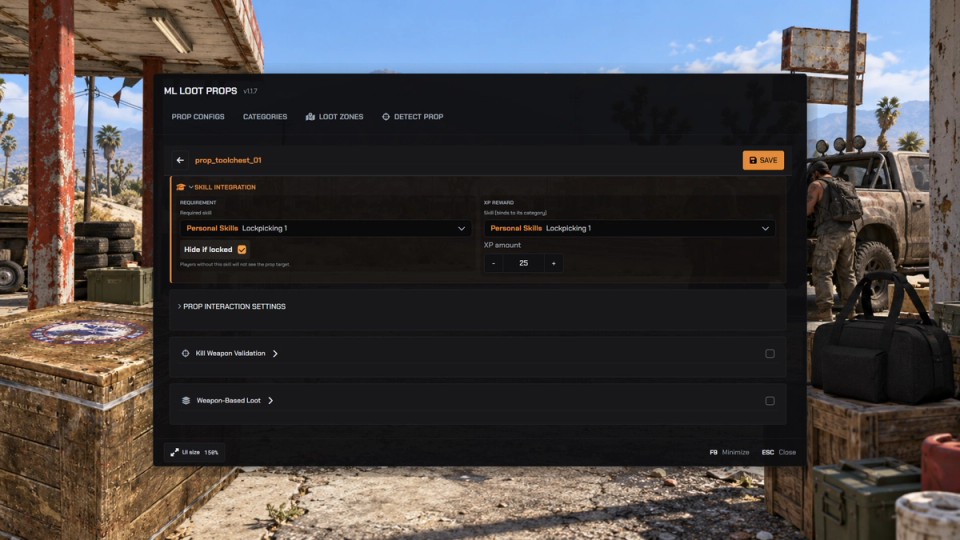
Skills Experience
Award experience per loot and lock props behind unlocked skills. Cleanly skipped when no skill system is running.
Battlepass Objectives
With ml_battlepass, looting advances battlepass objectives. One config line turns it off.
Regrow and Restart Guard
Looted props can vanish for everyone and grow back on their own timer, and a random startup delay keeps loot closed while players pour in after a restart.
Open Developer Hooks
Open hook files let your own scripts change loot, apply multipliers, add bonus drops, override cooldowns or block looting per prop, with exports to read any config.
Detects Your Target Resource
Uses your target resource when one is running and falls back to a simple [E] prompt when not. Detected automatically, or forced either way in the config.
Custom Search Animations
Give each prop its own search animation, previewed live on your character while you scroll the catalog, with a custom progress label and timing.
Discord Logs and Auto Kick
Send loot pickups, tool wear, admin edits and exploit attempts each to their own Discord webhook, and repeat exploiters get kicked automatically.
Random Clothing Loot
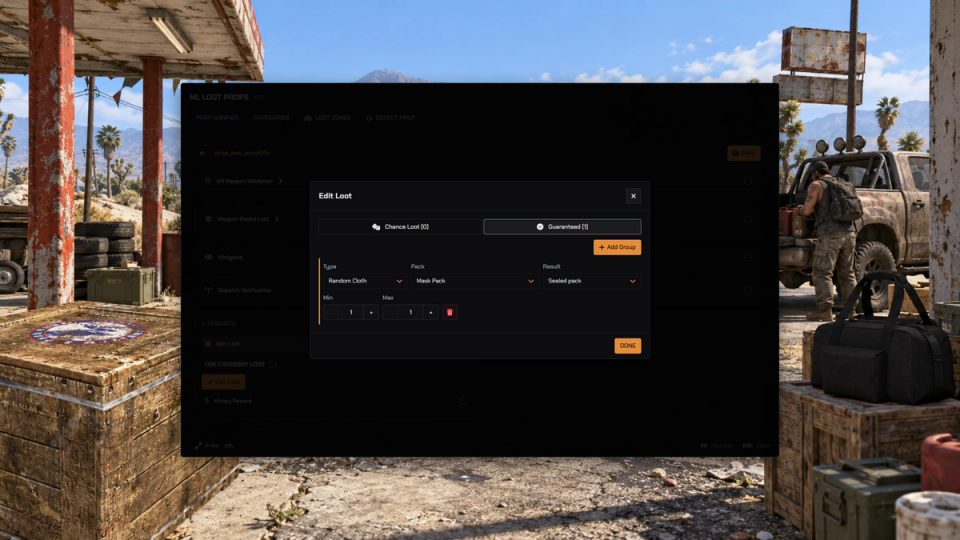
With ml_random_cloth running, choose a clothing pack as a loot reward. Drop a sealed pack or its contents, with male, female or random selection.
Clothing Rewards
With ML Inventory, a loot table can give a fixed clothing piece, or a random piece from a series of drawables. The editor shows a photo of every model.
Admin Panel Themes
Pick a built-in theme for the admin panel, follow the shared ML theme, or override single colors.


Secure Payments via:















Tip: Log in with Discord and your customer roles sync automatically.
Verified Reviews
No reviews yet. Be the first.