Climate | Heat, Cold and Wetness
Track felt temperature from weather, time, clothing and shelter. Includes vehicle climate control, rain and swimming wetness, warming or cooling items and custom temperature zones.



Overview
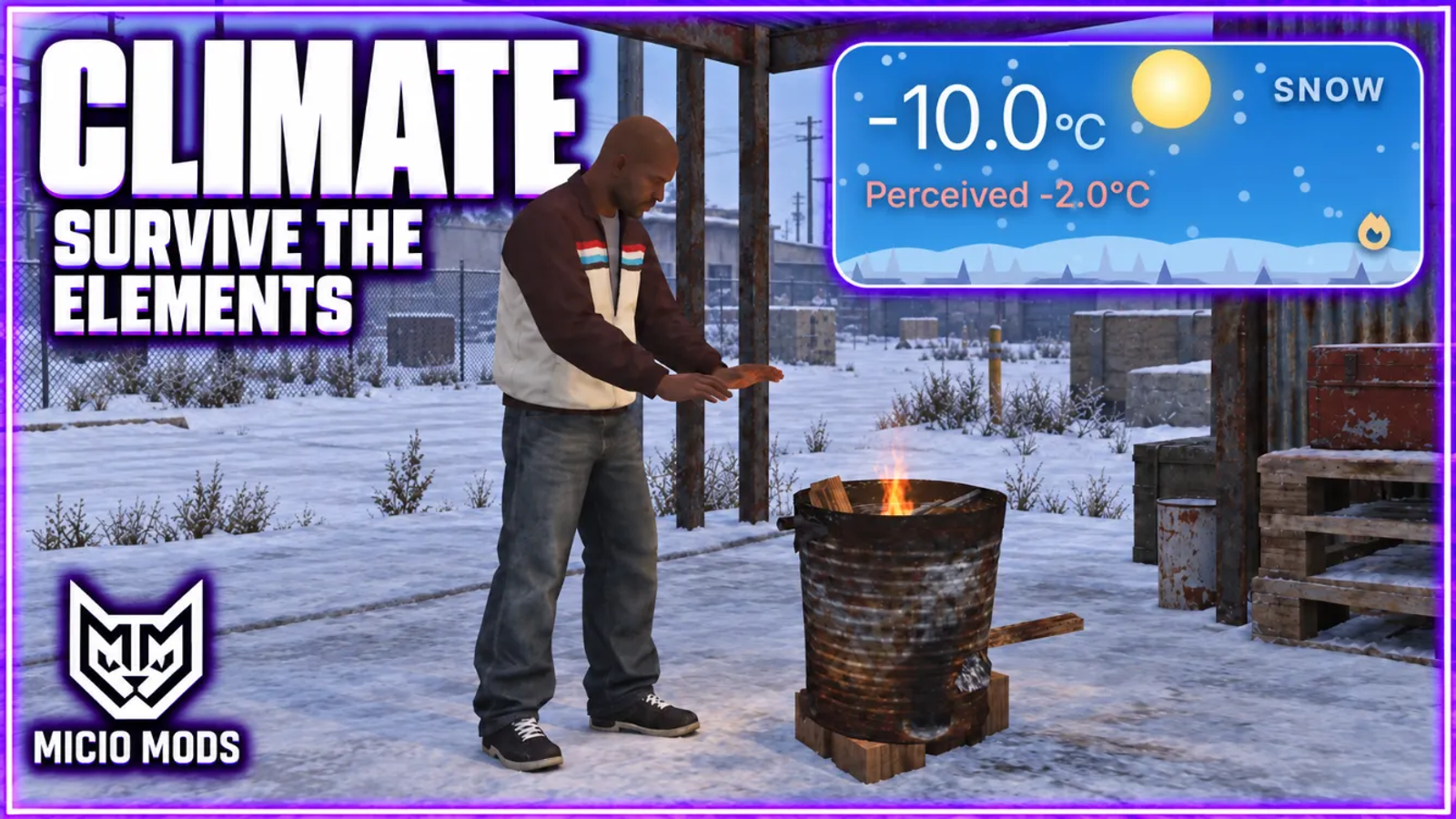
Weather, time, clothing and shelter set the temperature each player feels. Heat, cold and wetness drain health, hunger and thirst. Players warm up or cool down with vehicle climate control, shelter, fires and drinks.
What to expect
- Every weather type pulls the felt temperature toward its own range
- One shared server value, so the whole city lives the same weather
- Night cold, indoor shelter, clothing warmth and vehicle insulation all count
- Too hot or too cold drains health while the screen ices over or ripples
- Rain soaks by line of sight: an awning keeps you dry, an open roof does not
- Swimming lands an instant cold hit, campfires and heaters dry you off
- Working vehicle climate control with four panel styles by vehicle class
- Each car keeps its own climate settings for everyone inside
- Celsius or Fahrenheit, custom temperature zones and consumable buffs
Works on Qbox, QBCore, ESX and standalone. The full guide is in the docs.
Key Features
Real-Time Felt Temperature
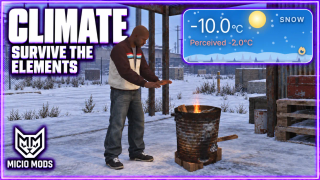
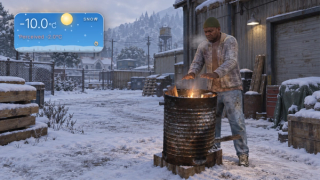
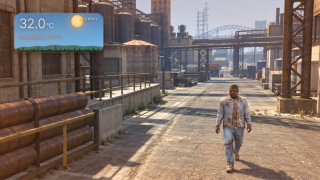
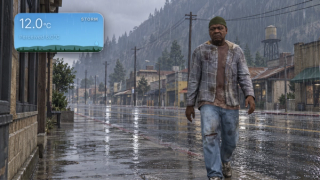
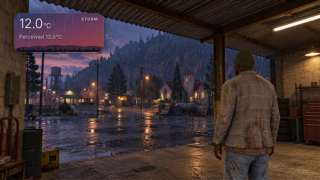
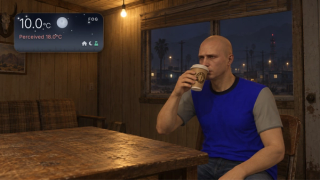
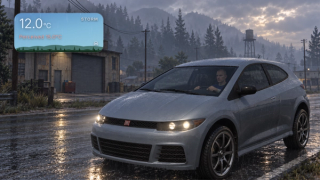
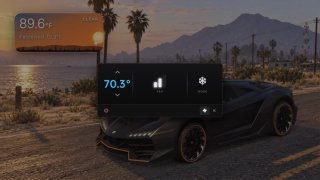
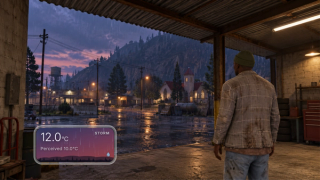
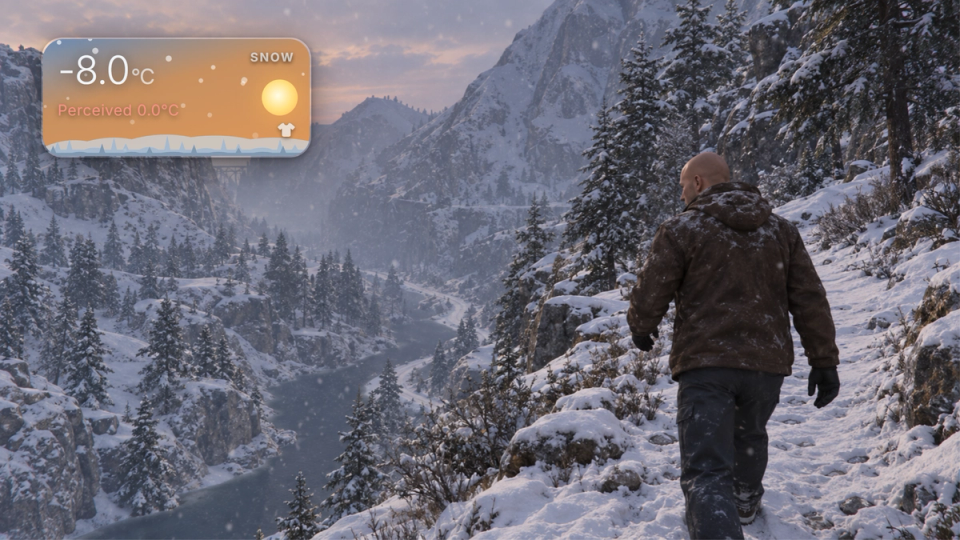
Felt temperature is worked out every second from the current weather, the time of day, the shelter around the player, the vehicle they are in and what they are wearing. The reading shows both the raw ambient figure and the one they actually feel.
A Range for Every Weather
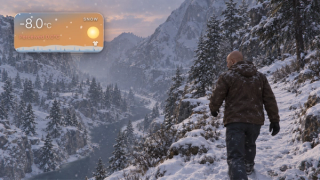
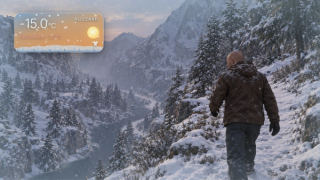
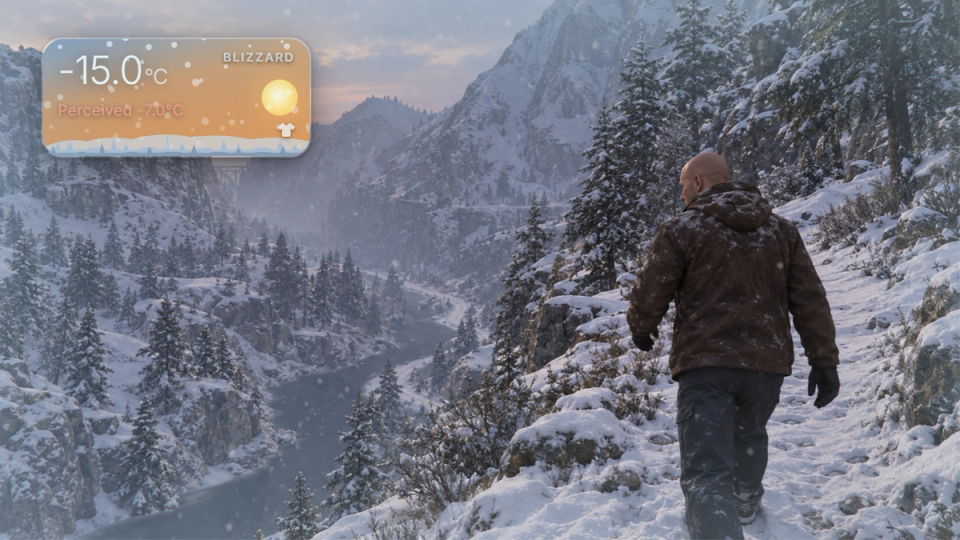
Every weather type pulls the temperature toward its own base and range, from a heatwave under clear skies down to a sub-zero blizzard. The server holds one shared ambient value for the whole city. Fifteen weather profiles ship tuned, including the Christmas, snow and Halloween event weathers.
Temperature That Survives A Restart
The shared ambient temperature is saved, so the weather your players were living through carries over a server restart instead of snapping back to a default. You can switch this off if you prefer a fresh start every boot.
Vehicle Climate Control
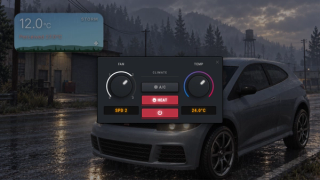
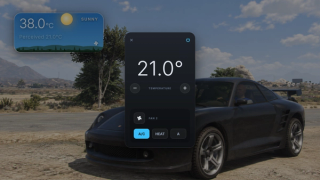
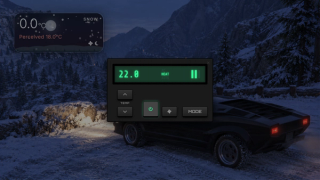
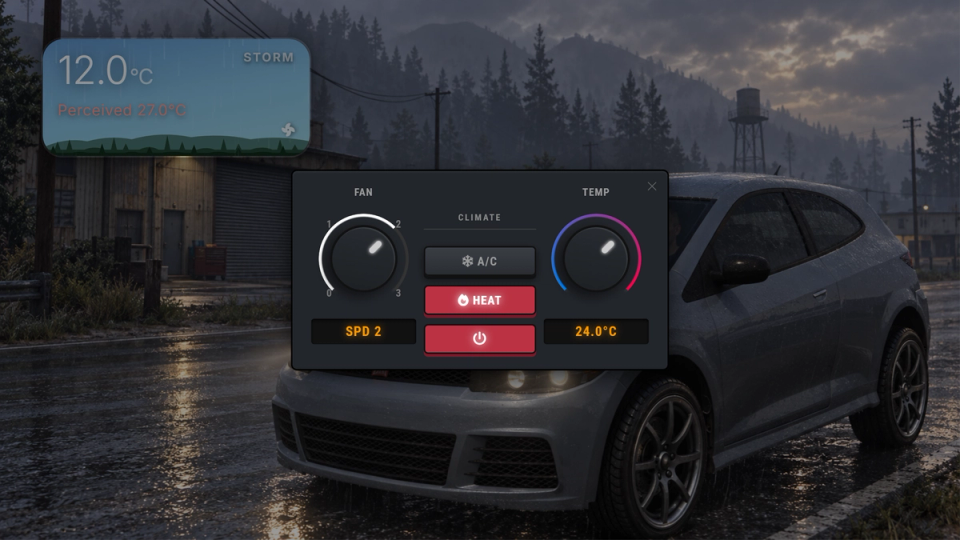
Open the in-car panel with a keybind and run AC, heat or auto with an adjustable target temperature and fan speed. The configured set point and mode adjust the felt temperature, and active warming also dries the player off faster.
Climate Panel Styles
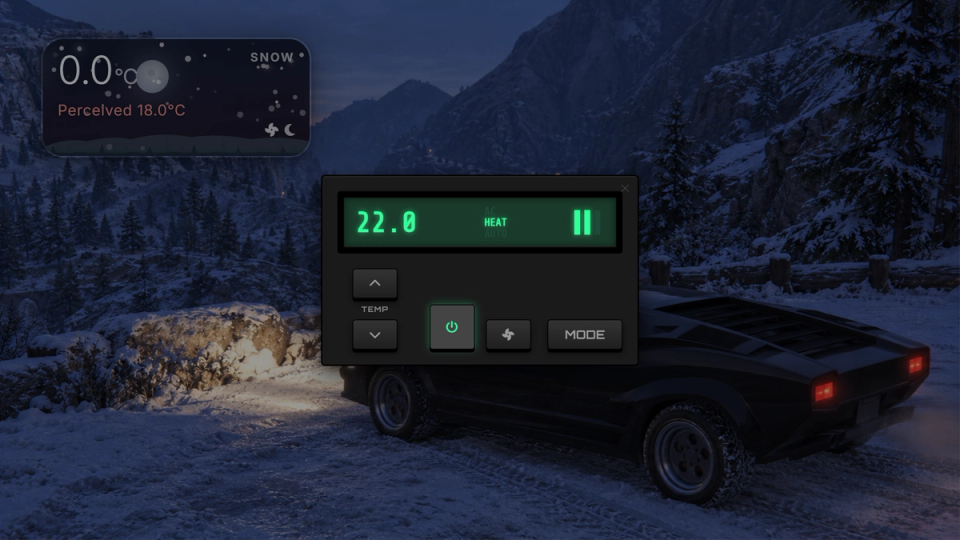
Choose Utility, Minimal, Luxury or Retro panels by vehicle class, with overrides for individual models.
Per-Vehicle Memory
Each car keeps its own climate settings while it is out. The temperature, mode and fan speed are shared with everyone in the vehicle.
Wetness With Shelter Detection
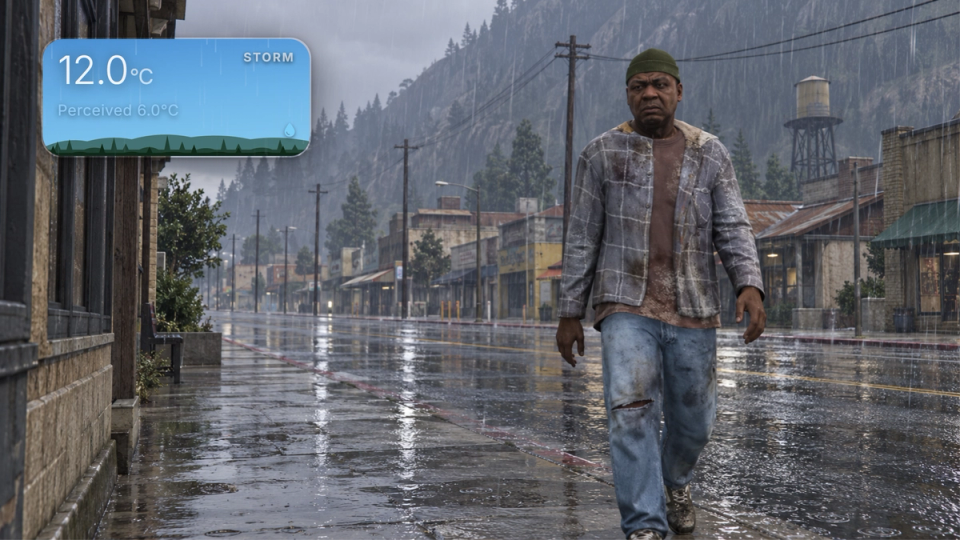
Rain soaks the player and pulls their temperature down, but a line-of-sight check means an awning, a hard-top vehicle or an interior keeps them dry, while a convertible with the roof down still gets them wet.
Swimming Cold Penalty
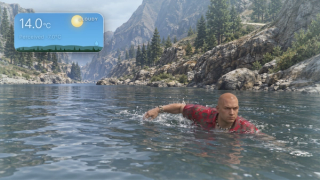
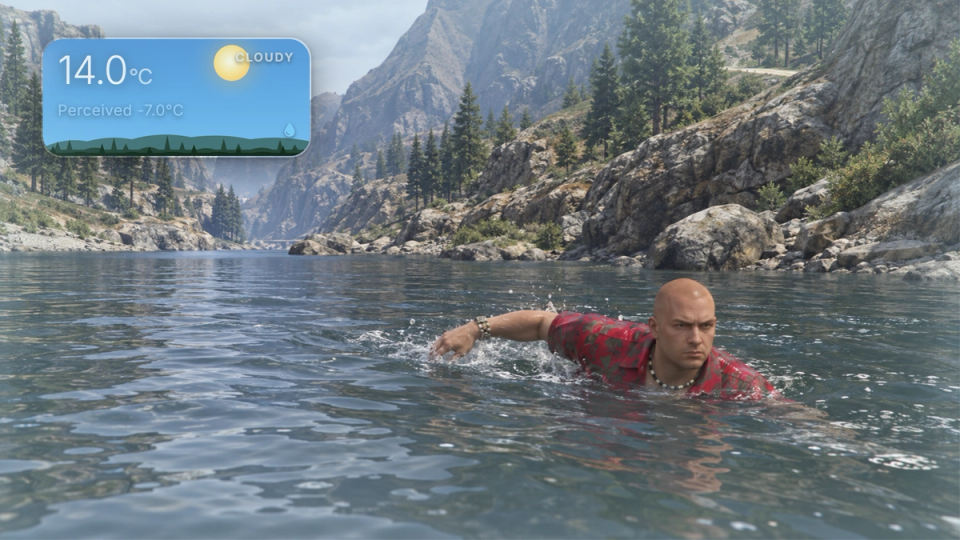
Being in water takes a configurable bite out of the felt temperature straight away, on top of the wetness it builds. A swim in cold weather can drop the player into danger fast.
Clothing Insulation
Jackets and coats, pants, shoes and tops each carry a warmth value you set, and light clothing like a t-shirt cools the player. A male freemode starter set ships with the script. Add drawable IDs for your own packs and genders.
Heat And Cooling Props
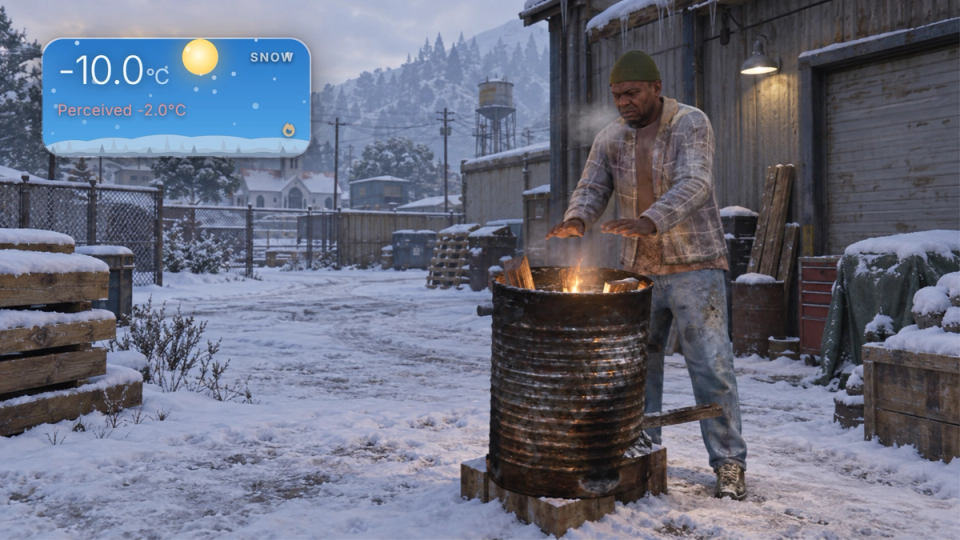
Campfires, stoves and configured tyre props give off heat that grows the closer you stand, while fans and AC units lower the felt temperature. The effect scales with distance and is configurable per prop model.
Indoor Sheltering
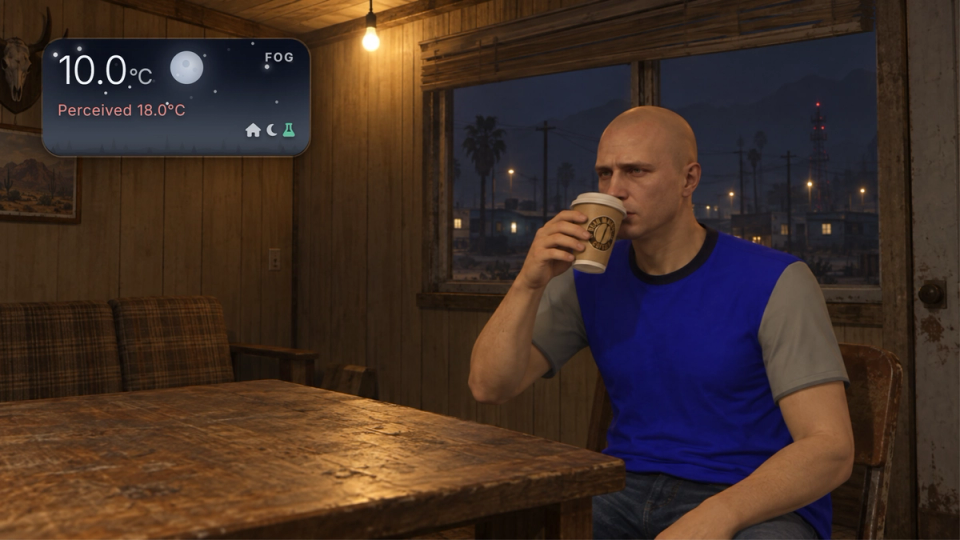
Stepping into an interior eases the felt temperature toward a comfortable target at a strength you choose, warming the player in the cold and cooling them in the heat rather than applying a flat offset.
Night-Time Cold Penalty
From 21:00 to 06:00 the felt temperature drops by a few degrees, so nights are colder than days.
Damage And Vitals Consequences
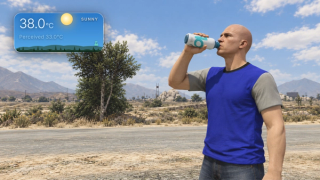
Felt heat above a hot threshold or cold below a freezing one drains health on a timer, and burns hunger in the cold or thirst in the heat.
Screen Effects
As the player overheats or freezes the screen ramps through a frost or heat-haze vignette that intensifies with the danger and fades as they return to a safe temperature.
Custom Temperature Zones
Mark out areas as a polygon, box or sphere and give them a fixed or distance-based temperature shift, with optional map blips and entry alerts, for walk-in freezers, foundries or freezing mountain peaks.
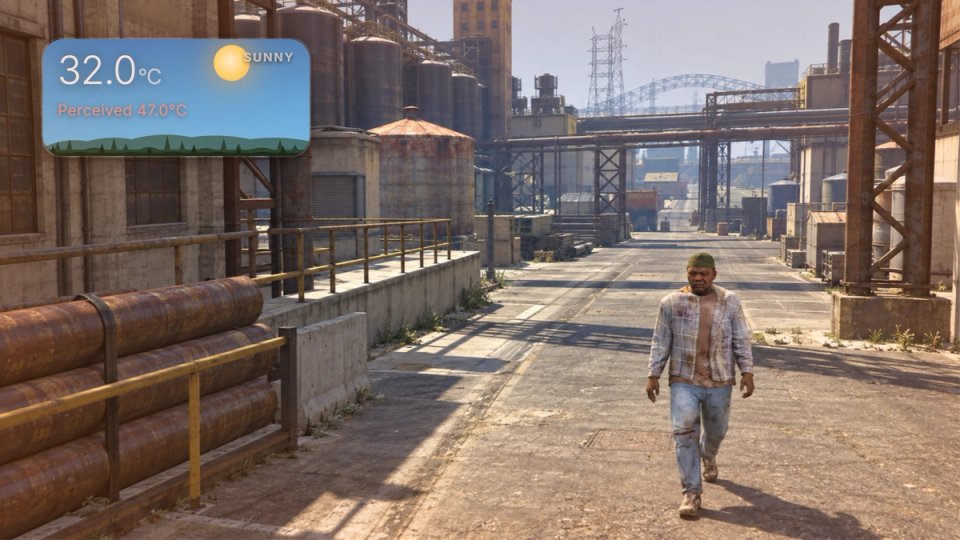
Warming And Cooling Drinks
Bind any item to a timed warming or cooling buff with its own progress bar, animation and held prop, like a coffee that adds warmth or a cold drink that takes it away. The item is consumed on use.
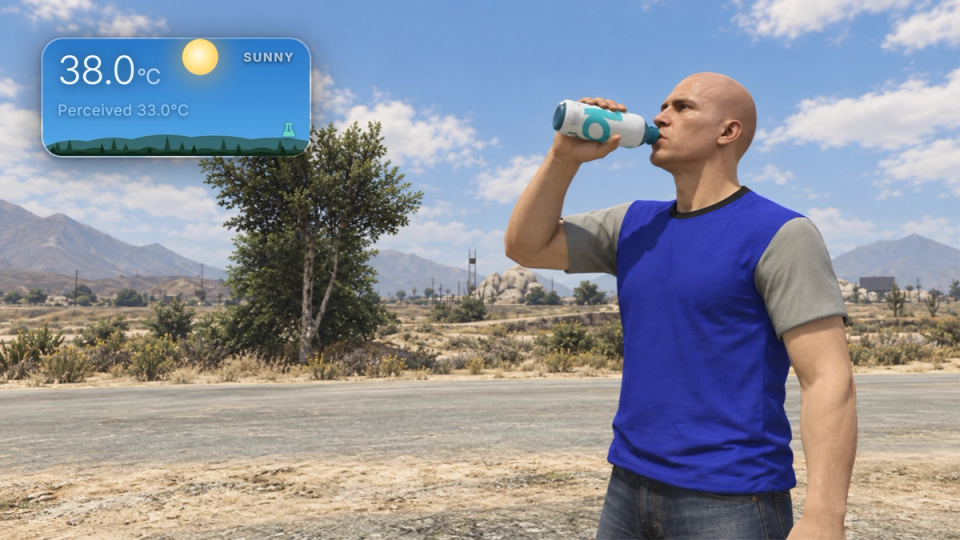
Celsius, Fahrenheit And Movable Reading
Players switch between Celsius and Fahrenheit, and the unit choice is remembered. The reading can be dragged and resized with the scroll wheel. Servers can lock the position and scale, require an item to see it, or hide it on command.
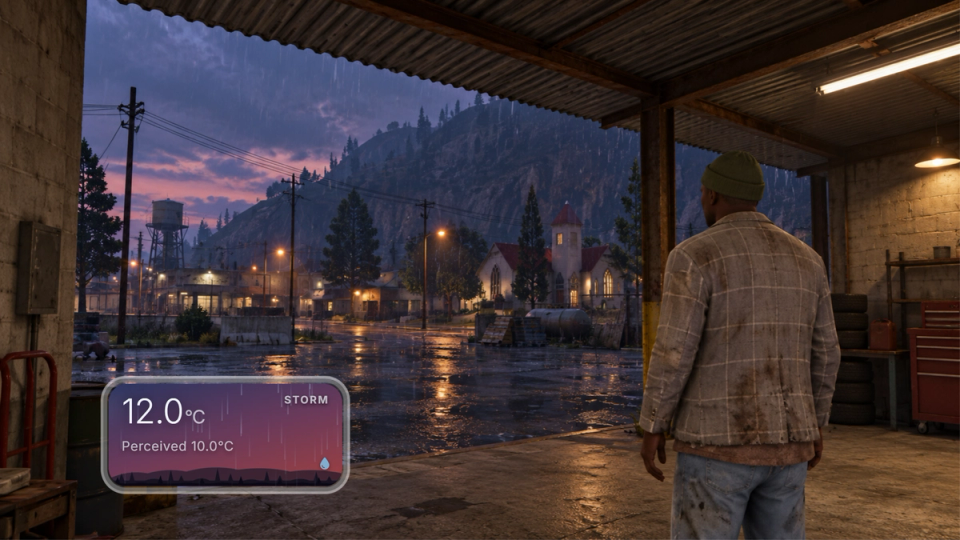
Read the Temperature From Your Scripts
Other resources can read the live felt and ambient temperature and the full climate state, apply a temporary buff, open the climate panel, and pause or hide the whole system, for medical, drug or roleplay scripts.
Vehicle Insulation By Class
Sitting inside a car shields the player from the worst of the weather, and bigger, better-sealed bodies hold more warmth. A compact gives a little, an SUV a lot, and heavy machinery like a tank or a fire truck receives a larger configured bonus. Class warmth ships tuned for compacts, sedans, SUVs and emergency vehicles, with per-model overrides and any other class one config line away; open-top bikes give nothing at all.
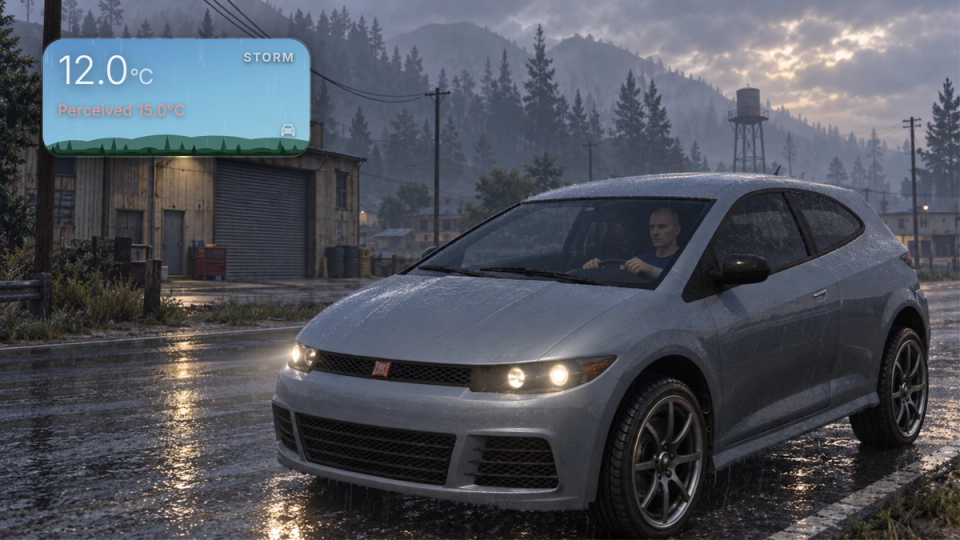
In-Game Weather Input
Reads the weather active in the game, with no dependency on one specific weather sync resource.


Secure Payments via:
















Tip: Log in with Discord and your customer roles sync automatically.
Verified Reviews
No reviews yet. Be the first.