Item Throwing | Throw and Stack
Take items out of the menu and into the world: throw them with real physics, place them with a live preview, stack them, mark them permanent so they survive restarts, or drop them on a roof or in a trunk and grab them back later.


Overview
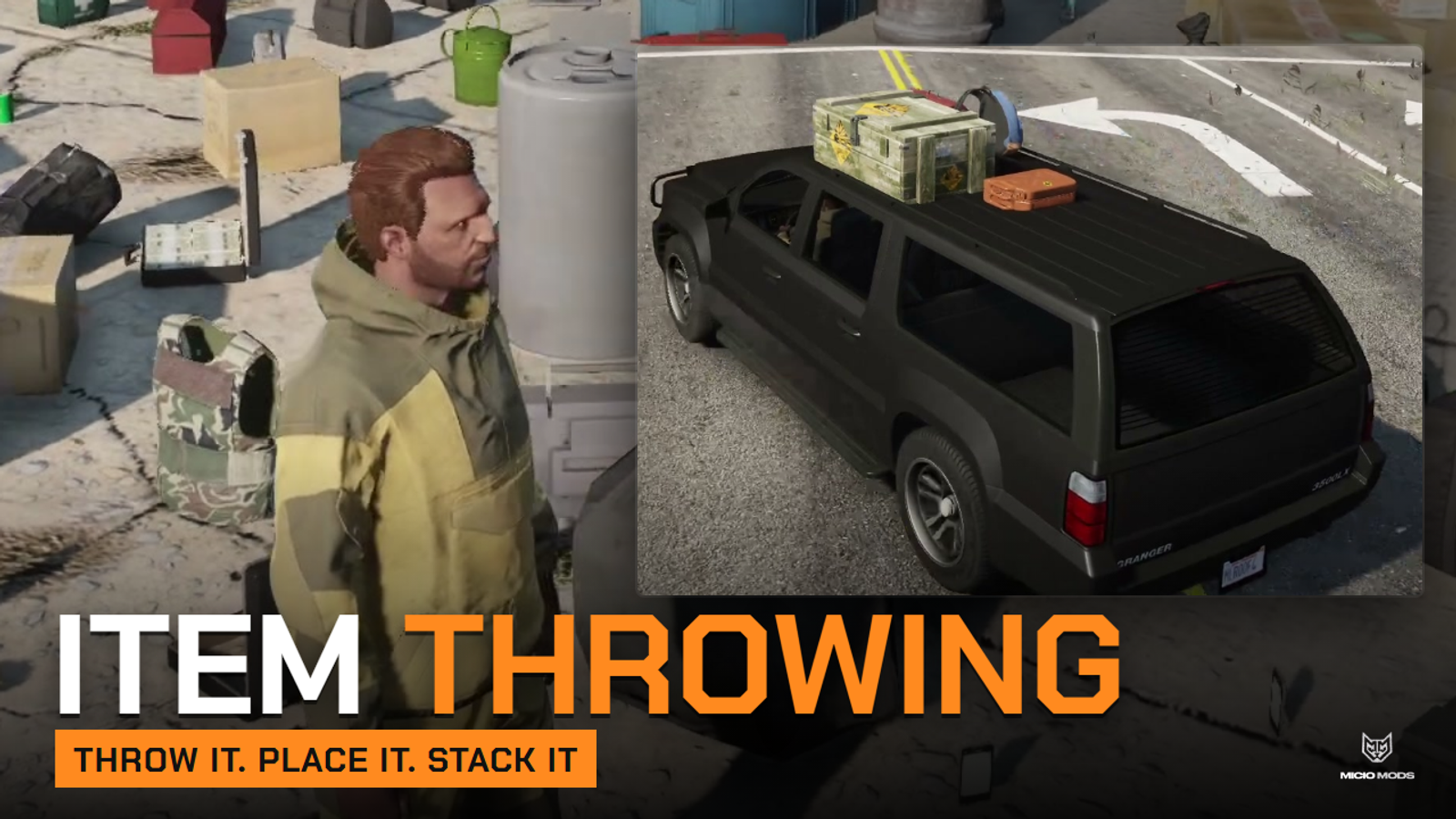
Inventory items become real objects in the world. Your players throw a water bottle across the street, leave a toolbox on a workbench, stack crates in a garage or load ammo boxes in the bed of a pickup, then come back later and grab them. Everything they drop keeps its quantity and metadata, and permanent items are still there after a restart.
- Throw with a real arc, from on foot or from a moving vehicle
- Place with a live preview: rotate, tilt, roll and straighten before confirming
- Stack items on top of each other, picked up from the top down
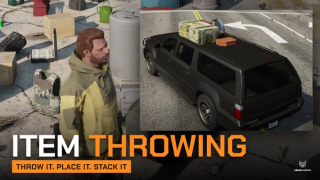
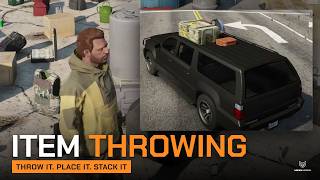
- Roofs, pickup beds and open trunks, with optional per-vehicle load limits
- Cargo falls off when the vehicle rolls over
- Permanent or timed items, chosen per item
- One prop for a whole stack, with a different model as the quantity grows
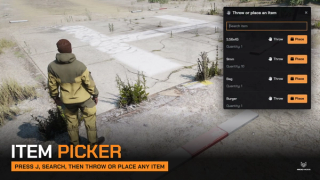
- Item picker on a key, with search, for any inventory
- Stock weapons and common items already configured
It runs on QBCore, Qbox, ESX or standalone through ML Bridge, with any inventory the bridge supports. With ox_inventory, bed and trunk cargo can also live in the vehicle's own inventory slots.
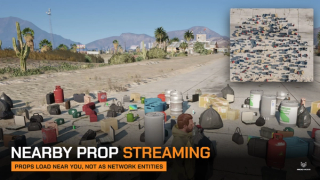
Placed props are created locally around each player, not as networked entities, and removed as they walk away, so only nearby players load a pile of dropped items.
Key Features
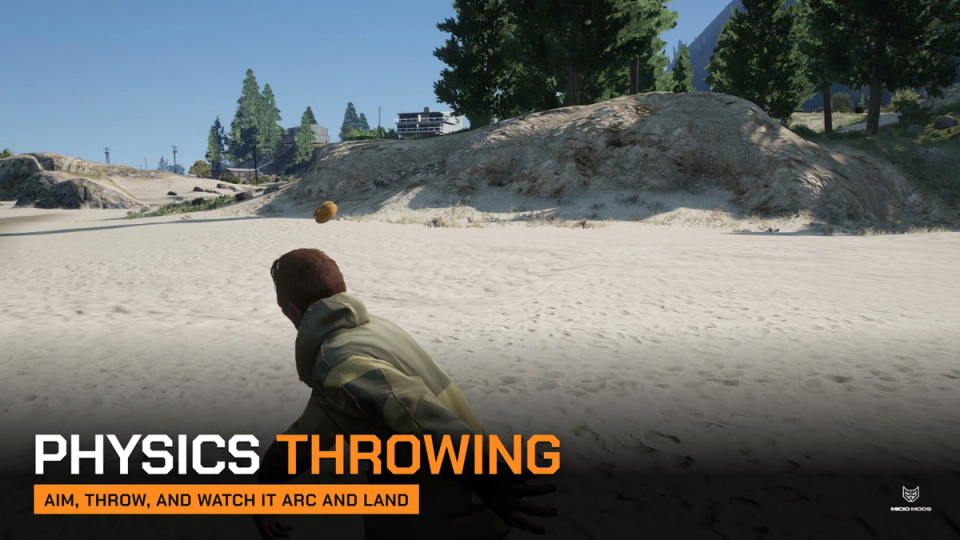
Physics Throwing
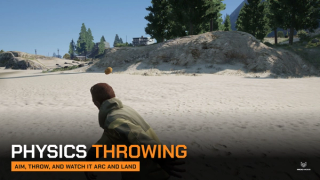
Hold right mouse to aim with the item in hand, release with left mouse. It flies along the camera, spins in the air and lands where physics puts it. Thrown from a moving car, it keeps part of the car's speed.
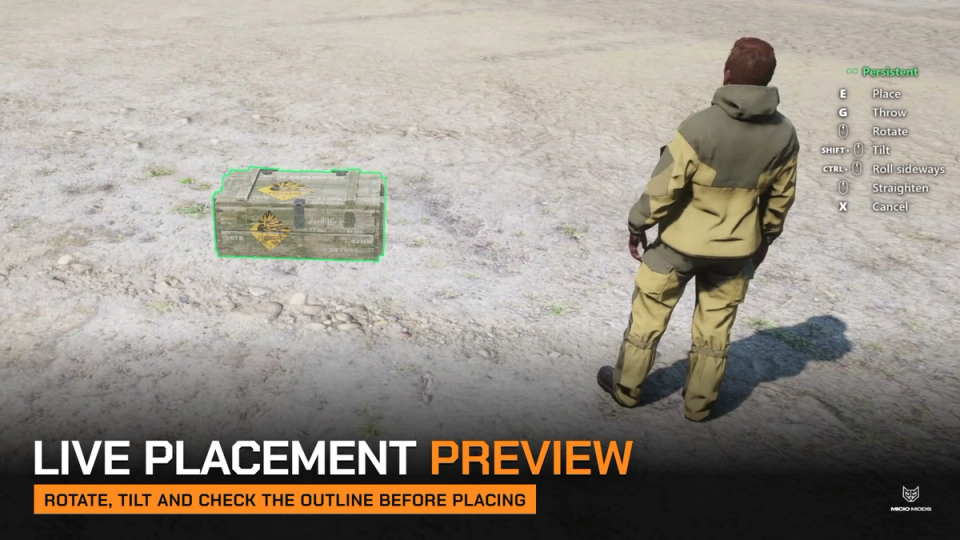
Live Placement Preview
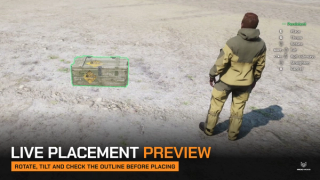
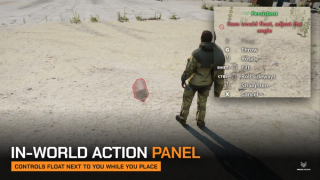
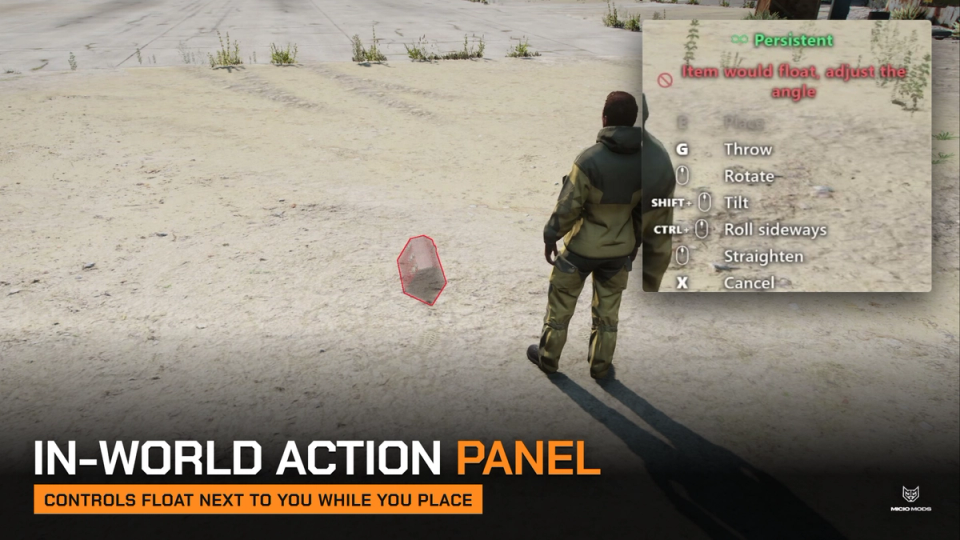
A see-through copy of the item follows your aim. Scroll to rotate, Shift and Ctrl to tilt and roll, middle mouse to straighten. It turns red where the item would float, sit on a steep slope or clip into something, and the panel says why.
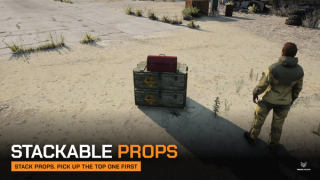
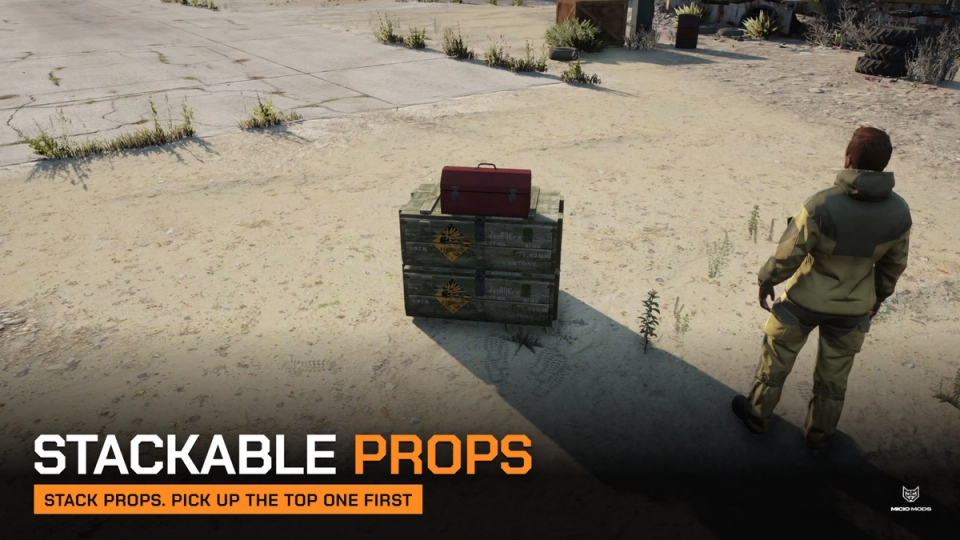
Stackable Props
Aim at the top of a placed item to put another one on it, crates on crates, a toolbox on a case, up to a height you set.
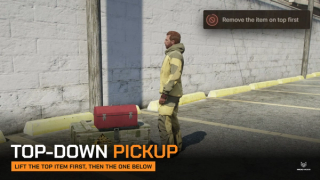
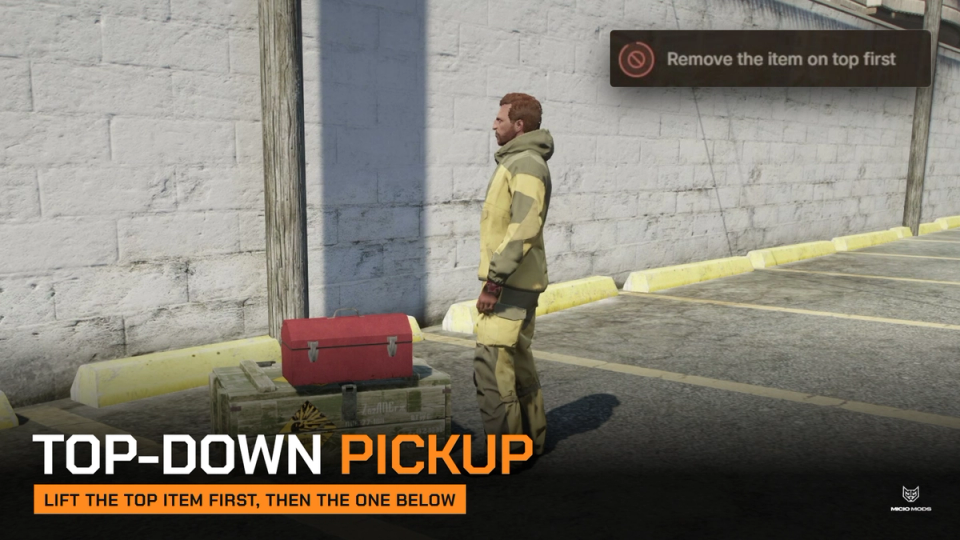
Top-Down Pickup
Try to lift the crate at the bottom of a stack and you are told to remove the item on top first. Stacks come apart one item at a time, from the top.
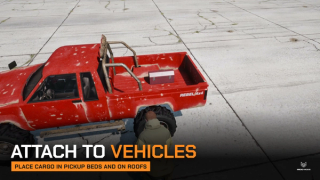
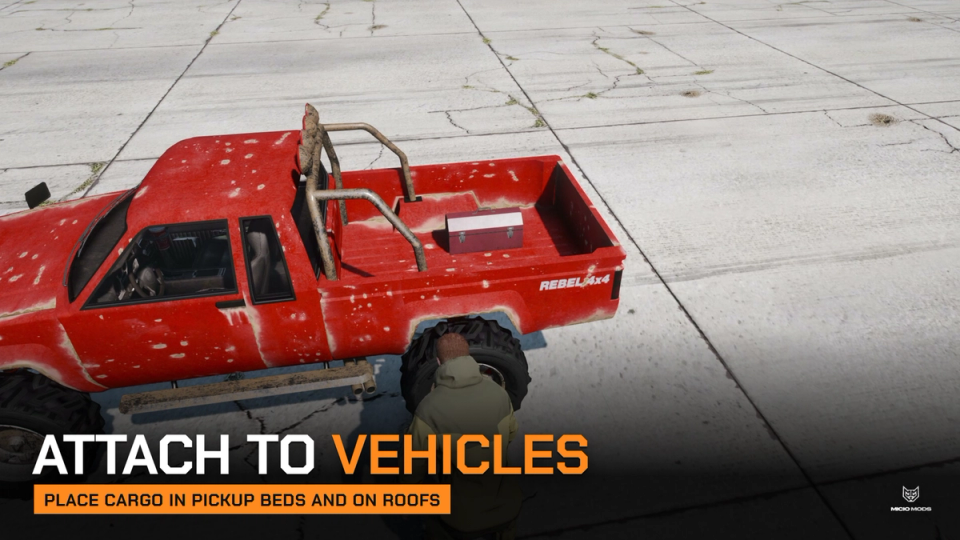
Attach to Vehicles
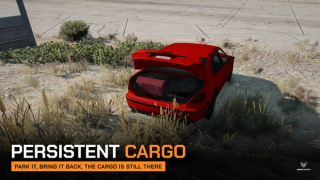
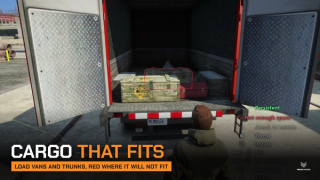
Strap a bag to the roof, set boxes in a pickup bed or fill an open trunk. The cargo rides with the vehicle, and vans need the rear door open before anyone takes it out.
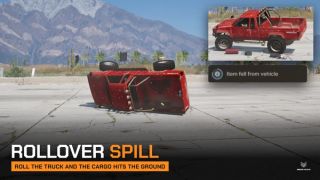
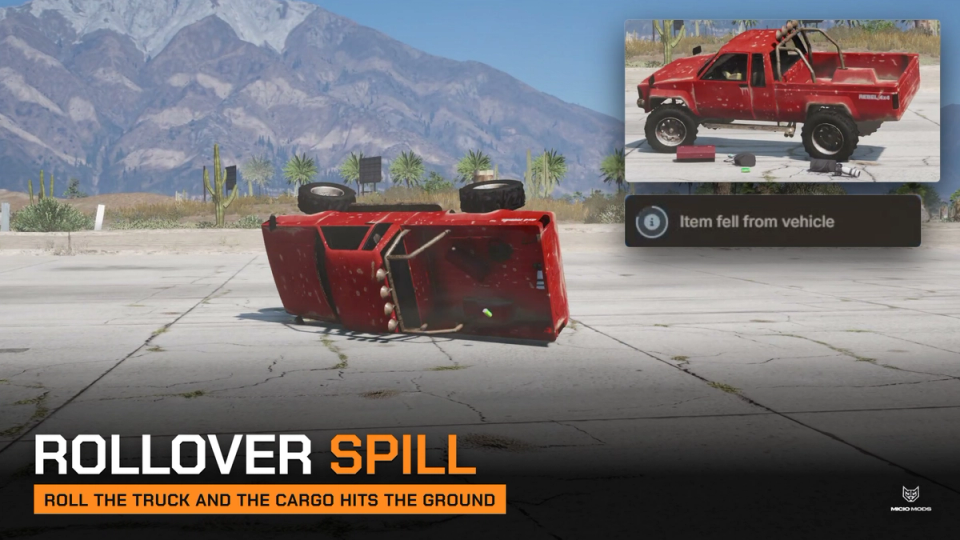
Rollover Spill
Flip the vehicle past the angle you set and the cargo on the roof and in the bed falls to the ground, ready to be picked up. Trunk cargo falls only if the trunk is open.
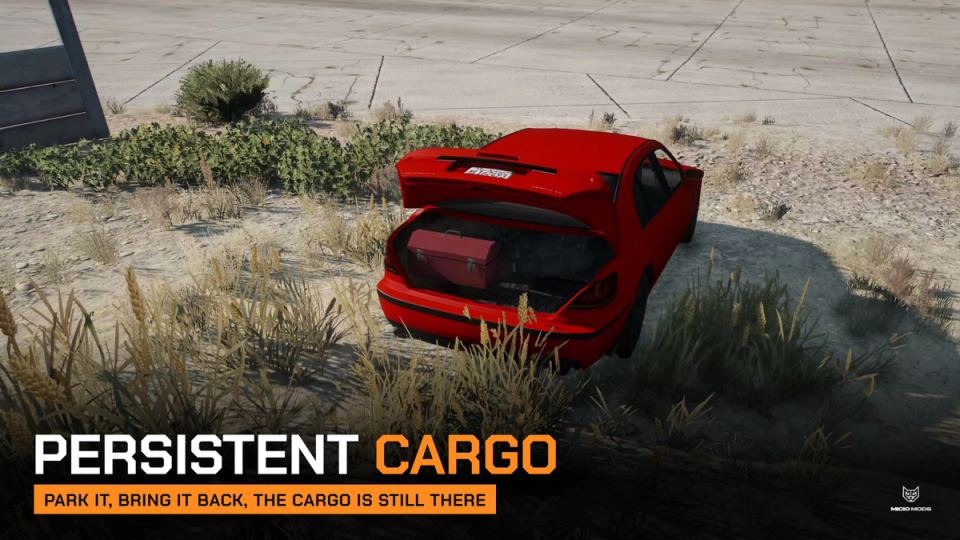
Persistence Across Restarts
Mark an item as permanent and it is saved where it was placed, rotation, quantity, metadata and stack included. Vehicle cargo is saved by plate and comes back with the same vehicle. Ground items nobody touches for 30 days are cleared.
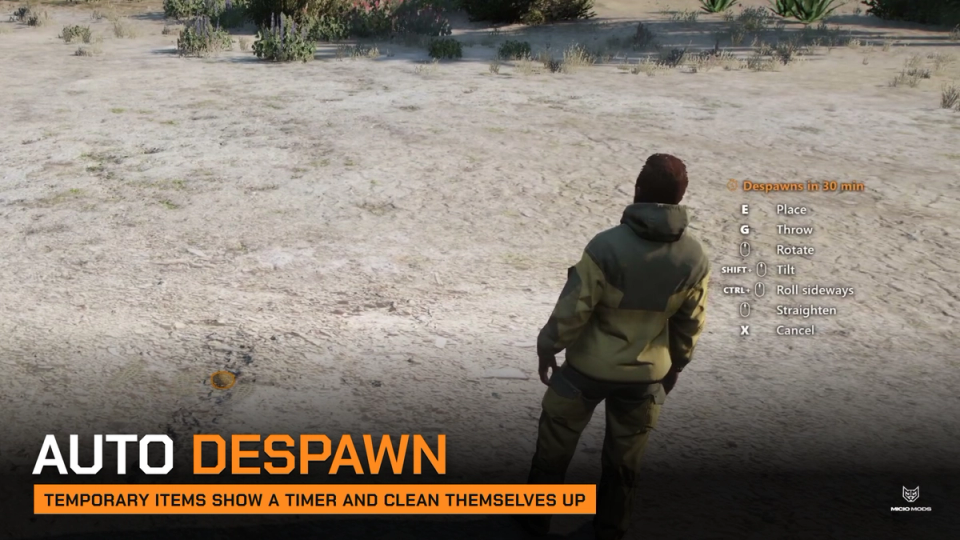
Auto Despawn
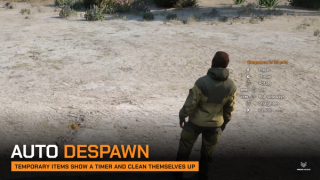
Food, phones, weapons and other small items left on the ground are temporary by default and disappear after 30 minutes. The action panel shows how long an item will last before you place it.
Pickup Keeps Metadata
A placed rifle comes back with its serial and attachments, a stack of 40 comes back as 40. If the inventory is full the item stays where it is.
Hand-Over Only Items
Pick name prefixes that can only be handed to another player, never thrown or left on the ground. Blueprints are on the list by default.
Hooks and Logging
Decide who sees an item in the picker, who can throw, place or pick it up, and react after each action from an editable file. Throws, placements and pickups can be sent to Discord.
Works With Your Inventory
Throwing, placing and pickup run through ML Bridge on QBCore, Qbox, ESX or standalone, with any inventory the bridge supports. ox_inventory can also store bed and trunk cargo in the vehicle's own slots.
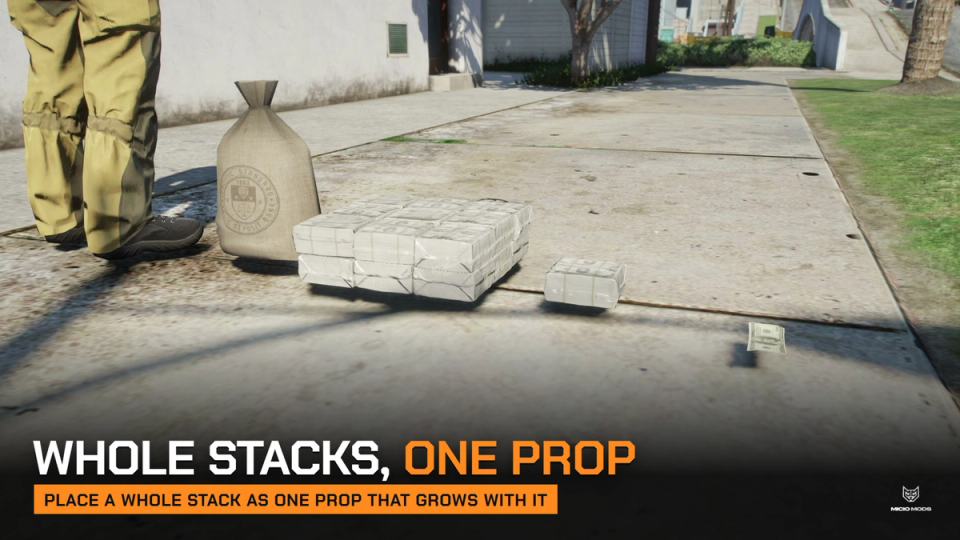
Whole Stacks, One Prop
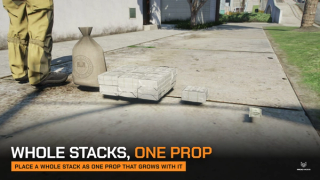
Place a whole stack as one prop and get the same quantity back. The model changes with the amount: one bill, a cash pack, a brick of money, a full money bag.
Debug Prop Preview
Turn on debug and one command lays every configured model out in a labeled grid, so a wrong model name shows up before your players see it.
Exports for Your Scripts
Start a throw or a placement from your own resource, check whether an item is throwable, placeable or hand-over only, and read which items are streamed around the player.
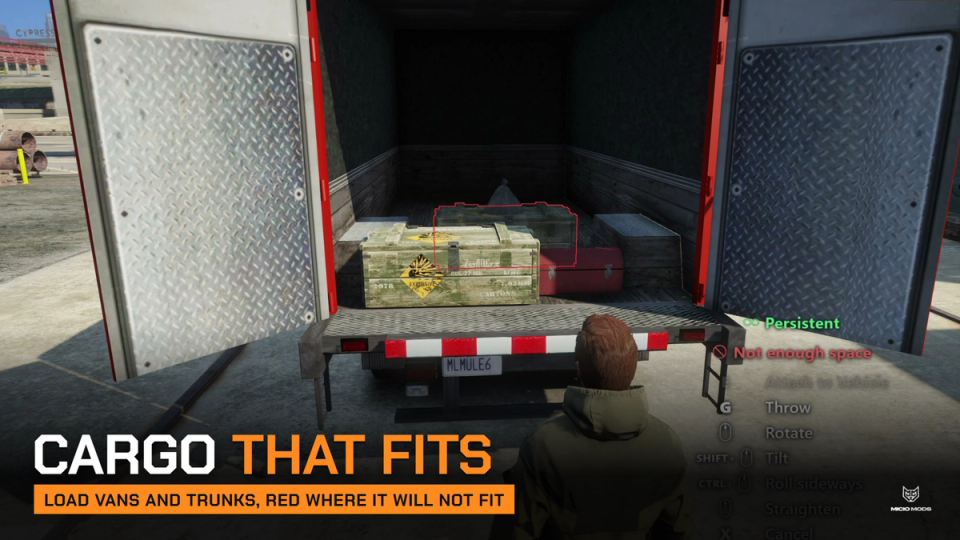
Cargo That Fits
The trunk space is worked out from the vehicle shape, wheel arches included, and items slide to the nearest free spot instead of overlapping. Roofs and beds check footprint, slope and clearance.
In-World Action Panel
The controls float next to the player while throwing or placing, as plain text or a flat panel in your theme colors. One setting turns it into a screen HUD instead.
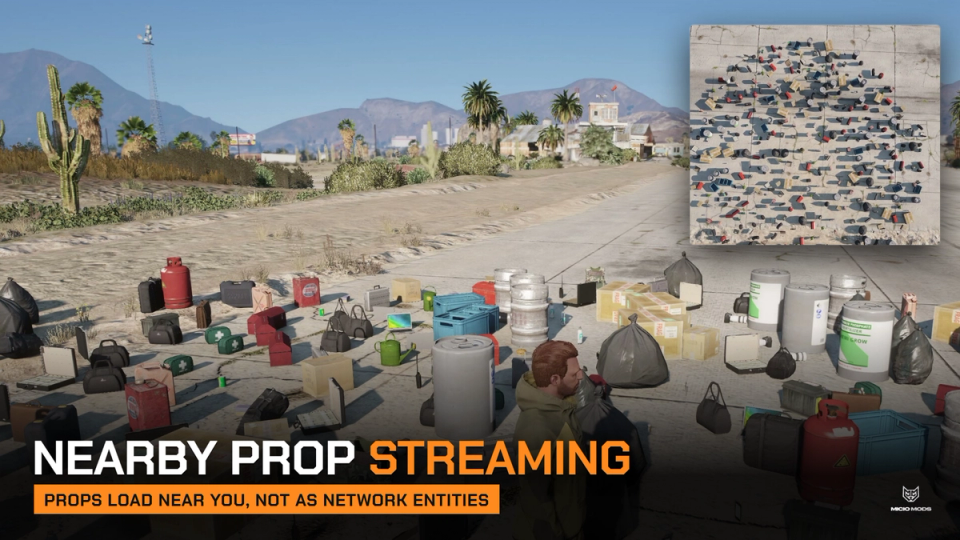
Nearby Prop Streaming
Props appear as players get close and go away as they leave, created locally a few per frame, not as networked entities, and each routing bucket sees only its own items.
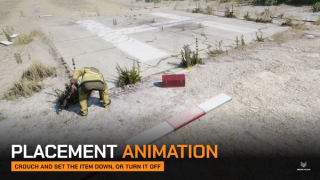
Configurable Placement Animation
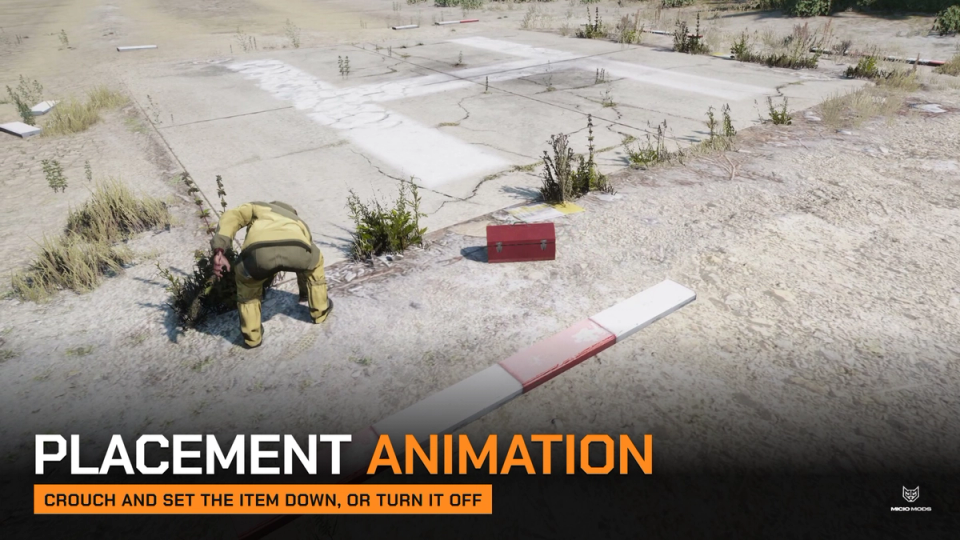
Players crouch and set the item down once the server accepts it. Change the animation, its length and flags, or turn it off.
Item Picker
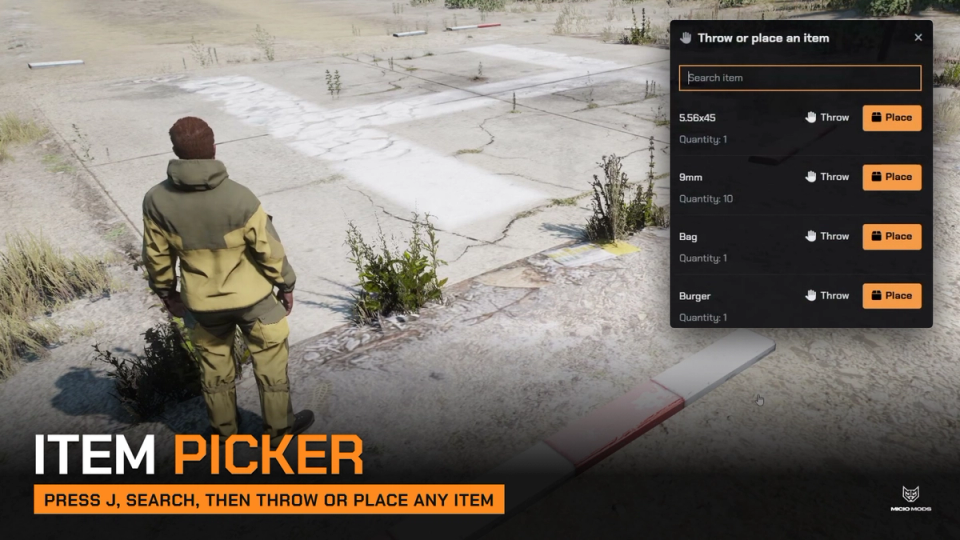
Press J to open a side panel with every item you can throw or place, a search field and a Throw and Place button on each row. Items can also start a throw or placement straight from the inventory when used.
Vehicle Load Limits
Cap how many items a vehicle carries by class or by model, vans at 24 and a Mule at 40 for example. The panel shows the load while placing and the preview turns red when it is full.
Secure Payments via:
















Tip: Log in with Discord and your customer roles sync automatically.
Verified Reviews
No reviews yet. Be the first.