ML Autocapture | Item Icon Studio
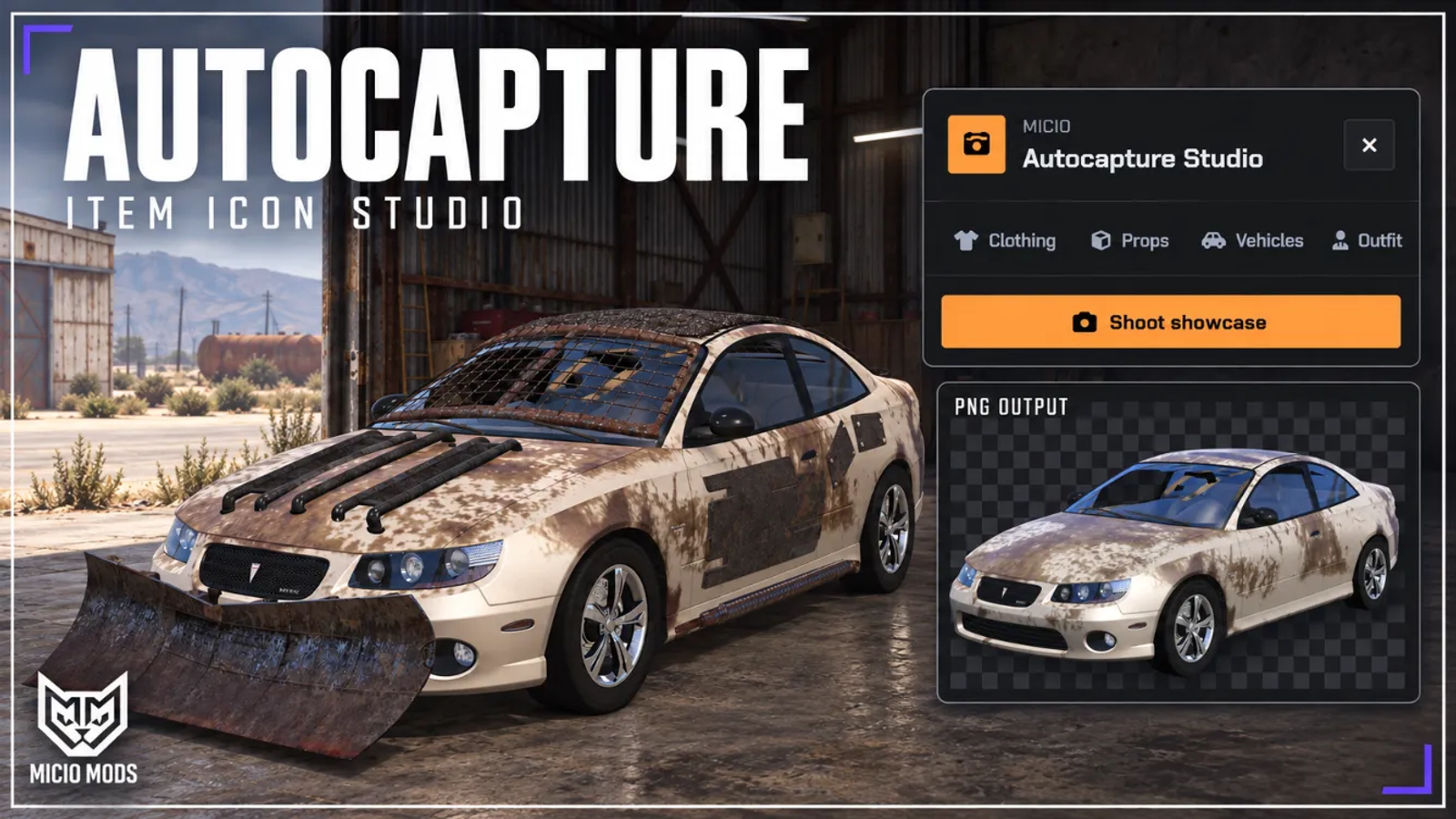
Capture clothing, prop and vehicle images inside FiveM, with batch runs for inventory icons and a photo studio for scenes and outfit shots.


Overview
Create inventory icons and vehicle images from the models on your server. Choose clothing slots or a list of prop and vehicle models, then capture them in a batch from inside FiveM.
What to expect
- Batch capture of selected clothing drawables and textures
- Prop images with item names you configure
- Vehicle images with adjustable output dimensions
- Background removal for transparent PNG icons
- PNG or JPG output with configurable size and quality
- Cinematic scenes with time, weather and camera settings
- A free camera, placed lights and saved photo locations
- Outfit shots with a choice of poses
- Progress controls, pause and resume, and an option to skip existing images
Save images in the configured ox_inventory folders or in Autocapture's own output folders. Match the naming and folder settings to your inventory or website before a batch run. Photo and cinematic modes let you keep the scene background.
Supports ESX, QBCore, Qbox and Standalone. Requires screencapture, ox_lib and ml_bridge. Inventory output is optional, and Autocapture does not need a database. See the setup guide.
Key Features
Clothing Batch Capture
Select clothing slots and capture their drawable and texture variants. Set the output naming and folders to match your inventory.
Prop and Item Icons
Pair prop models with item names, then capture a batch of icons. Enable background removal for transparent PNG output.
Vehicle Images
Choose vehicle models, output dimensions and PNG or JPG format. Use PNG with background removal for transparent icons, or keep the background for screenshots.
Cinematic Scenes
Place the subject at a map location and set the time, weather, colour grading and depth of field. Capture it with the scene background.
Photo Camera
Move the free camera, frame a subject and place lights. Save the location and scene settings for another shoot.
Outfit showcase
Dress a model in a complete outfit and choose a pose for the capture.
Output Folders
Save supported icon captures in the configured ox_inventory image folders or in Autocapture's own folders. Photo captures use Autocapture's output folder.
Batch Controls
Follow capture progress, pause a run and resume it from the panel. Enable the skip option to leave existing images in place.


Secure Payments via:














Verified Reviews
No reviews yet. Be the first.